https://github.com/343max/testflight-dev-deploy
Deploy your internal expo dev client app via TestFlight
https://github.com/343max/testflight-dev-deploy
developer-tools expo ios react-native testflight
Last synced: over 1 year ago
JSON representation
Deploy your internal expo dev client app via TestFlight
- Host: GitHub
- URL: https://github.com/343max/testflight-dev-deploy
- Owner: 343max
- Created: 2023-02-07T11:21:26.000Z (over 3 years ago)
- Default Branch: main
- Last Pushed: 2024-07-11T12:27:50.000Z (about 2 years ago)
- Last Synced: 2025-04-23T17:13:57.600Z (over 1 year ago)
- Topics: developer-tools, expo, ios, react-native, testflight
- Language: TypeScript
- Homepage: https://www.npmjs.com/package/testflight-dev-deploy
- Size: 11.8 MB
- Stars: 44
- Watchers: 3
- Forks: 0
- Open Issues: 0
-
Metadata Files:
- Readme: README.md
Awesome Lists containing this project
README
# testflight-dev-deploy
Deploy your expo dev client app via TestFlight to your dev devices.
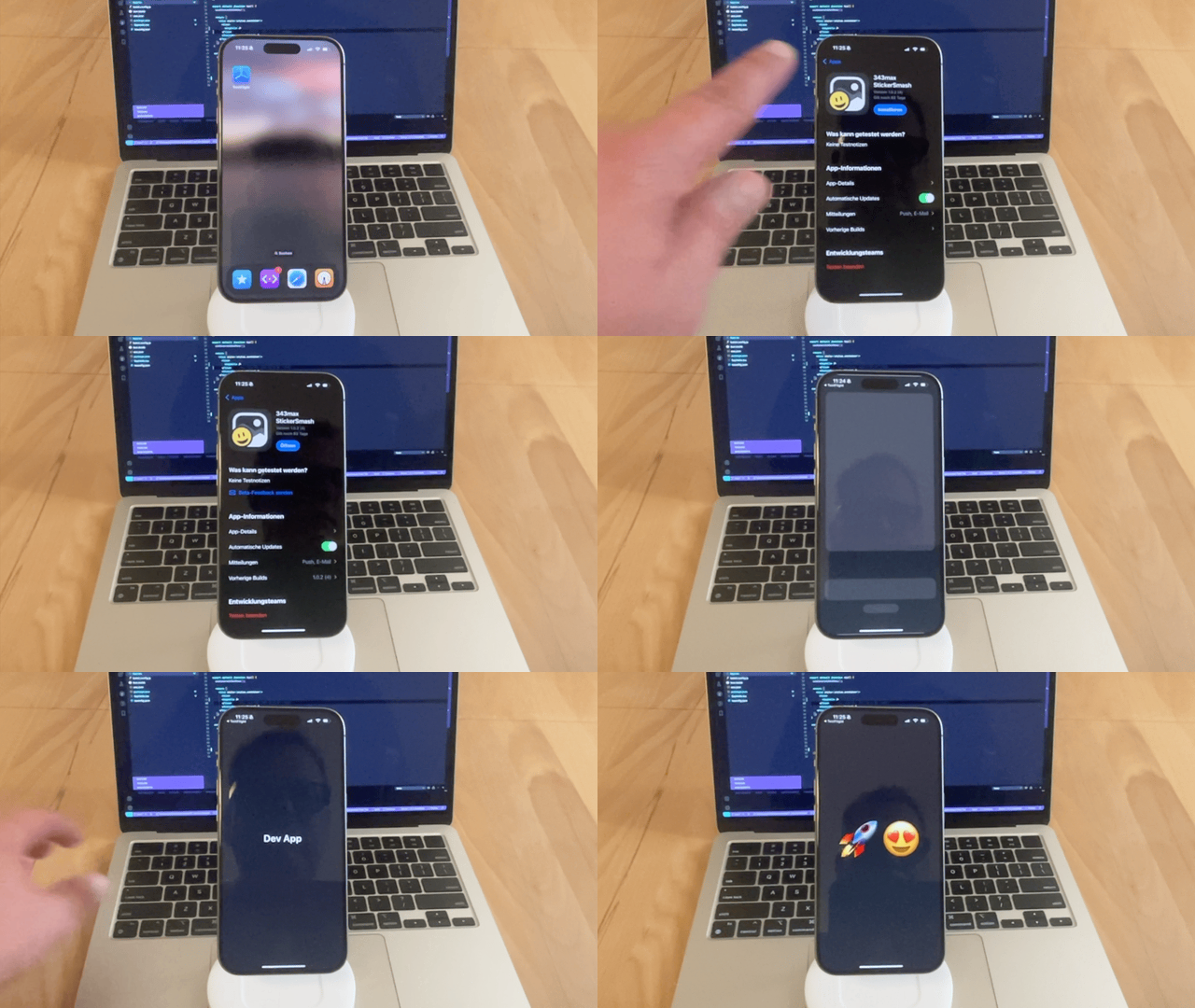
# Enable TestFlight for Expo Dev Client apps
Out of the box Expo dev client apps can't be distributed through TestFlight. This tool fixes that. This makes it oh so much easier for developers on your team to test your expo app on real devices. And if you use it in combination with [dev-client-mac-tools](https://github.com/343max/dev-client-mac-tools) you can use your TestFlight dev client builds to develop expo apps on macOS without needing Xcode or the Simulator.
As a result developers on your team will be able to develop and test your expo dev apps on macOS, iOS and iPad OS without ever installing or touching Xcode or the Simulator.
- expo development without Xcode
- much more lightweight, robust development setup
- focus on your app, not on the native build process
- easy on click updates or even automatic updates via TestFlight
# How does it work?
Out of the box Expo dev client apps can't be distributed through TestFlight: React Natives developer tools use so called "non-public API" and Apple therefore will automatically reject a dev client app if you try to deploy it through their infrastructure.
This config plugin removes the usage of non-public API. Luckily for us the only place where it's used is to read some short cut keys that we don't really need on a device.
So a the end of the day all this actually does is replace a `#if RCT_DEV` macro by a `#if 0` at the top of `react-native/React/Base/RCTKeyCommands.m`.
# Usage
- install expo module
```sh
expo install testflight-dev-deploy
```
- add the plugin to the `app.json` or `app.config.ts` in the root of our expo app like this:
```js
{
plugins: [["testflight-dev-deploy", { enabled: true }]]
}
```
- add a development build configuration to our `eas.json`:
```json
{
"build": {
"development": {
"developmentClient": true,
"distribution": "store"
}
}
}
```
Now we can trigger a build:
```
eas build --profile development --platform ios --auto-submit
```