https://github.com/39services/ansible_fun_collection_39systems.bad_apple
Bad Apple, in Ansible!
https://github.com/39services/ansible_fun_collection_39systems.bad_apple
Last synced: over 1 year ago
JSON representation
Bad Apple, in Ansible!
- Host: GitHub
- URL: https://github.com/39services/ansible_fun_collection_39systems.bad_apple
- Owner: 39services
- License: mit
- Created: 2024-01-26T18:26:20.000Z (over 2 years ago)
- Default Branch: main
- Last Pushed: 2024-06-07T11:06:54.000Z (about 2 years ago)
- Last Synced: 2025-03-28T18:04:45.005Z (over 1 year ago)
- Language: Python
- Size: 856 KB
- Stars: 1
- Watchers: 1
- Forks: 1
- Open Issues: 0
-
Metadata Files:
- Readme: README.md
- Changelog: CHANGELOG.rst
- License: LICENSE
Awesome Lists containing this project
README
Ansible Collection - diademiemi.bad_apple
========================================
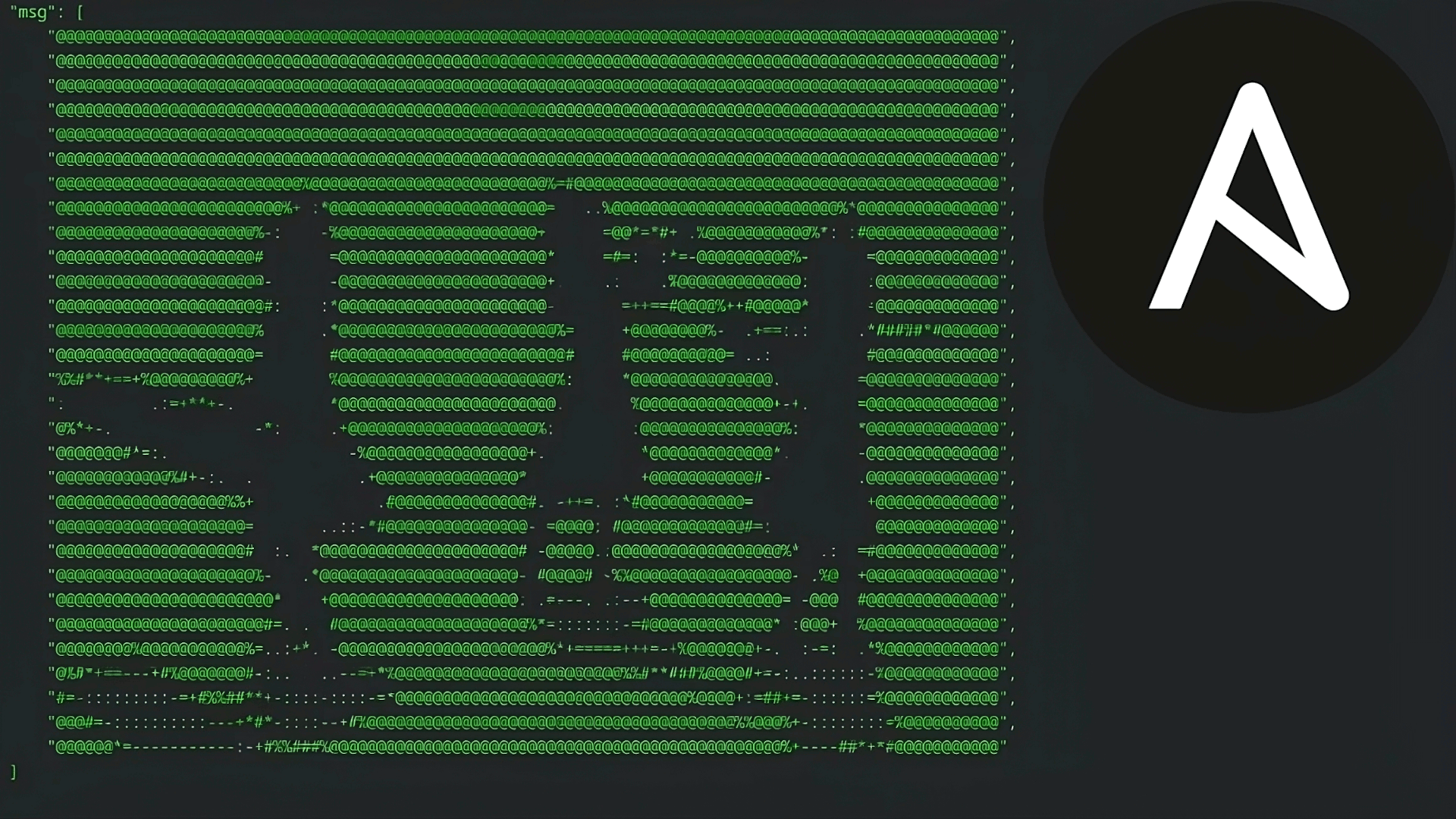
[YouTube Video](https://www.youtube.com/watch?v=Wb9iwFk3atA)
This is an Ansible Collection which features:
- A module `render_frame` which converts a frame of the Bad Apple video into an ASCII art representation.
- A playbook `bad-apple.yml` which:
- Installs necessary Pip packages.
- Downloads the Bad Apple video.
- Splits the video into PNG frames.
- Renders each frame into an ASCII art representation.
- Displays the ASCII art representation of each frame in the terminal.
To run the playbook, install the collection and run the playbook:
```bash
ansible-galaxy collection install diademiemi.bad_apple
```
OR locally
```bash
ansible-galaxy collection install .
```
Then run the playbook:
```bash
ansible-playbook playbooks/bad-apple.yml -K
```
OR to skip installing Pip packages (`yt-dlp` and `Pillow`)
```bash
ansible-playbook playbooks/bad-apple.yml --skip-tags prereq
```
Wait 20 minutes and enjoy Bad Apple in Ansible!