https://github.com/403errors/ideaflowai
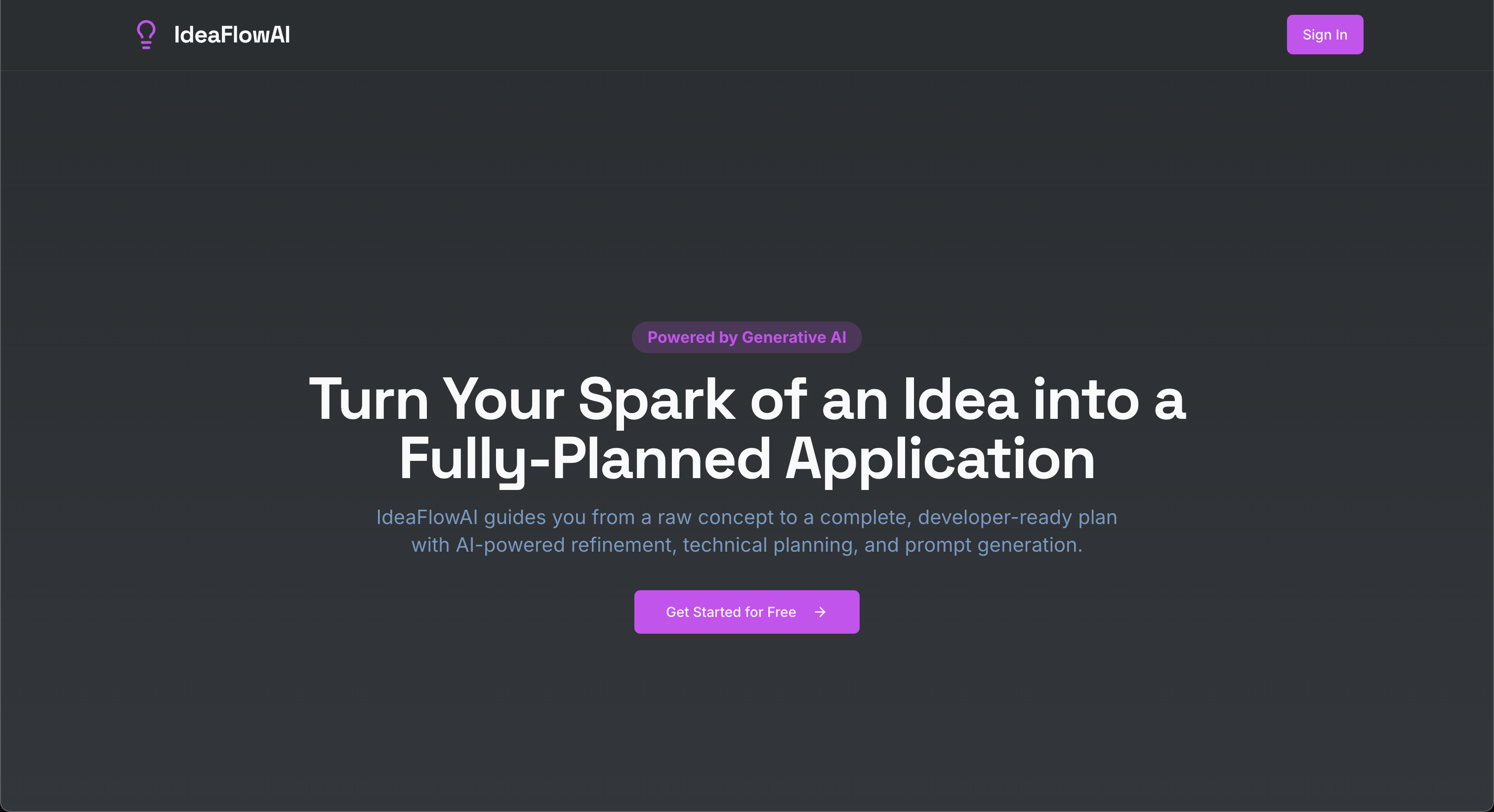
IdeaFlow AI is a web application designed to streamline the process of taking a raw idea and transforming it into a structured, developer-ready plan using AI assistance.
https://github.com/403errors/ideaflowai
ai fullstack gemini-api genkit nextjs tailwindcss typscript
Last synced: 2 months ago
JSON representation
IdeaFlow AI is a web application designed to streamline the process of taking a raw idea and transforming it into a structured, developer-ready plan using AI assistance.
- Host: GitHub
- URL: https://github.com/403errors/ideaflowai
- Owner: 403errors
- Created: 2025-06-23T05:59:49.000Z (about 1 year ago)
- Default Branch: main
- Last Pushed: 2025-07-03T07:16:14.000Z (about 1 year ago)
- Last Synced: 2025-10-10T14:04:02.824Z (9 months ago)
- Topics: ai, fullstack, gemini-api, genkit, nextjs, tailwindcss, typscript
- Language: TypeScript
- Homepage: https://studio--ideaflow-ai-tt5i0.us-central1.hosted.app/
- Size: 223 KB
- Stars: 0
- Watchers: 0
- Forks: 0
- Open Issues: 0
-
Metadata Files:
- Readme: README.md
Awesome Lists containing this project
README
#  IdeaFlowAI ✨
**Turn Your Spark of an Idea into a Fully-Planned Application.**
IdeaFlowAI is an innovative web application that bridges the gap between a raw concept and a developer-ready plan. Using the power of generative AI, it guides you through a structured workflow to transform your initial thoughts, sketches, or documents into a comprehensive technical brief, complete with a file structure and sequential engineering prompts.
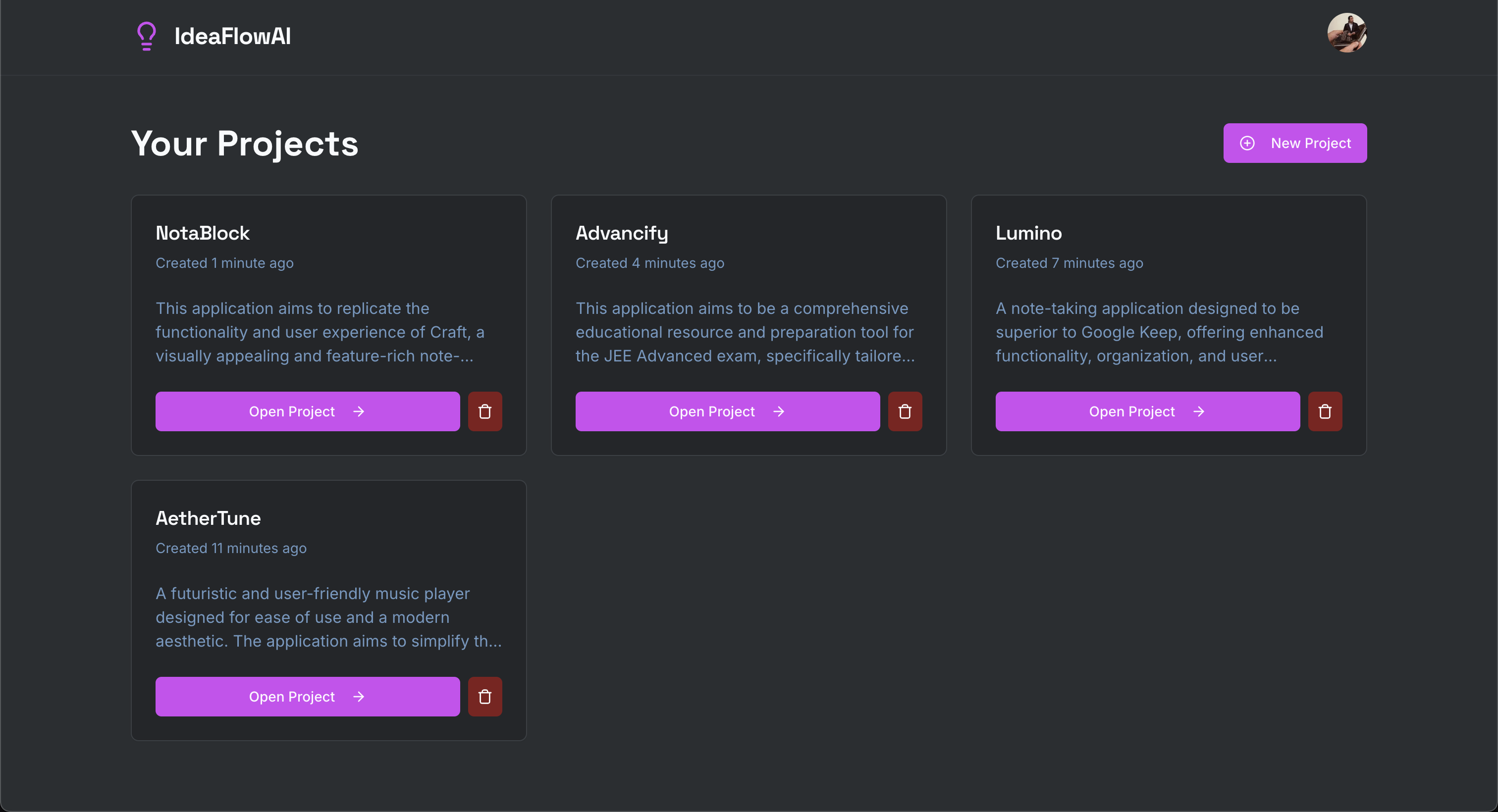
## 🚀 Core Features
- **AI-Powered Idea Extraction**: Automatically convert ideas from plain text, images, or PDFs into a structured markdown summary.
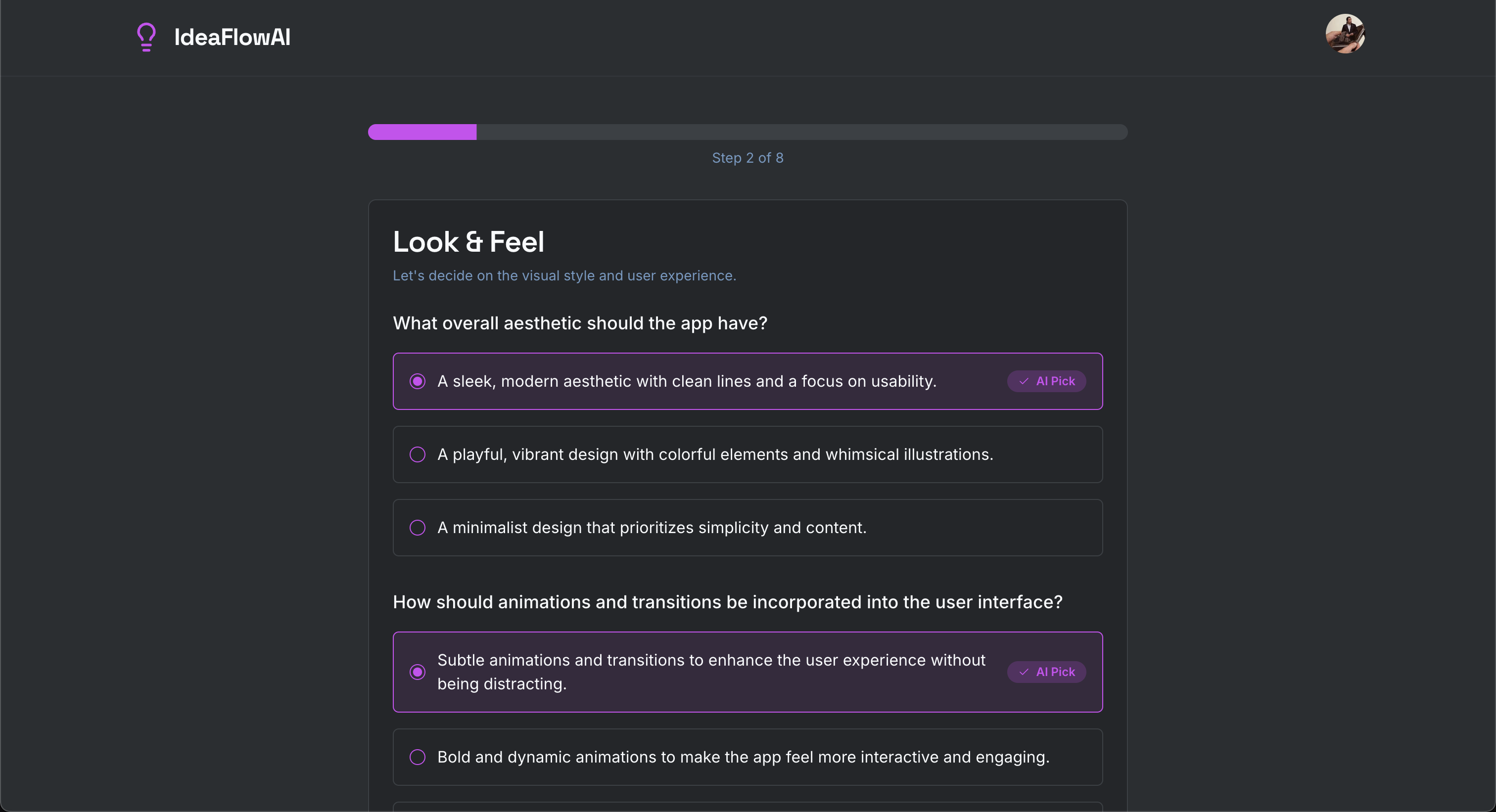
- **Adaptive Questionnaire**: Engage with a smart AI product manager that asks non-technical, multiple-choice questions to refine your idea, select features, and define the user flow.
- **Intelligent Tech Stack Suggestions**: Receive recommendations for the top 3 web application tech stacks, allowing you to choose the best fit for your project.
- **Comprehensive Plan Generation**: Synthesize all your inputs into a final, detailed application development plan.
- **Developer-Ready Brief**: Automatically generate a project setup prompt, a recommended file structure, and sequential, actionable engineering prompts for each feature.
## 🛠️ How It Works
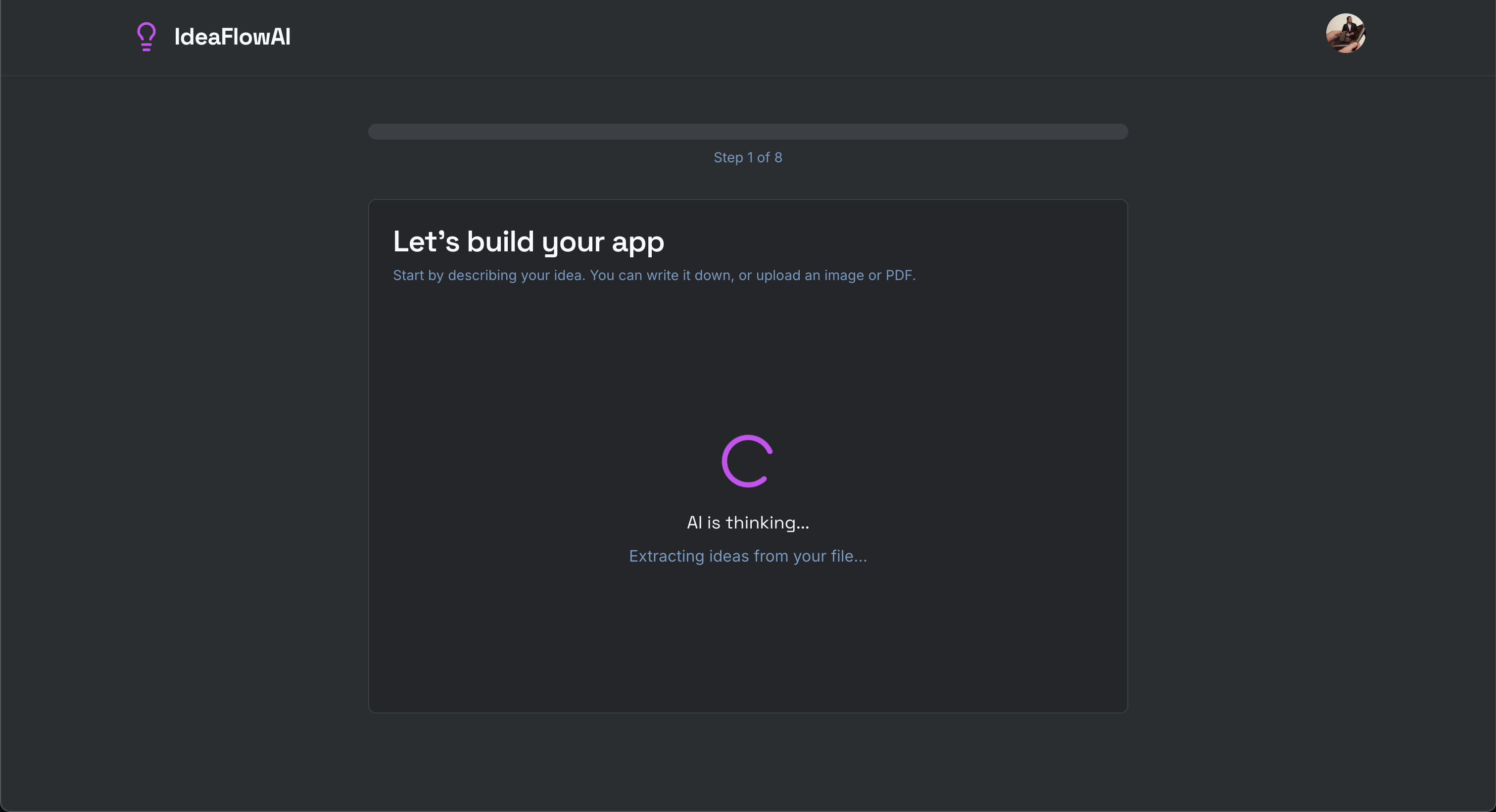
1. **Submit Your Idea**: Describe your app concept in any format—text, image, or PDF. Our AI gets to work understanding your vision.
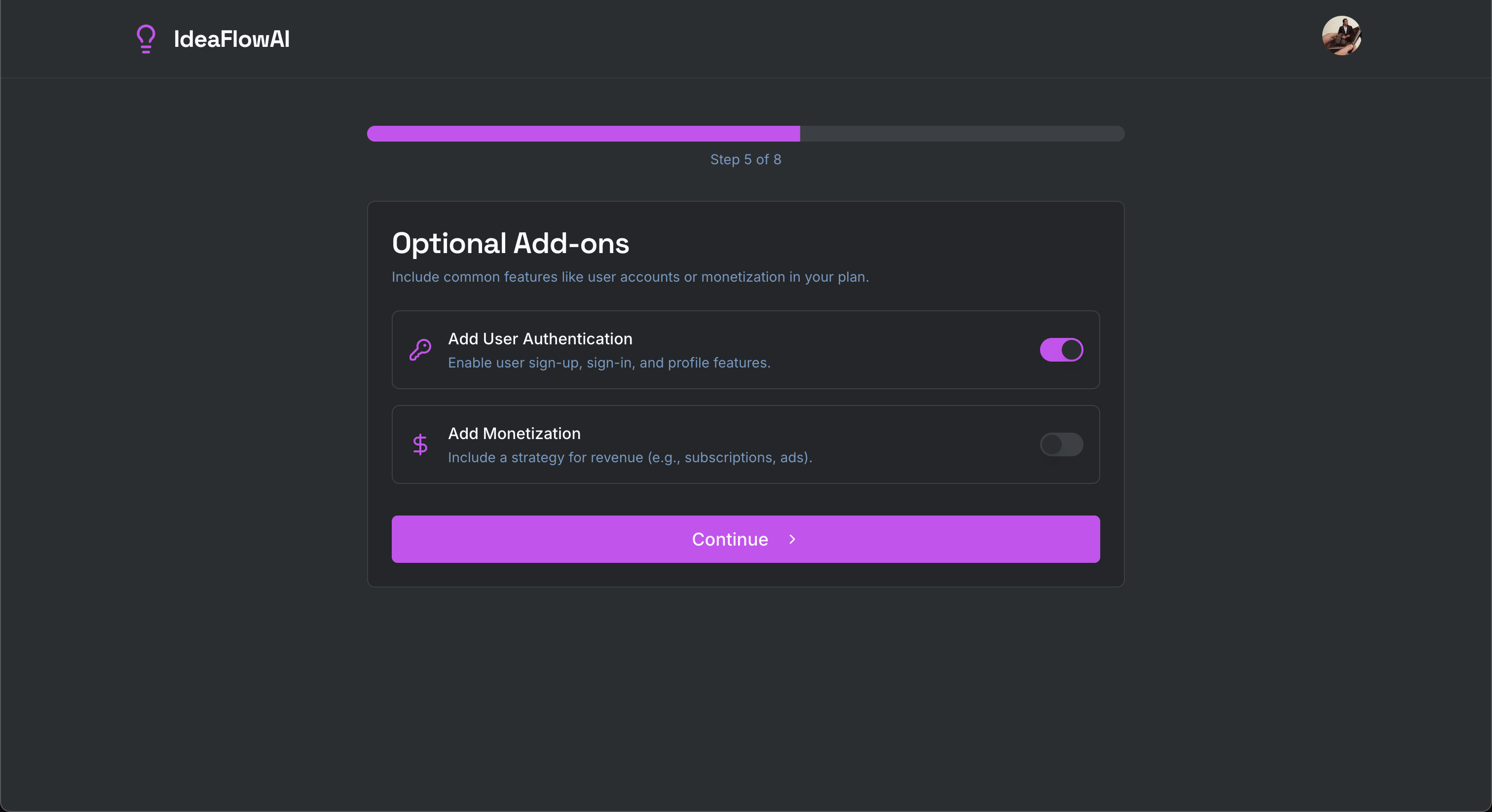
2. **Refine with AI**: Answer a series of smart, multiple-choice questions to build out your app's features, UI/UX, and flow. Add optional features like Authentication and Monetization with a simple click.
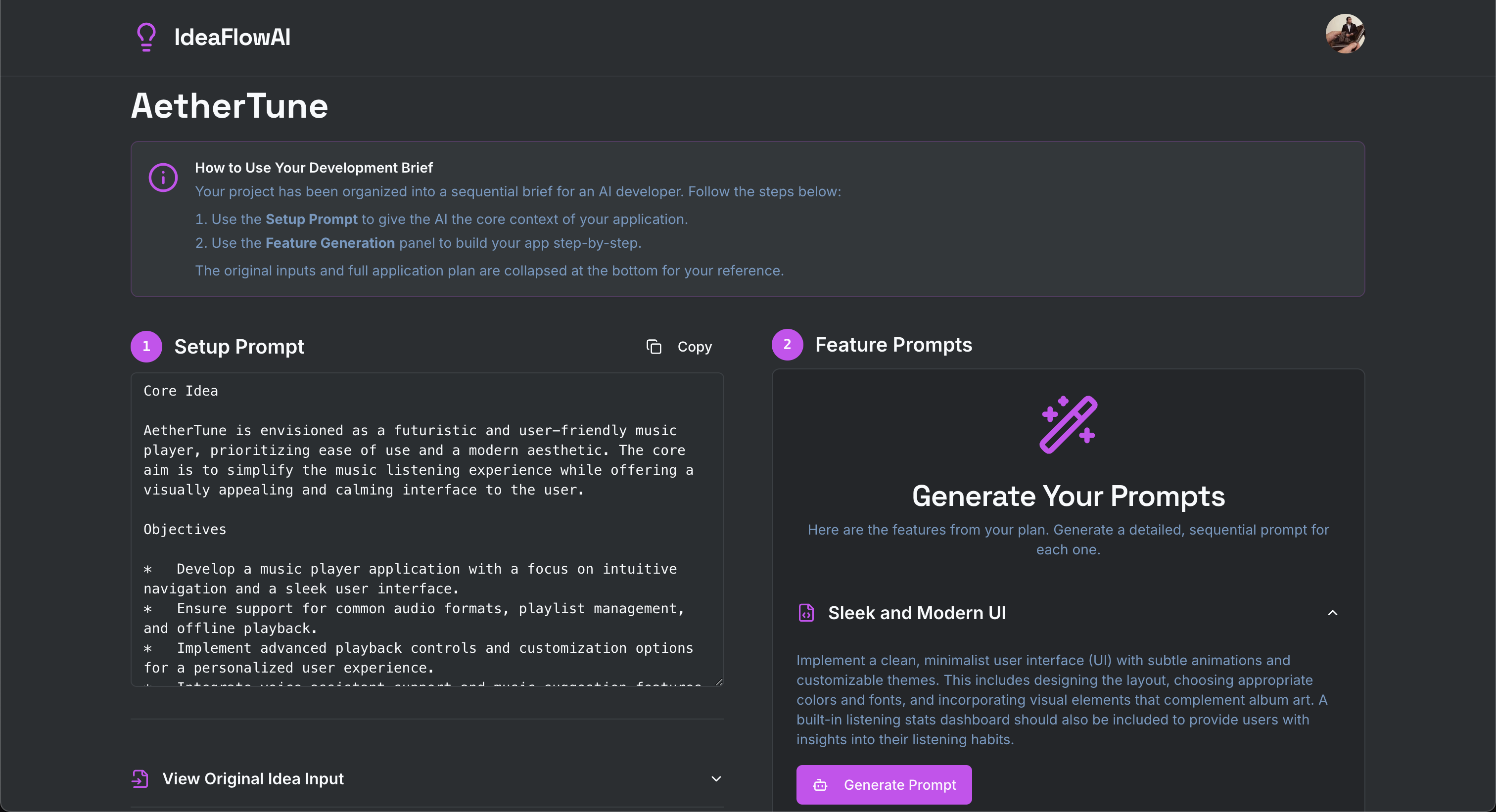
3. **Generate & Save Your Plan**: Receive a complete, professional development plan. Save your project to access a complete development brief, ready to be handed off to an AI developer or a human team.
## 💻 Tech Stack
- **Framework**: [Next.js](https://nextjs.org/) (App Router)
- **Language**: [TypeScript](https://www.typescriptlang.org/)
- **AI Toolkit**: [Genkit](https://firebase.google.com/docs/genkit)
- **AI Model Provider**: [Google AI (Gemini)](https://ai.google.dev/)
- **UI**: [React](https://react.dev/), [ShadCN UI](https://ui.shadcn.com/), [Tailwind CSS](https://tailwindcss.com/)
- **Backend & Database**: [Firebase (Firestore)](https://firebase.google.com/docs/firestore)
- **Authentication**: [Firebase Authentication](https://firebase.google.com/docs/auth)
## 🏁 Getting Started
To run this project locally, follow these steps:
### Prerequisites
- [Node.js](https://nodejs.org/) (v18 or later)
- A Firebase project with Firestore and Authentication enabled.
### Installation
1. **Clone the repository:**
```bash
git clone https://github.com/your-github-username/ideaflow-ai.git
cd ideaflow-ai
```
2. **Install dependencies:**
```bash
npm install
```
3. **Set up environment variables:**
Create a `.env.local` file in the root of the project and add your Firebase and Google AI credentials:
```env
# Firebase Credentials
NEXT_PUBLIC_FIREBASE_API_KEY=your_api_key
NEXT_PUBLIC_FIREBASE_AUTH_DOMAIN=your_auth_domain
NEXT_PUBLIC_FIREBASE_PROJECT_ID=your_project_id
NEXT_PUBLIC_FIREBASE_STORAGE_BUCKET=your_storage_bucket
NEXT_PUBLIC_FIREBASE_MESSAGING_SENDER_ID=your_messaging_sender_id
NEXT_PUBLIC_FIREBASE_APP_ID=your_app_id
# Google AI (Gemini) Credentials for Genkit
GEMINI_API_KEY=your_gemini_api_key
```
- You can get your Firebase credentials from your project's settings in the [Firebase Console](https://console.firebase.google.com/).
- You can get your `GEMINI_API_KEY` from [Google AI Studio](https://aistudio.google.com/app/apikey).
4. **Run the development server:**
The application requires two processes to run concurrently: the Next.js app and the Genkit development server.
In your first terminal, start the Next.js dev server:
```bash
npm run dev
```
In a second terminal, start the Genkit dev server:
```bash
npm run genkit:dev
```
5. **Open the application:**
Navigate to [http://localhost:9002](http://localhost:9002) in your browser.