https://github.com/4gray/vscode-webview-angular
:red_circle: Starter template for your next VSCode extension based on Angular
https://github.com/4gray/vscode-webview-angular
angular boilerplate extension javascript starter vscode webview
Last synced: 5 months ago
JSON representation
:red_circle: Starter template for your next VSCode extension based on Angular
- Host: GitHub
- URL: https://github.com/4gray/vscode-webview-angular
- Owner: 4gray
- Created: 2019-09-08T08:19:51.000Z (almost 7 years ago)
- Default Branch: master
- Last Pushed: 2024-01-11T05:59:12.000Z (over 2 years ago)
- Last Synced: 2025-10-11T06:35:03.908Z (10 months ago)
- Topics: angular, boilerplate, extension, javascript, starter, vscode, webview
- Language: TypeScript
- Homepage:
- Size: 4.01 MB
- Stars: 40
- Watchers: 2
- Forks: 12
- Open Issues: 3
-
Metadata Files:
- Readme: README.md
Awesome Lists containing this project
README
# VSCode Webview based on Angular
This project contains starter template for your next VSCode extension based on `Angular` framework.
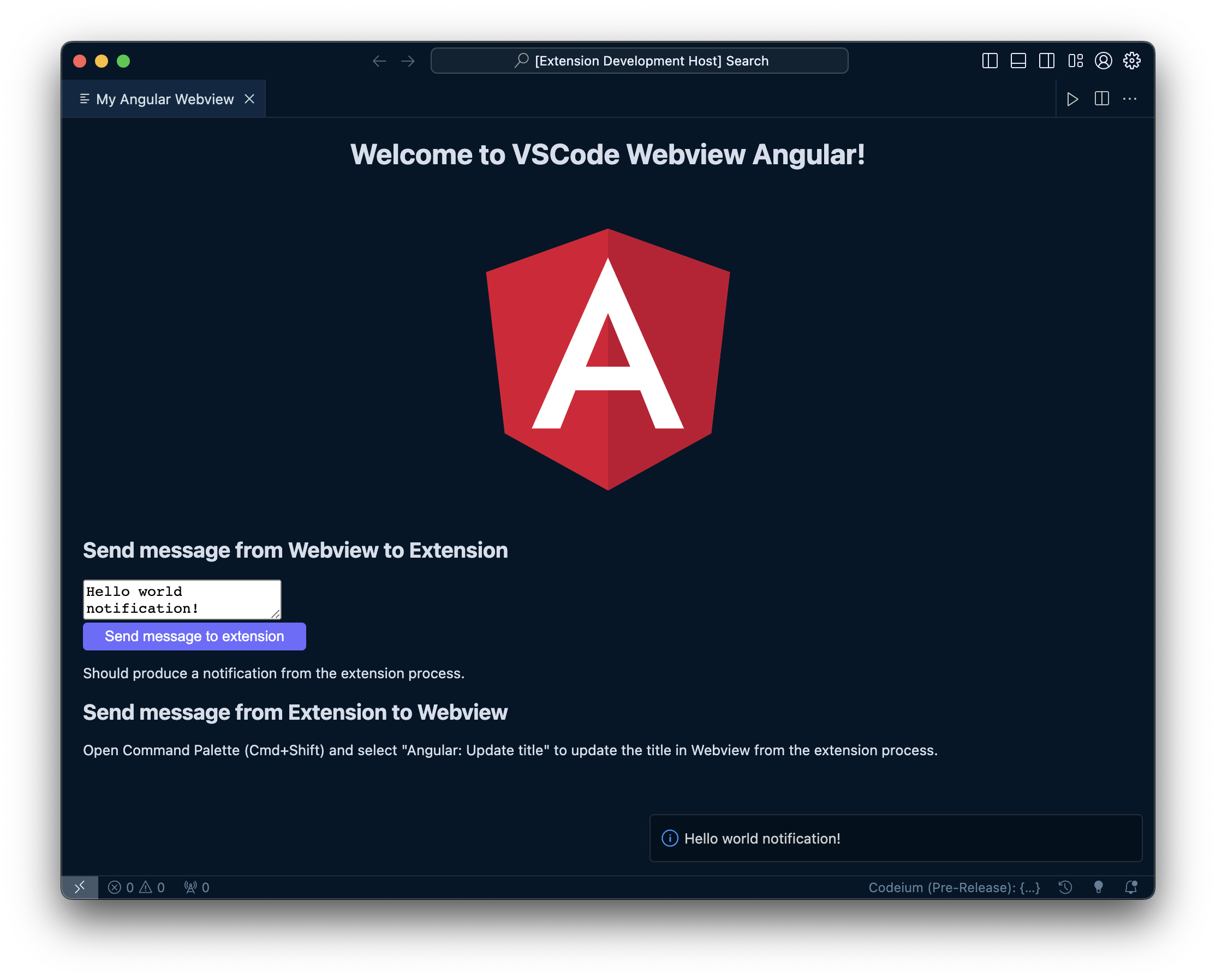
Project was inspired by:
- [vscode-webview-react](https://github.com/rebornix/vscode-webview-react)
- [VSCode Webview API](https://code.visualstudio.com/api/extension-guides/webview)
## Development
This project was generated with `Angular CLI`, so it can be be used for angular development by default.
To test your extension in vscode context:
```
$ yarn install
$ yarn run build
```
After build process you can press F5 to "Start Debugging" (or: select in menu "Debug" -> "Start Debugging"). A new window will open in which you need to open command palette (Ctrl/Cmd + Shift + P) and select "Angular: Open Webview" to start your extension.
## Packaging
To generate extension in `VSIX` format execute the package command:
```
yarn run package
```
Finally the generated VSIX file with VSCode extension should appear in the root folder of your project.