https://github.com/574n13y/google-pub-subtopic
Develop Terraform code for creating and managing Google Pub/Subtopic.
https://github.com/574n13y/google-pub-subtopic
gcp pubsub pubsub-subscriber terraform terraform-module terraform-provider terraform-workspace topic
Last synced: about 1 year ago
JSON representation
Develop Terraform code for creating and managing Google Pub/Subtopic.
- Host: GitHub
- URL: https://github.com/574n13y/google-pub-subtopic
- Owner: 574n13y
- License: other
- Created: 2023-12-29T09:13:46.000Z (over 2 years ago)
- Default Branch: main
- Last Pushed: 2023-12-31T11:07:29.000Z (over 2 years ago)
- Last Synced: 2025-02-01T20:30:29.237Z (over 1 year ago)
- Topics: gcp, pubsub, pubsub-subscriber, terraform, terraform-module, terraform-provider, terraform-workspace, topic
- Language: HCL
- Homepage: https://574n13y.github.io/Google-Pub-Subtopic/
- Size: 45.9 KB
- Stars: 1
- Watchers: 1
- Forks: 0
- Open Issues: 0
-
Metadata Files:
- Readme: README.md
- License: LICENSE
Awesome Lists containing this project
README
# Google-Pub-Subtopic
Develop Terraform code for creating and managing Google Pub/Subtopic.
[](https://github.com/574n13y/Google-Pub-Subtopic/actions/workflows/jekyll-gh-pages.yml)
## GCP
- Create a GCP account in case you don't have one.
- Once GCP account is created -> Create Project
- Navigate to "IAM & Admin" -> click on service account

- Create a service account -> Give nessary permission's as per your requirement.

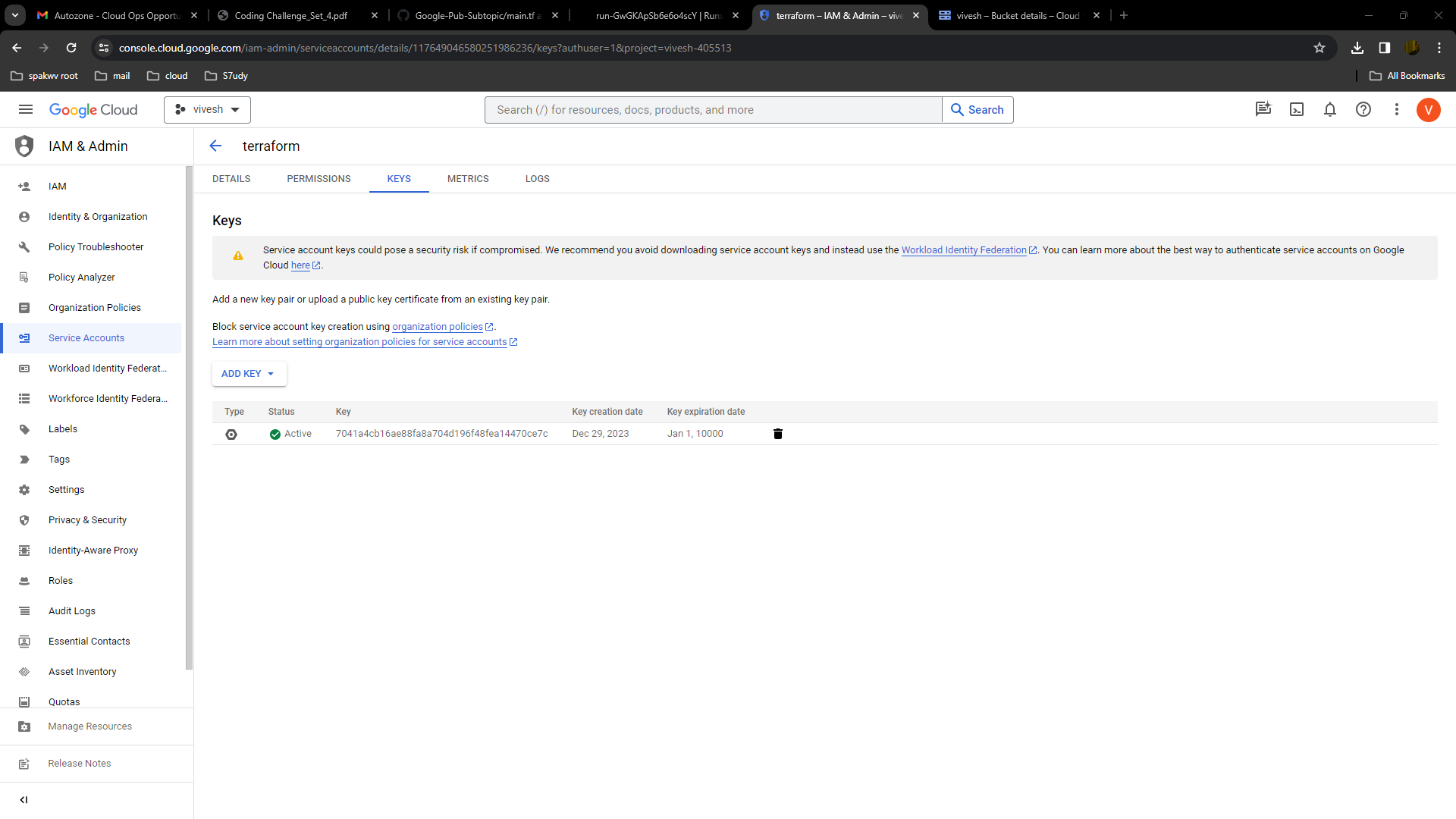
- Click on Created (in my case i have created terraform service account) service account navigate to "key" -> click on "ADD KEY"
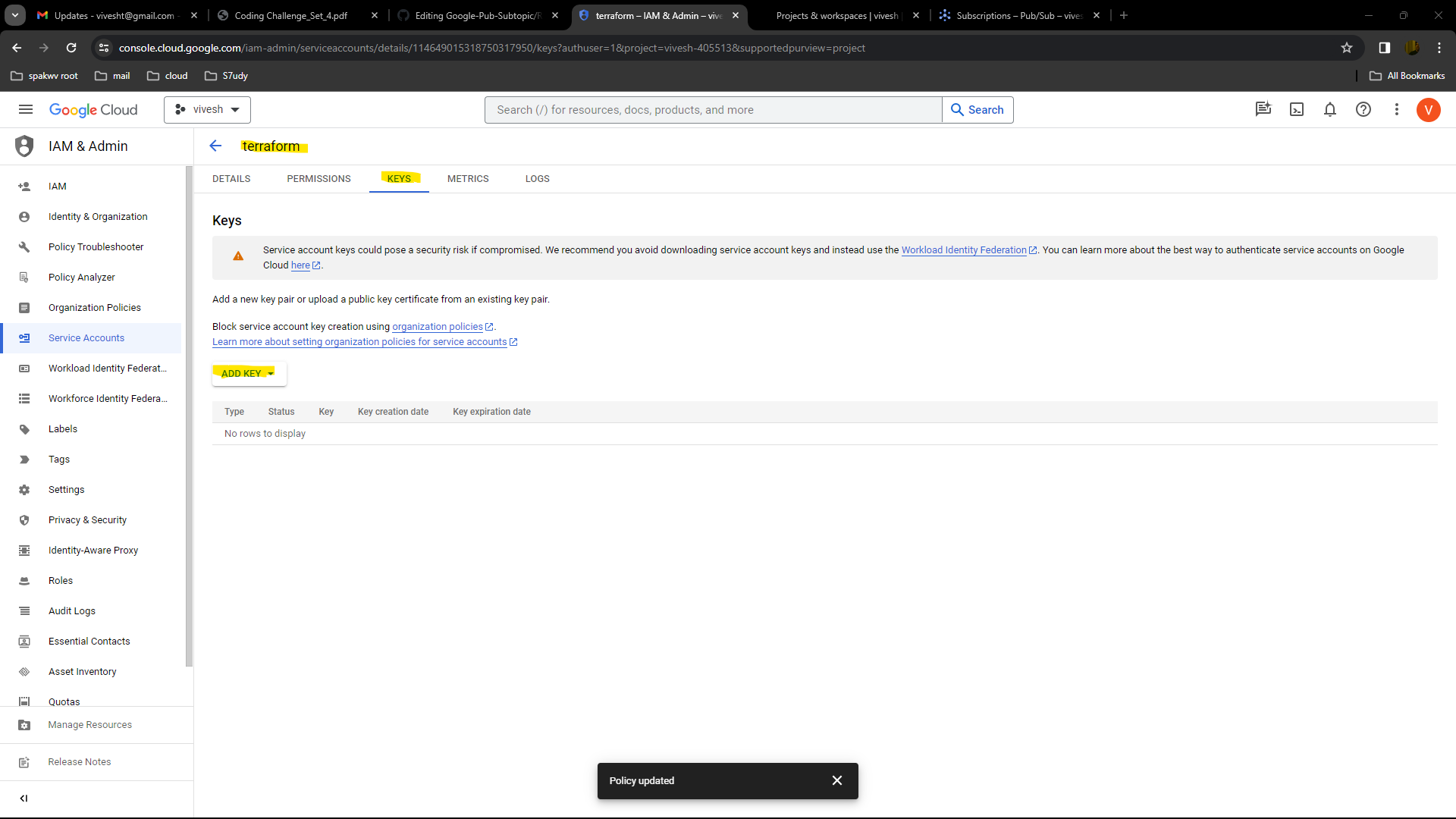
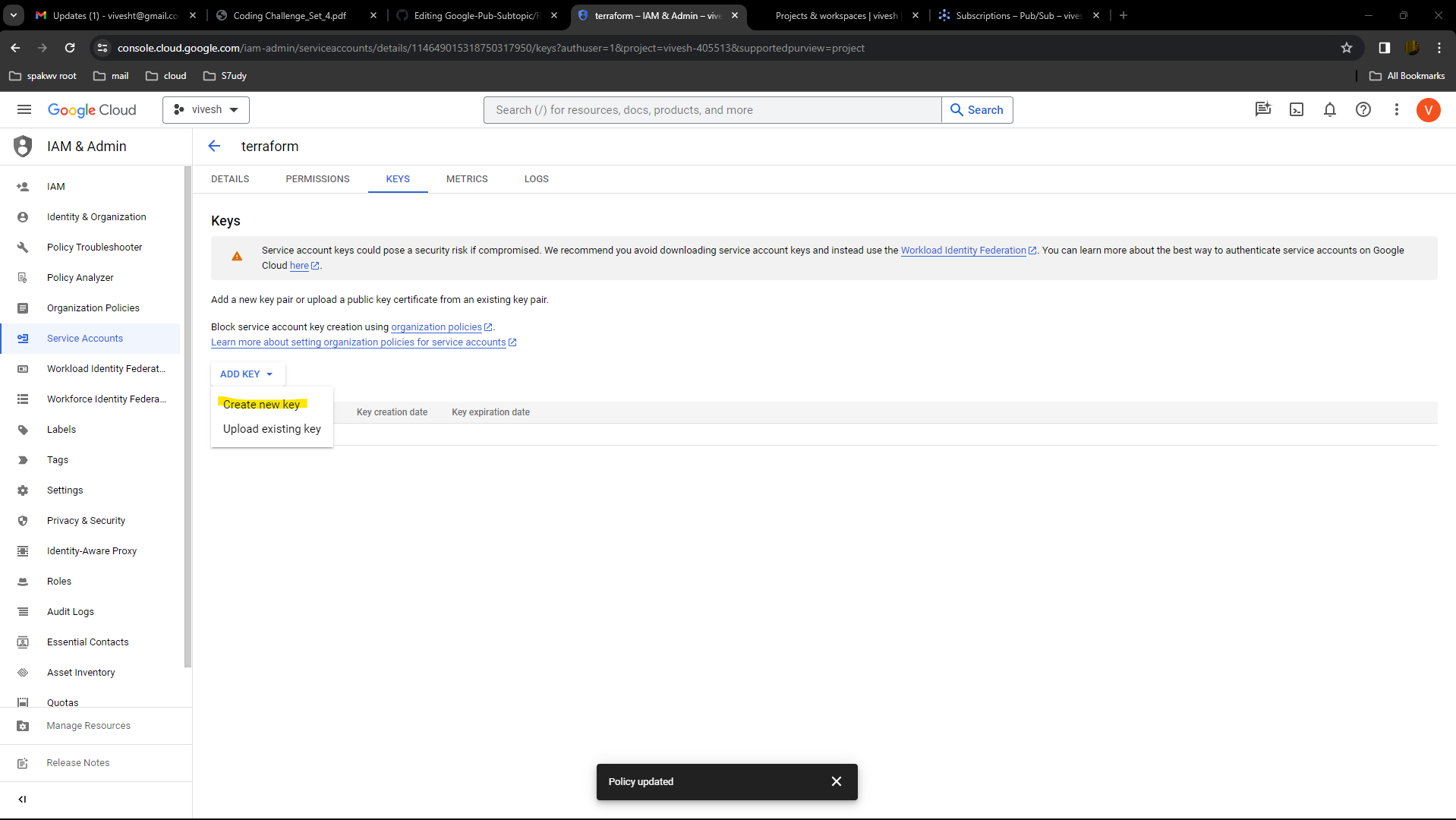
- Click on create new key -> Select json file - Click on create.
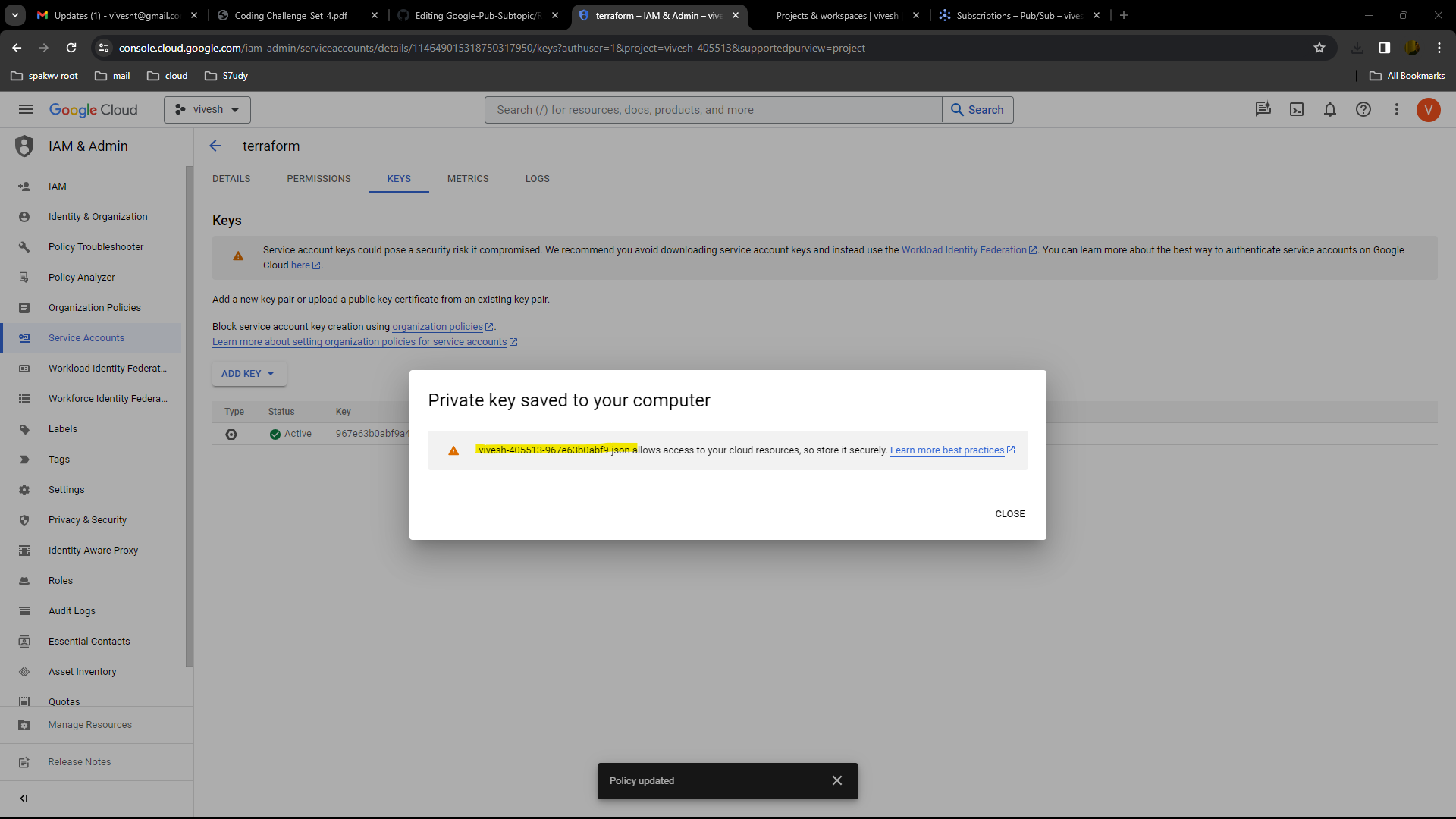
- Once key is created, private key will be downloaded in you local pc, rename it to key.json

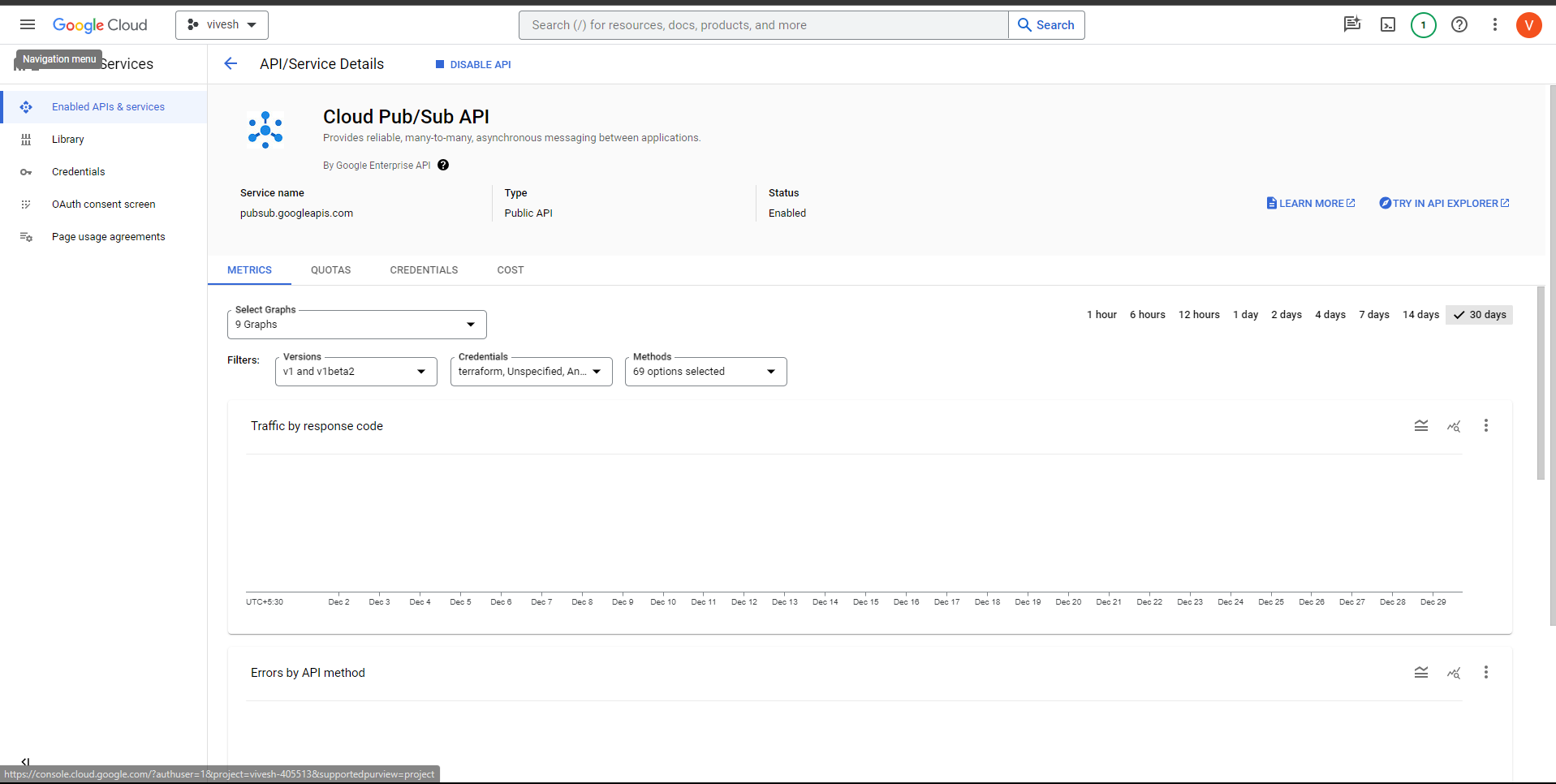
- Before starting with the terraform code make sure to 'enable' pub/sub service from marketplace
## Github
- Create a Repo
- Write a code for creating and managing Google Pub/Subtopic.
- Here is the demo code i created, you can use this or you can use my code [main.tf]()
```
# main.tf
provider "google" {
credentials = file("")
project = ""
region = "us-central1" # Update with your desired region
}
module "pubsub_topic" {
source = "./modules/pubsub-topic"
topic_name = "example-topic"
}
# modules/pubsub-topic/main.tf
variable "topic_name" {
description = "The name of the Pub/Sub topic"
type = string
}
resource "google_pubsub_topic" "pubsub_topic" {
name = var.topic_name
}
```

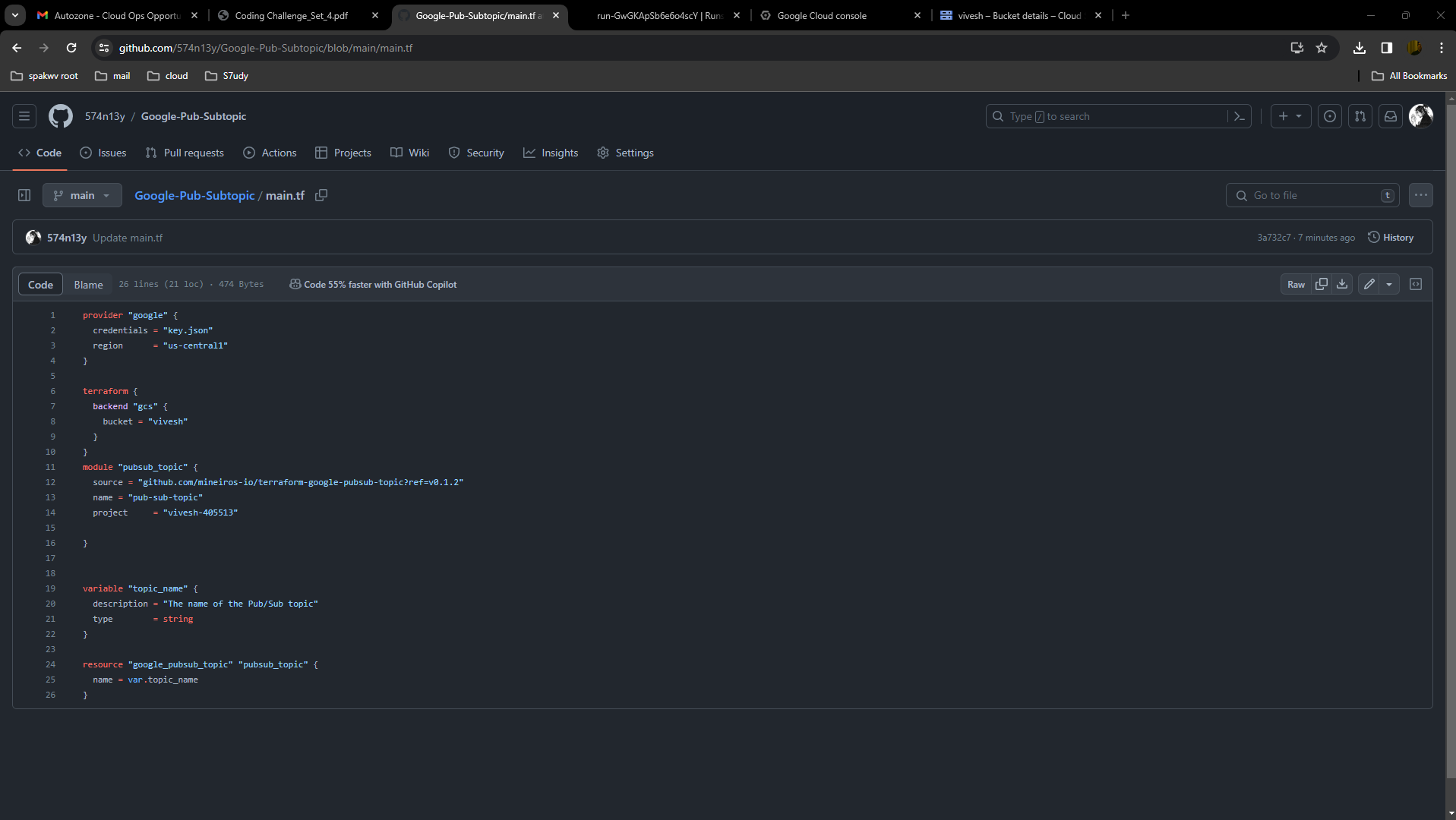
- upload the key.json
## Terraform cloud
- [Login to Terraform cloud](https://app.terraform.io/session?redirect_to=%2Fapp%2Fgetting-started)

- Create a workspace
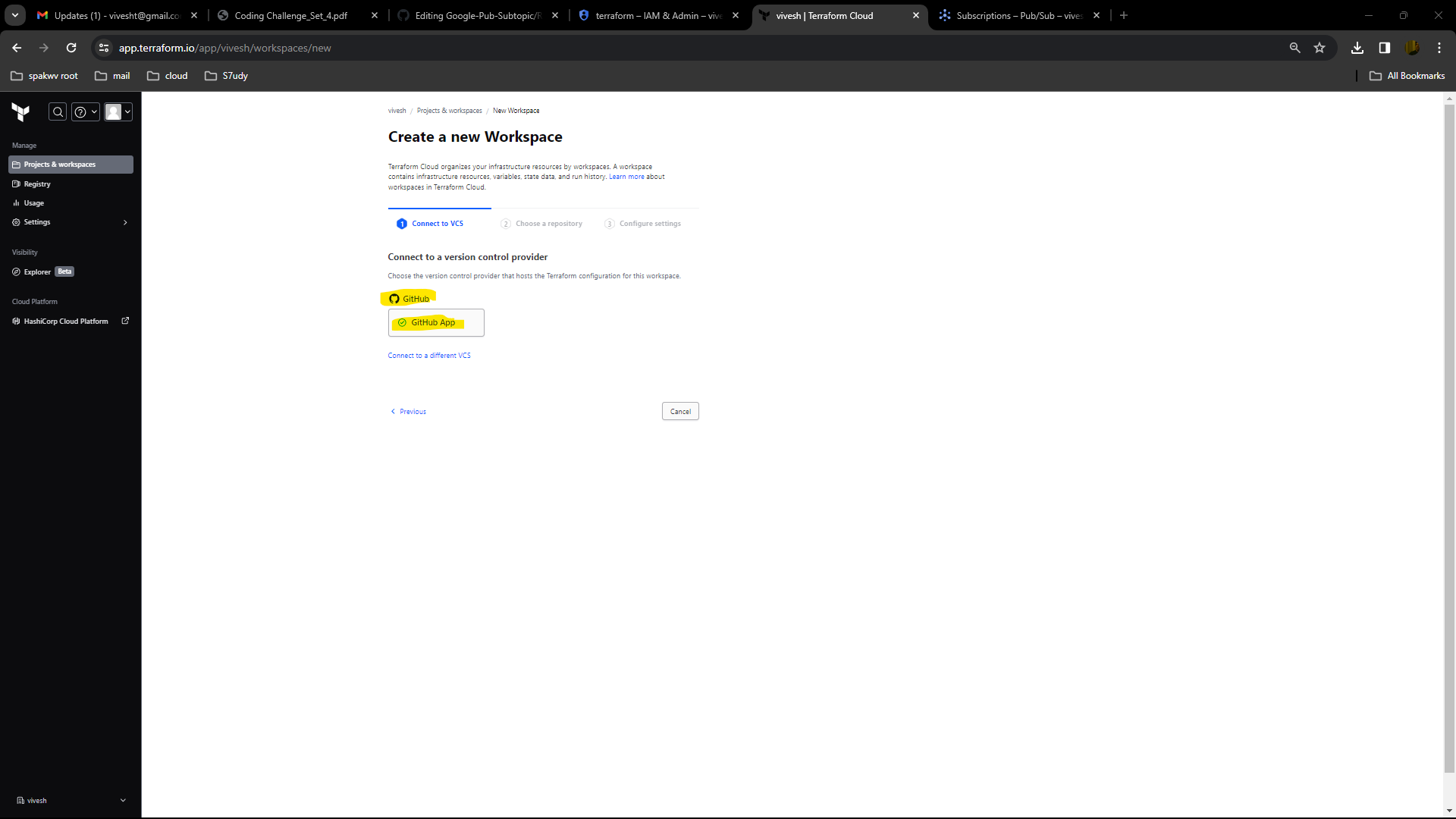
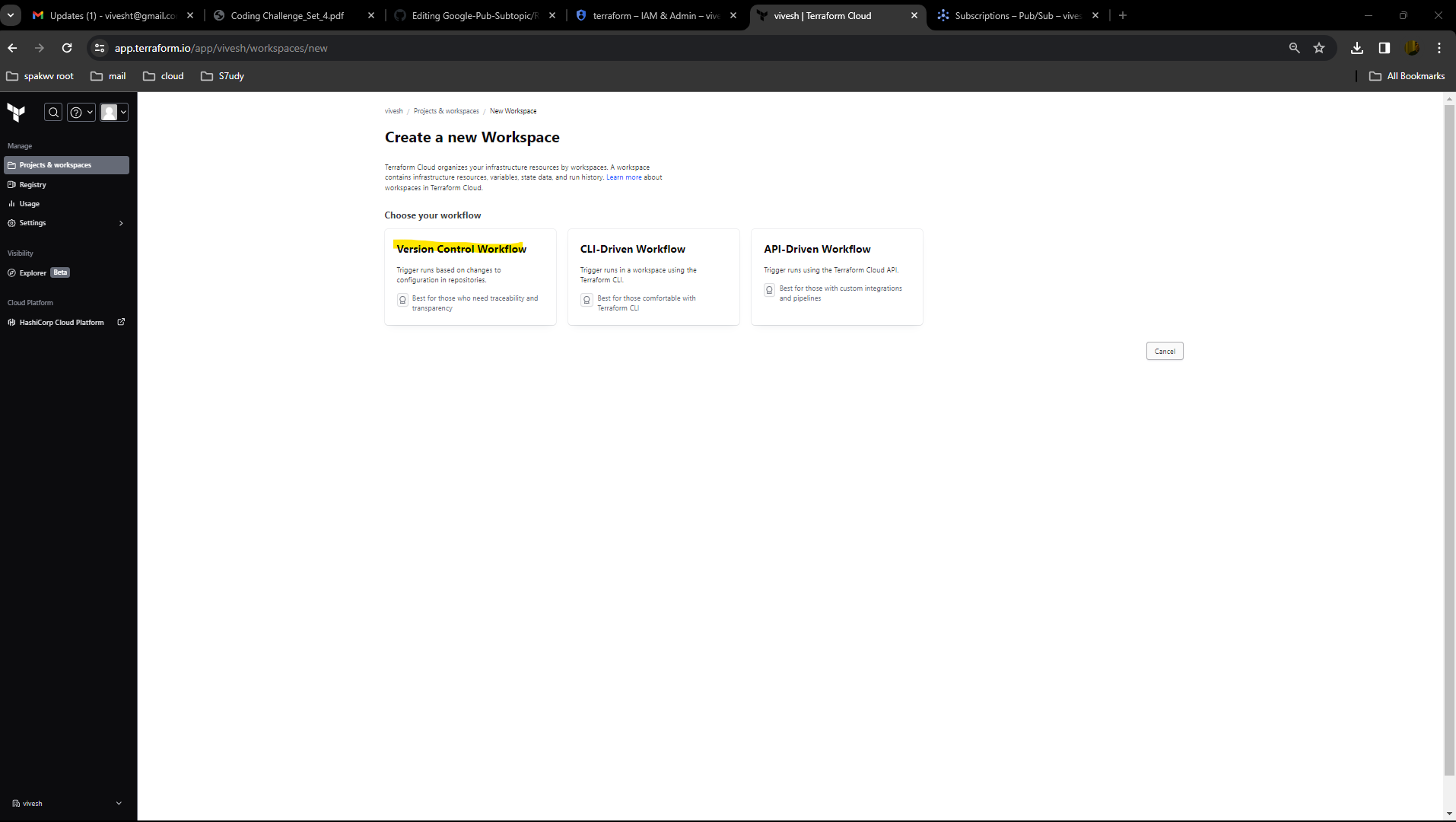
- Click on Version control -> select github -> authenticate it with your github account -> select github repo -> Click on Create
- Once workspace is created Add variable value and save it.

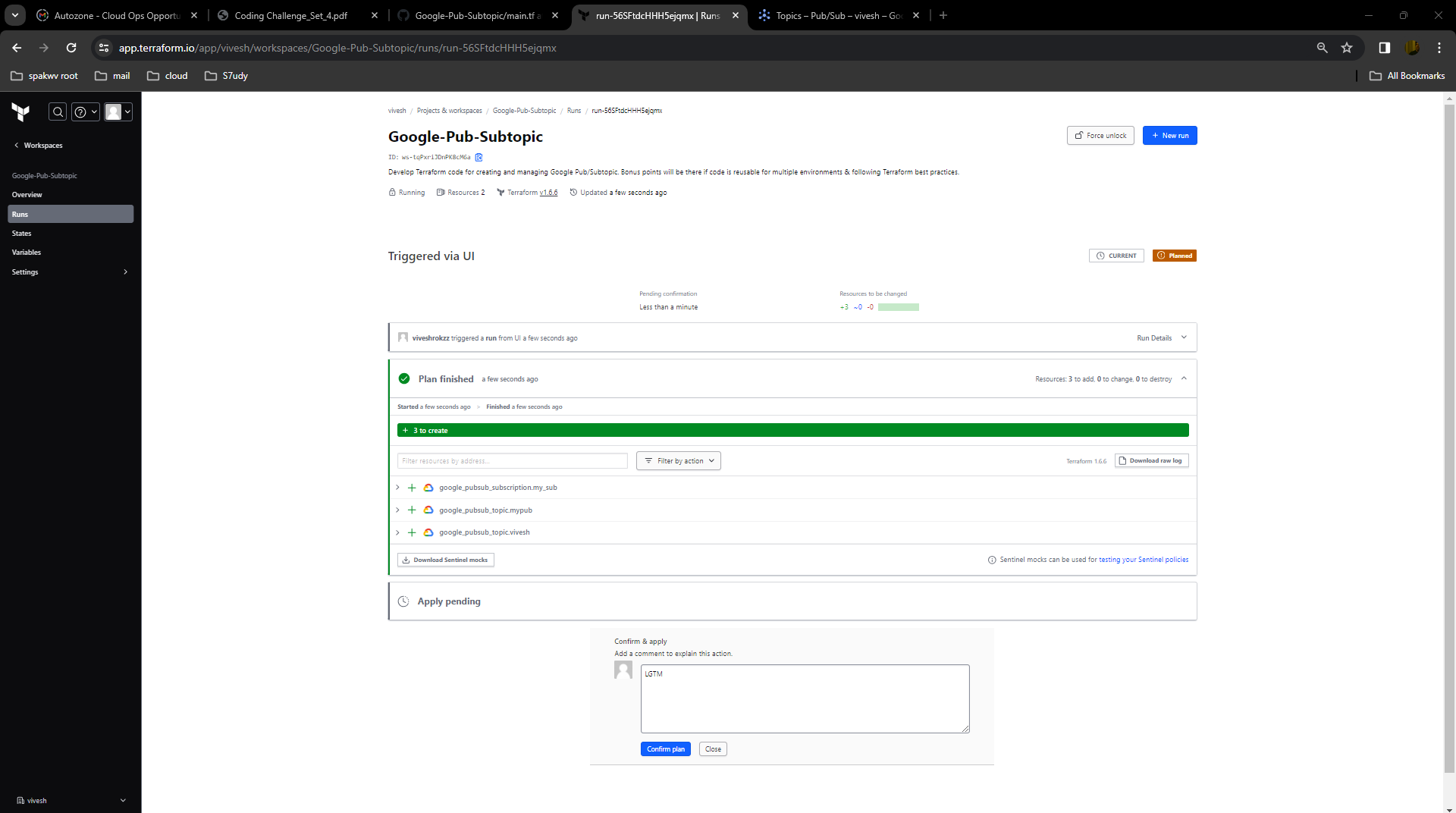
- Click on Start new Plan

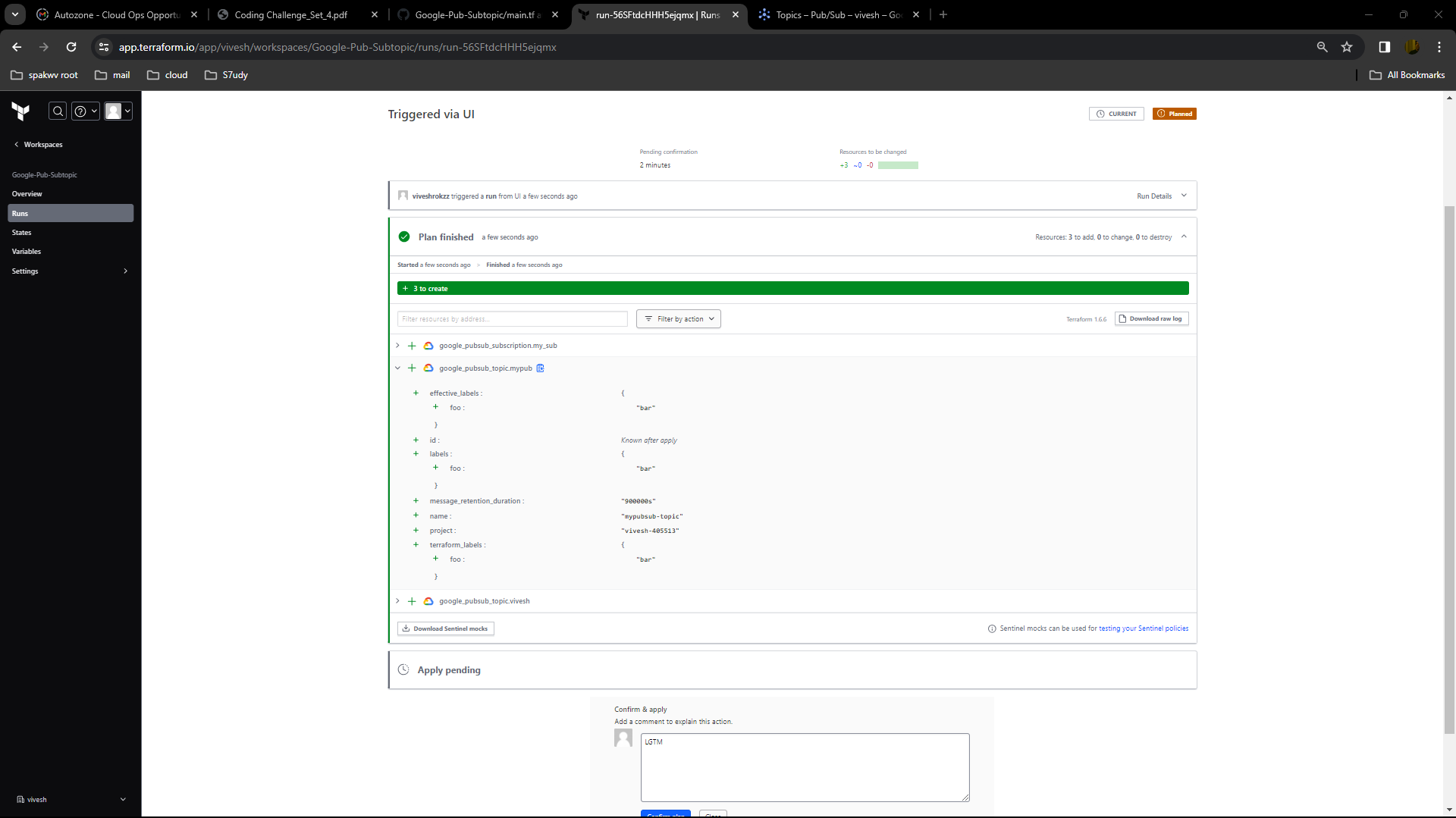
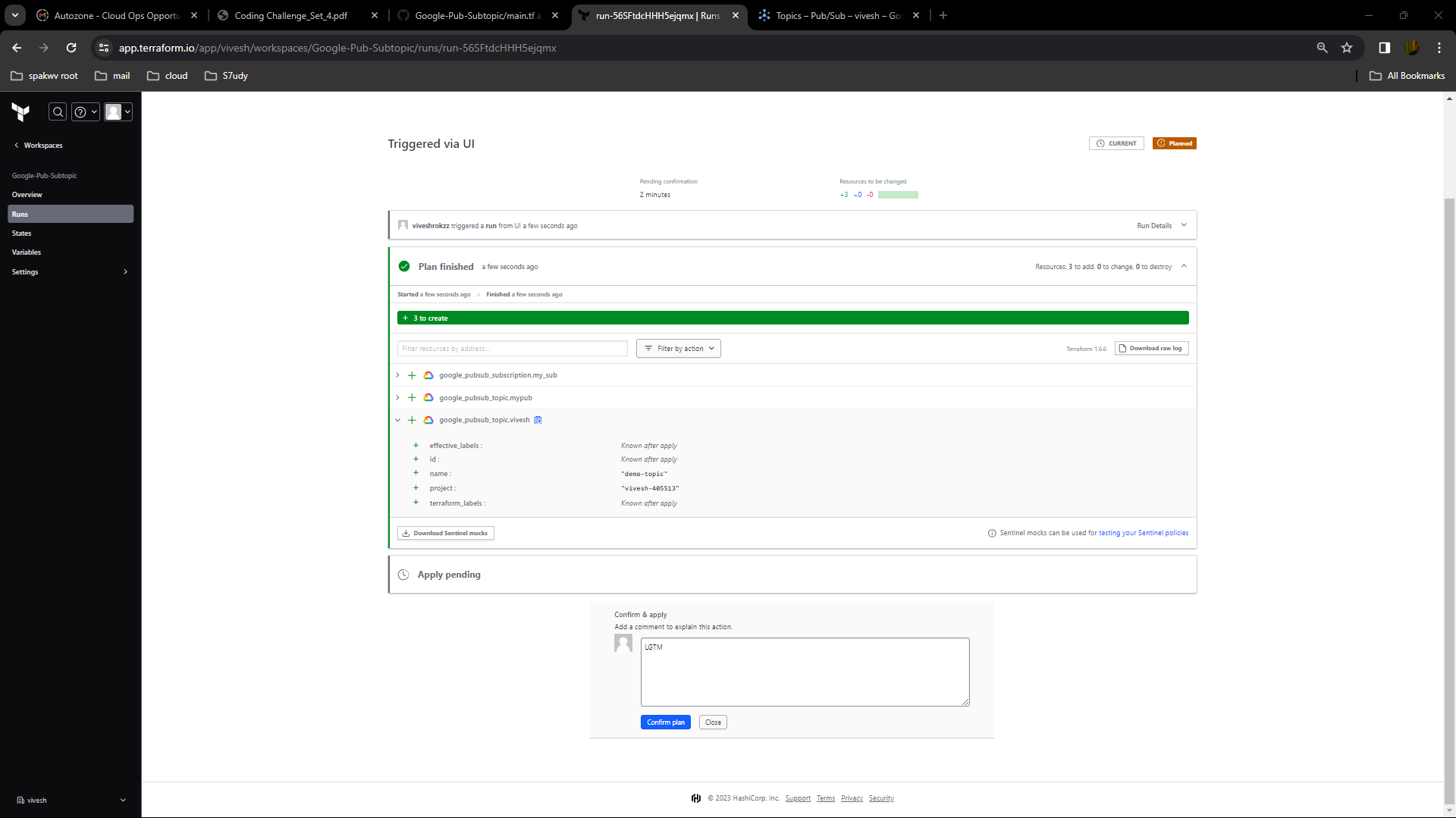
- Terraform cloud will run the plan and show to the ouptup for the same.
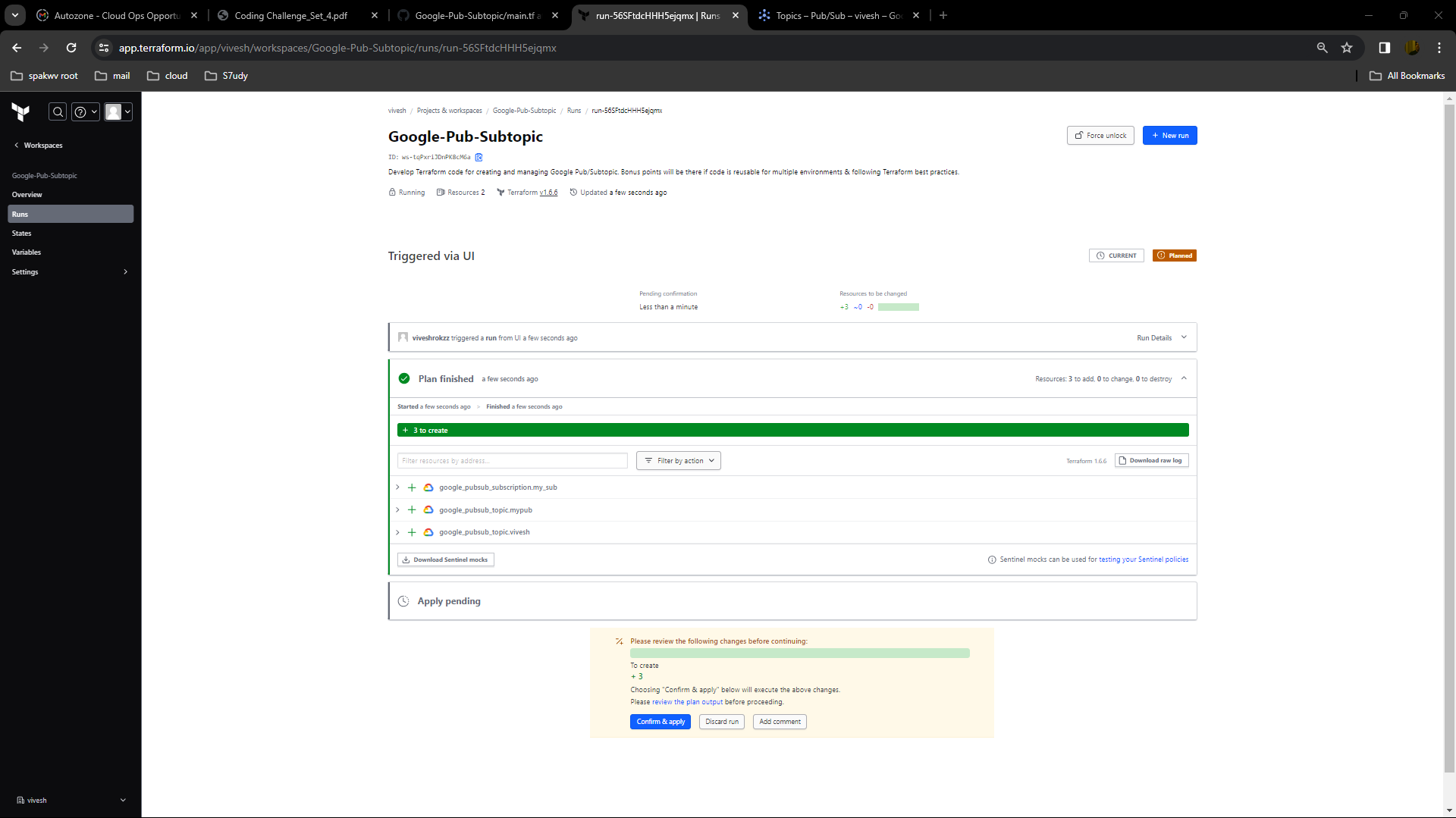
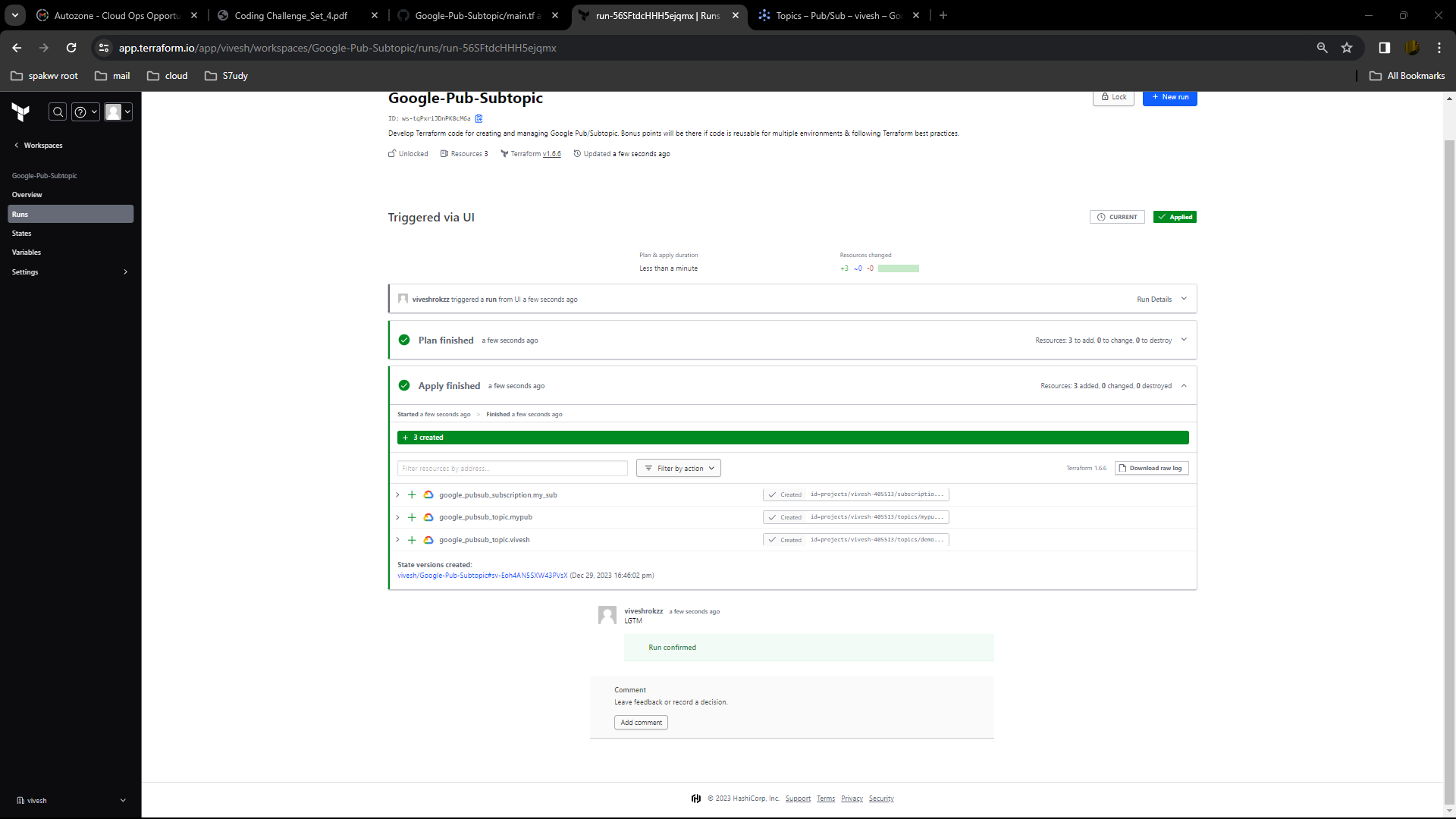
- Now cick on apply to make changes -> it will create a pubsub topic.
## Valiadtion
- Plan

- Apply


- topics
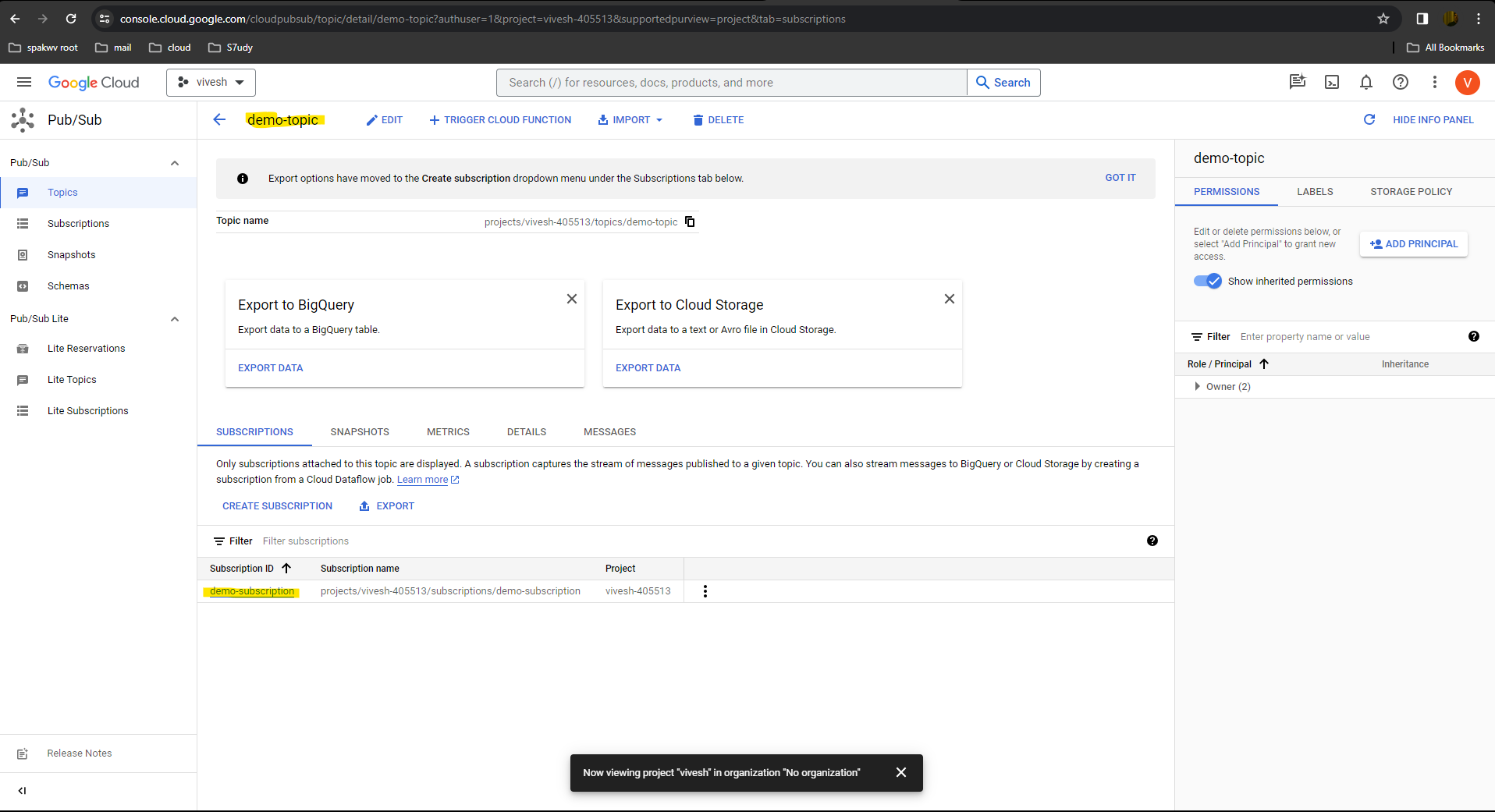
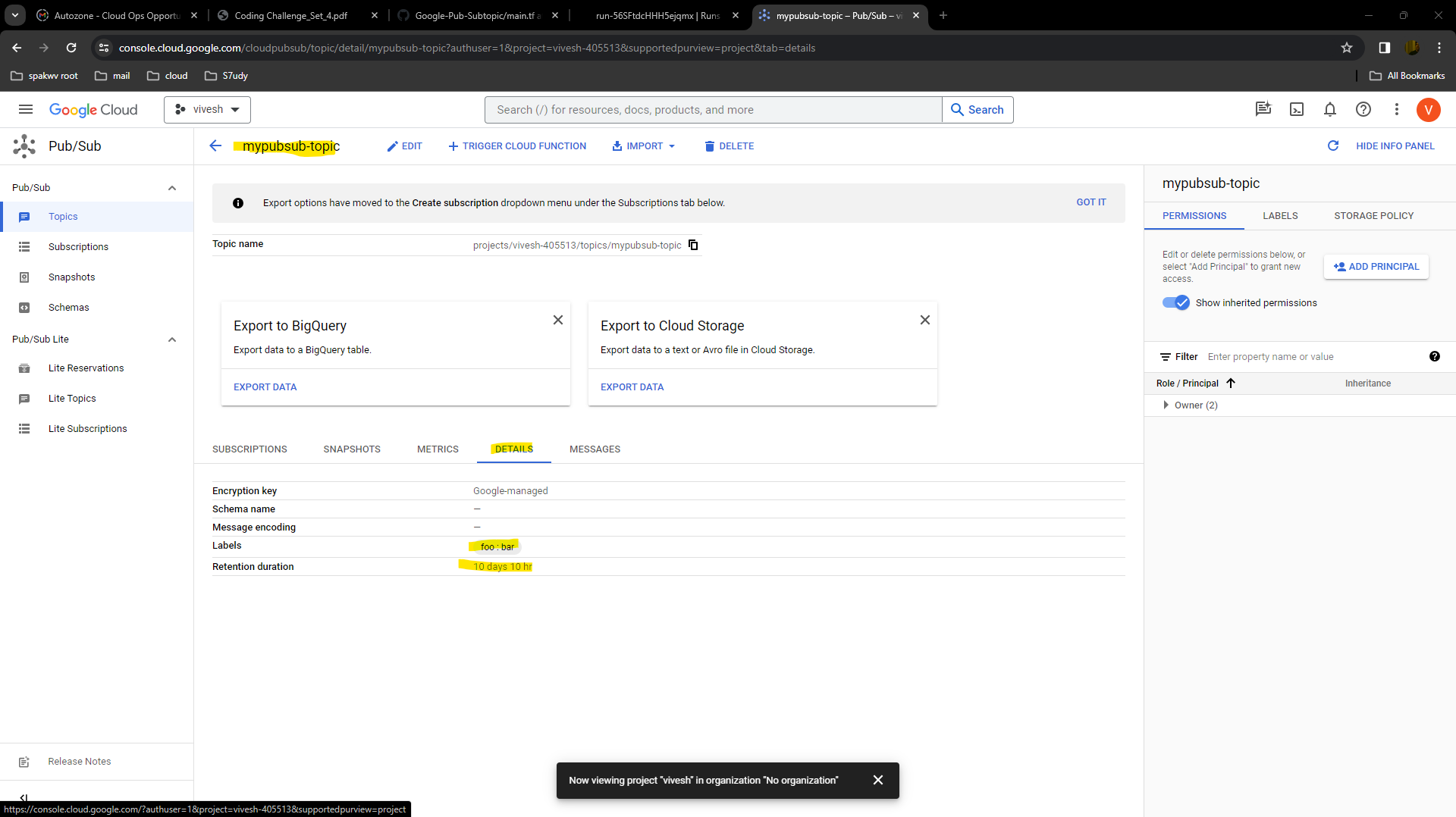


- Subscriptions

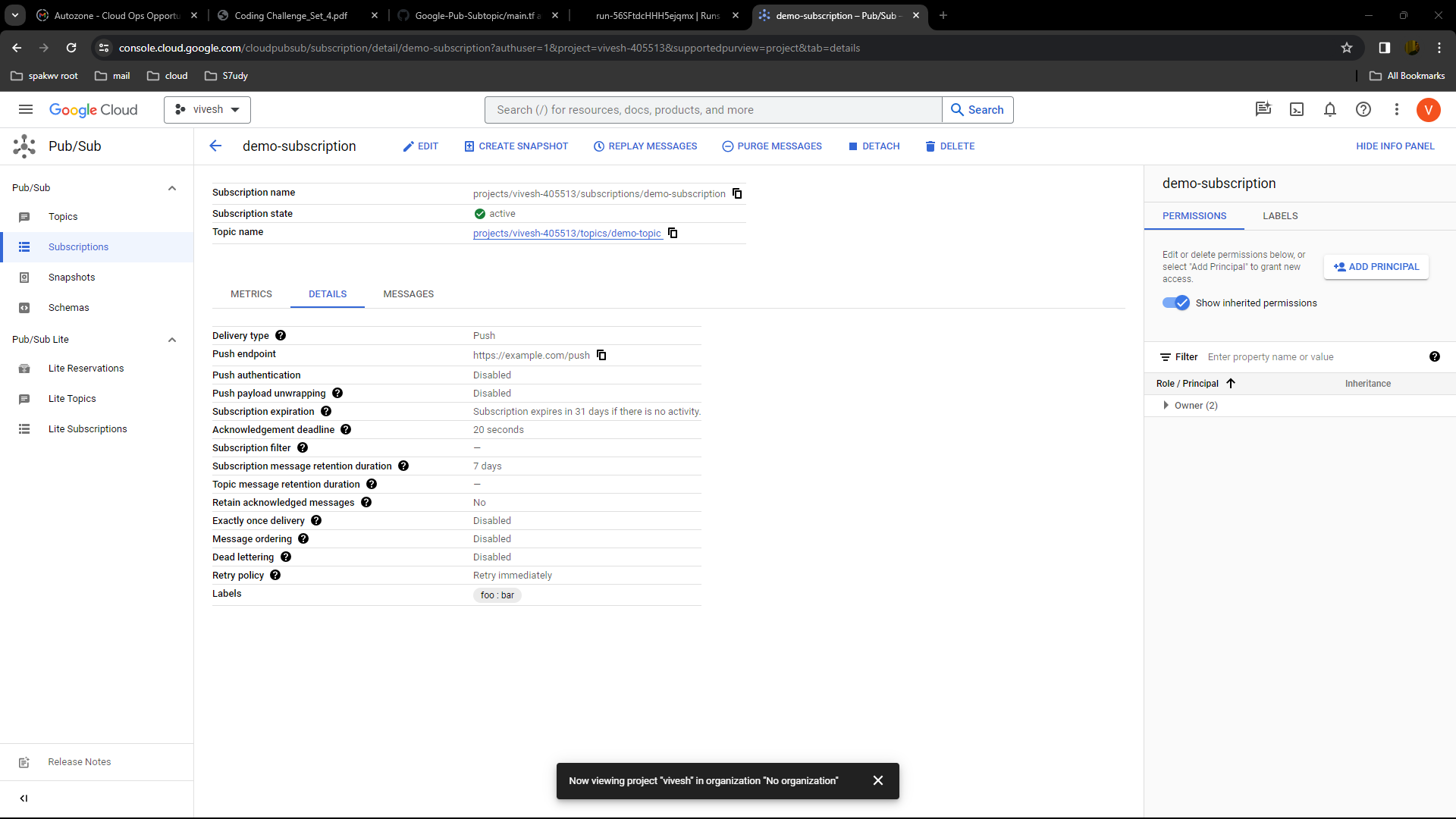
***