https://github.com/5t3ph/houdini-decorative-barcharts
https://github.com/5t3ph/houdini-decorative-barcharts
Last synced: 6 months ago
JSON representation
- Host: GitHub
- URL: https://github.com/5t3ph/houdini-decorative-barcharts
- Owner: 5t3ph
- Created: 2021-09-21T15:42:10.000Z (almost 5 years ago)
- Default Branch: main
- Last Pushed: 2021-09-24T03:13:15.000Z (almost 5 years ago)
- Last Synced: 2025-08-09T08:16:19.532Z (12 months ago)
- Language: JavaScript
- Size: 129 KB
- Stars: 1
- Watchers: 2
- Forks: 1
- Open Issues: 0
-
Metadata Files:
- Readme: README.md
Awesome Lists containing this project
README
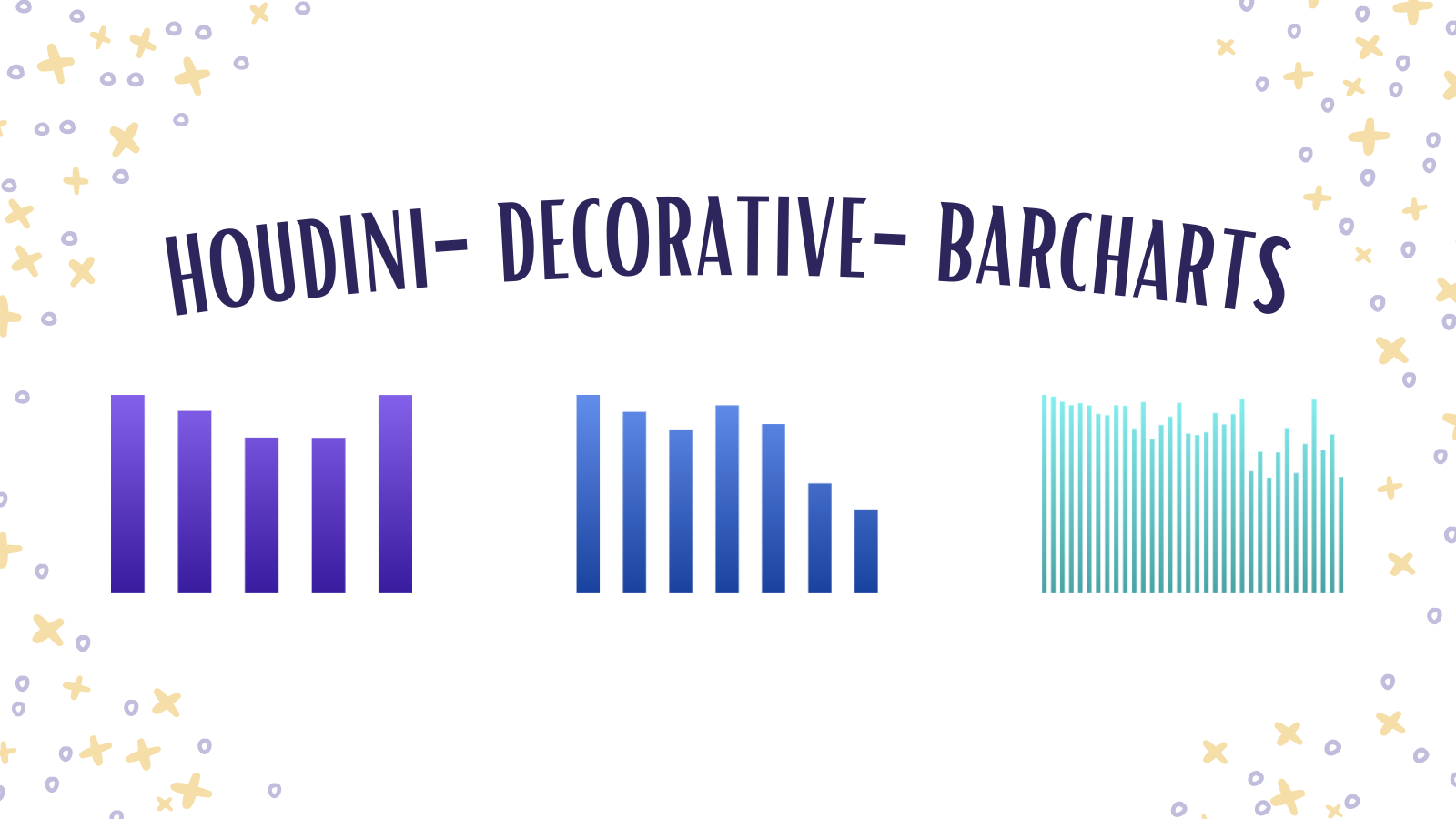
# CSS Houdini Decorative Bar Charts
> From Stephanie Eckles [@5t3ph](https://twitter.com/5t3ph) - author of [ModernCSS.dev](https://moderncss.dev).
Generate dynamic _decorative/placeholder_ bar charts using CSS Houdini. Intended to be an alternate to SVG icons or less flexible CSS gradient solutions.
The worklet will create randomized bar heights and compute bar widths and gap sizes relative to the number of bars requested vs. the width of the element. Since worklets update when the element is repainted, these values will resize alongside the element. The `seed` value ensures consistent results across repaints (prevents "flashing" effect on resize).
- [**Preview on CodePen**](https://codepen.io/5t3ph/pen/jOwKGPZ)
- [View in a demo application](https://lwj-modcss.netlify.app/)
**Important**: Do not use these as a substitute for real bar charts because they will not provide any information to non-sighted or keyboard users unless you separately create text alternatives to describe the information. Plus, they are random which means you will not be able to match real data.
## How to Use
While Houdini paint worklets have the best support out of available Houdini features, they still currently require a polyfill to ensure they are applied cross browser.
So, first include the following once in your project.
```html
```
> Note: The polyfill will not work if the worklet is applied to pseudo elements.
Then, include the paint worklet script _after_ the polyfill is loaded:
```html
CSS.paintWorklet.addModule("https://unpkg.com/houdini-decorative-barcharts");
// Trickery to get the polyfill to draw the charts in Firefox and Safari
setTimeout(() => {
document.querySelector("ANCESTOR_ELEMENT").style.width = "100.01%";
document.querySelector("ANCESTOR_ELEMENT").style.width = "100%";
}, 500);
```
Finally, use it in your styles! For best results, assign as the `background-image` to a dedicated element to control the size used for the bar chart.
```css
.barchart-element {
/* Number of bars */
--barchart-number: 5;
/* Chart seed number - ensures chart variance */
--barchart-seed: 22382;
/* Option 1: Provide a CSS color */
--barchart-color: purple;
/* Option 2: Provide gradient start and end colors for a "to bottom" gradient */
--barchart-start-color: hsl(260, 85%, 65%);
--barchart-end-color: hsl(260, 85%, 35%);
/* Use the worklet! */
background: paint(houdiniBarCharts);
}
```
## What is CSS Houdini?
Check out other Houdini paint worklets and more info at [Houdini.How](https://houdini.how).