https://github.com/ConsoleTVs/Links
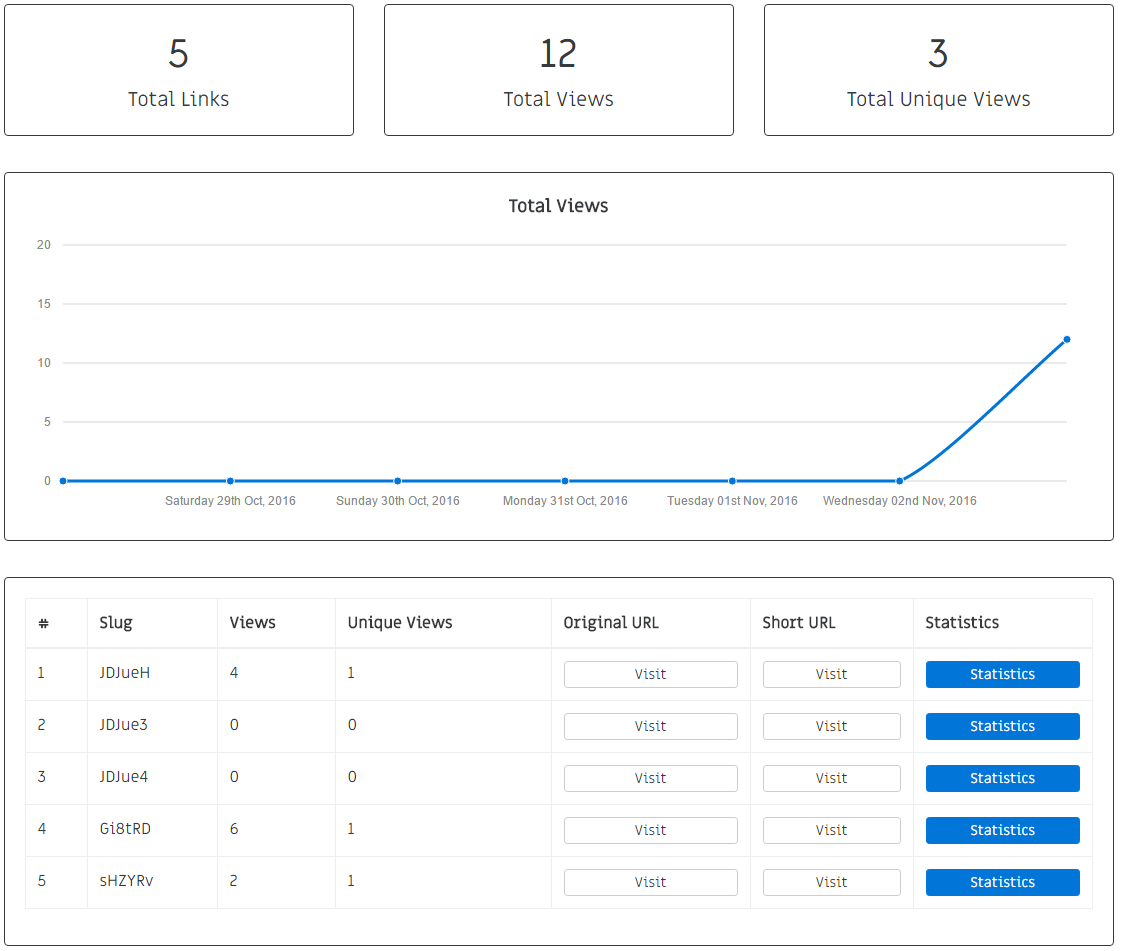
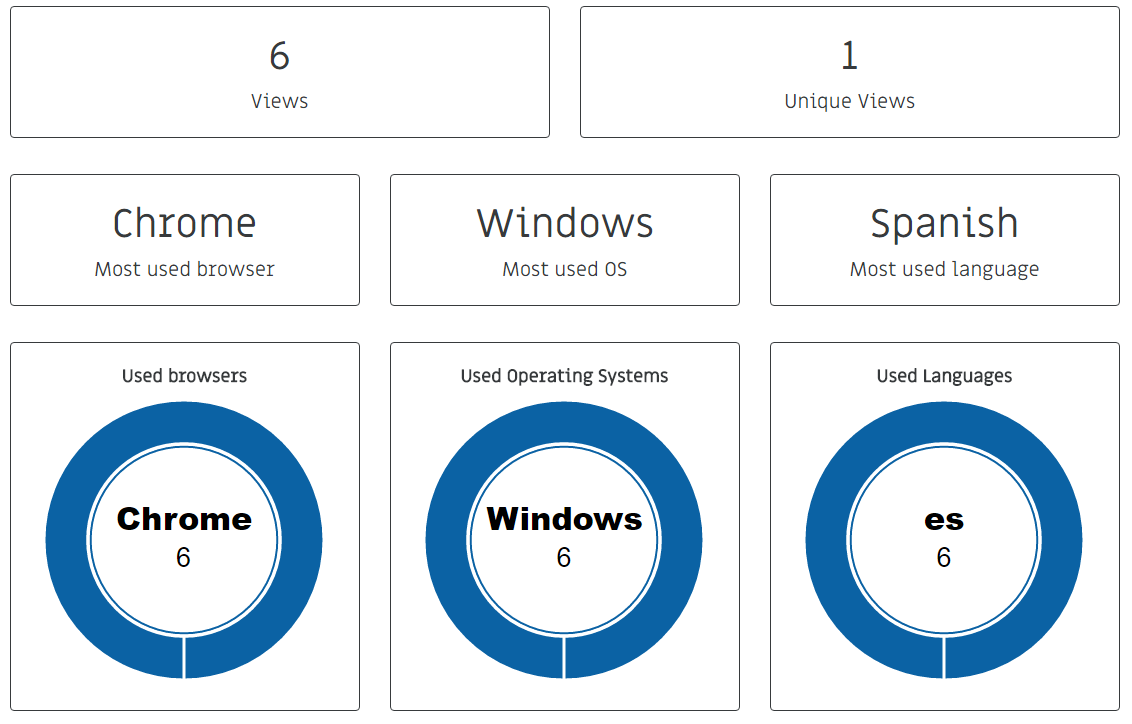
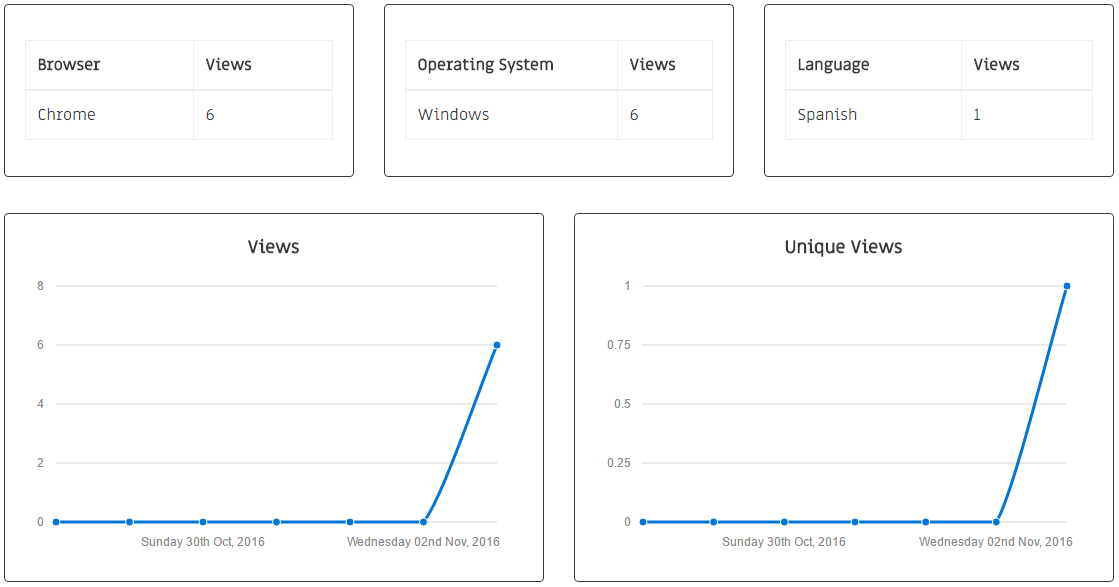
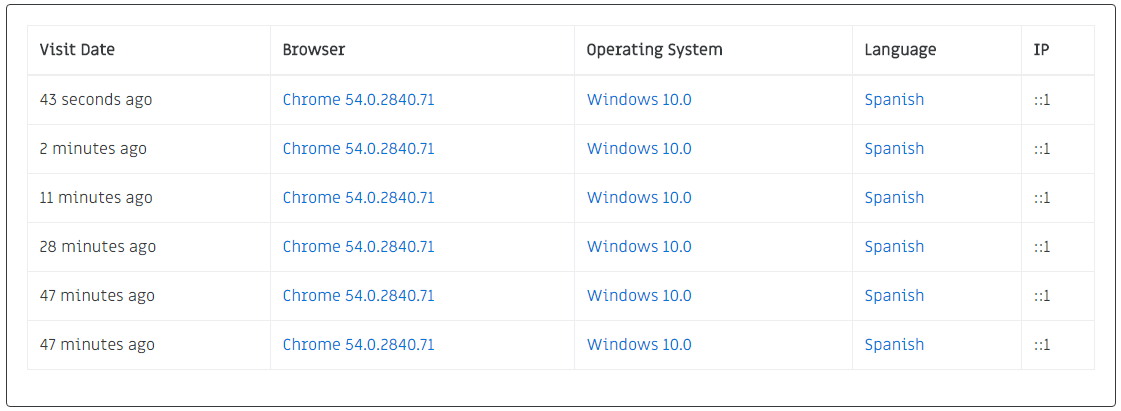
Links statistics & link tracking for laravel 5, It tracks down browsers, operating systems, languages and more
https://github.com/ConsoleTVs/Links
Last synced: 8 months ago
JSON representation
Links statistics & link tracking for laravel 5, It tracks down browsers, operating systems, languages and more
- Host: GitHub
- URL: https://github.com/ConsoleTVs/Links
- Owner: ConsoleTVs
- License: mit
- Created: 2016-11-03T19:42:48.000Z (over 9 years ago)
- Default Branch: master
- Last Pushed: 2020-08-26T08:56:32.000Z (almost 6 years ago)
- Last Synced: 2025-09-26T21:42:32.263Z (10 months ago)
- Language: HTML
- Homepage: http://erik.cat
- Size: 27.3 KB
- Stars: 49
- Watchers: 6
- Forks: 11
- Open Issues: 2
-
Metadata Files:
- Readme: README.md
Awesome Lists containing this project
- awesome-laravel - Links - Package for link statistics and tracking, including browser type, OS, language, and more. \[11/04/2016\] (Packages / Development Tools)
- awesome-laravel - Links - Package for link statistics and tracking, including browser type, OS, language, and more. \[11/04/2016\] (Packages / Development Tools)
README
# Links
### Links statistics for laravel 5
[](https://styleci.io/repos/72780598)



## Table Of Contents
- [Installation](#installation)
- [Configuration](#configuration)
- [Usage](#usage)
# Installation
To install charts use composer
### Download
```
composer require consoletvs/links
```
### Add service provider & alias
Add the following service provider to the array in: ```config/app.php```
```php
ConsoleTVs\Links\LinksServiceProvider::class,
```
Add the following alias to the array in: ```config/app.php```
```php
'Links' => ConsoleTVs\Links\Facades\Links::class,
```
### Publish the assets
```
php artisan vendor:publish
```
### Migrate
```
php artisan migrate
```
# Configuration
## Default Settings
The file in: ```config/links.php``` contains an array of settings, you can find the default settings in there.
```php
ConsoleTVs\Links\Middleware\LinksMiddleware::class,
/* Password to use if ConsoleTVs\Links\Middleware\LinksMiddleware is beeing used */
'password' => 'LinksRocks',
/* The views layout */
'layout' => 'links::template',
/* The route prefix, will be applied to all of the routes. */
'prefix' => 'links',
];
```
You should now modify the password if you're willing to use the default middleware.
### The Middleware
The middleware is applied to the statistics page, this middleware can be changed and you're able to apply your own access rules.
*Default:* ```ConsoleTVs\Links\Middleware\LinksMiddleware::class```
The default middleware requires a simple password to login.
### The Password (Only with the default middleware)
The password needs to be set if you are using the default middleware. This will allow you to login.
*Default:* ```LinksRocks```
### The Layout
The layout can be changed, but the current pages are designed using **Bootstrap 4** keep that in mind.
*Default:* ```links::template```
### The prefix
The prefix will be used in all of the routes. It determines the root of all the routes of the package.
*Default:* ```links```
# Usage
## Create Links
To create links, go in the view where you want to add a traked link and instead of using the typical url operations:
```php
{{ url('http://google.com') }}
{{ route('google') }}
```
Use the package facade:
```php
{{ Links::url('http://google.com') }}
{{ Links::route('google') }}
```
## Track Pages
if you want to track down the current page, simply do this:
**Note:** It uses jQuery!
```php
// If jQuery .js is already included and you don't want conflits:
{!! Links::track() !!}
// If jQuery .js is not included in your view, this will also add it.
{!! Links::track(true) !!}
```
**Quick tip:** Adding the track to the views layout will track all pages using that layout once visited!
## View the statistics
To view all the links statistics go to the root of the package (the prefix).
The default prefix is: ```links```.
Once you are inside the links app. You'll need to login if you're using the default mdiddleware.
The default password is: ```LinksRocks```
Once you're in the web app, you're ready to explore the statistics.