https://github.com/D4-project/d4-core
D4 core software (server and sample sensor client)
https://github.com/D4-project/d4-core
d4-project network-monitoring network-security threat-intelligence
Last synced: 19 days ago
JSON representation
D4 core software (server and sample sensor client)
- Host: GitHub
- URL: https://github.com/D4-project/d4-core
- Owner: D4-project
- License: agpl-3.0
- Created: 2018-11-26T14:07:12.000Z (over 7 years ago)
- Default Branch: master
- Last Pushed: 2023-12-23T16:58:53.000Z (over 2 years ago)
- Last Synced: 2026-02-01T10:19:03.096Z (3 months ago)
- Topics: d4-project, network-monitoring, network-security, threat-intelligence
- Language: Python
- Homepage: https://www.d4-project.org/
- Size: 4.37 MB
- Stars: 42
- Watchers: 8
- Forks: 10
- Open Issues: 23
-
Metadata Files:
- Readme: README.md
- License: LICENSE
Awesome Lists containing this project
- awesome-csirt - D4 core
README
# D4 core
D4 core are software components used in the D4 project. The software includes everything to create your own sensor network or connect
to an existing sensor network using simple clients.


## D4 core client
[D4 core client](https://github.com/D4-project/d4-core/tree/master/client) is a simple and minimal implementation of the [D4 encapsulation protocol](https://github.com/D4-project/architecture/tree/master/format). There is also a [portable D4 client](https://github.com/D4-project/d4-goclient) in Go including the support for the SSL/TLS connectivity.
### Requirements
- Unix-like operating system
- make
- a recent C compiler
### Usage
The D4 client can be used to stream any byte stream towards a D4 server.
As an example, you directly stream tcpdump output to a D4 server with the following
script:
````
tcpdump -n -s0 -w - | ./d4 -c ./conf | socat - OPENSSL-CONNECT:$D4-SERVER-IP-ADDRESS:$PORT,verify=0
````
~~~~
d4 - d4 client
Read data from the configured and send it to
Usage: d4 -c config_directory
Configuration
The configuration settings are stored in files in the configuration directory
specified with the -c command line switch.
Files in the configuration directory
key - is the private HMAC-SHA-256-128 key.
The HMAC is computed on the header with a HMAC value set to 0
which is updated later.
snaplen - the length of bytes that is read from the
version - the version of the d4 client
type - the type of data that is send. pcap, netflow, ...
source - the source where the data is read from
destination - the destination where the data is written to
~~~~
### Installation
~~~~
cd client
git submodule init
git submodule update
~~~~
Build the d4 client. This will create the `d4` binary.
~~~~
make
~~~~
Then register the sensor with the server. Replace `API_TOKEN`, `VALID_UUID4` (create a random UUID via [UUIDgenerator](https://www.uuidgenerator.net/)) and `VALID_HMAC_KEY`.
~~~~
curl -k https://127.0.0.1:7000/api/v1/add/sensor/register --header "Authorization: API_TOKEN" -H "Content-Type: application/json" --data '{"uuid":"VALID_UUID4","hmac_key":"VALID_HMAC_KEY"}' -X POST
~~~~
If the registration went correctly the UUID is returned. Do not forget to approve the registration in the D4 server web interface.
Update the configuration file
~~~~
cp -r conf.sample conf
echo VALID_UUID4 > conf/uuid
echo VALID_HMAC_KEY > conf/key
~~~~
## D4 core server
D4 core server is a complete server to handle clients (sensors) including the decapsulation of the [D4 protocol](https://github.com/D4-project/architecture/tree/master/format), control of sensor registrations, management of decoding protocols and dispatching to adequate decoders/analysers.
### Requirements
- Python 3.6
- GNU/Linux distribution
### Installation
- [Install D4 Server](https://github.com/D4-project/d4-core/tree/master/server)
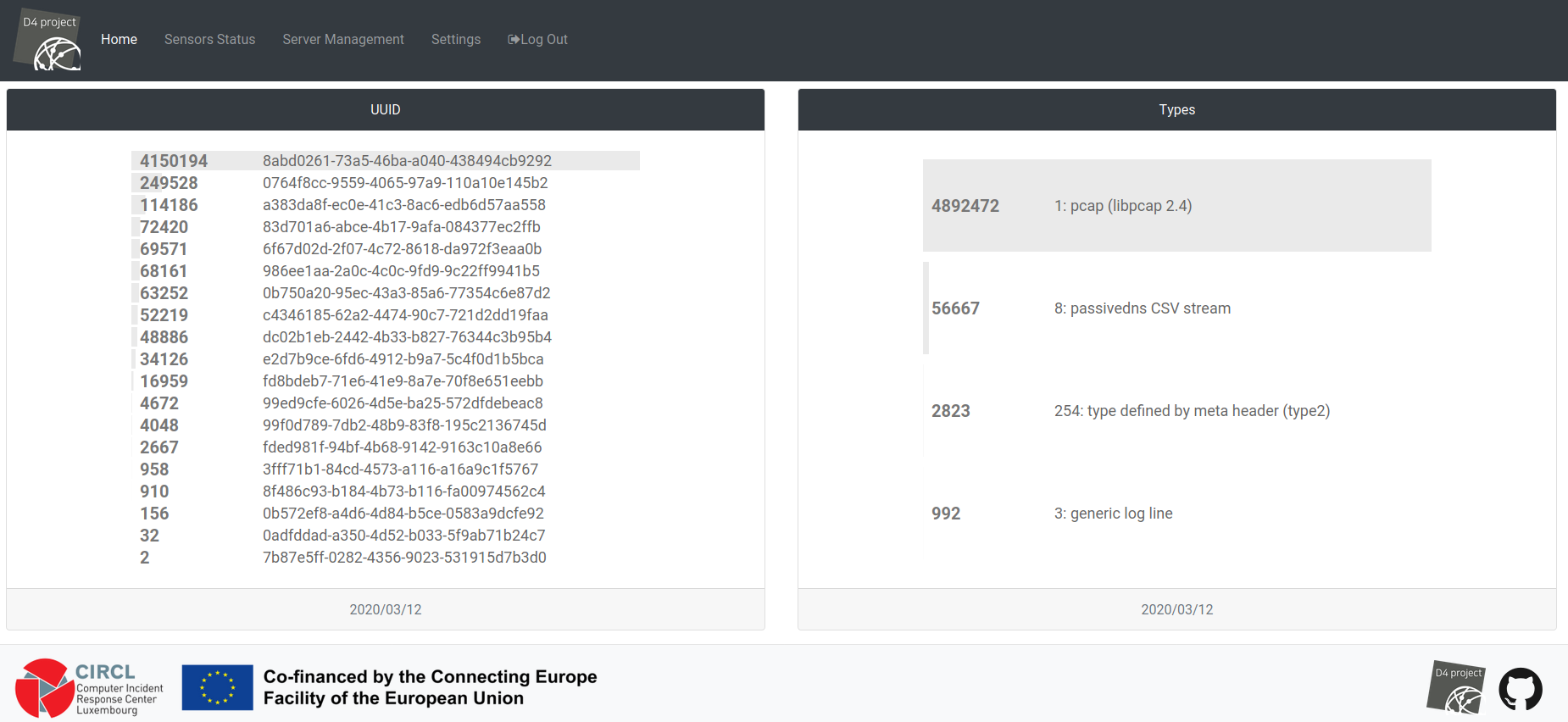
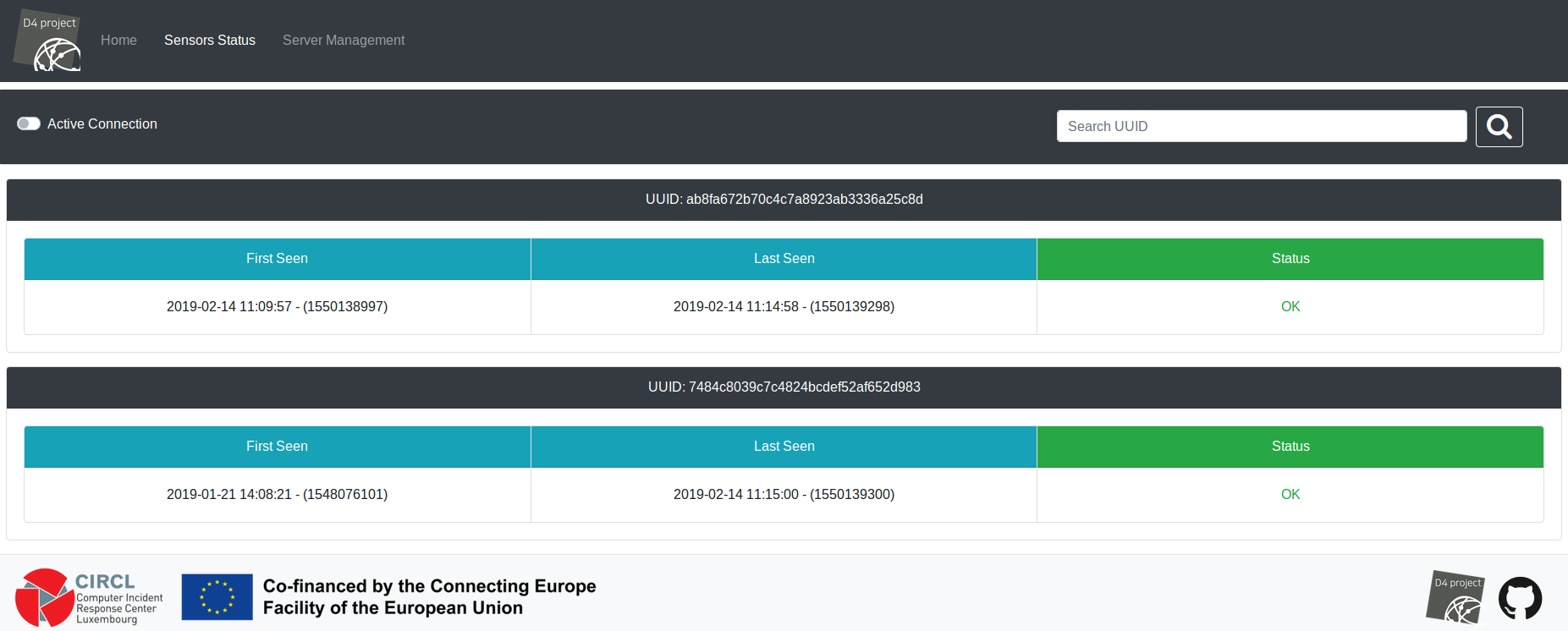
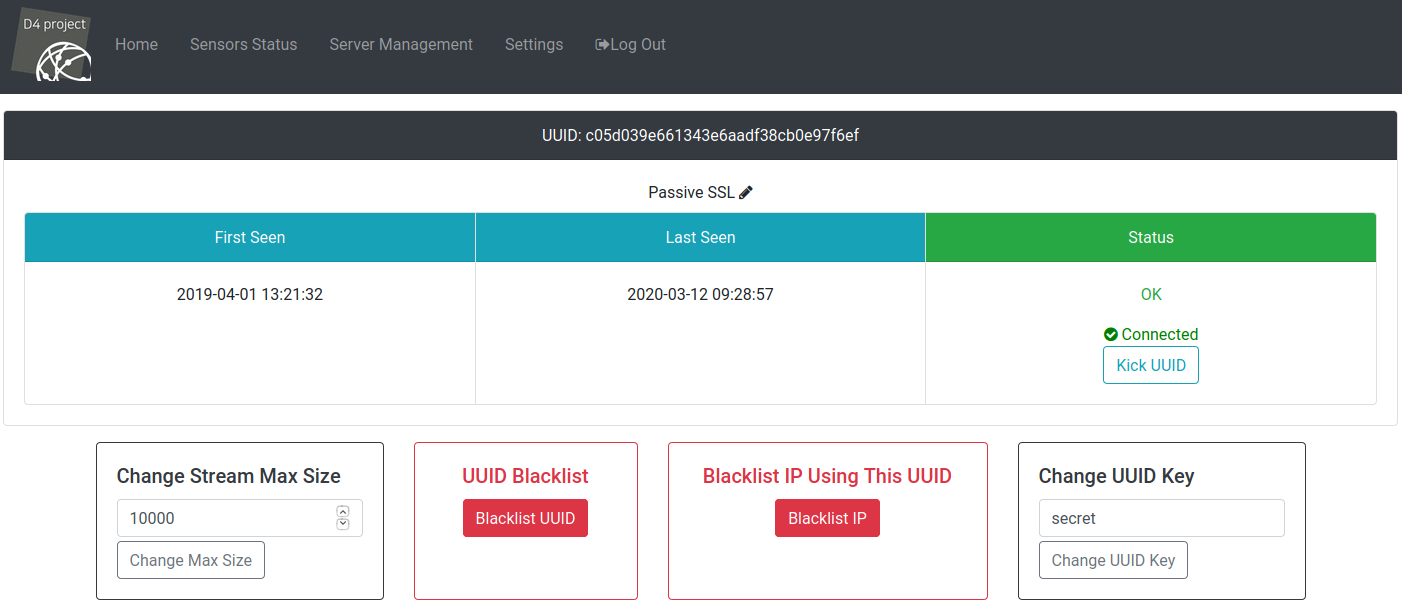
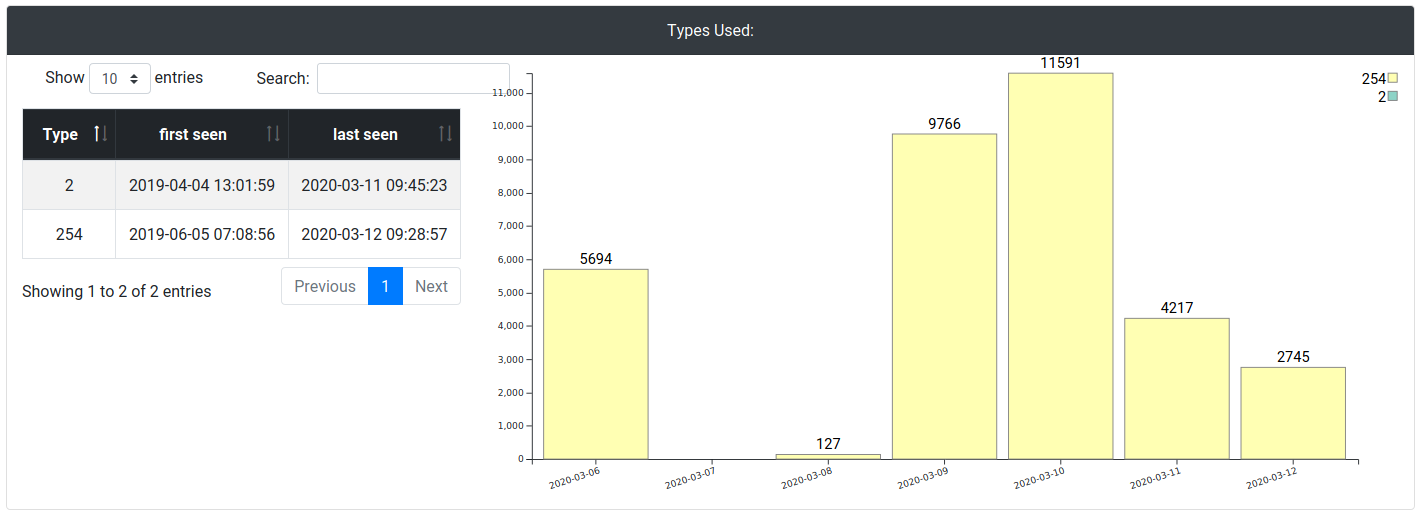
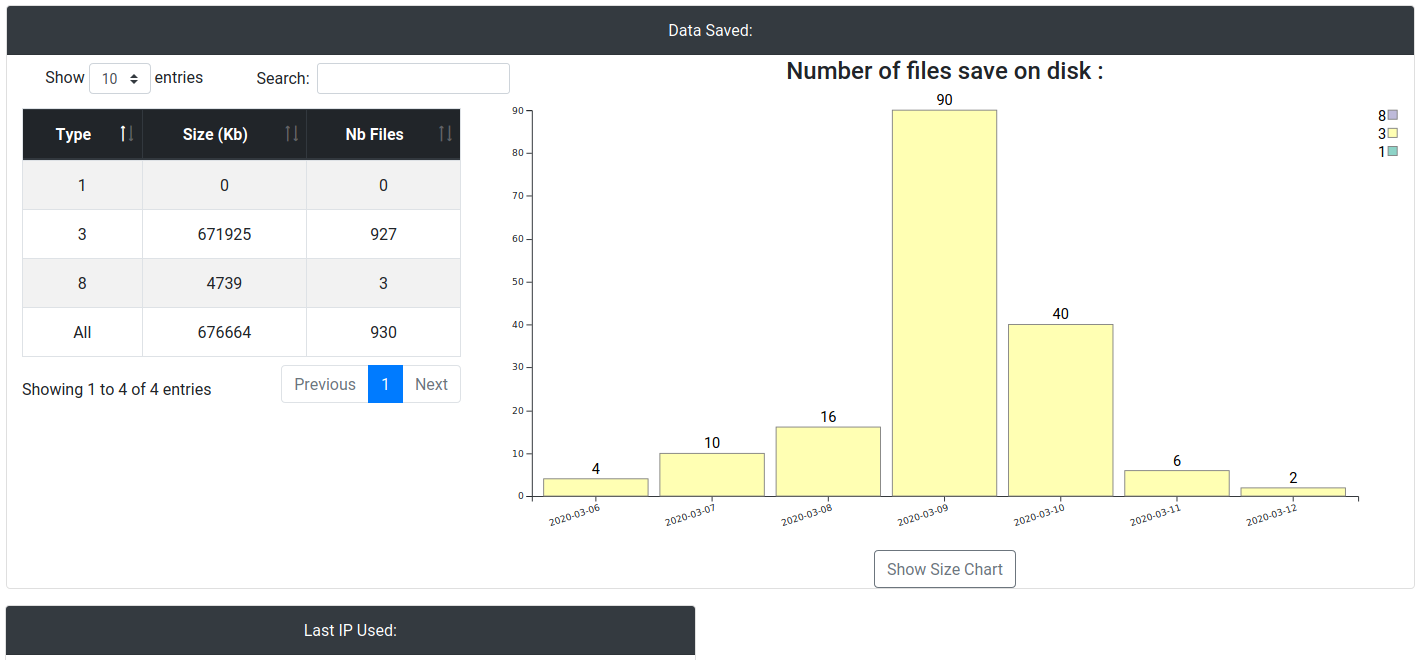
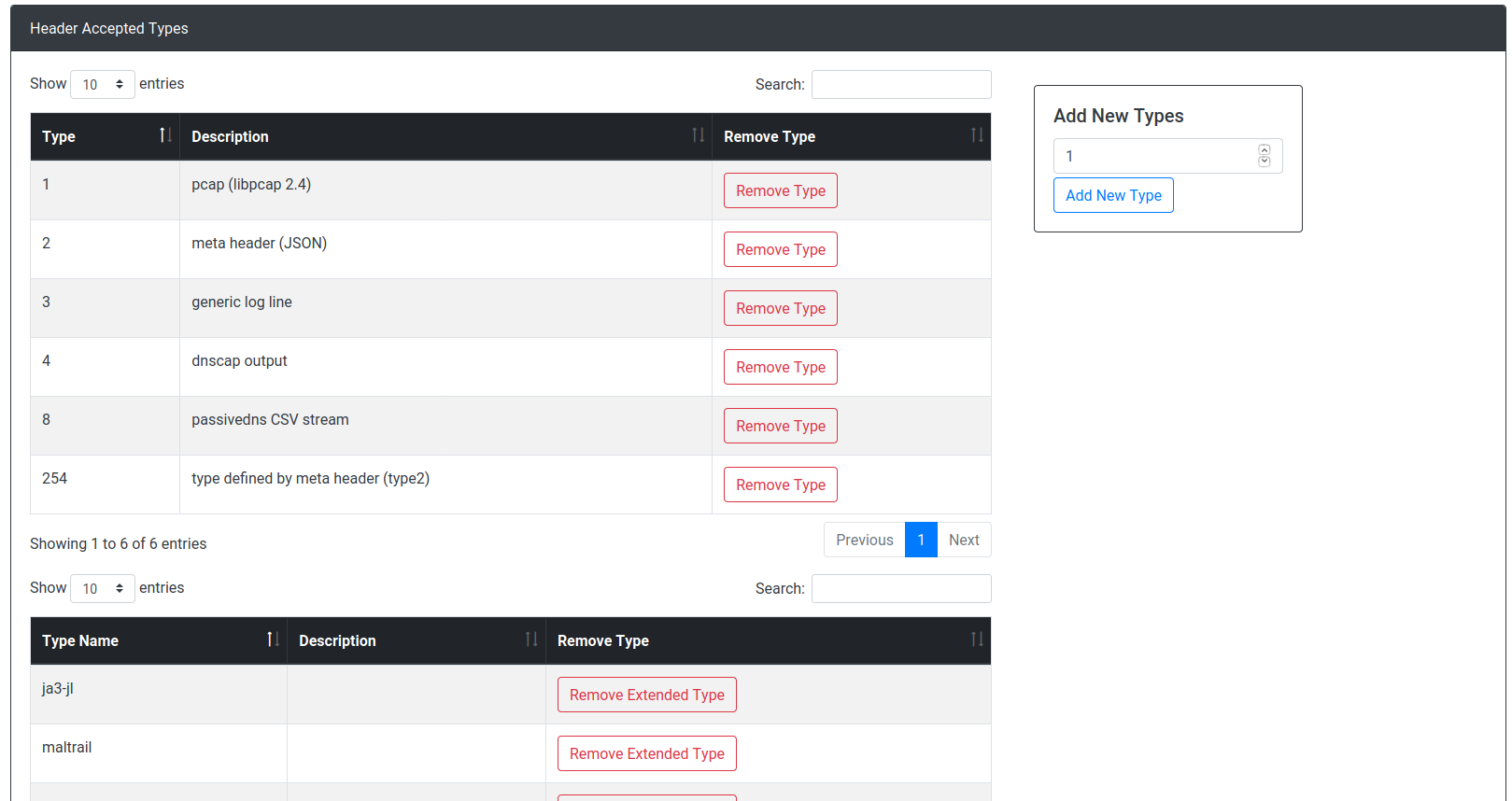
### D4 core server Screenshots
#### Dashboard:
#### Connected Sensors:
#### Sensors Status:
#### Server Management:

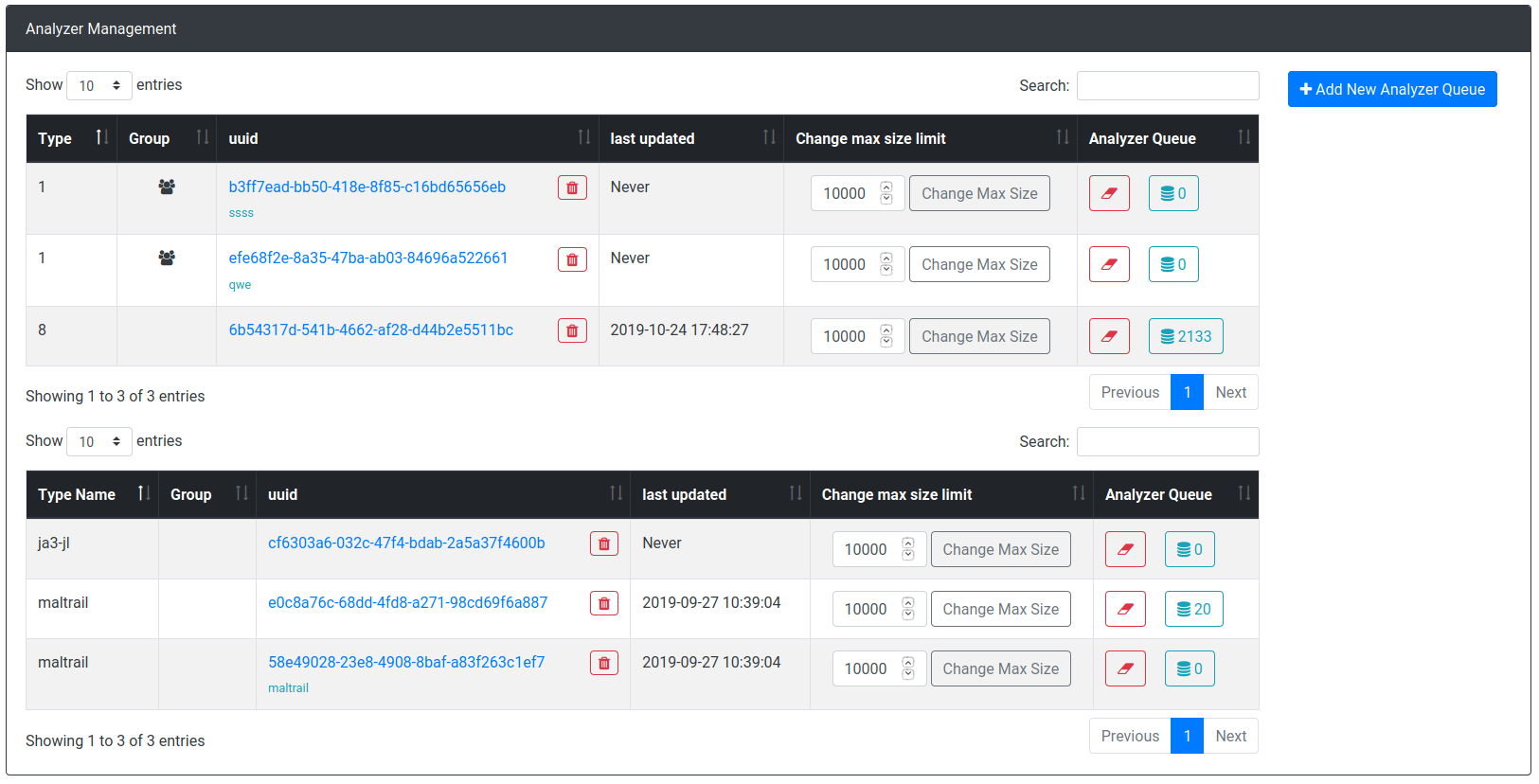
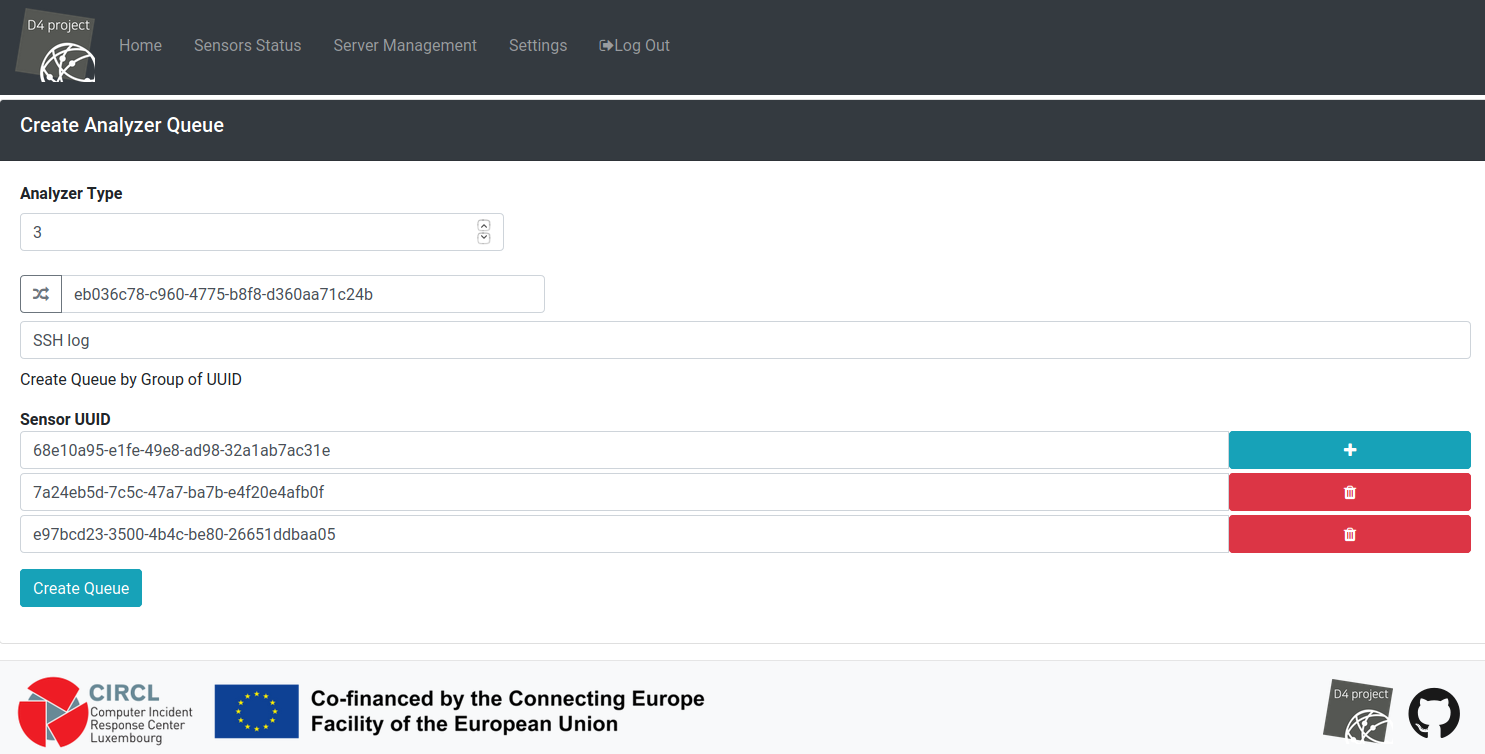
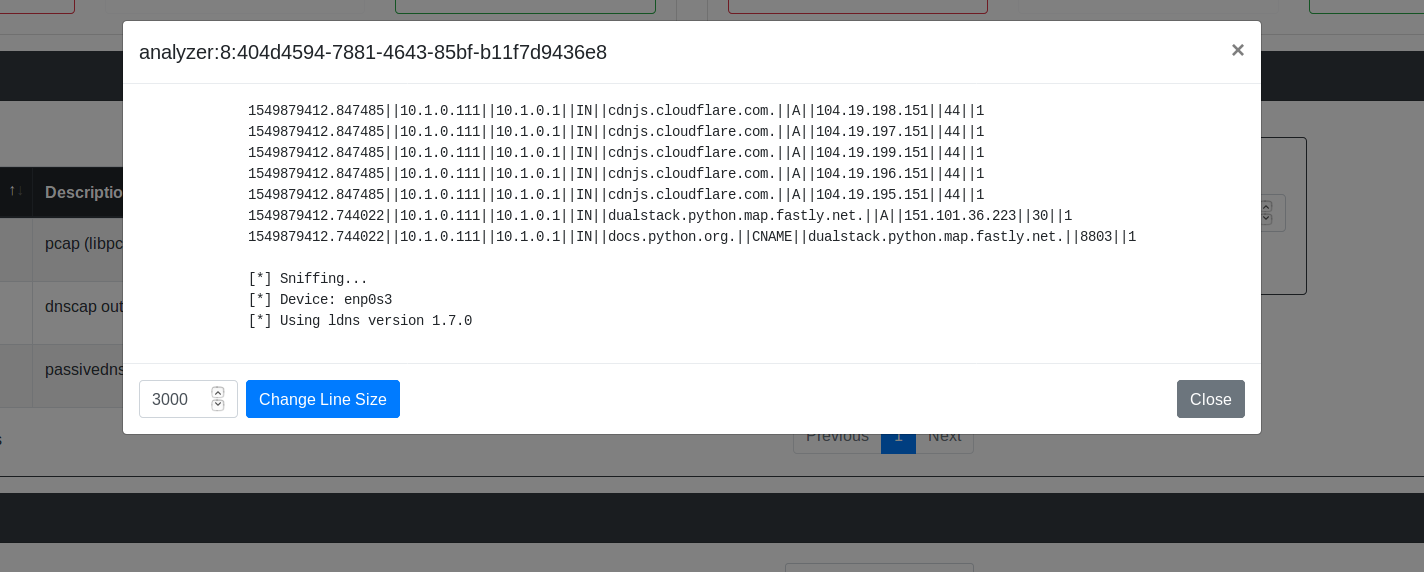
#### analyzer Queues: