https://github.com/Neurolinked/MlsetupBuilder
Cyberpunk 2077 modding tool to build json version of .mlsetup files
https://github.com/Neurolinked/MlsetupBuilder
electron
Last synced: 2 months ago
JSON representation
Cyberpunk 2077 modding tool to build json version of .mlsetup files
- Host: GitHub
- URL: https://github.com/Neurolinked/MlsetupBuilder
- Owner: Neurolinked
- License: gpl-3.0
- Created: 2021-10-26T14:57:30.000Z (over 4 years ago)
- Default Branch: main
- Last Pushed: 2026-04-05T20:37:17.000Z (3 months ago)
- Last Synced: 2026-04-05T22:21:28.084Z (3 months ago)
- Topics: electron
- Language: JavaScript
- Homepage:
- Size: 79.3 MB
- Stars: 22
- Watchers: 1
- Forks: 6
- Open Issues: 0
-
Metadata Files:
- Readme: README.md
- Funding: .github/FUNDING.yml
- License: LICENSE
Awesome Lists containing this project
- awesome-game-file-format-reversing - MlsetupBuilder - Tool for building and editing Cyberpunk 2077 .mlsetup files. (Game & Studio Tools / CD Projekt Red)
README
# MlsetupBuilder
Cyberpunk 2077 modding tool to build json version of .mlsetup files (electron version).
A Compiled version is under the Release section on the right side
MLSB 1.6.8 rc4 (release candidate)

## Displaying the models
To display the models present in the model library you need to setup a folder in the software preferences, choose the Wolvenkit-CLI executable, at least version 8.14.x and from the build menu Build the repository, then the microblends normals and decals for the software
## If you want to compile it, clone the repository, then
```
cd MlsetupBuilder
npm install .
npx electron .
```
You are good to go. Happy Modding!
## Videos playlist
Personal videos: https://youtu.be/vpT_crK5K1M
How to use it with Wolvenkit: https://youtu.be/uCOHjMPvpgc
# Screenshots
1.6.8 has a new panel with the loaded textures
to display and export textures

Manual export of model and related material and textures
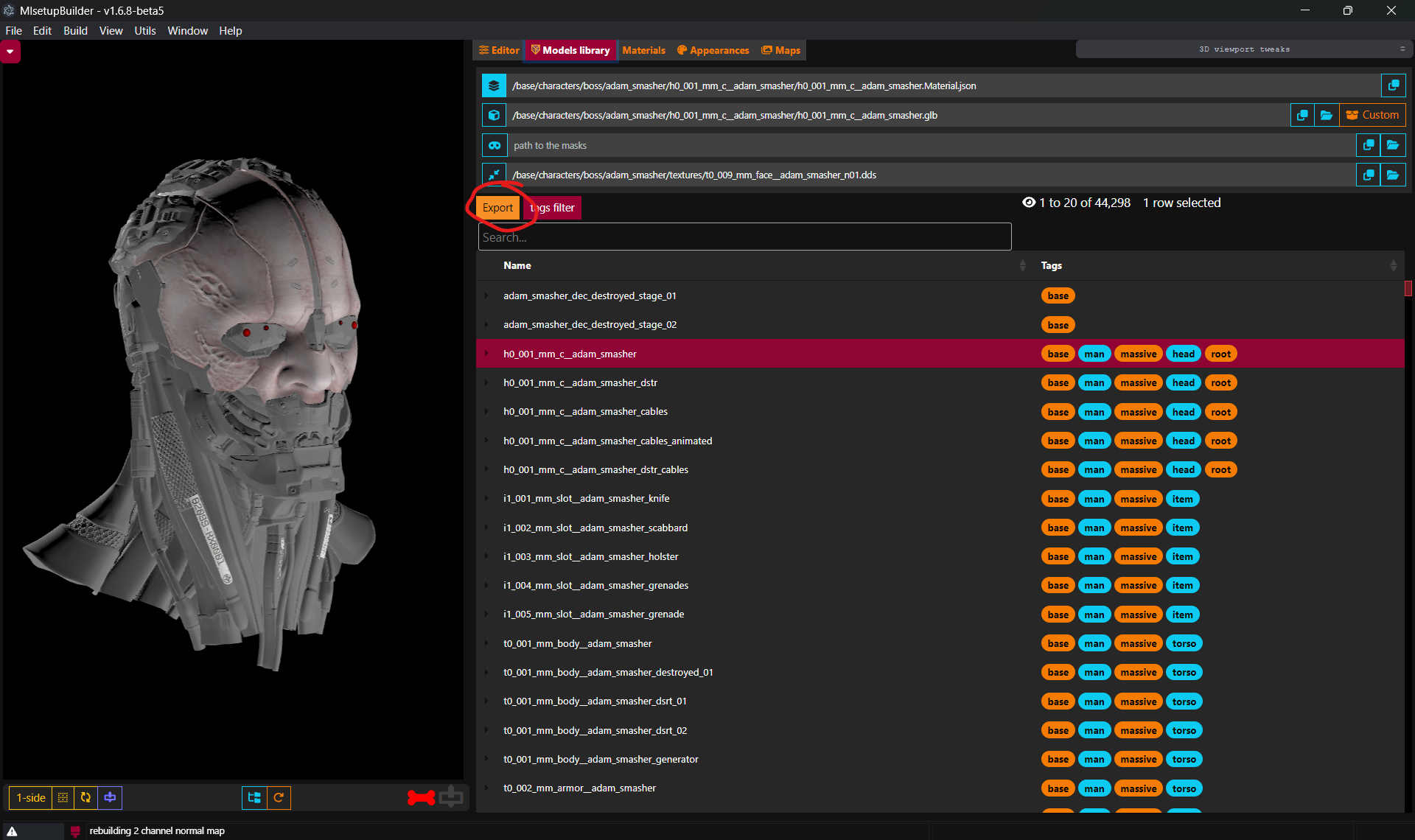
Changed export commands choice
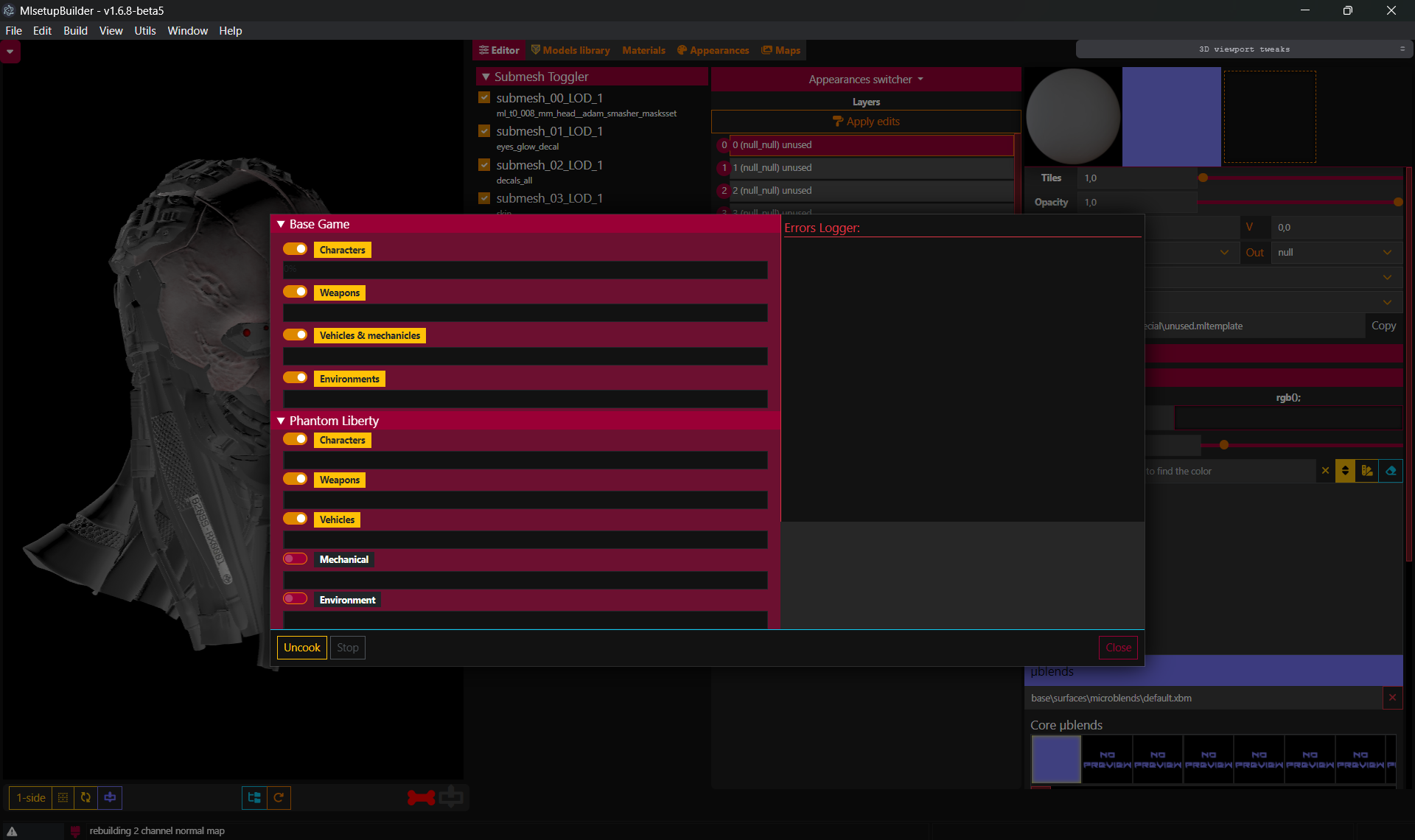
New Tweakpane panel with a log of configurations
