https://github.com/Travis71i/clean-css-vscode
Clean CSS adapted as a Visual Studio Code extension.
https://github.com/Travis71i/clean-css-vscode
clean-css compact css formatter optimizer vscode-extension
Last synced: over 1 year ago
JSON representation
Clean CSS adapted as a Visual Studio Code extension.
- Host: GitHub
- URL: https://github.com/Travis71i/clean-css-vscode
- Owner: Travis71i
- License: mit
- Created: 2021-01-02T00:28:42.000Z (over 5 years ago)
- Default Branch: master
- Last Pushed: 2022-12-24T00:20:19.000Z (over 3 years ago)
- Last Synced: 2024-10-24T06:30:22.869Z (over 1 year ago)
- Topics: clean-css, compact, css, formatter, optimizer, vscode-extension
- Language: TypeScript
- Homepage: https://marketplace.visualstudio.com/items?itemName=travis71i.clean-css-vscode
- Size: 177 MB
- Stars: 1
- Watchers: 1
- Forks: 0
- Open Issues: 1
-
Metadata Files:
- Readme: README.md
- Changelog: CHANGELOG.md
- License: LICENSE.txt
Awesome Lists containing this project
README



**Notes:** The functionality of this extension depends entirely on Clean CSS. Thanks to [jakubpawlowicz](https://github.com/jakubpawlowicz) for creating and managing it!
# What's new
**Clean CSS has been updated to [version 5.0](https://github.com/jakubpawlowicz/clean-css#whats-new-in-version-50)**.
You can see what has changed [here](https://github.com/jakubpawlowicz/clean-css/blob/master/History.md).
These changes affect the functionality of the extension, but will not affect how it is handled in VSCode. Except for :
>Changes default Internet Explorer compatibility from 10+ to >11, to revert the old default use { compatibility: 'ie10' } flag;
To see a list of all the changes in this extension see [CHANGELOG.md](CHANGELOG.md).
# Features
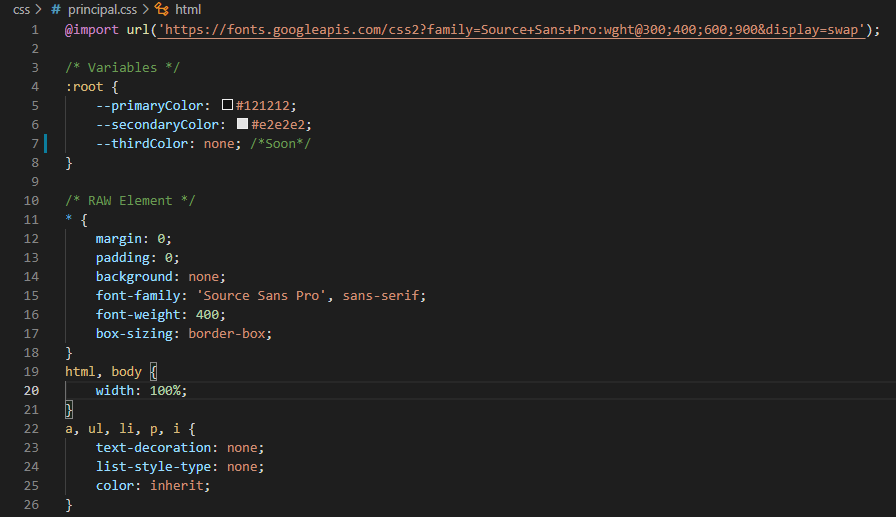
- Compress CSS files using Clean CSS optimizer.

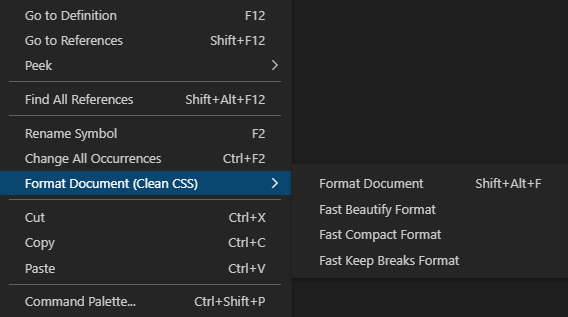
- Quickly format using different presets, in the editor context menu.
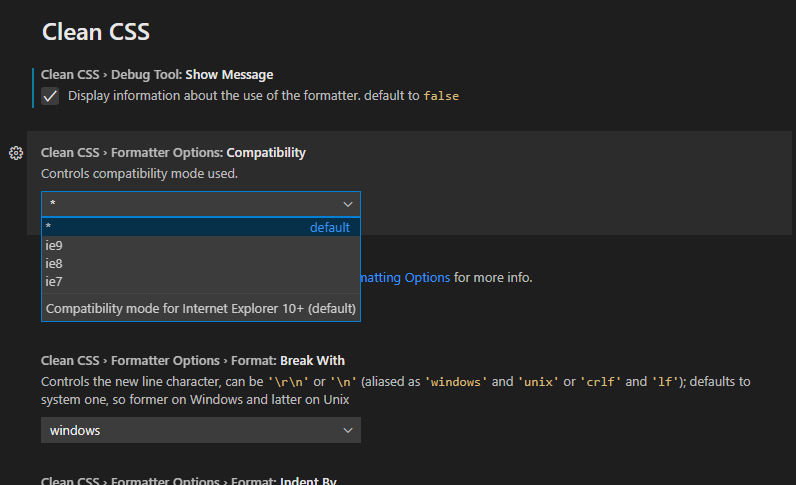
- Use "Clean CSS: Format Document" command (Shift+Alt+F) to format using user settings.
# Extension Settings
## Debug Tool
### Show Output
`cleanCSS.debugTool.showOutput`: Display information about formatter usage on an output channel.

## Formatter Options
All options in this group go directly to the formatter. `cleanCSS.formatterOptions` object is an `options` object of Clean CSS.
See [Clean CSS: Options](https://github.com/jakubpawlowicz/clean-css#constructor-options) for more info about the `options` object.