https://github.com/Usercentrics/react-native-sdk
https://github.com/Usercentrics/react-native-sdk
Last synced: about 2 months ago
JSON representation
- Host: GitHub
- URL: https://github.com/Usercentrics/react-native-sdk
- Owner: Usercentrics
- License: apache-2.0
- Created: 2021-10-14T09:57:53.000Z (almost 5 years ago)
- Default Branch: master
- Last Pushed: 2025-02-05T17:44:31.000Z (over 1 year ago)
- Last Synced: 2025-02-20T09:07:18.950Z (over 1 year ago)
- Language: Kotlin
- Size: 1.81 MB
- Stars: 8
- Watchers: 6
- Forks: 3
- Open Issues: 0
-
Metadata Files:
- Readme: README.md
- Changelog: CHANGELOG.md
- License: LICENSE
Awesome Lists containing this project
README

# Usercentrics
[](https://github.com/Usercentrics/react-native-sdk/actions/workflows/ci.yml) [](https://www.npmjs.com/package/@usercentrics/react-native-sdk)

# Already a customer?
In case you wish to report an issue, we provide a [dedicated page](https://usercentricssupport.zendesk.com/hc/en-us/requests/new) specifically for this purpose. By accessing the provided link and submitting a ticket our team will address your concerns with the utmost efficiency, ensuring a prompt resolution.
# Welcome!
You are now one step closer to make **privacy** a core feature in your application. We are very happy that you decided to make this a priority. We are here to help you **build trust** with your users.
## The Usercentrics Apps SDK
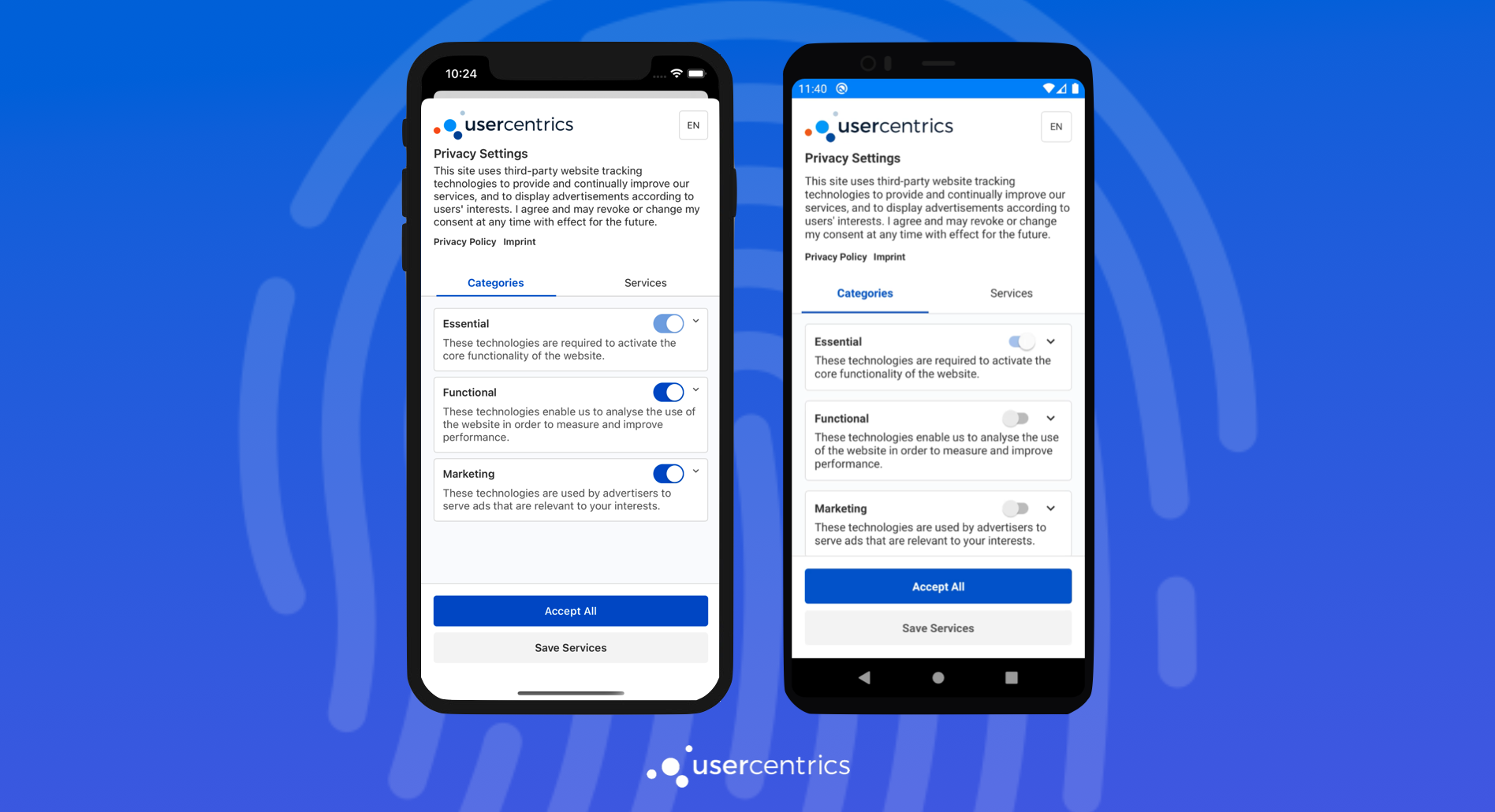
The Usercentrics Apps SDK is a native Consent Management Platform solution for mobile apps, mobile games & TV applications, that enables the collection, documentation, and management of your user's privacy choices, in order to ensure legal compliance for legal regulations around the world.
### Requirements
* Android 5.0 (API 21) or higher with Kotlin 1.5 or higher
* iOS 11 or higher
* React 17.0 or higher
* React Native 0.65 or higher
* Node 14
## Get started!
In order to use and test the SDK, you will need a Usercentrics Account. Get [started with a free trial](https://usercentrics.com/in-app-sdk/).
## Integration
Continue to our [documentation](https://usercentrics.com/docs/apps/intro/) for a step by step integration guide.
## Example
See the [example](https://github.com/Usercentrics/react-native/tree/master/example) directory for a complete sample app using Usercentrics.
## Sample Project
To run the sample project, you will need to run npm install from both root and example folders:
* From root folder:
```sh
npm install
```
* From example folder:
```sh
npm install
```
### iOS
From example folder:
```sh
npx pod-install
npx react-native run-ios
```
### Android
Open the android folder using Android Studio in order to create essential files then run from example folder:
```sh
npx react-native run-android
```
### Consent Mediation
You can enable and run the Consent Mediation example in this example by following the [documentation](https://usercentrics.com/docs/apps/features/consent-mediation/#enable-mediation).
## Maintainers
- [Usercentrics](https://github.com/Usercentrics)