https://github.com/Vyshnav-KS/e-commerce
This is an ecommerce bookstore project built with React on the frontend and Django REST API on the backend, aiming to provide a platform for users to buy and sell books online.
https://github.com/Vyshnav-KS/e-commerce
django django-rest-framework reactjs rest-api zustand
Last synced: over 1 year ago
JSON representation
This is an ecommerce bookstore project built with React on the frontend and Django REST API on the backend, aiming to provide a platform for users to buy and sell books online.
- Host: GitHub
- URL: https://github.com/Vyshnav-KS/e-commerce
- Owner: Vyshnav-KS
- Created: 2023-02-10T14:22:26.000Z (over 3 years ago)
- Default Branch: main
- Last Pushed: 2023-03-14T10:54:21.000Z (over 3 years ago)
- Last Synced: 2024-10-24T18:34:12.037Z (over 1 year ago)
- Topics: django, django-rest-framework, reactjs, rest-api, zustand
- Language: JavaScript
- Homepage:
- Size: 15.5 MB
- Stars: 1
- Watchers: 1
- Forks: 0
- Open Issues: 1
-
Metadata Files:
- Readme: README.md
Awesome Lists containing this project
README
# LibraryLane
### Ecommerce Book Store Project
This is an ecommerce book store project built with React on the frontend and Django REST API on the backend.
## Project Overview
The project aims to provide a platform for users to buy and sell books online. Users can browse the collection of books, search for specific titles, and add them to their cart. They can also create an account, view their order history etc.
## Tech Stack
- Frontend: React & zustand
- Backend: Django REST API
- Database: sqlite
## Features
- User authentication and authorization
- Book search functionality
- Book listing and details page
- Add to cart and checkout
- Order history and status tracking
- Admin panel for book management
## Getting Started
To get started with the project, follow these steps:
1. Clone the repository: `git clone https://github.com/Vyshnav-KS/e-commerce.git`
2. Navigate to the project directory: `cd e-commerce/LibraryLane` and run `python manage.py runserver`
3. Go to directory `cd frontend` and install the dependencies: `npm install`
4. Start the development server: `npm start`
5. Open your browser and go to `http://localhost:3000`
## Demo Video
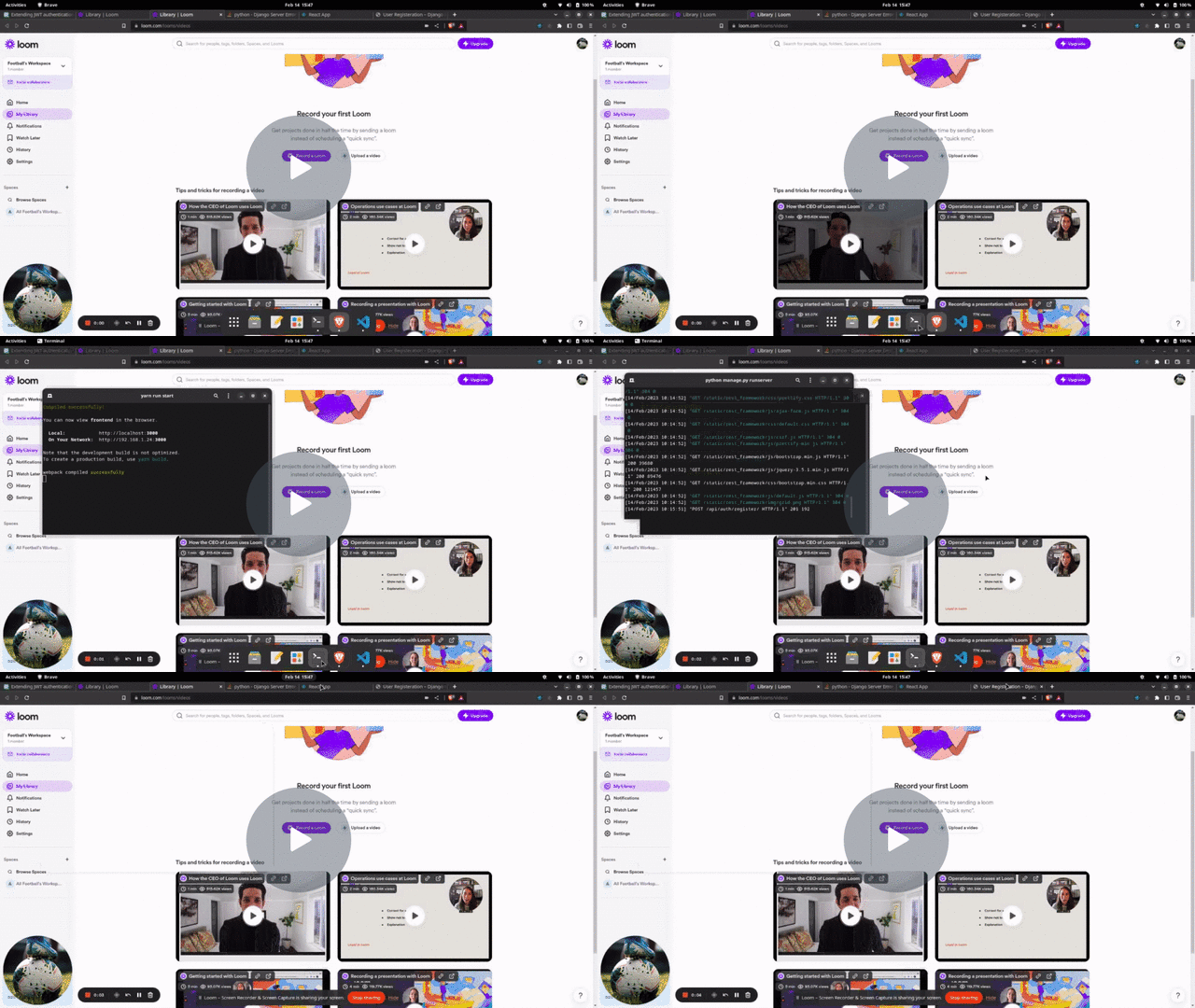
Check out this [demo video](https://www.loom.com/embed/9915faff11424535b475187b4766789f) for a quick overview of the project.
[](https://www.loom.com/embed/9915faff11424535b475187b4766789f)
## Contributing
Contributions to the project are welcome. To contribute, follow these steps:
1. Fork the repository
2. Create a new branch: `git checkout -b new-feature`
3. Make changes and commit: `git commit -am 'Add new feature'`
4. Push to the branch: `git push origin new-feature`
5. Create a pull request