https://github.com/Wildhoney/Switzerland
🇨🇭Switzerland takes a functional approach to Web Components by applying middleware to your components. Supports Redux, attribute mutations, CSS variables, React-esque setState/state, etc… out-of-the-box, along with Shadow DOM for style encapsulation and Custom Elements for interoperability.
https://github.com/Wildhoney/Switzerland
component component-architecture components css-variables custom-elements functional immutable shadow-dom virtual-dom webcomponents
Last synced: 9 months ago
JSON representation
🇨🇭Switzerland takes a functional approach to Web Components by applying middleware to your components. Supports Redux, attribute mutations, CSS variables, React-esque setState/state, etc… out-of-the-box, along with Shadow DOM for style encapsulation and Custom Elements for interoperability.
- Host: GitHub
- URL: https://github.com/Wildhoney/Switzerland
- Owner: Wildhoney
- License: mit
- Created: 2016-09-19T19:18:37.000Z (almost 10 years ago)
- Default Branch: master
- Last Pushed: 2024-09-27T00:25:56.000Z (almost 2 years ago)
- Last Synced: 2025-05-19T13:08:32.354Z (about 1 year ago)
- Topics: component, component-architecture, components, css-variables, custom-elements, functional, immutable, shadow-dom, virtual-dom, webcomponents
- Language: TypeScript
- Homepage: https://switzerland.herokuapp.com/
- Size: 39.1 MB
- Stars: 268
- Watchers: 9
- Forks: 15
- Open Issues: 2
-
Metadata Files:
- Readme: README.md
- Changelog: CHANGELOG.md
Awesome Lists containing this project
- awesome-webcomponents - Switzerland
- awesome-custom-elements - Switzerland
README

> Switzerland takes a functional approach to web components using Preact with shadow DOM for style encapsulation, custom elements for interoperability and server-side rendering for universality.


[](https://github.com/prettier/prettier)
**yarn**: `yarn add switzerland`
**npm**: `npm install switzerland`
**cdn**: [`https://cdn.jsdelivr.net/npm/switzerland@latest/dist/index.client.js`](https://cdn.jsdelivr.net/npm/switzerland@latest/dist/index.client.js)
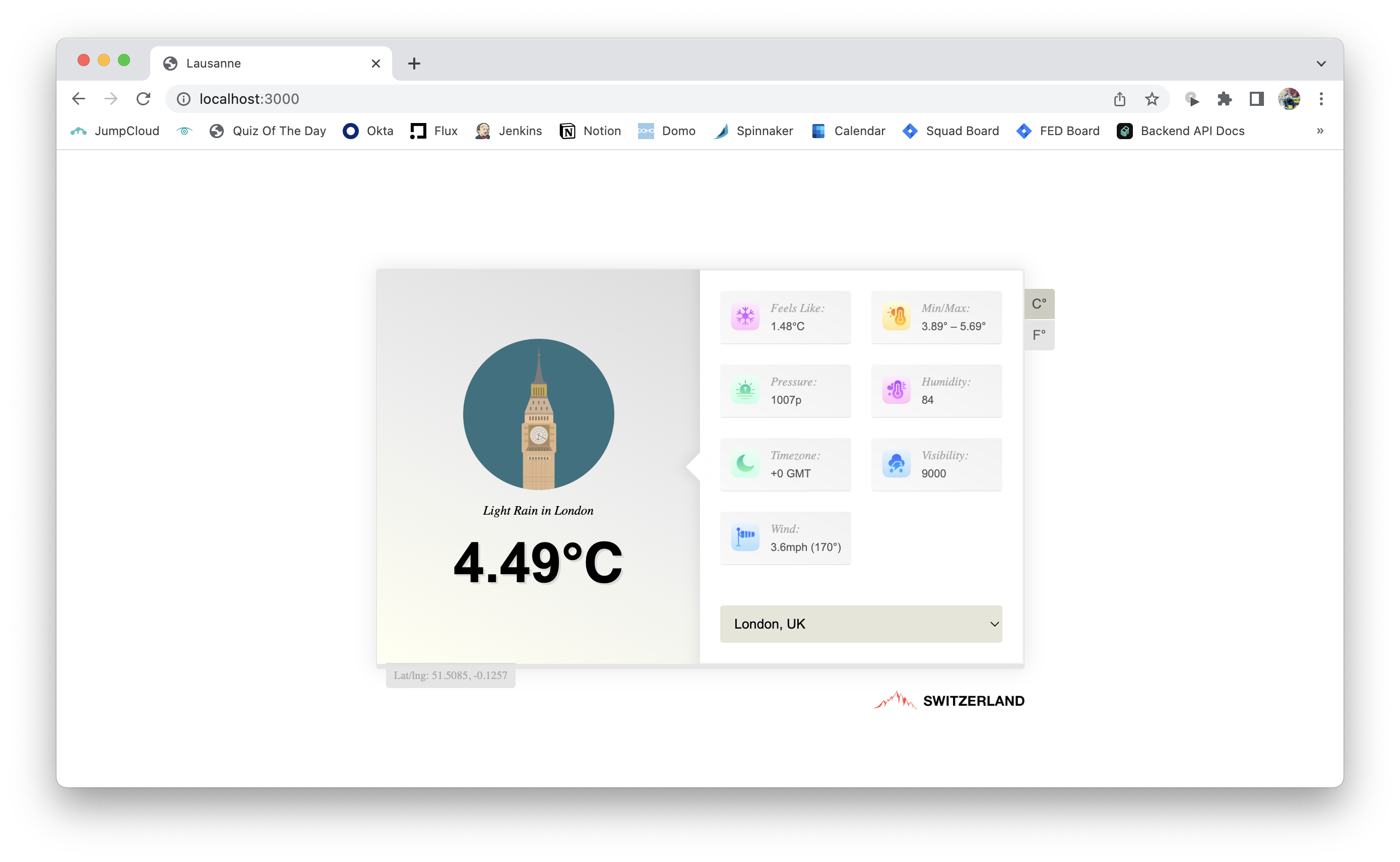
---
## Contents
1. [Getting Started](#getting-started)
1. [Import Maps](#import-maps)
1. [Managing State](#managing-state)
1. [Applying Styles](#applying-styles)
1. [Data Fetching](#data-fetching)
1. [Environment Context](#environment-context)
1. [Extending Elements](#extending-elements)
## Getting Started
Switzerland optionally begins with server-side rendering with hydration on the client thanks to [declarative shadow DOM](https://developer.chrome.com/en/articles/declarative-shadow-dom/) — with our components looking very familiar due to our usage of [Preact](https://preactjs.com/).
```tsx
import { create } from "switzerland";
export default create("x-countries", () => {
return (
- Japan
- Croatia
- Singapore
);
});
```
Once we've defined our `x-countries` component we are able to both render it on the server and hydrate it on the client as a standard `` DOM element. We can then take a step further and allow our countries to be passed as a HTML attribute on the DOM node using ``.
```tsx
import { create, type, use } from "switzerland";
type Attrs = {
countries: string[];
};
export default create("x-countries", () => {
const attrs = use.attrs({
countries: type.Array(type.String),
});
return (
- {country}
{attrs.countries.map((country) => (
))}
);
});
```
Using our component from within a Node environment requires us to use the exported asynchronous `render` function; we can specify an optional second parameter to the function, however our component currently doesn't perform data fetching or media inclusion and so is unnecessary.
```tsx
import { render } from "switzerland";
app.get("/", async (_, response) => {
const html = await render();
response.send(html);
});
```
As our components are self-contained modules, any changes to their attributes will initiate a re-render of the component's tree – regardless of whether those attributes change from inside another component or through vanilla DOM accessors.
```js
const node = document.querySelector("x-countries");
node.attributes.values = `${node.attributes.values},Ukraine,Maldives`;
```
## Import Maps
Switzerland doesn't _need_ to be compiled except for optional TypeScript and JSX transpiling because it uses native ES modules in the browser and Node 16+ on the server. It achieves this by using `node_modules` when rendering on the server using named imports, and in the browser it uses import maps to resolve those named imports to CDN URLs which offers enhanced caching. We provide a utility for the server to automatically generate the import maps for your application based on its dependencies.
```tsx
import fs from "node:fs";
import { imports, render } from "switzerland";
app.get("/", async (_, response) => {
const html = await render();
const importMap = await imports({ path: path.resolve("../app/src") });
response.send(`
${importMap}
${html}
`);
});
```
You need to give the `imports` function the base path of your Switzerland components. It will then traverse the files [using `ts-morph`](https://github.com/dsherret/ts-morph) which provides an abstract syntax tree (AST) of your code and allows us to pick out the external dependencies; it then iteratively matches each of those dependencies it finds to the versions installed by your chosen package manager. We [use the `@jspm/generator` package](https://github.com/jspm/generator) to resolve the dependencies to `jspm.io` URLs by default – however you may also pass the `provider` option to change the provider.
Once you have the import map configured, when rendering Switzerland components in the browser it will use those CDN URLs and prevent any need to package up dependencies via a bundler. You can focus purely on the simple task of transpiling TypeScript and JSX into native ES modules using nothing more than `tsc` – although if you want to minify you may need to add [Terser](https://www.npmjs.com/package/@rollup/plugin-terser).
```json
{
"include": ["src"],
"compilerOptions": {
"rootDir": "./src",
"outDir": "./dist",
"module": "esnext",
"moduleResolution": "nodenext",
"esModuleInterop": true,
"target": "esnext",
"strict": true,
"jsx": "react-jsx",
"jsxImportSource": "preact",
"declaration": true
}
}
```
## Managing State
Since we use [Preact](https://preactjs.com/) to render Switzerland's components the API should already be familiar. For ease of use we re-export Preact's hook functions but you may also use them directly from Preact.
```tsx
import { create, use } from "switzerland";
export default create("x-countries", () => {
const [countries, setCountries] = use.state([
"Japan",
"Croatia",
"Singapore",
]);
return (
- {country}
{countries.map((country) => (
))}
);
});
```
## Applying Styles
Styles within a shadow boundary allow for encapsulation which means we can use regular CSS documents scoped to our component's tree. We can attach our stylesheets to our component by using a regular `link` node, although Switzerland provides a `node` utility for `StyleSheet` and `Variables` — the latter applies custom variables to your component tree allowing CSS to access those JavaScript variables. We use the `use.path` hook to resolve media — CSS documents, images, etc... — relative to our component.
```tsx
import { create, node, use } from "switzerland";
export default create("x-countries", () => {
const path = use.path(import.meta.url);
const [countries, setCountries] = use.state([
"Japan",
"Croatia",
"Singapore",
]);
return (
<>
- {country}
{countries.map((country) => (
))}
>
);
});
```
We can then be quite loose when applying those styles to our component knowing that the shadow boundary will prevent styles from leaking out — we use a CSS variable to apply a conditional background colour with a fallback.
```css
:host {
box-shadow: 0 0 5px #e8c5b0;
}
ul {
background-color: var(--background-color, "#E39AC7");
}
```
## Data Fetching
Since Switzerland allows for server-side rendering by default a `use.loader` utility hook is provided for fetching data – although you may choose to use **any** other third-party fetching utility or a simple `useEffect` and that is fine too. Using `loader` hook allows for fetching data server-side and then preventing a re-fetch on the client; we achieve this by rendering our components twice in the asynchronous `render` function we covered earlier and then including the serialised data in the tree.
```tsx
import { create, use } from "switzerland";
export default create("x-countries", () => {
const { data, loading, error } = use.loader(
"x-countries",
() =>
fetch("https://www.example.org/countries").then((response) =>
response.json()
),
null
);
return loading ? (
Loading…
) : (
- {country}
{data.map((country) => (
))}
);
});
```
We provide a unique ID to the `loader` function which _should_ identify the individual request to prevent duplicates and to allow for reconciliation on the client. With the dependencies argument in third position we can re-invoke the `loader` client-side whenever a parameter changes; in our case we probably don't want to re-fetch given nothing changes but if fetching by a given list we might expect the current list of countries to be provided as dependencies.
## Environment Context
Providing the environment context requires some user configuration on the server side — the `render` function takes an optional second parameter which allows us to specify both the root directory on the web-server and _optionally_ the domain we're running the server on.
```ts
import App from "./App";
import { preload, render } from "switzerland";
const vendor = path.resolve("..");
const options = {
path: process.env["DOMAIN"]
? `https://${process.env["DOMAIN"]}/client`
: "http://localhost:3000/client",
root: vendor,
};
app.get("/", async (_, response) => {
const html = await render(
,
options
);
response.send(html);
});
```
We use these options to resolve media using the `use.path` hook with `import.meta.url` relative to the component – on the server we need to know the root directory in order to achieve this. On the client-side however it's slightly more simple since we know the root based on each components' path. Likewise with the `path` option where we specify the domain the web-server is running on; we use this to provide absolute paths to media so that components can be utilised in third-party applications, however since it's optional we use the aforementioned `root` to specify a relative path which is perfectly fine when we're only using our components on our own web-server.
Using the `use.env` hook we can access these defined parameters as well as a few additional items.
```tsx
import { create, use } from "switzerland";
export default create("x-countries", () => {
const { path, root, node, isServer, isClient } = use.env();
return (
<>
{node &&
Hey {node.nodeName}!
}
Server: {isServer}
Client: {isClient}
- Japan
- Croatia
- Singapore
>
);
});
```
## Extending Elements
You may also extend native HTML elements using the `x-hello:button` syntax in the `create` function – it'll create a `x-hello` custom element that extends from the `button` constructor allowing you to add your own twist to it.
```tsx
import { create, use } from "switzerland";
export default create("x-hello:button", () => {
const handleClick = use.callback((): void => console.log("Hello!"), []);
return Say Hello!;
});
```