https://github.com/abedputra/Attendance-login-system
Attendance login system based on codeIginter. Simple application for employee attendance, you need install Employee Attendance with QR on Google Play for attendance
https://github.com/abedputra/Attendance-login-system
attendance-monitoring attendance-system employee-details employee-management login-system
Last synced: over 1 year ago
JSON representation
Attendance login system based on codeIginter. Simple application for employee attendance, you need install Employee Attendance with QR on Google Play for attendance
- Host: GitHub
- URL: https://github.com/abedputra/Attendance-login-system
- Owner: abedputra
- License: mit
- Created: 2017-11-27T06:47:32.000Z (over 8 years ago)
- Default Branch: master
- Last Pushed: 2023-06-20T02:11:09.000Z (about 3 years ago)
- Last Synced: 2025-04-01T23:14:31.413Z (over 1 year ago)
- Topics: attendance-monitoring, attendance-system, employee-details, employee-management, login-system
- Language: PHP
- Homepage: https://connectwithdev.com/
- Size: 4.61 MB
- Stars: 89
- Watchers: 8
- Forks: 56
- Open Issues: 1
-
Metadata Files:
- Readme: README.md
- License: LICENSE
- Code of conduct: CODE_OF_CONDUCT.md
Awesome Lists containing this project
README
# ===================
# 🛑 We no longer support this system, please see the latest version with Laravel here 🛑
# ===================
[ ](https://muliatech.web.id)
# Review New Version on Youtube here
- https://youtu.be/UsJTcffj-gE
- https://youtu.be/e6HzHrqdLNc

# Attendance login system
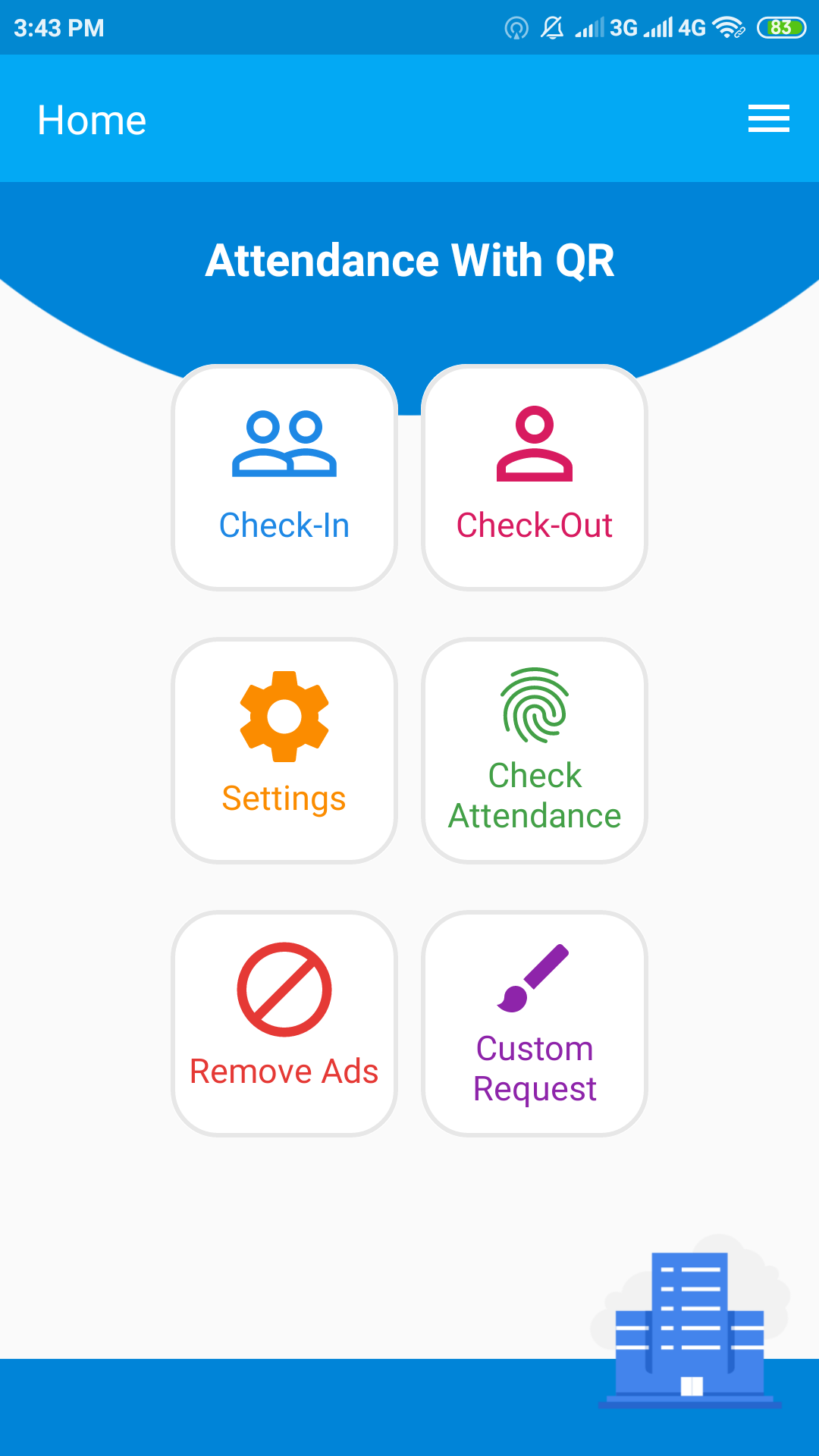
Simple application for employee attendance with QR. (You need install Employee Attendance with QR on Google Play for attendance) https://play.google.com/store/apps/details?id=com.aandt.employeeattendancewithqr
Created By me [Abed Putra](https://connectwithdev.com/)
# Want to get an Android application source code?
Please visit https://codecanyon.net/item/attendance-with-qr-code-android-system-management/24718396
# Innovation Award

Visit : https://www.phpclasses.org/package/10634-PHP-Manage-and-authenticate-company-employees-users.html
# Feature
- Add user
- Delete user
- Ban, Unban user
- Register new user sent to email token
- Forget password
- Role user level
- Edit user profile
- Gravatar user profile
- Recaptcha by Google
- List employees attendance
- Export employee attendance to CSV or XLS
- Check your employee attendance late or ontime every day
- Review your employee attendance for 1 week, 1 month, 1 Years etc
- Generate QR for your employee name


# User Level
- is_admin
- is_user (Your employee or student)
- is_subscriber
# Wiki
https://github.com/abedputra/Attendance-login-system/wiki
# login
- Pass : admin
- User : admin@gmail.com
# Check User Level
controller.php
```
//check user level
if(empty($data['role'])){
redirect(site_url().'main/login/');
}
$dataLevel = $this->userlevel->checkLevel($data['role']);
//check user level
if($dataLevel == "is_admin"){
(your code here)
}
```
# Warning
(You need install Employee Attendance with QR on Google Play for attendance) https://play.google.com/store/apps/details?id=com.aandt.employeeattendancewithqr. Attendance login system can't working without Employee Attendance with QR application
***This application can't working without Employee Attendance with QR, so please download first on Google Play.***
# New Version
Pro version for app, please download from here (https://play.google.com/store/apps/details?id=com.aandt.employeeattendancewithqrpro
# Migration from v1.0 to v2.0a
Please update the SQL file. Please always backup your data first.
From v2.0a we add new table, for save history QR.
----------------------------------------------------------------------------------------------------------------------------------------
# -----How to use this application ?
Please follow 2 steps:
1. Settings System Management
Please check this
https://github.com/abedputra/Attendance-login-system/wiki/Settings-Management-System-%3F
Please check this video how to istall the system
https://www.youtube.com/watch?v=s8pZl5UoT40
2. Settings Android Application
Please check this
https://github.com/abedputra/Attendance-login-system/wiki/Settings-on-Employee-Attendance-with-QR-Application-%3F
# -----How to get KEY?
-Go to Attendance login system link
-Login
-Go to settings
-Click get Key
-Save
-Dont forget to add KEY to your application
# -----How to get my employees data?
-Go to Attendance login system link
-Login
-Go to employee menu
----------------------------------------------------------------------------------------------------------------------------------------
# Support me
Support me at Patron
# About
Attendance login system is based on the [codeigniter](https://github.com/bcit-ci/CodeIgniter). Attendance login system is based frontend on the Bootstrap framework created by [Mark Otto](https://twitter.com/mdo) and [Jacob Thorton](https://twitter.com/fat).
Password hashing with PBKDF2, Author: [havoc AT defuse.ca](https://github.com/defuse).
Ported to CodeIgniter by [Richard Thornton](http://twitter.com/RichardThornton).
CodeIgniter Curl Libraries by [Philip Sturgeon](https://github.com/philsturgeon).
If you have question, please email me : abedputra@gmail.com
Visit: https://connectwithdev.com/page/blog/setup-employee-attendance-with-qr
# LICENSE
The MIT License (MIT).
Copyright (c) 2017, Abed Putra.
Please feel free to send me an email if you have any problems.
Thank you so much, my email : contact@abedputra.my.id.