https://github.com/abhishek325/wooionic5app
A ready-to-start ionic (angular based) app to get you going with your woocommerce store in a feature rich and hybrid mobile app
https://github.com/abhishek325/wooionic5app
angular ecommerce-application ionic-firebase rxjs scss-framework woocommerce-api woocommerce-store
Last synced: about 1 year ago
JSON representation
A ready-to-start ionic (angular based) app to get you going with your woocommerce store in a feature rich and hybrid mobile app
- Host: GitHub
- URL: https://github.com/abhishek325/wooionic5app
- Owner: Abhishek325
- Created: 2020-10-18T18:04:46.000Z (over 5 years ago)
- Default Branch: main
- Last Pushed: 2020-11-27T19:28:54.000Z (over 5 years ago)
- Last Synced: 2025-03-28T08:41:24.143Z (over 1 year ago)
- Topics: angular, ecommerce-application, ionic-firebase, rxjs, scss-framework, woocommerce-api, woocommerce-store
- Language: TypeScript
- Homepage: https://abhishek325.github.io/WooIonic5App/
- Size: 3.05 MB
- Stars: 6
- Watchers: 1
- Forks: 4
- Open Issues: 0
-
Metadata Files:
- Readme: README.md
Awesome Lists containing this project
README
## WooIonicApp
### What is this app all about?
This is an open source ionic template that consumes a `Woocommerce` based API. With this app, you can have your store setup with core features that could be scaled to any extend as per your store configurations.
#### Project structure
> The project is an `angular` based `ionic` app
These are the main files and folders used:
* **components** : Generic components are placed here.
* **pages** : App pages to render the components as per route configuration.
* **services** : This folder contains domain specific services that conencts the application to the API
* **app-routingModule.ts** : Routing configuration of the app
* **http.interceptor.ts** : Application request inteceptor to have request making logic, authentication headers, token etc at one place.
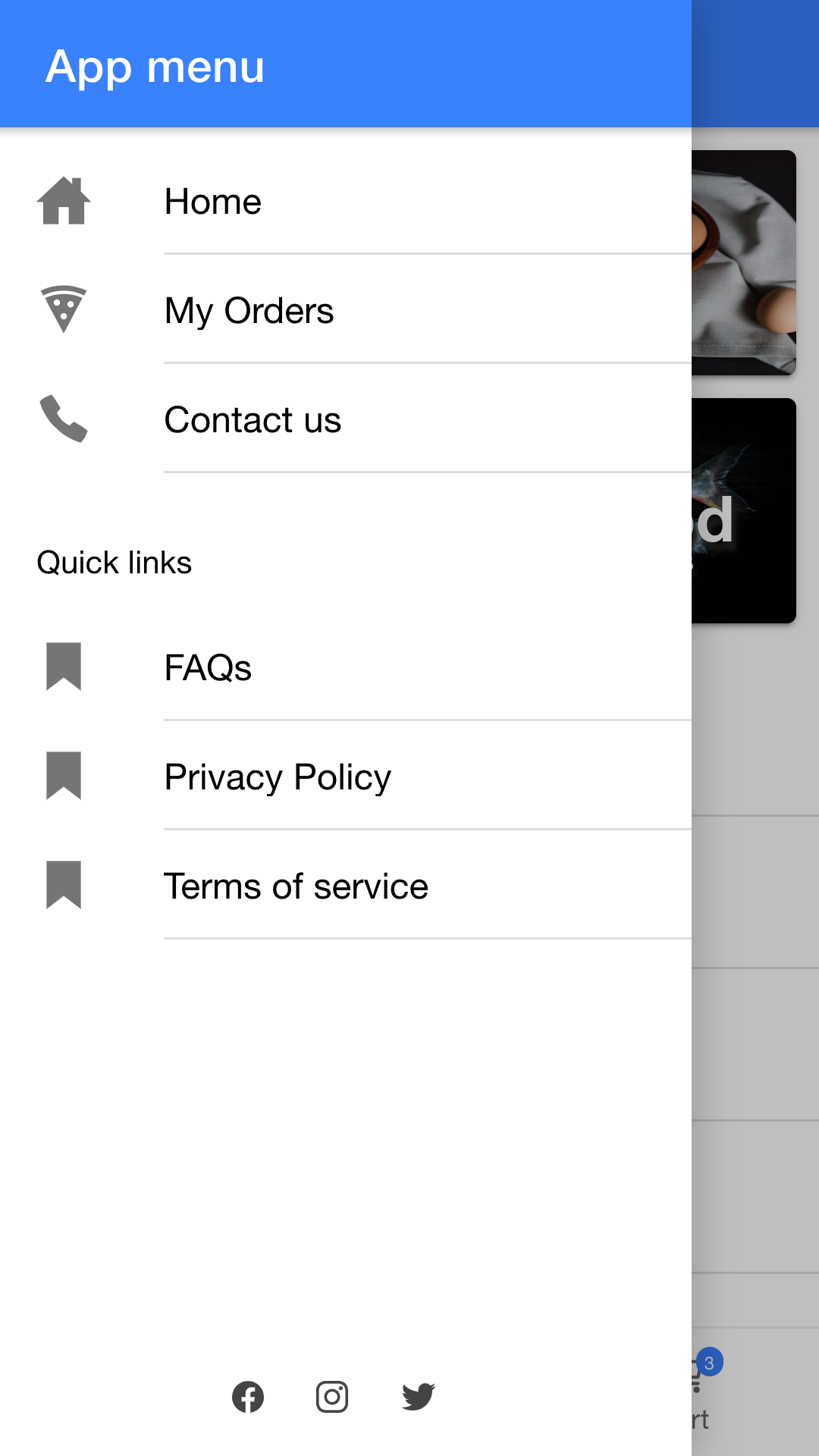
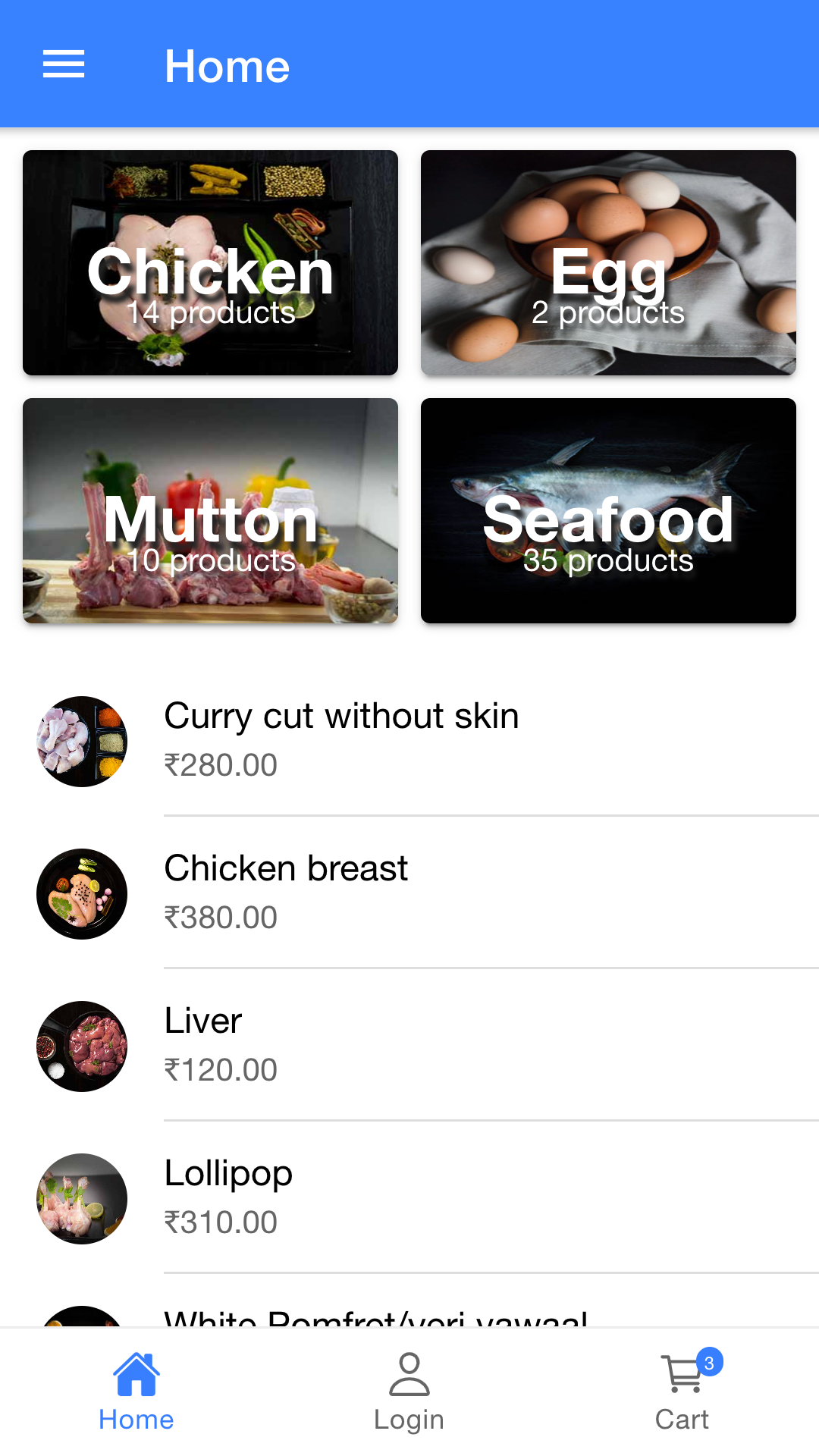
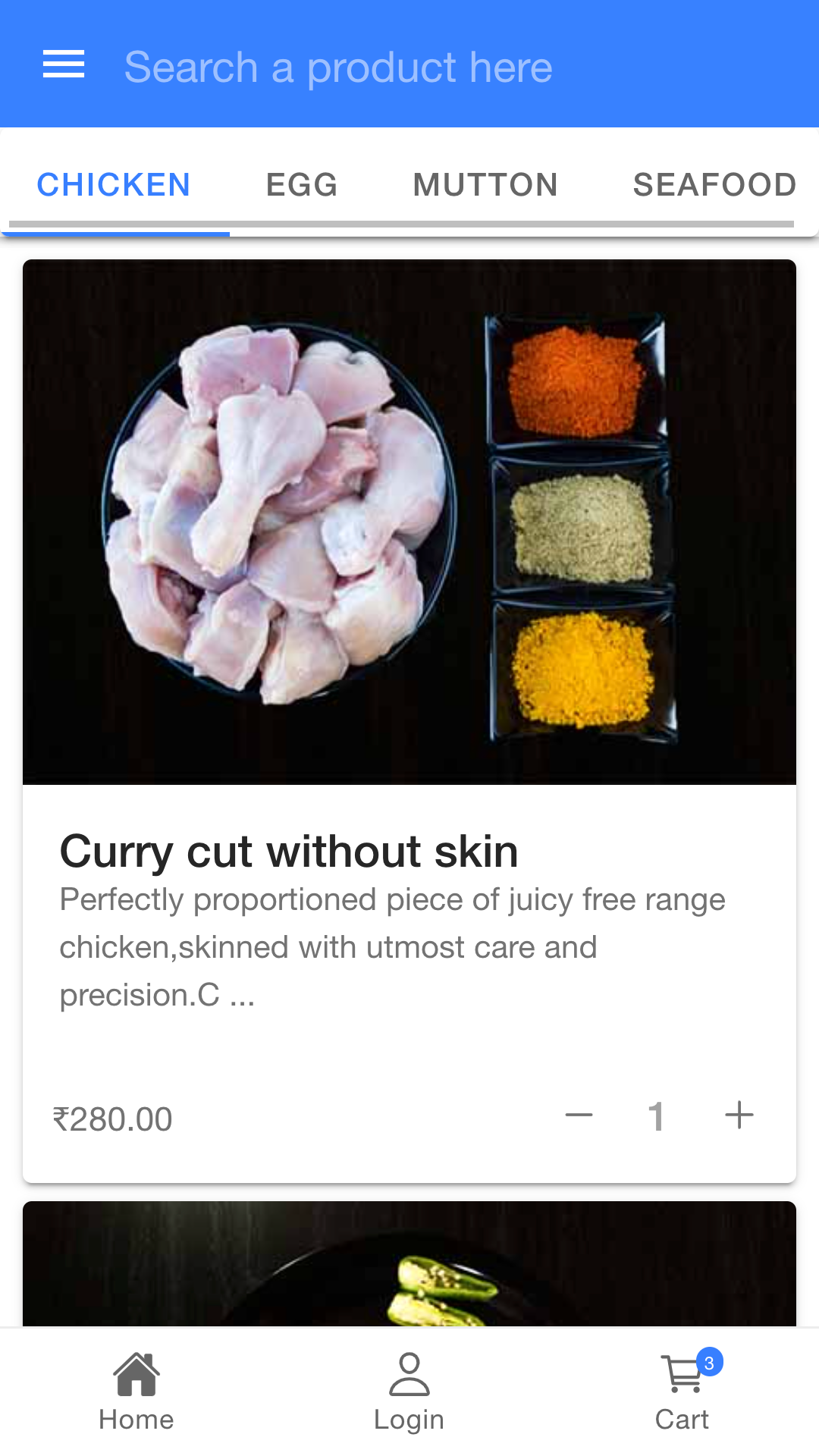
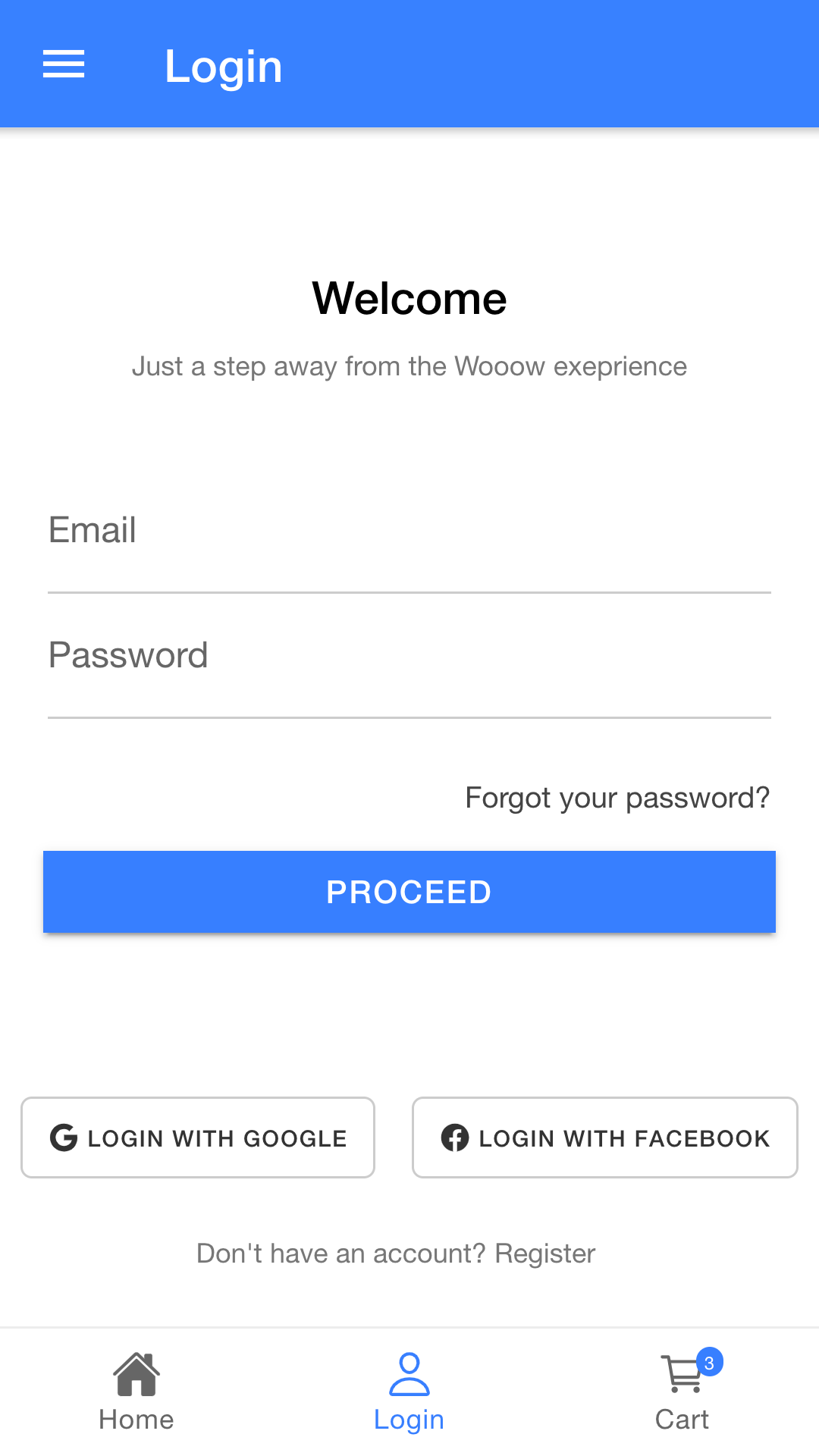
### Screenshots
#### Note: The images and content (products/categories) will differ based on your store configuration
### Features
- View products by category
- Add/remove cart actions
- Search products in store
- Cart page actions - Coupons, update/remove items etc.
- Login with Social sites (Coming soon)
Steps to setup this locally:
1. Run `npm install` to install dependencies.
2. Update `environments/environment.ts` file for woocommerce store credentials.
3. Run `ionic serve` to run the development server.
And that's it! 🎉