https://github.com/action-pack/set-variable
Action to set a repository variable.
https://github.com/action-pack/set-variable
action github github-action github-actions variable
Last synced: about 1 year ago
JSON representation
Action to set a repository variable.
- Host: GitHub
- URL: https://github.com/action-pack/set-variable
- Owner: action-pack
- License: mit
- Created: 2023-04-30T05:25:16.000Z (about 3 years ago)
- Default Branch: master
- Last Pushed: 2025-05-06T10:39:44.000Z (about 1 year ago)
- Last Synced: 2025-05-06T11:50:10.670Z (about 1 year ago)
- Topics: action, github, github-action, github-actions, variable
- Language: JavaScript
- Homepage:
- Size: 611 KB
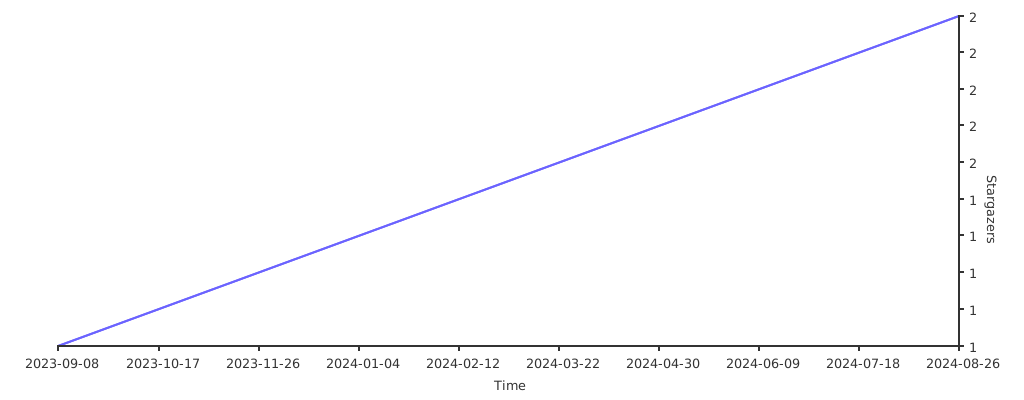
- Stars: 2
- Watchers: 1
- Forks: 1
- Open Issues: 1
-
Metadata Files:
- Readme: readme.md
- License: license.md
Awesome Lists containing this project
README
Set Variable
[](https://github.com/action-pack/set-variable/)
[](https://github.com/marketplace/actions/set-repository-variable)
[](https://github.com/action-pack/set-variable/)
Action to set a repository variable.
## Usage 🚀
```YAML
uses: action-pack/set-variable@v1
with:
name: 'MY_VARIABLE'
value: 'Lorem ipsun dolor simit'
token: ${{ secrets.REPO_ACCESS_TOKEN }}
```
## Inputs 📝
### name
**Required** `String` Variable name.
### value
**Required** `String` Value to store.
### token
**Required** `String` Repository [Access token](https://docs.github.com/en/github/authenticating-to-github/creating-a-personal-access-token)
### owner
**Optional** `String` Owners name.
### repository
**Optional** `String` Repository name.
### org
**Optional** `Boolean` Indicates the repo is an [organization](https://docs.github.com/en/github/setting-up-and-managing-organizations-and-teams/about-organizations).
## FAQ 💬
* ### Why do I get the error '*Resource not accessible by integration*'?
This will happen if you use ```secrets.GITHUB_TOKEN```.
You need to create a [personal access token](https://docs.github.com/en/github/authenticating-to-github/creating-a-personal-access-token) instead.
Go to your Github settings, select 'Developer settings' --> 'Personal access tokens' --> 'Tokens (classic)' and create a new token. Store its value in a secret, for example ```MY_TOKEN```.
Then refer to it like this:
```yaml
token: ${{ secrets.MY_TOKEN }}
```
## Stars 🌟
[](https://starchart.cc/action-pack/set-variable)