https://github.com/addono/serverless-ops-frontend
https://github.com/addono/serverless-ops-frontend
Last synced: 8 months ago
JSON representation
- Host: GitHub
- URL: https://github.com/addono/serverless-ops-frontend
- Owner: Addono
- License: mit
- Created: 2020-06-08T08:21:08.000Z (about 6 years ago)
- Default Branch: master
- Last Pushed: 2020-06-08T08:39:14.000Z (about 6 years ago)
- Last Synced: 2024-12-27T00:27:26.274Z (over 1 year ago)
- Language: JavaScript
- Size: 2.46 MB
- Stars: 0
- Watchers: 2
- Forks: 1
- Open Issues: 0
-
Metadata Files:
- Readme: README.md
- License: LICENSE
Awesome Lists containing this project
README
# Production Ready Serverless Ops Bolerplate - Frontend
This is the second part of [the boilerplate](https://github.com/eficode/serverless-ops-boilerplate). This app uses Amazon cognito [Hosted UI](https://docs.aws.amazon.com/cognito/latest/developerguide/cognito-user-pools-app-integration.html) for sign-inand sign-up. This app leverages [Weatherapp](https://github.com/mrako/weatherapp) as well as [Amazon Cognito Auth SDK for JavaScript](https://www.npmjs.com/package/amazon-cognito-auth-js) to handle authentication. To make the application work, user needs supply following environmental variables:
UserPoolAppClientId, UserPoolDomain, RedirectUriSignIn, RedirectUriSignOut, UserPoolId
These environmental variables supply Amazon Cognito details and will be used by `initCognitoSDK()` located `./src/index.jsx` file. If you follow the instructions on [the boilerplate](https://github.com/eficode/serverless-ops-boilerplate), the template creates frontend pipeline and supplies these environmental variables into the corresponding Codebuild project. So you don't need to do anything manual. However, you can set these variables on your machine to test the authentication locally. To do that, you need to set RedirectUriSignIn, RedirectUriSignOut to `http://localhost:8000`. Also you need to whitelist `http://localhost:8000` in [Callback URL and Logout URL of your Cognito User Pool app](https://docs.aws.amazon.com/cognito/latest/developerguide/cognito-user-pools-app-idp-settings.html). Then you can run the application and it should work:
yarn install
yarn start
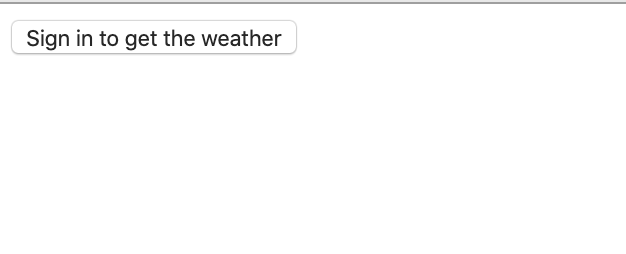
Once the app is running, you need to press the button "Sin-in to get the weather":
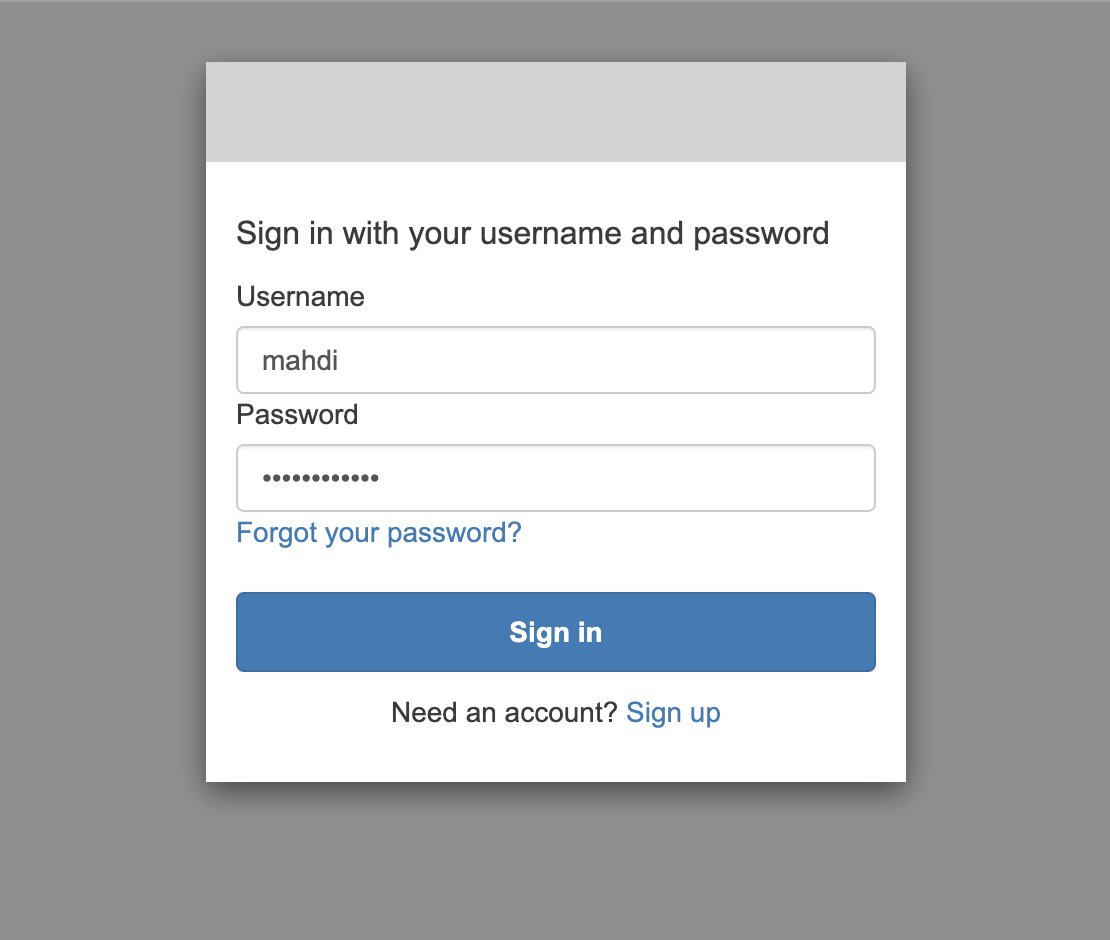
The app will redirect you to Cognito hosted UI. For troubleshooting, you can also access hosted UI [manually](https://docs.aws.amazon.com/cognito/latest/developerguide/cognito-user-pools-app-integration.html) with following URL:
https:///login?response_type=code&client_id=&redirect_uri=
You can get your domain, user pool app client id and callback url from cloudformation output of the app created [by backend pipeline](https://github.com/eficode/serverless-ops-boilerplate) (i.e. `app/template.yaml`).
Create a new user in Cognito user pool, if you havn't yet, so you can sign-in:
Then you can see weather report; something like this: