https://github.com/afnamal/falcim
An innovative fortune-telling website built with Vue.js, using AI to provide coffee, palm, and tarot readings. Available in multiple languages for a global audience.
https://github.com/afnamal/falcim
bootstrap firebase-auth firebase-database fortunetelling i18n javascript javascript-project tarot-readings vue3 vuejs
Last synced: about 1 month ago
JSON representation
An innovative fortune-telling website built with Vue.js, using AI to provide coffee, palm, and tarot readings. Available in multiple languages for a global audience.
- Host: GitHub
- URL: https://github.com/afnamal/falcim
- Owner: afnamal
- Created: 2024-04-25T17:15:00.000Z (about 2 years ago)
- Default Branch: main
- Last Pushed: 2025-04-21T11:07:23.000Z (over 1 year ago)
- Last Synced: 2025-04-21T12:24:14.592Z (over 1 year ago)
- Topics: bootstrap, firebase-auth, firebase-database, fortunetelling, i18n, javascript, javascript-project, tarot-readings, vue3, vuejs
- Language: Vue
- Homepage: https://falc-m.vercel.app
- Size: 33.7 MB
- Stars: 2
- Watchers: 1
- Forks: 0
- Open Issues: 0
-
Metadata Files:
- Readme: README.md
Awesome Lists containing this project
README
# Project Name: Falcım
## About the Project
Falcım is a website that allows users to perform coffee, palm, and tarot readings. The site is built using Vue.js and styled with Bootstrap CSS. Firebase is used for the backend. The project uses AI models to recognize coffee and palm images, and for tarot readings, users can select specific cards to get their readings.
## Features
- **Coffee Reading**: Users can upload photos of their coffee cups to get a reading.
- **Palm Reading**: Users can upload photos of their palms to get a reading.
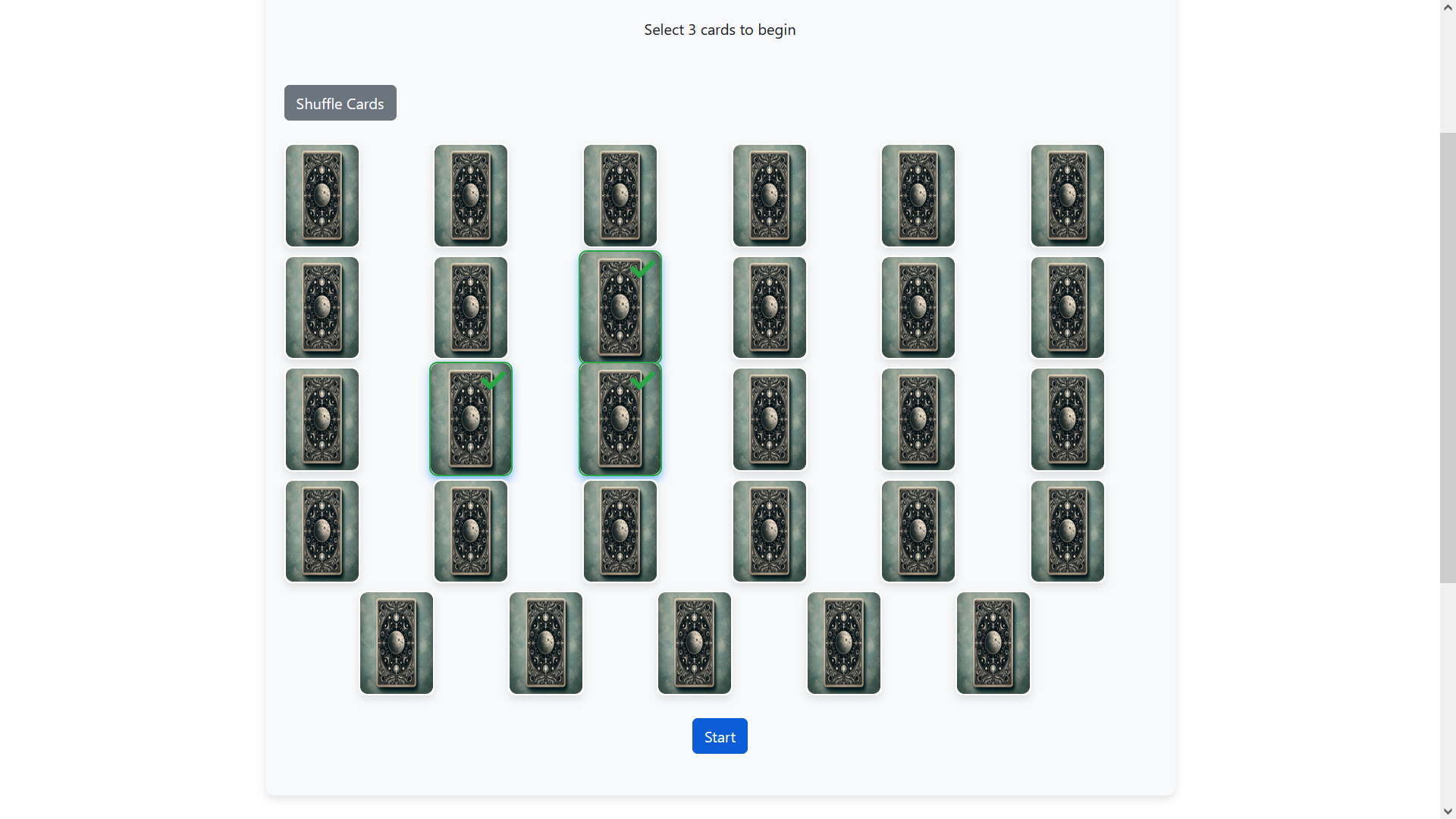
- **Tarot Reading**: Users can select specific cards to get a tarot reading.
- **Multilingual Support**: Supports Turkish, English, Arabic, and Greek languages.
- **Past Readings**: Users can view their past readings in the 'My Account > My Past Readings' section.
## Installation
To run the project locally, follow these steps:
1. Clone the repository:
```bash
git clone https://github.com/your_username/falcim.git
cd falcim
```
2. Install dependencies:
```bash
npm install
```
3. Add the necessary environment variables to the `.env` file:
```plaintext
VUE_APP_FIREBASE_API_KEY='your_firebase_api_key'
VUE_APP_FIREBASE_AUTH_DOMAIN='your_firebase_auth_domain'
VUE_APP_FIREBASE_PROJECT_ID='your_firebase_project_id'
VUE_APP_FIREBASE_STORAGE_BUCKET='your_firebase_storage_bucket'
VUE_APP_FIREBASE_MESSAGING_SENDER_ID='your_firebase_messaging_sender_id'
VUE_APP_FIREBASE_APP_ID='your_firebase_app_id'
VUE_APP_FIREBASE_MEASUREMENT_ID='your_firebase_measurement_id'
```
4. Run the project:
```bash
npm run serve
```
## Screenshots
Screenshots of the project:
### Homepage

### Coffee Reading

### Palm Reading

### Tarot Reading
## License
This project is licensed under the MIT License. For more information, see the `LICENSE` file.
## Website
You can visit the website at [falc-m.vercel.app](https://falc-m.vercel.app).
## Contact
For any questions or feedback, you can contact me at [afnamal@hotmail.com](mailto:afnamal@hotmail.com).