https://github.com/aisingapore/peekingduck
A modular framework built to simplify Computer Vision inference workloads.
https://github.com/aisingapore/peekingduck
computer-vision deep-learning nodes object-detection object-tracking pipeline pose-estimation python
Last synced: 10 months ago
JSON representation
A modular framework built to simplify Computer Vision inference workloads.
- Host: GitHub
- URL: https://github.com/aisingapore/peekingduck
- Owner: aisingapore
- License: apache-2.0
- Created: 2021-04-05T06:40:18.000Z (over 5 years ago)
- Default Branch: main
- Last Pushed: 2025-09-04T15:46:39.000Z (10 months ago)
- Last Synced: 2025-09-04T21:53:24.295Z (10 months ago)
- Topics: computer-vision, deep-learning, nodes, object-detection, object-tracking, pipeline, pose-estimation, python
- Language: Python
- Homepage:
- Size: 138 MB
- Stars: 171
- Watchers: 10
- Forks: 39
- Open Issues: 12
-
Metadata Files:
- Readme: README.md
- Contributing: CONTRIBUTING.md
- License: LICENSE
- Code of conduct: CODE_OF_CONDUCT.md
Awesome Lists containing this project
README

---
[](https://pypi.org/project/peekingduck/)
[](https://pypi.org/project/peekingduck/)
[](https://pypi.org/project/peekingduck/)
[](https://github.com/aisingapore/PeekingDuck/blob/main/LICENSE)
[](https://peekingduck.readthedocs.io/en/stable/?badge=stable)
Getting started
·
Tutorials
·
API docs
·
FAQ
·
Report a bug
·
Communities
---
**PeekingDuck** is an open-source, modular framework in Python, built for Computer Vision (CV) inference. The name "PeekingDuck" is a play on: "Peeking" in a nod to CV; and "Duck" in [duck typing](https://en.wikipedia.org/wiki/Duck_typing).
Features
--------
### Build realtime CV pipelines
* PeekingDuck enables you to build powerful CV pipelines with minimal lines of code.
### Leverage on SOTA models
* PeekingDuck comes with various [object detection](https://peekingduck.readthedocs.io/en/stable/resources/01a_object_detection.html), [pose estimation](https://peekingduck.readthedocs.io/en/stable/resources/01b_pose_estimation.html), [object tracking](https://peekingduck.readthedocs.io/en/stable/resources/01c_object_tracking.html), and [crowd counting](https://peekingduck.readthedocs.io/en/stable/resources/01d_crowd_counting.html) models. Mix and match different nodes to construct solutions for various [use cases](https://peekingduck.readthedocs.io/en/stable/use_cases/index.html).
### Create custom nodes
* You can create [custom nodes](https://peekingduck.readthedocs.io/en/stable/tutorials/02_duck_confit.html#custom-nodes) to meet your own project's requirements. PeekingDuck can also be [imported as a library](https://peekingduck.readthedocs.io/en/stable/tutorials/05_calling_peekingduck_in_python.html) to fit into your existing workflows.
Installation
------------
Install from [PyPI](https://pypi.org/project/peekingduck/) using `pip`
```
> pip install peekingduck
```
*Note: for users with ARM-based devices such as a Raspberry Pi or Apple Silicon Mac, please refer to the documentation for more detailed [installation instructions](https://peekingduck.readthedocs.io/en/stable/getting_started/03_custom_install.html).*
PeekingDuck can also be [installed in a virtual environment](https://peekingduck.readthedocs.io/en/stable/getting_started/02_standard_install.html).
```
> peekingduck verify-install
```
You should see a video of a person waving his hand with
[bounding boxes overlaid](https://raw.githubusercontent.com/aisingapore/PeekingDuck/main/docs/source/assets/getting_started/verify_install.gif).
The video will close automatically when it is run to the end, select the video window and press `q` to exit earlier.
Usage
-----
Create a project folder and initialize a PeekingDuck project.
```
> mkdir
> cd
> peekingduck init
```
Run the demo pipeline.
```
> peekingduck run
```
If you have a webcam, you should see a man waving on the output screen with
[skeletal frame overlaid](https://raw.githubusercontent.com/aisingapore/PeekingDuck/main/docs/source/assets/getting_started/default_pipeline.gif).
Terminate the program by clicking on the output screen and pressing `q`.
Use `peekingduck --help` to display help information for PeekingDuck's command-line interface.
Gallery
-------

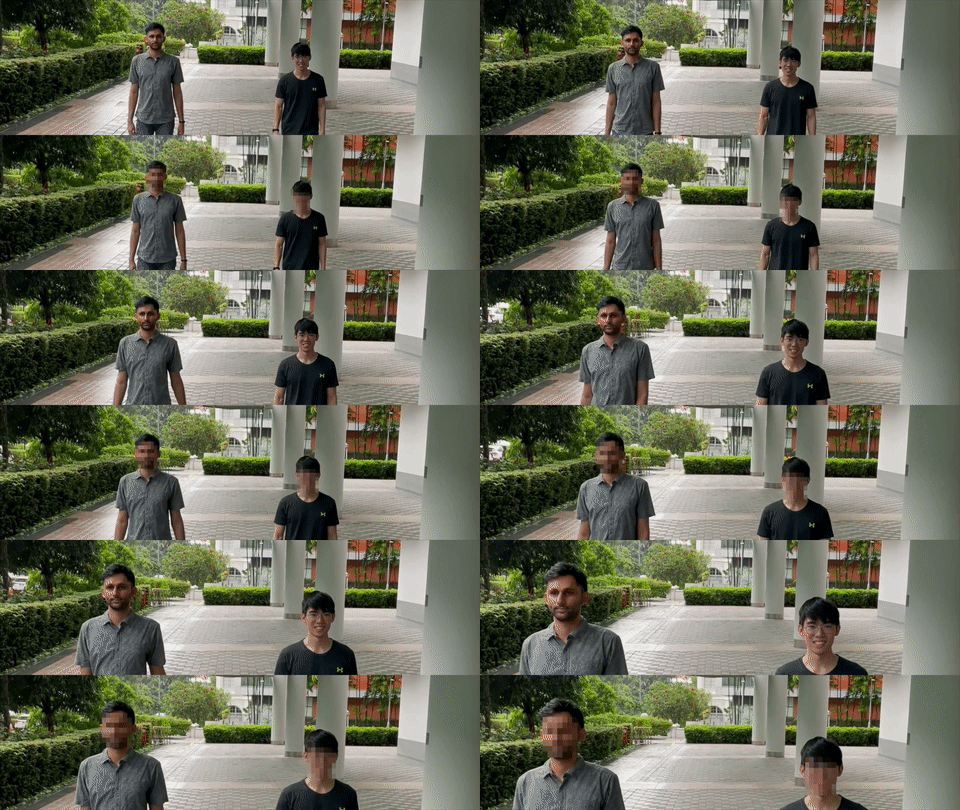
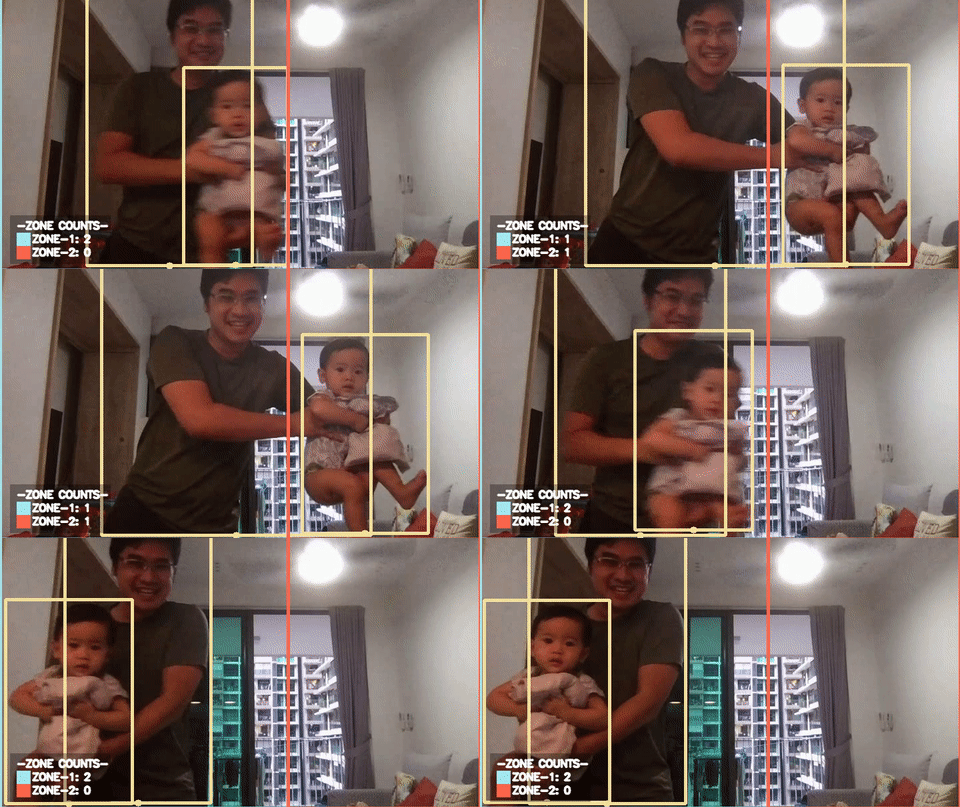
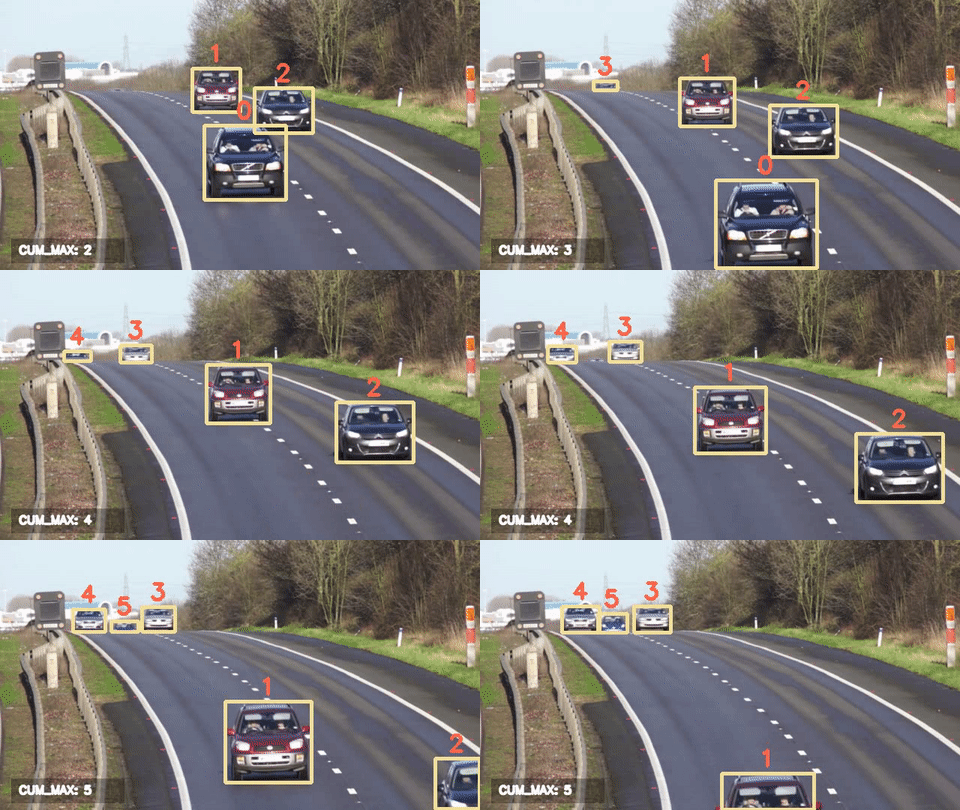
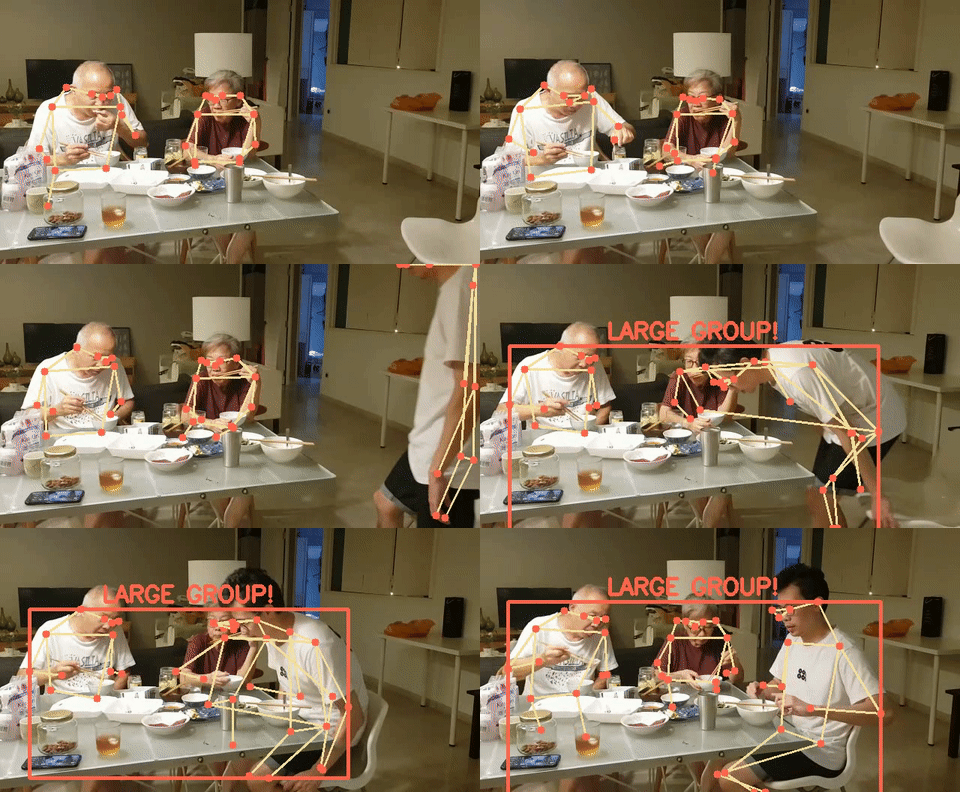

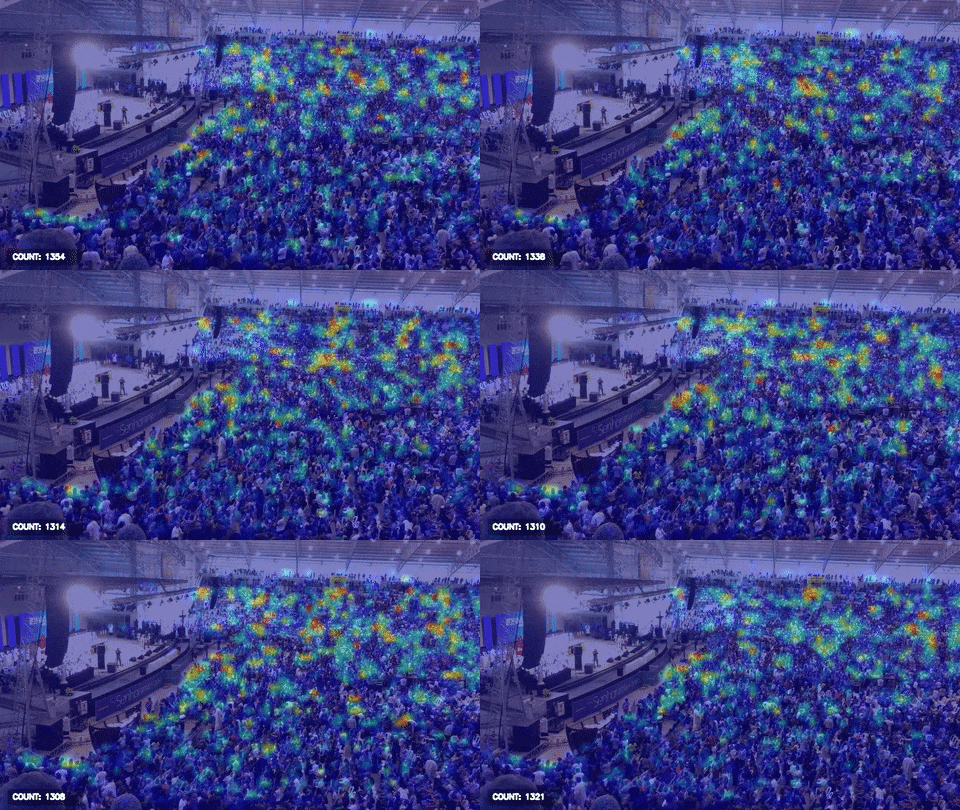
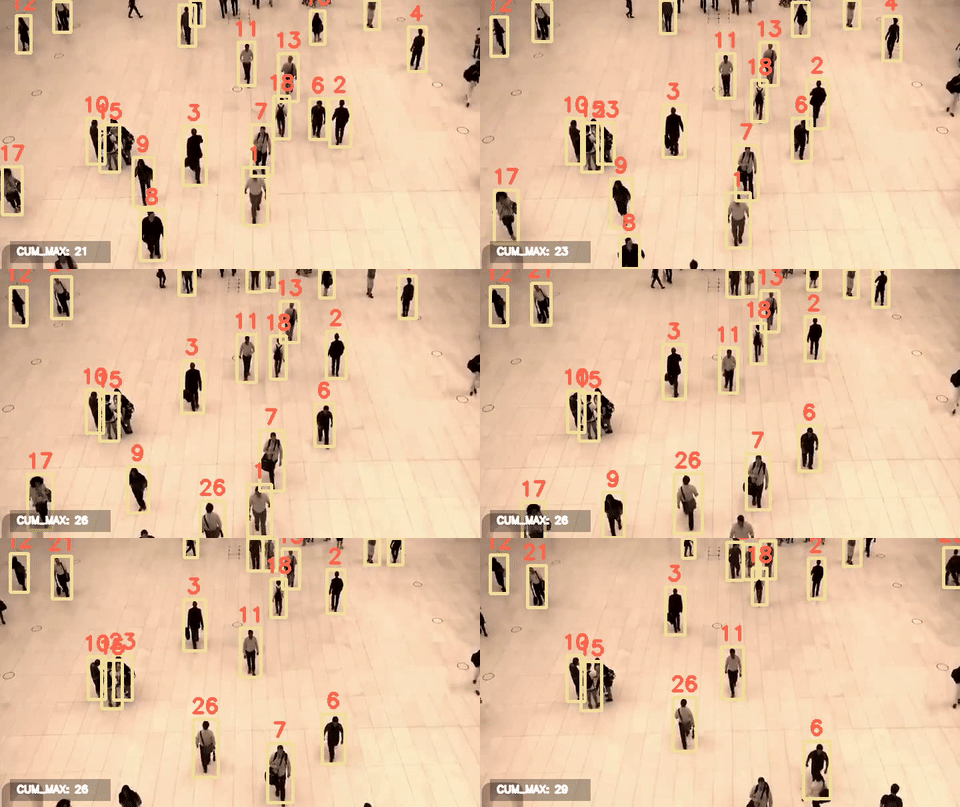
Acknowledgements
----------------
This project is supported by the National Research Foundation, Singapore under its AI Singapore Programme (AISG-RP-2019-050). Any opinions, findings and conclusions or recommendations expressed in this material are those of the author(s) and do not reflect the views of National Research Foundation, Singapore.
License
-------
PeekingDuck is under the open source [Apache License 2.0](https://github.com/aisingapore/PeekingDuck/blob/main/LICENSE) (:
Even so, your organization may require legal proof of its right to use PeekingDuck, due to circumstances such as the following:
- Your organization is using PeekingDuck in a jurisdiction that does not recognize this license
- Your legal department requires a license to be purchased
- Your organization wants to hold a tangible legal document as evidence of the legal right to use and distribute PeekingDuck
[Contact us](https://aisingapore.org/home/contact/) if any of these circumstances apply to you.
Communities
-----------
- [AI Singapore community forum](https://community.aisingapore.org/groups/computer-vision/forum/)
- [Discuss on GitHub](https://github.com/aisingapore/PeekingDuck/discussions)