https://github.com/aissat/easy_count_timer
It is a simple customizable timer for counting [up/down] a given time with any Custom TextStyle.
https://github.com/aissat/easy_count_timer
countdown counter counterup flutter-timer stopwatch timer
Last synced: over 1 year ago
JSON representation
It is a simple customizable timer for counting [up/down] a given time with any Custom TextStyle.
- Host: GitHub
- URL: https://github.com/aissat/easy_count_timer
- Owner: aissat
- License: bsd-3-clause
- Created: 2023-09-19T01:15:30.000Z (almost 3 years ago)
- Default Branch: main
- Last Pushed: 2023-09-22T15:27:36.000Z (almost 3 years ago)
- Last Synced: 2025-03-24T17:49:53.064Z (over 1 year ago)
- Topics: countdown, counter, counterup, flutter-timer, stopwatch, timer
- Language: C++
- Homepage: https://pub.dev/packages/easy_count_timer
- Size: 273 KB
- Stars: 6
- Watchers: 2
- Forks: 0
- Open Issues: 0
-
Metadata Files:
- Readme: README.md
- Changelog: CHANGELOG.md
- License: LICENSE
Awesome Lists containing this project
README
```easy_count_timer``` is a Flutter package that provides a Timer functionality and is a fork of [`flutter_timer_countdown`](https://pub.dev/packages/flutter_timer_countdown)
✨
It is a simple customizable timer for counting [`up`/`down`] a given time with any Custom TextStyle.
Supporting Android, iOS & WebApp.
## Why?
We build this package because we wanted to:
- be able use count timer up/down easily
- `CountTimerController` to controll timer `stop`, `puase` ...
- have simple timer
- customize timer textstyles
- choose the timer description
- be able to unable the timer description
## ❗NEW Features ❗
### Customizable space between number units and colons
With the parameter ```spacerWidth``` you can now define the size of the space between number units and colons. The default is set to ```10``` (double).
## Show Cases


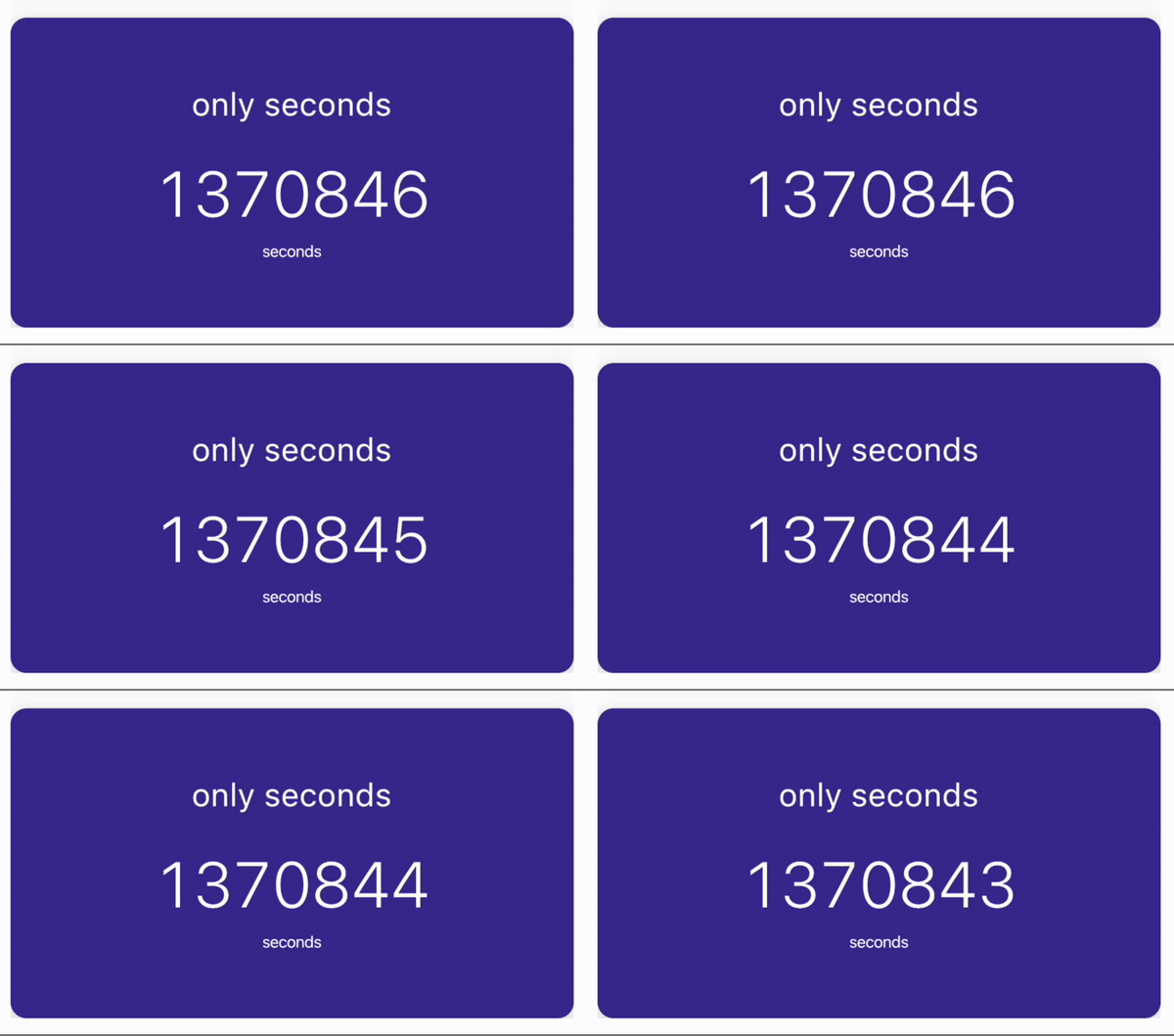
Show only the time units you want to...
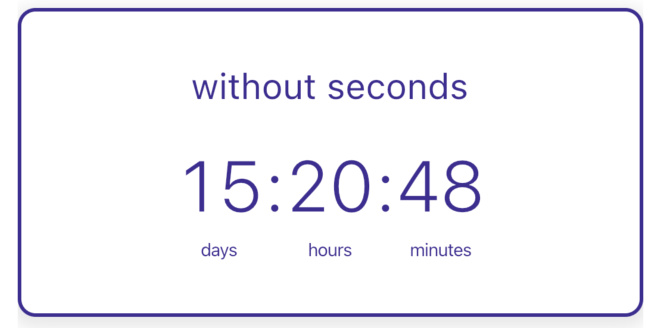

Show only days, hours, minutes, seconds...


## Installation
Create a new project with the command
```yaml
flutter create MyApp
```
Add
```yaml
easy_count_timer: ...
```
to your `pubspec.yaml` of your flutter project.
**OR**
run
```yaml
flutter pub add easy_count_timer
```
in your project's root directory.
In your library add the following import:
```dart
import 'package:easy_count_timer/easy_count_timer.dart';
```
For help getting started with Flutter, view the online [documentation](https://flutter.io/).
## Usage
You can place your `CountTimer` inside of a `Scaffold` or `CupertinoPageScaffold` like we did here. Optional parameters can be defined to enable different features. See the following example..
```dart
import 'package:easy_count_timer/easy_count_timer.dart';
import 'package:flutter/cupertino.dart';
class CounterUpTimer extends StatefulWidget {
const CounterUpTimer({super.key});
@override
State createState() => _CounterUpTimerState();
}
class _CounterUpTimerState extends State {
var controller = CountTimerController();
@override
Widget build(BuildContext context) {
return Column(
children: [
CupertinoPageScaffold(
child: CountTimer(
format: CountTimerFormat.daysHoursMinutesSeconds,
controller: CountTimerController(),
),
),
Row(mainAxisAlignment: MainAxisAlignment.spaceEvenly, children: [
IconButton(
onPressed: () {
controller.start();
},
icon: Icon(Icons.play_arrow_rounded)),
IconButton(
onPressed: () {
controller.puase();
},
icon: Icon(Icons.pause_rounded)),
IconButton(
onPressed: () {
controller.stop();
},
icon: Icon(Icons.stop_rounded)),
IconButton(
onPressed: () {
controller.reset();
},
icon: Icon(Icons.restart_alt_rounded)),
]),
],
);
}
}
```
examlpe :
```dart
import 'package:easy_count_timer/easy_count_timer.dart';
import 'package:flutter/cupertino.dart';
class CounterDownTimer extends StatelessWidget {
@override
Widget build(BuildContext context) {
return CupertinoPageScaffold(
child: CountTimer(
format: CountTimerFormat.daysHoursMinutesSeconds,
controller:CountTimerController(
endTime: DateTime.now().add(
Duration(
days: 5,
hours: 14,
minutes: 27,
seconds: 34,
),
),
),
onEnd: () {
print("Timer finished");
},
),
);
}
}
```
## Constructor
#### Basic
| Parameter | Default | Description | Required |
| ------------- |:-------------|:-----|:-----:|
| controller | - | Defines the controller time when is null time counter `countdown` else `countup` | false
| format | DaysHoursMinutesSeconds | Format for the timer choose between different ```CountTimerFormat```s | false
| onEnd | - | Function to call when the timer is over | false
| enableDescriptions | - | Toggle time units descriptions | false
| timeTextStyle | - | ```TextStyle``` for the time numbers | false
| colonsTextStyle | - | ```TextStyle``` for the colons betwenn the time numbers | false
| descriptionTextStyle | - | ```TextStyle``` for the timer description | false
| daysDescription | Days | Days unit description | false
| hoursDescription | Hours | Hours unit description | false
| minutesDescription | Minutes | Minutes unit description | false
| secondsDescription | Seconds | Seconds unit description | false
| spacerWidth | 10 | Defines the width between the colons and the units | false
##### Controller
| Parameter | Default | Description | Required |
| ------------- |:-------------|:-----|:-----:|
| endTime | - | Defines the time when the timer is over | false
```dart
// Create an instance of the Controller used for timer Counter Up
var controllerCounterUp = CountTimerController();
// Start the controller
controllerCounterUp.start()
// Stop the controller
controllerCounterUp.stop()
// Reset the controller
controllerCounterUp.reset()
// Restart the controller
controllerCounterUp.restart()
// Pause the controller
controllerCounterUp.pause()
// // Create an instance of the Controller used for timer Counter Down
var controllerCounterDown = CountTimerController(endTime:DateTime.now().add(
Duration(
days: 5,
hours: 14,
minutes: 27,
seconds: 34,
),
),
);
```