https://github.com/ajpalok/library-managment-system
The Library Management System is a program written in C that allows you to manage books, borrowers, and authors. With this application, you can easily add, update, and delete information in a simple and straightforward manner.
https://github.com/ajpalok/library-managment-system
c filesystem library library-management library-management-system
Last synced: 9 months ago
JSON representation
The Library Management System is a program written in C that allows you to manage books, borrowers, and authors. With this application, you can easily add, update, and delete information in a simple and straightforward manner.
- Host: GitHub
- URL: https://github.com/ajpalok/library-managment-system
- Owner: ajpalok
- License: mit
- Created: 2023-04-28T09:23:12.000Z (about 3 years ago)
- Default Branch: main
- Last Pushed: 2023-09-13T10:24:26.000Z (almost 3 years ago)
- Last Synced: 2025-01-12T10:11:58.628Z (over 1 year ago)
- Topics: c, filesystem, library, library-management, library-management-system
- Language: C
- Homepage:
- Size: 19.5 KB
- Stars: 1
- Watchers: 1
- Forks: 0
- Open Issues: 0
-
Metadata Files:
- Readme: README.md
- License: LICENSE
- Authors: authors.txt
Awesome Lists containing this project
README
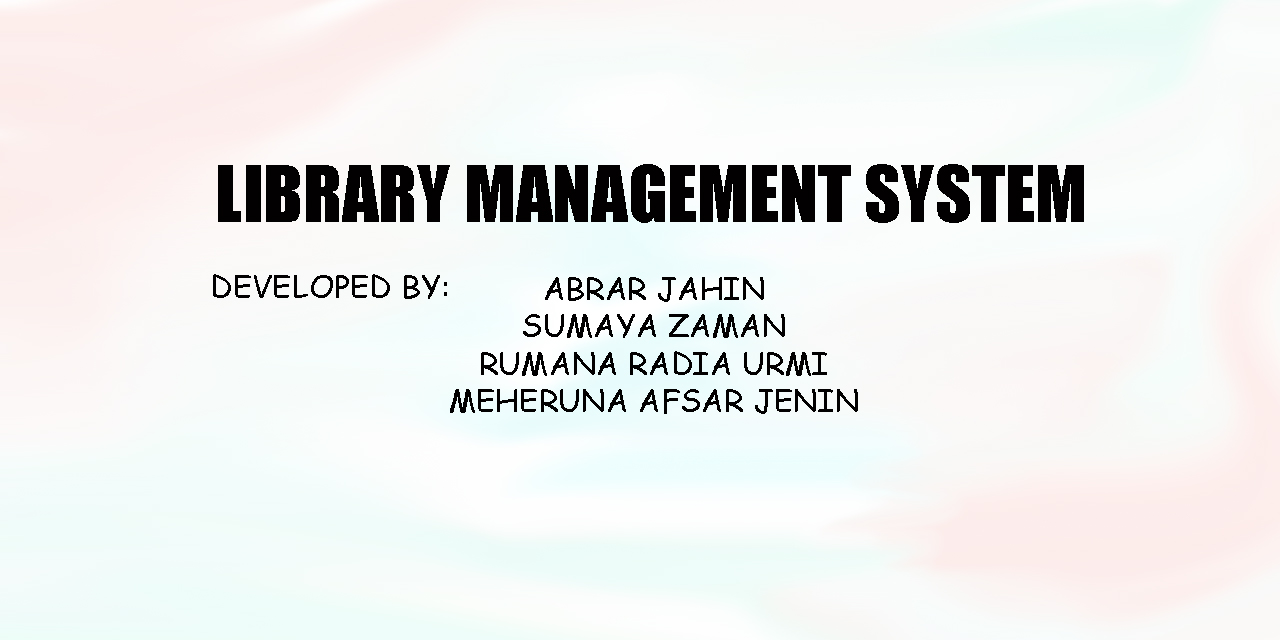
# Library Management System
The Library Management System is a program written in C that allows you to manage books, borrowers, and authors. With this application, you can easily add, update, and delete information in a simple and straightforward manner.
This program is designed to be user-friendly, with a simple interface that is easy to navigate. It does not require any login, so you can quickly get started managing your library without any unnecessary setup. Additionally, it outputs data in a TXT format, which can easily be converted to CSV by changing the file format.
# Features
- Add, update, and delete books
- Add, update, and delete borrowers
- Add, update, and delete authors
- Simple and user-friendly interface
- Outputs data in TXT format
# Requirements
To use the Library Management System, you must have a C compiler installed on your computer, such as gcc, g++ or Clang.
# To Use
You can run the program in your terminal by using the following commands:
## PowerShell
To run the program in PowerShell, you can use the following commands:
### For gcc Users
```powershell
gcc library.c -o library ; .\library
```
### For g++ Users
```powershell
g++ library.c -o library ; .\library
```
### For Clang Users
```powershell
clang library.c -o library ; .\library
```
## CMD
To run the program in CMD, you can use the following commands:
### For gcc Users
```cmd
gcc library.c -o library && .\library
```
### For g++ Users
```cmd
g++ library.c -o library && .\library
```
### For Clang Users
```cmd
clang library.c -o library && .\library
```
## Bash
To run the program in Bash, you can use the following commands:
### For gcc Users
```cmd
gcc library.c -o library && ./library
```
### For g++ Users
```cmd
g++ library.c -o library && ./library
```
### For Clang Users
```cmd
clang library.c -o library && ./library
```
# To-do List
- [x] Make loop to print menu items until it is commanded to stop or exit.
- [x] Create prototype functions to outline the whole program.
- [x] Add code to the functions to make them functional.
- [ ] Checking Data already exists or not.
- [ ] Create relations between functions to update all data in each data change.
# Contrubutors
- [Abrar Jahin](https://github.com/ajpalok)
- [Sumaya Zaman](https://github.com/sztoma-dev)
- Rumana Radia Urmi
- Meheruna Afsar Jenin
# License
This project is licensed under the MIT License.