https://github.com/ajthinking/diagram-app
https://github.com/ajthinking/diagram-app
Last synced: 10 months ago
JSON representation
- Host: GitHub
- URL: https://github.com/ajthinking/diagram-app
- Owner: ajthinking
- Created: 2020-11-22T15:41:39.000Z (over 5 years ago)
- Default Branch: master
- Last Pushed: 2020-11-22T16:22:13.000Z (over 5 years ago)
- Last Synced: 2025-04-01T22:52:35.874Z (about 1 year ago)
- Language: PHP
- Homepage:
- Size: 922 KB
- Stars: 5
- Watchers: 1
- Forks: 0
- Open Issues: 0
-
Metadata Files:
- Readme: README.md
Awesome Lists containing this project
README
## How to use [React Diagrams](https://github.com/projectstorm/react-diagrams) with Laravel
As of 22th november 2020.
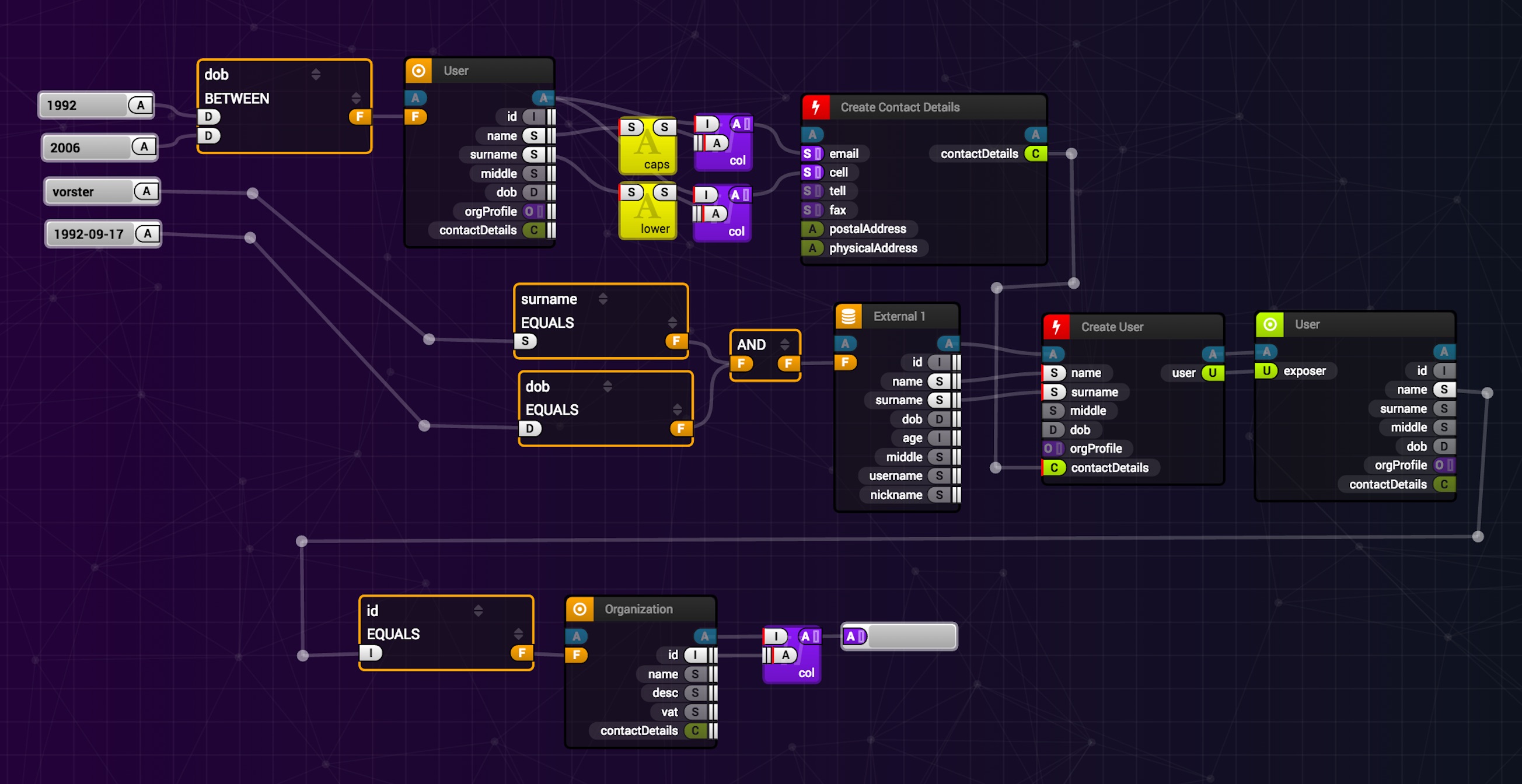
### Setup up React
```
laravel new diagram-app
cd diagram-app
composer require laravel/ui
php artisan ui react
yarn && yarn watch
```
In welcome.blade.php do the following changes
* ```
```
* ``````
* ``````
* ``````
### Installing the package
```
yarn add @projectstorm/react-diagrams@next
npm install closest lodash react dagre pathfinding paths-js resize-observer-polyfill ml-matrix @emotion/core@10.1.1 @emotion/styled@10.0.3
```
### Adding a diagram!
Copy [this sample](https://github.com/projectstorm/react-diagrams/blob/master/packages/diagrams-demo-gallery/demos/demo-simple/index.tsx) from the demos and save it as a component `Diagram.js`
Make the following modifications
* Remove the `DemoCanvasWidget` import & wrapper in `render`
* Remove ts typehint ``
* Add a style `fullsize` in app.scss:
```css
.fullsize {
width: 100vw;
height: 70vh;
}
```
* Apply that class to `CanvasWidget` in your `Diagram` component.
* Finally rename `ExampleComponent` to `App` and render the Diagram inside :rocket:
## Or...
you can use this repo as a starting point.