https://github.com/alessioscarfone/pysplash
Change your wallpaper with a random image from Unsplash
https://github.com/alessioscarfone/pysplash
easy-to-use hobby-project python small-projects unsplash unsplashdownloader wallpaper
Last synced: 3 days ago
JSON representation
Change your wallpaper with a random image from Unsplash
- Host: GitHub
- URL: https://github.com/alessioscarfone/pysplash
- Owner: AlessioScarfone
- License: mit
- Created: 2018-09-26T21:55:14.000Z (over 7 years ago)
- Default Branch: master
- Last Pushed: 2018-09-27T09:23:17.000Z (over 7 years ago)
- Last Synced: 2025-07-11T19:39:21.482Z (12 months ago)
- Topics: easy-to-use, hobby-project, python, small-projects, unsplash, unsplashdownloader, wallpaper
- Language: Python
- Size: 6.84 KB
- Stars: 1
- Watchers: 1
- Forks: 0
- Open Issues: 0
-
Metadata Files:
- Readme: README.md
- License: LICENSE
Awesome Lists containing this project
README
# PySplash
Change your wallpaper with a random image from Unsplash
Use Unsplash Source:
https://source.unsplash.com/
## How to use:
### Help:
```
> python pysplash.py -h
usage: pysplash.py [-h] [-c] [-d] [-t TAGS [TAGS ...]] [-e] [-v]
optional arguments:
-h, --help show this help message and exit
-c, --configure create configuration file
-d, --daily get daily image
-t TAGS [TAGS ...], --tags TAGS [TAGS ...]
-e, --end-check delete image if you do not like
-v, --version show program's version number and exit
```
### Configuration File:
- `-c` option allow the user to create a configuration json where store informations about: folder where save the downloaded images and preferred size
```
>python pysplash.py -c
>>> Folder used for save image: C:\user\username\Pictures
>>> Preferred Size for the image:
width: 1920
height: 1080
Configuration json created.
```
**NOTA:** `config.json` is created and searched in the same folder of the script
### Basic usage:
```
>python pysplash.py
```
### Daily Image:
- `-d` download the daily image
**NOTE:** Daily image has priority over the tag list
### Select image based on Keywords:
- `-t` allow user to select some keyword for select image
```
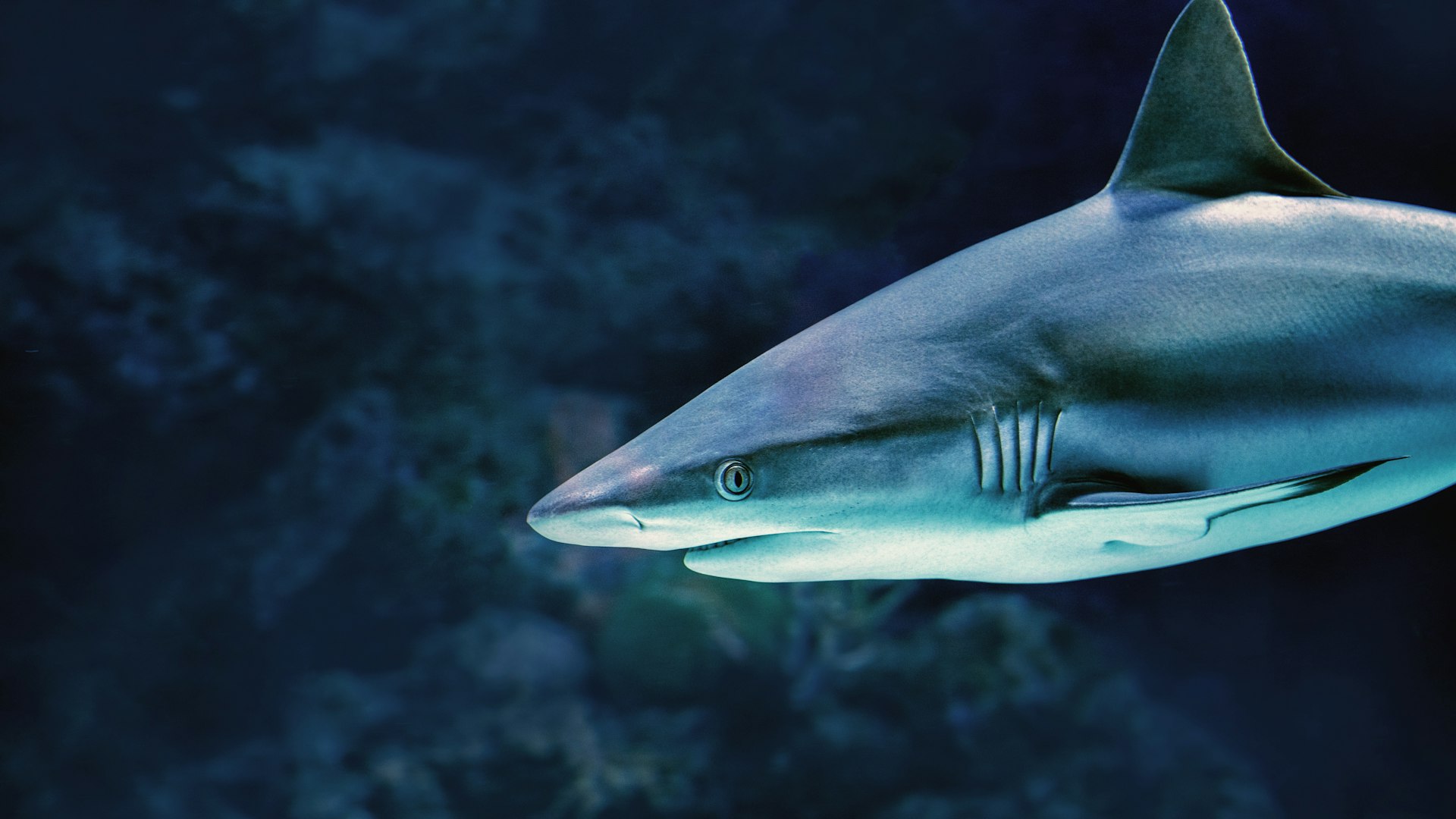
>python pysplash.py -t water,shark
https://source.unsplash.com/1920x1080/?water,shark
Downloading....
```
**Image that respect "water" and/or "shark" keywords**
### Automatically delete unwanted images:
- If `-e` option is used, after the download, is requested if delete or not the image
```
>python pysplash.py -d -e
https://source.unsplash.com/1920x1080/daily
Downloading....
Do you like it? (y/n): n
Deleted....
```