https://github.com/alexanderhodes/react-native-cli-maestro-example
Example repository for testing React Native CLI app with Maestro
https://github.com/alexanderhodes/react-native-cli-maestro-example
maestro mobile react-native testing
Last synced: about 1 year ago
JSON representation
Example repository for testing React Native CLI app with Maestro
- Host: GitHub
- URL: https://github.com/alexanderhodes/react-native-cli-maestro-example
- Owner: alexanderhodes
- Created: 2022-12-21T12:12:49.000Z (over 3 years ago)
- Default Branch: main
- Last Pushed: 2024-06-21T15:37:37.000Z (about 2 years ago)
- Last Synced: 2024-06-22T08:11:57.689Z (about 2 years ago)
- Topics: maestro, mobile, react-native, testing
- Language: Java
- Homepage: https://dev.to/b42/test-your-react-native-app-with-maestro-5bfj
- Size: 3.64 MB
- Stars: 5
- Watchers: 2
- Forks: 0
- Open Issues: 0
-
Metadata Files:
- Readme: README.md
Awesome Lists containing this project
- awesome-maestro - alexanderhodes/react-native-cli-maestro-example
README
# Example for using maestro with React Native (CLI)
In this repository we want to show how to use Maestro with React Native apps built with Expo. You can read the full article on our [blog at dev.to](https://dev.to/b42/test-your-react-native-app-with-maestro-5bfj). If you want check out maestro with a React Native Expo app, you can have a look at [this repository](https://github.com/alexanderhodes/react-native-expo-maestro-example), because there are some differences when launching the app with Expo.
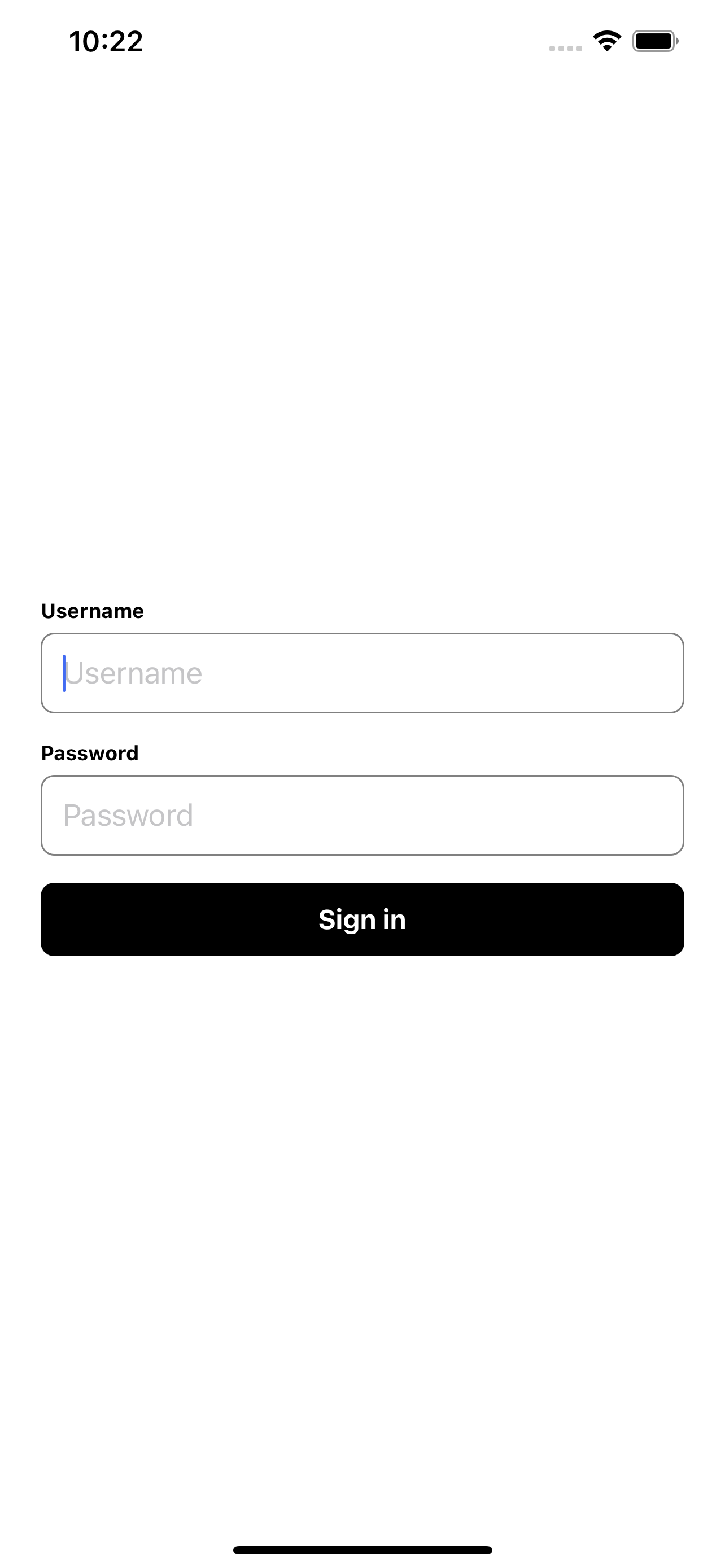
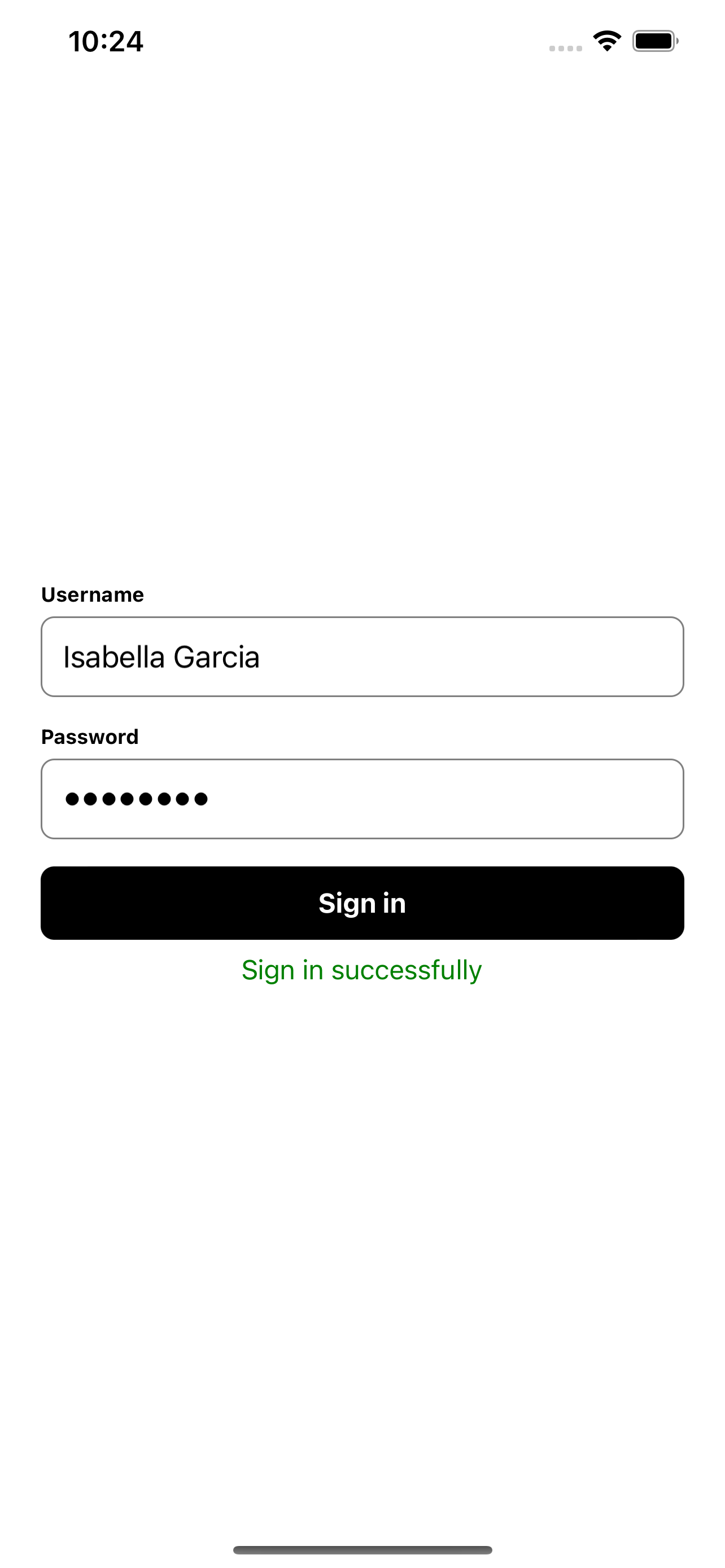
The application is a simple sign in interface where username and password can be entered. After clicking the sign in button a success message will be displayed below the button.
## Running the app
Preparing the app and installing the dependencies.
```bash
# Install dependencies
$ npm install
# Install ios pods
$ npm run ios:pods
# Start app
$ npm start
# Start ios app
$ npm run ios
# Start android app
$ npm run android
```
## Maestro tests
The tests located in `.maestro` directory are developed for running locally in your iOS simulator or Android emulator.
You can run the tests as well in the cloud. For running the tests in the cloud.
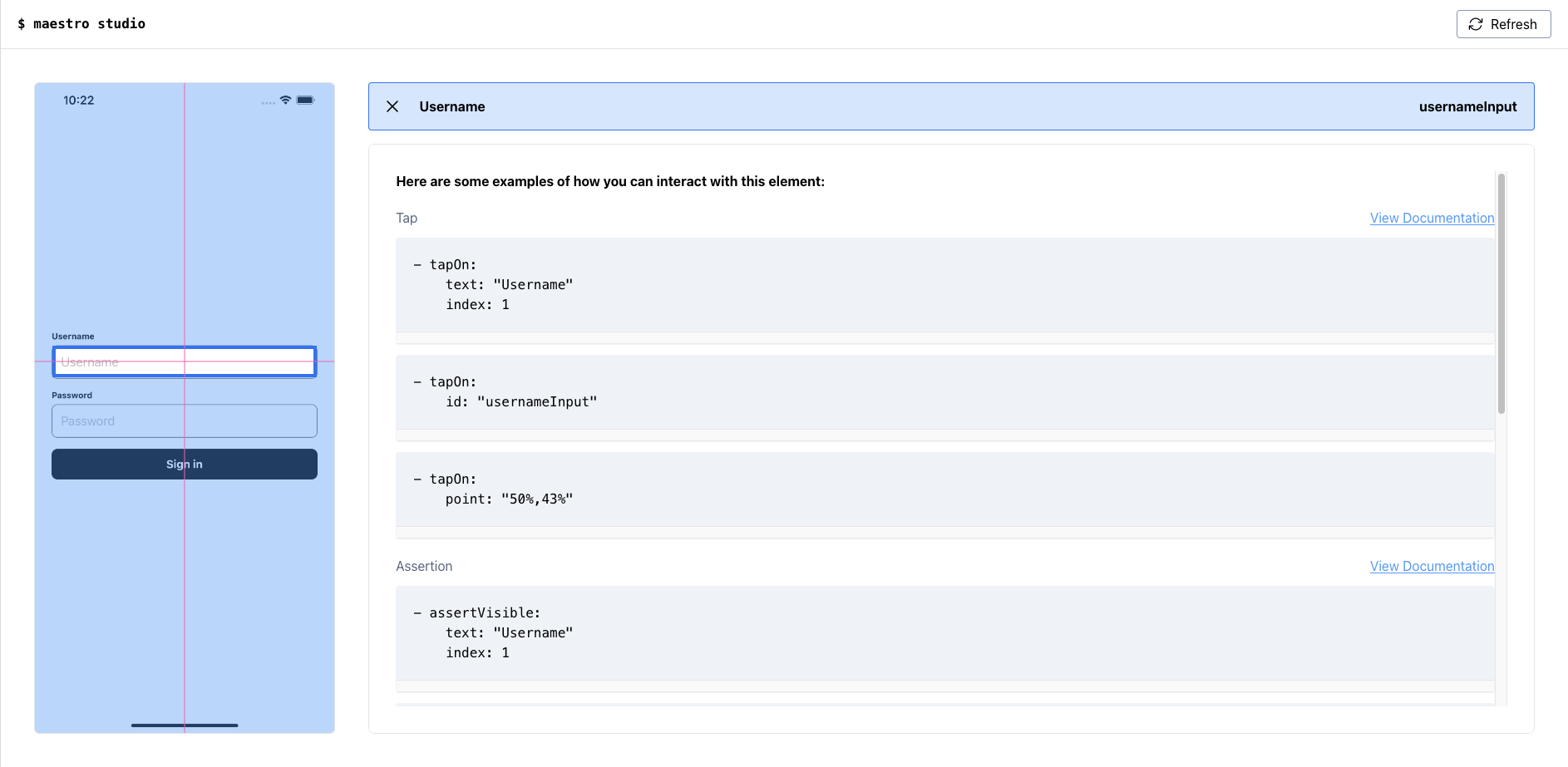
For creating new workflows you can check out the [Maestro docs](https://maestro.mobile.dev) and [Maestro studio](https://maestro.mobile.dev/getting-started/maestro-studio).
### Install maestro
Before running the tests, you need to setup Maestro on your machine. On MacOS and Linux you can follow these steps.
```bash
# install and upgrade maestro
$ curl -Ls "https://get.maestro.mobile.dev" | bash
```
Running flows on iOS Simulator requires installation of [Facebook IDB](https://fbidb.io).
```bash
$ brew tap facebook/fb
$ brew install facebook/fb/idb-companion
```
On windows you need to do further steps. A complete instruction can be found in the [Maestro docs](https://maestro.mobile.dev/getting-started/installing-maestro).
You can check if maestro is installed by checking the version. It should print the version number, e.g. 1.17.
```bash
$ maestro -v
```
### Running workflows
The workflows can be started with the Maestro CLI. Below you can find some commands for starting a single or multiple tests.
```bash
# run single test
$ maestro test .maestro/sign-in-flow.yaml
# run single test with external parameters
$ maestro test -e USERNAME="Test User" -e PASSWORD=Test123456 .maestro/sign-in-flow-external-parameters.yaml
# running every test in directory
$ maestro test -e USERNAME="Test User" -e PASSWORD=Test123456 .maestro
```
Furthermore, it's possible to create test reports like this:
```xml
```
You can run these tests with this command:
```bash
$ maestro test --format junit --output results.xml -e USERNAME="Test User" -e PASSWORD="Test123456" .maestro
```
### Creating video records
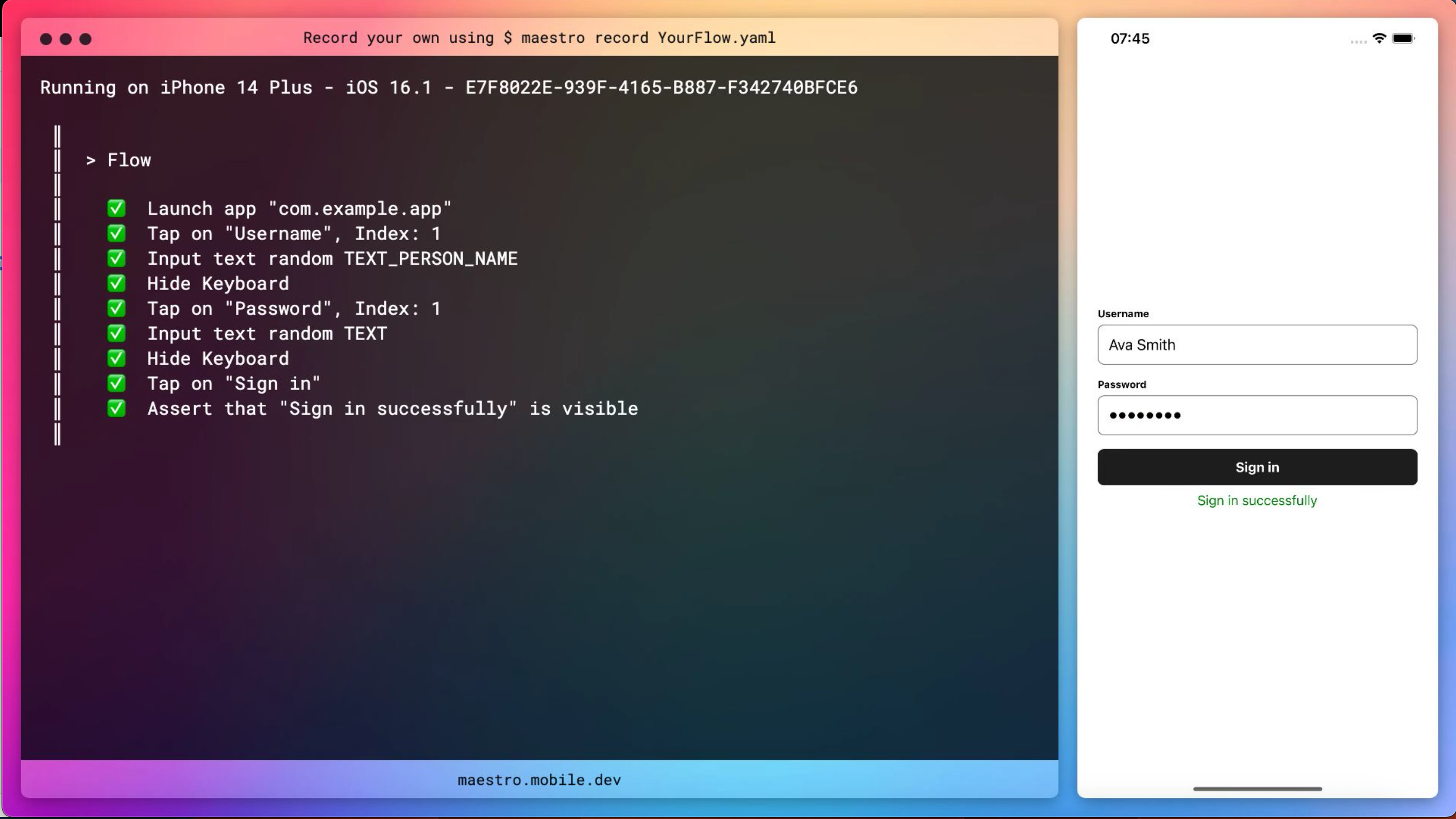
In addition to running tests, you can record them for getting a screen record.
```bash
# start video recording
$ maestro record .maestro/sign-in-flow-testid.yaml
```
## Tips and tricks
In our article we described some tips and tricks, like usage of `testID`, parameters and constants, recording workflows and nested flows.
## Further resources
- [Maestro Documentation](https://maestro.mobile.dev)
- [Maestro GitHub Repository](https://github.com/mobile-dev-inc/maestro)
- [Maestro Cloud Documentation](https://cloud.mobile.dev)
- [Example Repository for React Native Expo App](https://github.com/alexanderhodes/react-native-expo-maestro-example)
- [Article about testing React Native apps with Maestro](https://dev.to/b42/test-your-react-native-app-with-maestro-5bfj)