https://github.com/alexejn/cube-app-localization
AI-powered localization for Xcode String Catalogs (.xcstrings) (iOS/macOS). Edit, batch-translate, manage statuses.
https://github.com/alexejn/cube-app-localization
ai-localization app-localization crowdin developer-tools i18n ios l10n localization-tool localize macos string-catalog strings swift-localization translation xcode xcstrings
Last synced: 4 months ago
JSON representation
AI-powered localization for Xcode String Catalogs (.xcstrings) (iOS/macOS). Edit, batch-translate, manage statuses.
- Host: GitHub
- URL: https://github.com/alexejn/cube-app-localization
- Owner: alexejn
- Created: 2025-09-11T22:11:42.000Z (9 months ago)
- Default Branch: main
- Last Pushed: 2025-11-13T22:30:19.000Z (7 months ago)
- Last Synced: 2025-11-14T00:22:53.983Z (7 months ago)
- Topics: ai-localization, app-localization, crowdin, developer-tools, i18n, ios, l10n, localization-tool, localize, macos, string-catalog, strings, swift-localization, translation, xcode, xcstrings
- Homepage: https://app-localization.com
- Size: 87.9 KB
- Stars: 2
- Watchers: 0
- Forks: 0
- Open Issues: 0
-
Metadata Files:
- Readme: README.md
Awesome Lists containing this project
README

CUBE - AI App Localization (iOS & macOS)
[Download on MacStore](https://apps.apple.com/app/id6751232437?mt=12) · [Demo](https://www.youtube.com/watch?v=18qqg7Bn5to)
## Description
CUBE is a professional AI-powered localization tool designed for Xcode String Catalogs (`.xcstrings`) on iOS and macOS. It makes app localization fast, cost-effective, and developer-friendly. With full support for batch translation, editing, and reviewing, CUBE helps teams manage translations at scale while keeping full control over costs.
- Batch-translate `.xcstrings` with AI (your own OpenAI key, full cost control)
- Edit, review, and manage statuses in one place
- Built for String Catalogs: filters, search, plurals, state management
- No hidden costs. Developer-friendly UX.
## Key Features
- **AI batch translation** with per-key cost visibility
- **Powerful editor**: inline edits, statuses, filters
- **String Catalog first**: plurals, variants
- **Full control of costs**: bring your own OpenAI key
- **Team-ready**: Releases/Changelog, Discussions, Issues
## Quick Start
1. Create Project in CUBE
2. Import your `.xcstrings`
3. Select locales → Translate
4. Review, edit, set statuses if need
5. Export - write down to `.xcstrings`
## Support
- Issues → [GitHub Issues](../../issues)
## Demo Video
[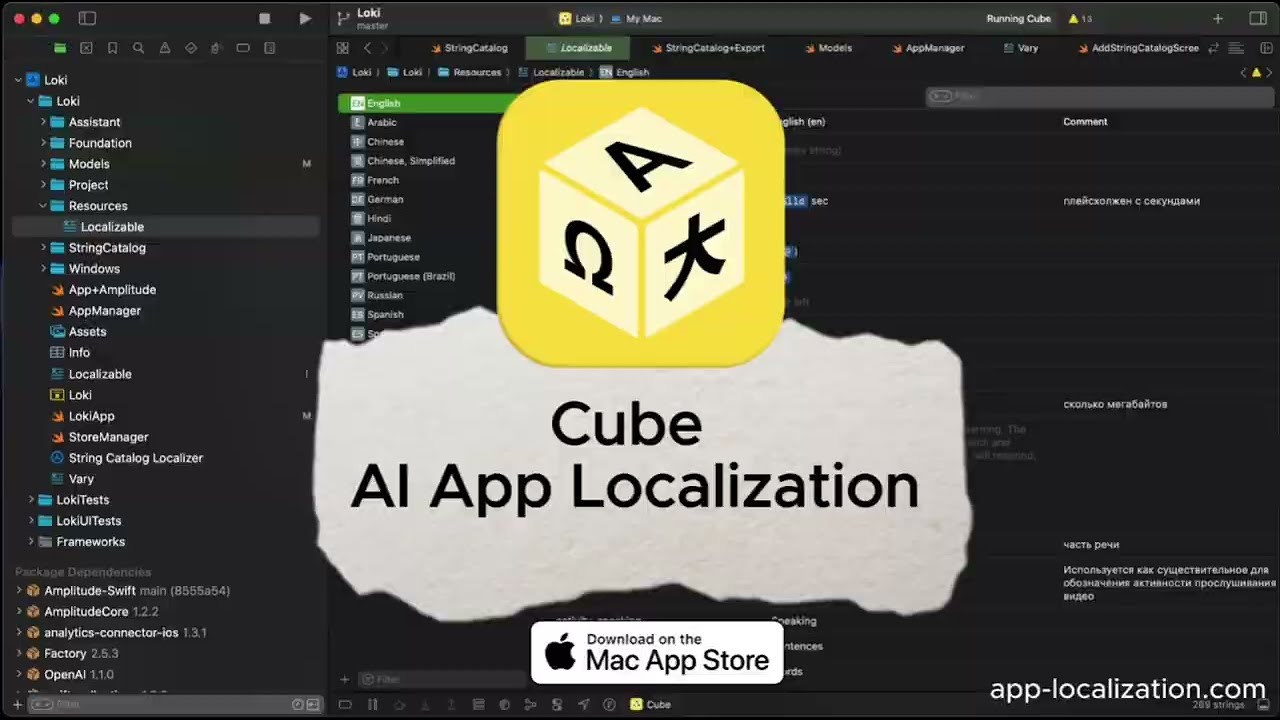](https://www.youtube.com/watch?v=18qqg7Bn5to)
Click to play the video on YouTube. Thanks for watching!
[ ](https://apps.apple.com/app/id6751232437?mt=12)