https://github.com/alexey0b/parcel_tracking_service
https://github.com/alexey0b/parcel_tracking_service
backend golang parcel-tracking postgresql rest-api
Last synced: about 2 months ago
JSON representation
- Host: GitHub
- URL: https://github.com/alexey0b/parcel_tracking_service
- Owner: alexey0b
- License: mit
- Created: 2024-12-12T09:07:32.000Z (about 1 year ago)
- Default Branch: main
- Last Pushed: 2025-05-08T14:47:46.000Z (9 months ago)
- Last Synced: 2025-07-23T16:43:50.761Z (7 months ago)
- Topics: backend, golang, parcel-tracking, postgresql, rest-api
- Language: Go
- Homepage:
- Size: 114 KB
- Stars: 0
- Watchers: 1
- Forks: 0
- Open Issues: 0
-
Metadata Files:
- Readme: README.md
- License: LICENSE
Awesome Lists containing this project
README
[](https://codecov.io/gh/goroutiner/parcel_tracking_service)
## 📖 Translations
- [Read in Russian](/README_RU.md)
---
Parcel Tracking Service
---
## 📋 Project Description
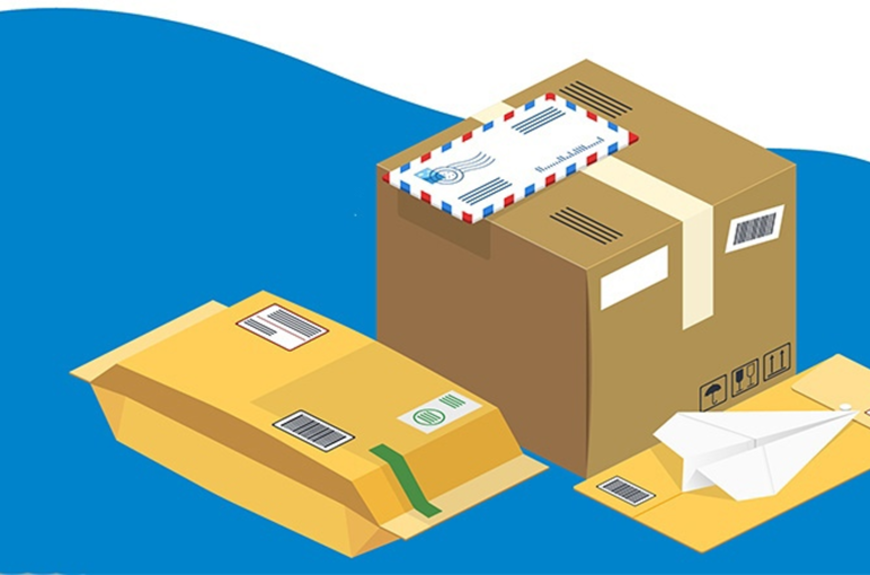
**Parcel Tracking Service** is a convenient web application for tracking parcels, designed to simplify the logistics process. With this service, customers can register parcels, track their status, update delivery addresses, and delete parcels if necessary.
---
## What is implemented in the application?
- ✔️ Parcel registration linked to a customer \

- ✔️ Ability to change parcel status \

- ✔️ Update delivery address \

- ✔️ Delete parcels \

- ✔️ Dynamic parcel table \

- ✔️ Database integration 📇
---
## 📦 Instructions for Building and Running the Application with Docker
If you want to run the project using Docker, follow these steps:
1. Make sure Docker is installed.
2. To build and run the application, navigate to the project's root directory.
3. Build the application by running the following command in the terminal:
```
docker compose up
```
If you want the application to run in the background without logging, execute the command:
```
docker compose up -d
```
#### Now you can open the application in your browser at: [http://localhost:8080](http://localhost:8080/ "Specify the port you configured in Port")
---
## 🛠️ Technical Resources
- **Libraries for Database Interaction:** [jmoiron/sqlx](https://github.com/jmoiron/sqlx) and [jackc/pgx](https://github.com/jackc/pgx)
- **Library for Writing Tests:** [stretchr/testify](https://github.com/stretchr/testify)
---
# Conclusion
Thank you for using **Parcel Tracking Service**! 🚀 We hope the service helps you efficiently manage deliveries and logistics. 😊
---