https://github.com/alipsa/rideutils
Java FX GUI utilities for use in Renjin applications e.g. Ride
https://github.com/alipsa/rideutils
r-package renjin
Last synced: 3 days ago
JSON representation
Java FX GUI utilities for use in Renjin applications e.g. Ride
- Host: GitHub
- URL: https://github.com/alipsa/rideutils
- Owner: Alipsa
- License: mit
- Created: 2018-12-23T08:50:27.000Z (over 7 years ago)
- Default Branch: master
- Last Pushed: 2022-08-16T16:49:24.000Z (almost 4 years ago)
- Last Synced: 2026-01-11T18:35:25.991Z (5 months ago)
- Topics: r-package, renjin
- Language: Java
- Homepage:
- Size: 383 KB
- Stars: 1
- Watchers: 1
- Forks: 0
- Open Issues: 0
-
Metadata Files:
- Readme: README.md
- License: LICENSE
Awesome Lists containing this project
README
# rideutils
GUI utilities for use in JavaFx based applications running R code via Renjin
e.g. [Ride](https://github.com/perNyfelt/ride)
Add the following to your pom.xml to use it:
```xml
se.alipsa
rideutils
1.8.4
```
Note than from version 1.8.3, Java 11 is required, module name is `se.alipsa.rideutils`.
Previous versions required Java 8.
## API / Usage overview
There is a demo gui that displays most of the functions below. To run it, either
1. download and run the jar with dependencies e.g. `java -jar rideutils-demo-1.0-SNAPSHOT-jar-with-dependencies.jar`
2. or: clone the repo and
execute the demo script `runDemo.sh` or if that is not working for you execute the following commands:
```shell script
mvn -DskipTests install
cd demo
mvn exec:java
```
Here is a screenshot:
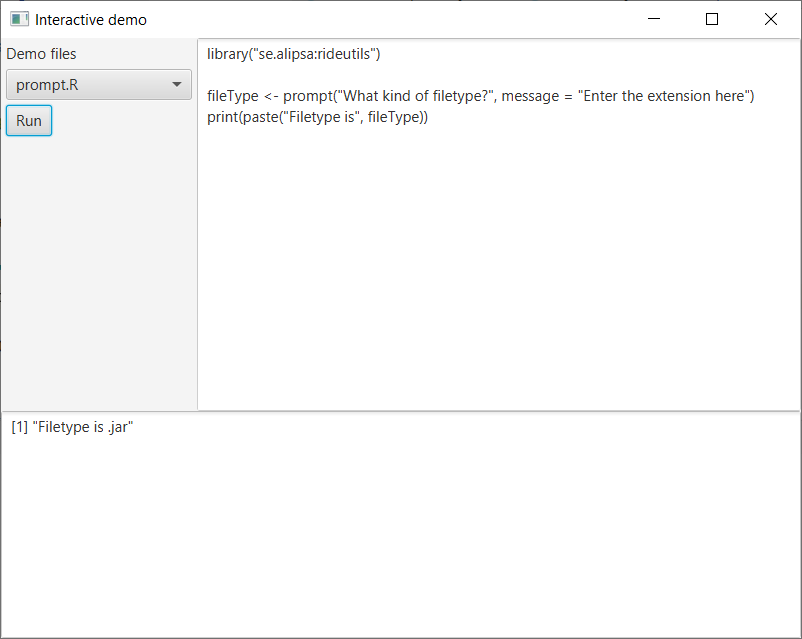
It is a simple R gui where some sample files are loaded in the left pane.
You can select one, and it will load the code into the right pane which holds
the R code to execute. The resulting output will be in the bottom pane.
## Function descriptions
### Hamcrest extensions
__greaterThan <- function(expected)__
Allows you do do test expressions such as `assertThat(someVar, greaterThan(22))`
It is vectorized so asserts that all elements are greater than the given for a vector
if given as an argument.
__lessThan <- function(expected)__
Allows you do do test expressions such as `assertThat(somVar, lessThan(22))`
it is vectorized so asserts that all elements are less than the given for a vector
if given as an argument.
### Image View
__readImage <- function(url)__
_param:_ url - the url path to the reasource to read
_return value:_ A javafx.scene.image.Image that can be passed to a java program to e.g. display it
__as.imageView <- function(x)__
Wraps a javafx.scene.image.Image in a javafx.scene.image.ImageView
_param:_ x - the Image
_return value:_ as javafx.scene.image.ImageView
### Utils
__View <- function(x, title = NA)__
Provides a similar functionality as the R utils function View i.e. Invoke a spreadsheet-style data viewer on a matrix-like R object.
_param:_ x - The matrix or data.frame to view, the content is formatted for viewing using format().
It depends on an object called inout injected into the session that has a java method called View defined as
`void View(SEXP sexp, String... title);`
__display <- function(x, title = NA)__
Used to display an image in a javafx application.
_param:_ x - the filename, imageView or image object to display
The javafx application executing the R code through the Renjin scripting engine need to
inject an object called inout that implements the following methods
```java
void display(javafx.scene.Node node, String... title);
void display(javafx.scene.image.Image img, String... title);
void display(String fileName, String... title);
```
_Example:_
```r
library("grDevices")
library("graphics")
library("se.alipsa:rideutils")
# plot a svg image to a file
fileName <- "/tmp/svgplot.svg"
svg(fileName)
plot(sin, -pi, 2*pi)
dev.off()
# convert the image to a a javafx Image and display it in the javafx application, the second argument is the title of the window (optional)
display(fileName, "svgplot")
```
__viewPlot <- function(func)__
Convenience method to display plots
```r
viewPlot(
barplot(
table(mtcars$vs, mtcars$gear),
main="Car Distribution by Gears and VS",
col=c("green","red")
)
)
# it returns the tempfile created
irisFile <- viewPlot(
hist(iris$Sepal.Width),
"sepal widths"
)
print(paste("Created plot of iris sepal width here", irisFile))
```
### Interactive user input
These are functions that allows the R program to interact with the user running it.
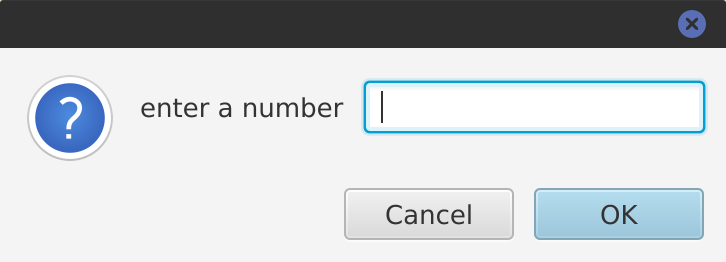
__readline <- function(prompt = "")__
Overrides the base R readline function and pops up a graphical input dialog instead of reading from stdin.
_Example:_
```r
library("se.alipsa:rideutils")
var <- readline("enter a number")
print(paste("var is", var))
```
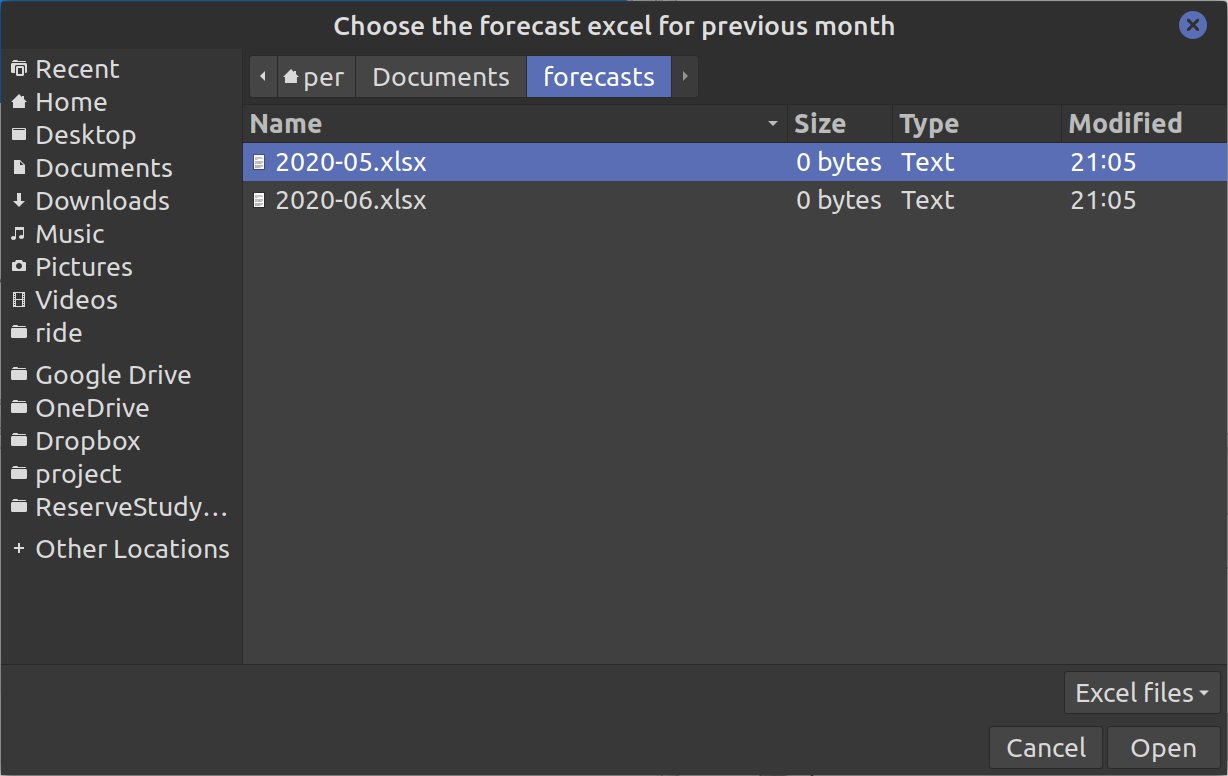
__chooseFile <- function (title, initialDir = ".", description, ...)__
Allows a user to pick a file.
The elipsis parameter (...) are the allowed file patterns (typically extensions) that the user can pick.
_Example_
```r
library("se.alipsa:rideutils")
file <- chooseFile(
title = "Choose the forecast excel for previous month",
initialDir = ".",
description = "Excel files",
"*.xls", "*.xlsx"
)
```
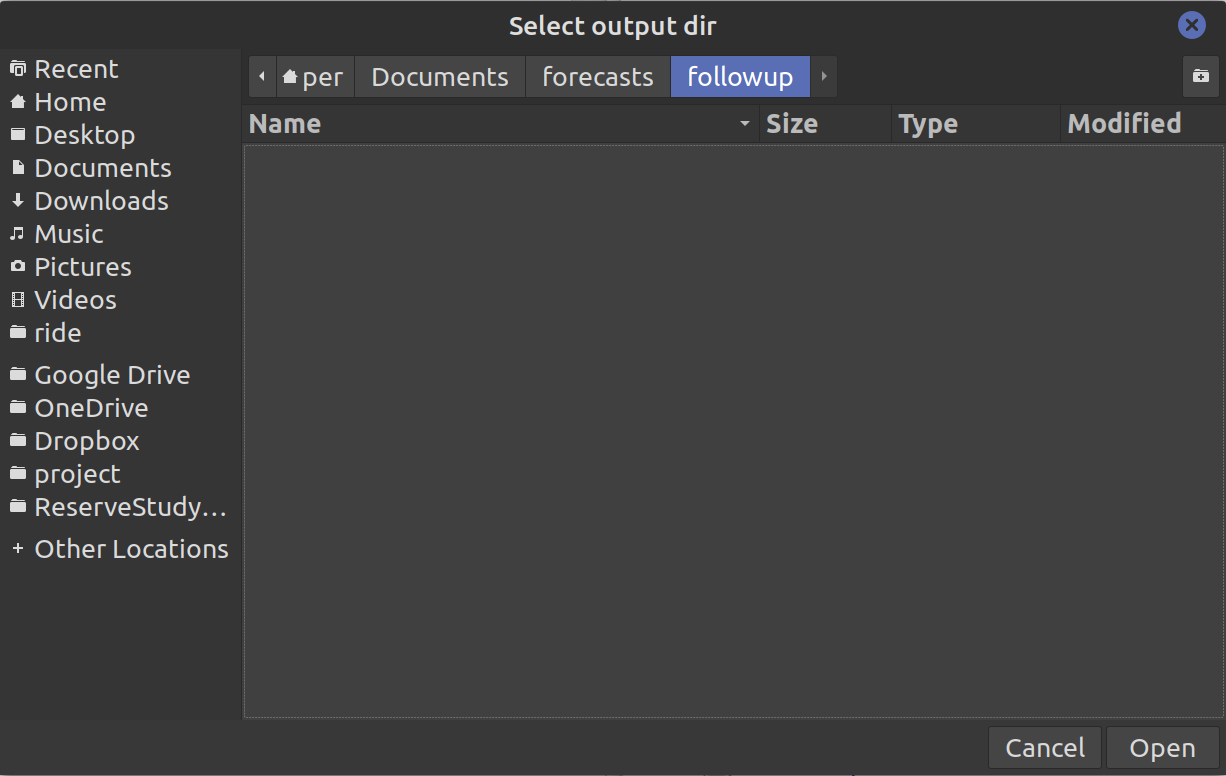
__chooseDir <- function (title, initialDir = ".")__
Allows a user to pick a directory.
_Example:_
```r
library("se.alipsa:rideutils")
dir <- chooseDir("Select output dir", ".")
print(paste("Dir chosen is", dir))
```
__prompt <- function(title = "", headerText = "", message = "")__
Allows a user to enter string input which we can use in subsequent code.
_Return value:_ It returns a string (character vector) with user input or NA if cancel was pressed.
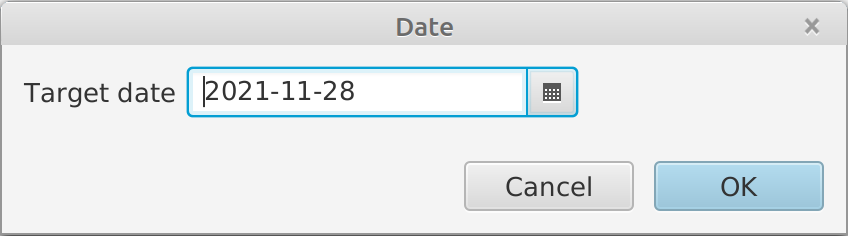
__promptDate <- function(title = "", message = "", outputFormat = "yyyy-MM-dd")__
Pops up a date picker dialog allowing the user to pick a date.
_@param:_ outputFormat - determines the format of the picked date in the dialog as well as in the
return value
_@return value:_ a character string formatted according to the outputFormat param or
in the format "yyyy-MM-dd" is no outputFormat is given.
_Example:_
```r
library("se.alipsa:rideutils")
date2 <- promptDate("Date", message = "Another date", outputFormat = "dd MMM yyyy")
print(paste("Date is", date2))
```
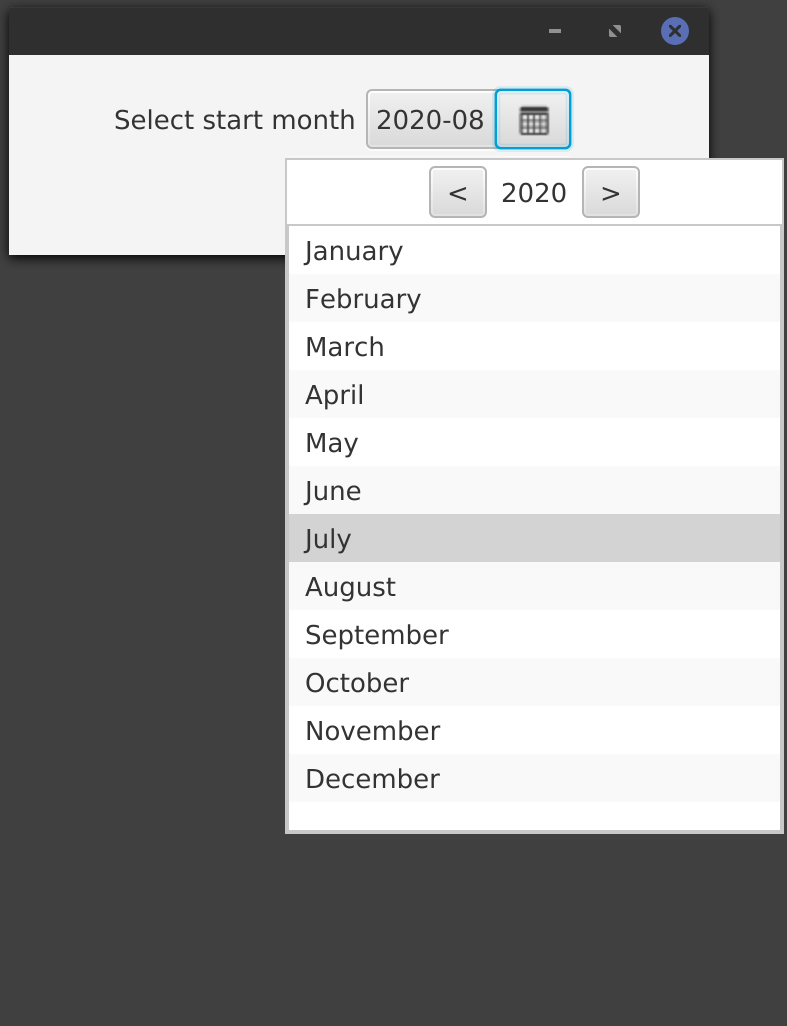
__promptYearMonth <- function(title = "", message = "", from=NA, to=NA, initial=NA, languageTag=NA, monthFormat = "MMMM", outputFormat = "yyyy-MM")__
Pick or type a Year Month.
_@param:_ from - a character string with the start year month than can be chosen in the format "yyyy-MM".
Default value NA will be converted to the initial date minus 3 years
_@param:_ to - a character string with the en year month than can be chosen in the format "yyyy-MM"
Default value NA will be converted to the initial date plus 3 years
_@param:_ initial - the initial (default) value in the format "yyyy-MM"
Default value NA will be converted to current year month.
_@param:_ languageTag - The short code for the local e.g. en-US. For a full list of
language tags see https://www.oracle.com/java/technologies/javase/jdk8-jre8-suported-locales.html
Default value NA vill be converted to the system default language setting.
_@param:_ monthFormat - determines the format of the month in the dialog
_@param:_ outputFormat - determines the format of the picked date in the dialog as well as in the
return value
_Example:_
```r
library("se.alipsa:rideutils")
# simple version with all defaults
start <- promptYearMonth(message = "Select start month")
```
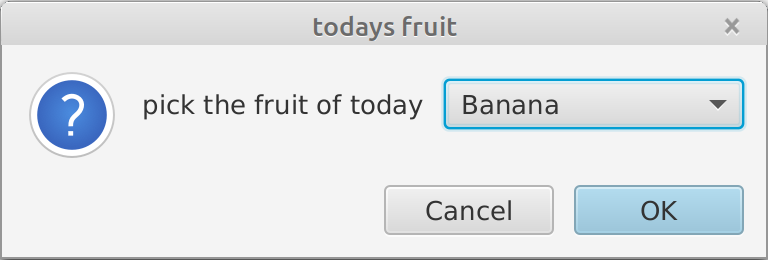
__promptSelect <- function(title = "", message = "", options, defaultValue = "")__
Pick one of the specified options
_Example:_
```r
library("se.alipsa:rideutils")
fruit <- promptSelect(
title = "todays fruit",
message = "pick the fruit of today",
options = c("Apple", "Banana", "Orange"),
defaultValue = "Banana"
)
print(paste0("The fruit of today is ", fruit, ", type is ", typeof(fruit) ))
```
which will print
```
[1] "The fruit of today is Orange, type is character"
```