https://github.com/alitrack/duckduckgo-api
DuckDuckGo API
https://github.com/alitrack/duckduckgo-api
duckduckgo-api
Last synced: 3 months ago
JSON representation
DuckDuckGo API
- Host: GitHub
- URL: https://github.com/alitrack/duckduckgo-api
- Owner: alitrack
- License: mit
- Created: 2023-07-27T04:11:37.000Z (over 2 years ago)
- Default Branch: master
- Last Pushed: 2023-07-27T04:32:04.000Z (over 2 years ago)
- Last Synced: 2025-10-06T03:23:39.399Z (3 months ago)
- Topics: duckduckgo-api
- Language: Python
- Homepage: https://duckduckgo-api0.vercel.app
- Size: 5.86 KB
- Stars: 5
- Watchers: 1
- Forks: 2
- Open Issues: 0
-
Metadata Files:
- Readme: README.md
- License: LICENSE
Awesome Lists containing this project
README
# DuckDuckGo API
## Deploy to Vercel
[https://duckduckgo-api0.vercel.app/search?q=啊对对对是什么梗&max_results=3](https://duckduckgo-api0.vercel.app/search?q=啊对对对是什么梗&max_results=3)
使用vercel部署的本项目,免费,但是vercel免费用量用完就无了
可点下方按钮部署到自己的Vercel
[](https://vercel.com/import/project?template=https://github.com/alitrack/duckduckgo-api)
1. 前往 [vercel.com](https://vercel.com/)
2. 点击 `Login`
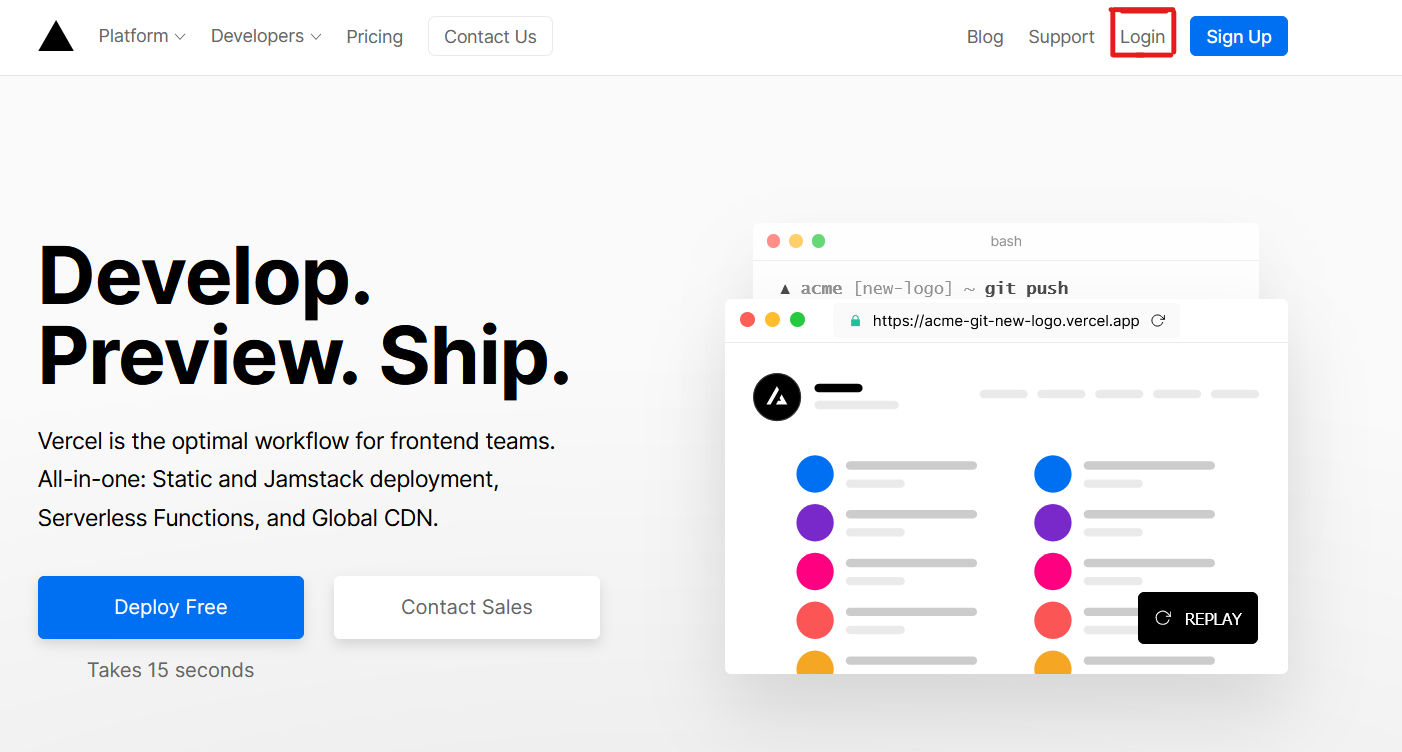
3. 点击 `Continue with GitHub` 通过 GitHub 进行登录
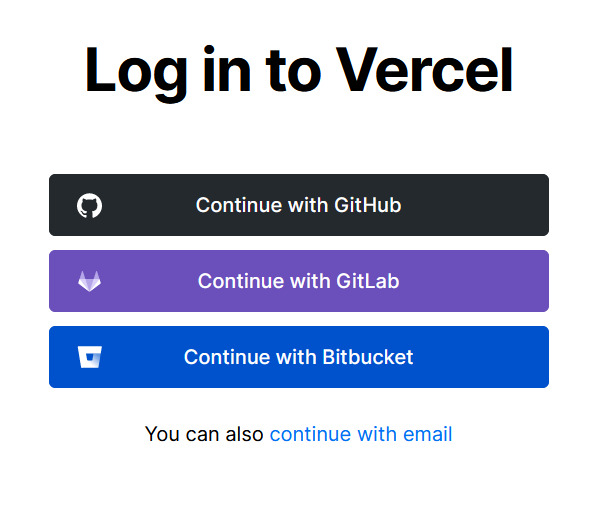
4. 登录 GitHub 并允许访问所有存储库(如果系统这样提示)
5. Fork 这个仓库
6. 返回到你的 [Vercel dashboard](https://vercel.com/dashboard)
7. 选择 `Import Project`

8. 选择 `Import a Git Repository`
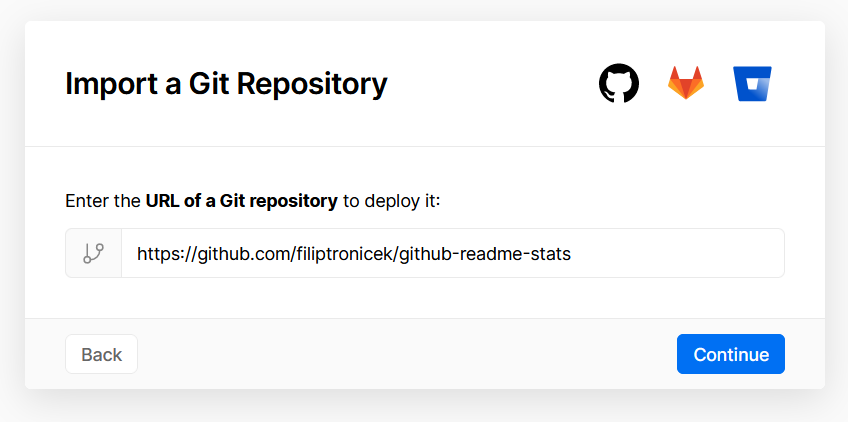
9. 选择 root 并将所有内容保持不变,并且只需添加名为 PAT_1 的环境变量(如图所示),其中将包含一个个人访问令牌(PAT),你可以在[这里](https://github.com/settings/tokens/new)轻松创建(保留默认,并且只需要命名下,名字随便)
10. 点击 deploy,这就完成了,查看你的域名就可使用 API 了!
11. 注意,国内用户还得部署自己的二级域名
### Self hosting
```bash
git clone https://github.com/alitrack/duckduckgo-api.git
cd duckduckgo-api
python3 -m venv .venv && source .venv/bin/activate && pip install -r requirements.txt
uvicorn --host 0.0.0.0 --port 8000 app:app
```