https://github.com/alloc/vscode-themes
Themes to die for
https://github.com/alloc/vscode-themes
vscode-theme
Last synced: 4 months ago
JSON representation
Themes to die for
- Host: GitHub
- URL: https://github.com/alloc/vscode-themes
- Owner: alloc
- License: other
- Created: 2023-08-01T19:38:02.000Z (almost 3 years ago)
- Default Branch: master
- Last Pushed: 2025-06-30T18:27:00.000Z (about 1 year ago)
- Last Synced: 2025-09-24T13:54:34.615Z (10 months ago)
- Topics: vscode-theme
- Language: TypeScript
- Homepage: https://marketplace.visualstudio.com/items?itemName=aleclarson.vscode-themes-to-die-for
- Size: 9.31 MB
- Stars: 2
- Watchers: 2
- Forks: 0
- Open Issues: 0
-
Metadata Files:
- Readme: README.md
- License: LICENSE
Awesome Lists containing this project
README
# @alloc/vscode-themes
All of my favorite editor themes.
## 👑 Tier 1
### 🌑 [Everforest Dark](https://github.com/sainnhe/everforest-vscode)
– Sainnhe Park

### 🌑 [Minimal Green](https://github.com/mdoyleaz/vs-code-theme-minimal_green)
– Michael Doyle
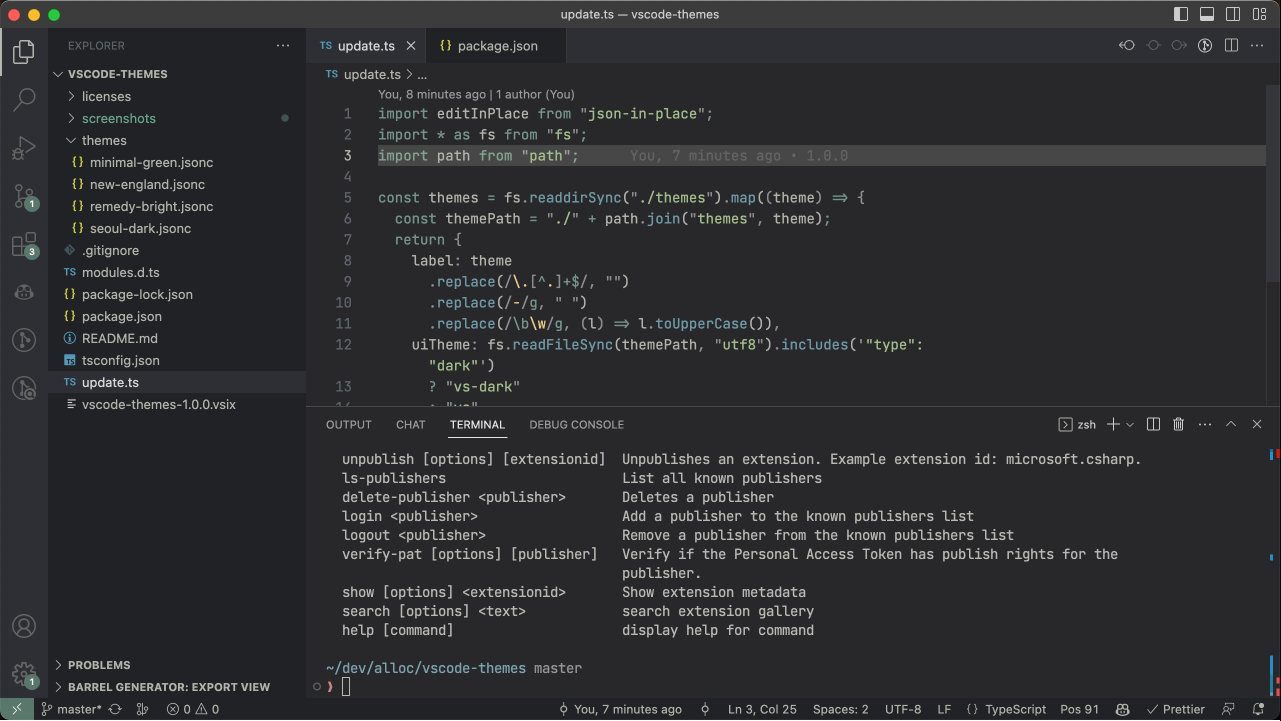
### 🌑 [Noir Rosé Pine Moon](https://github.com/andrewberty/Noir-vscode-theme?tab=readme-ov-file#noir-ros%C3%A9-pine-moon)
– mvllow

### 🌕 [GruvDark-GBM Light](https://github.com/darianmorat/gruvdark-theme)
– Darian Morat
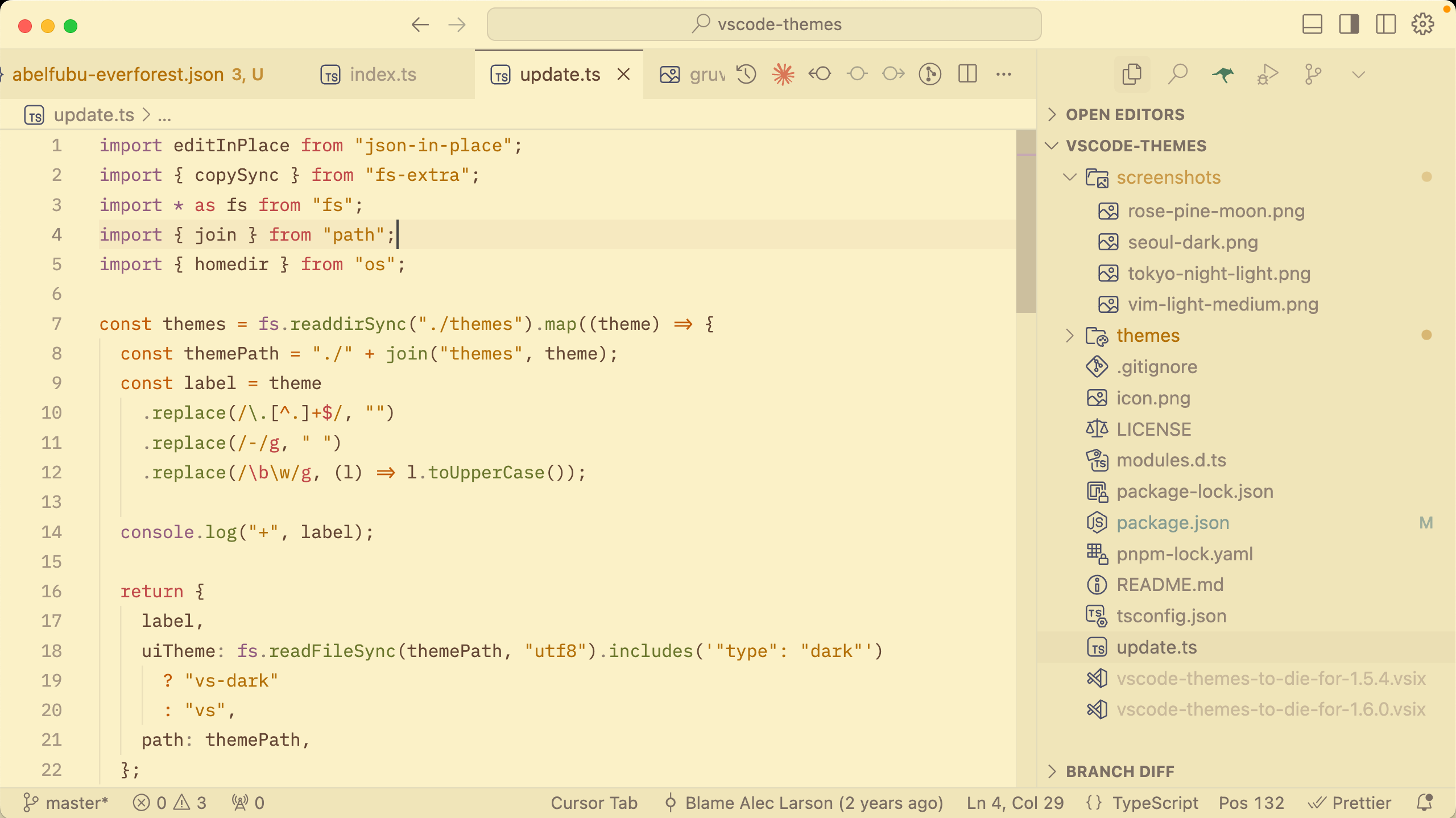
### 🌕 [Vim Light Medium](https://github.com/jeff-hykin/vim-light-medium)
– Jeff Hykin

## 🏆 Tier 2
### 🌑 [Gruvbox Material Dark](https://marketplace.visualstudio.com/items?itemName=EstevamSouza.the-best-themes-for-programmers)
– Estevam Souza
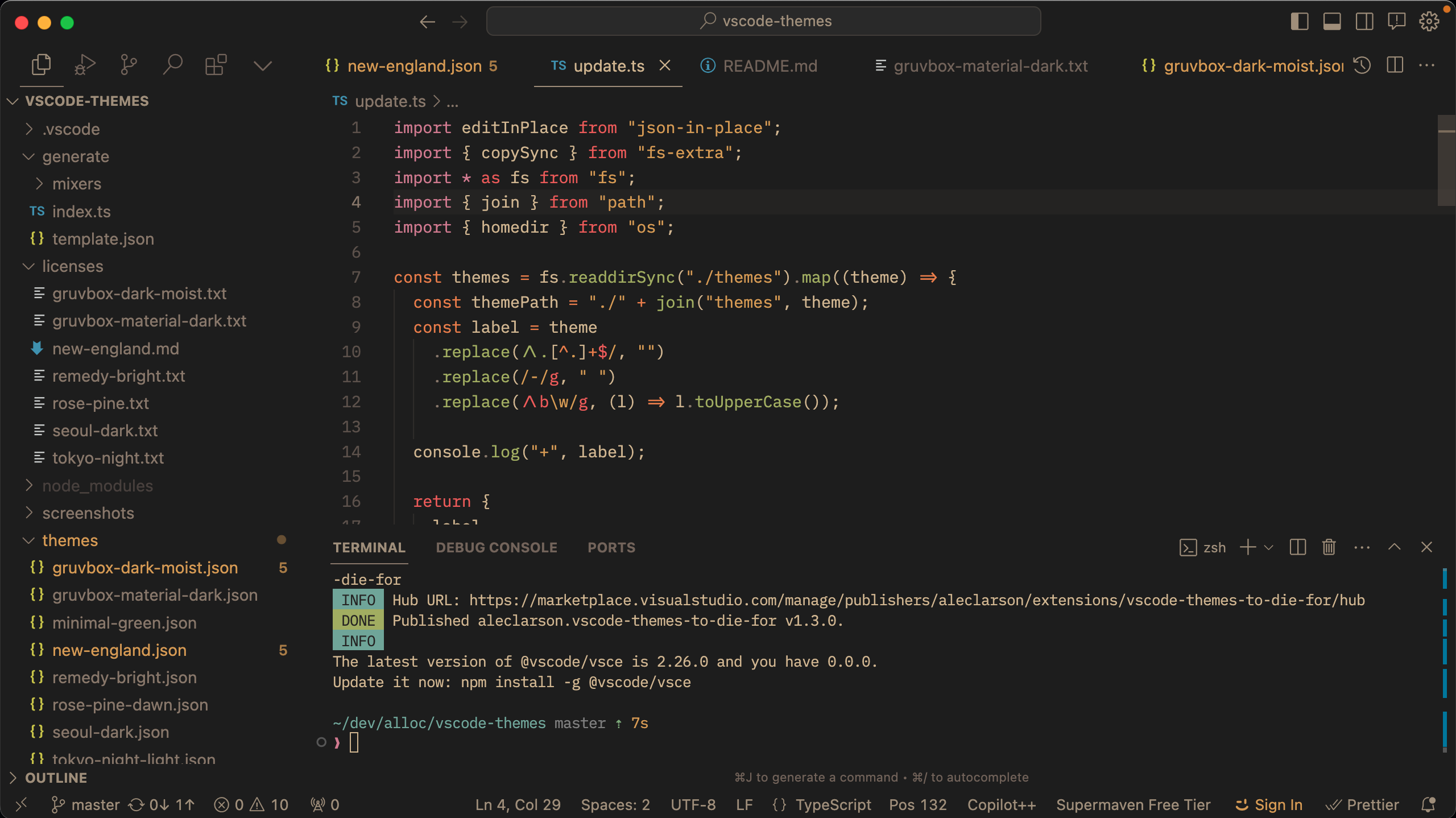
### 🌑 [Nightcall](https://github.com/bpat86/nightcall-vscode-theme)
– Robert Patterson
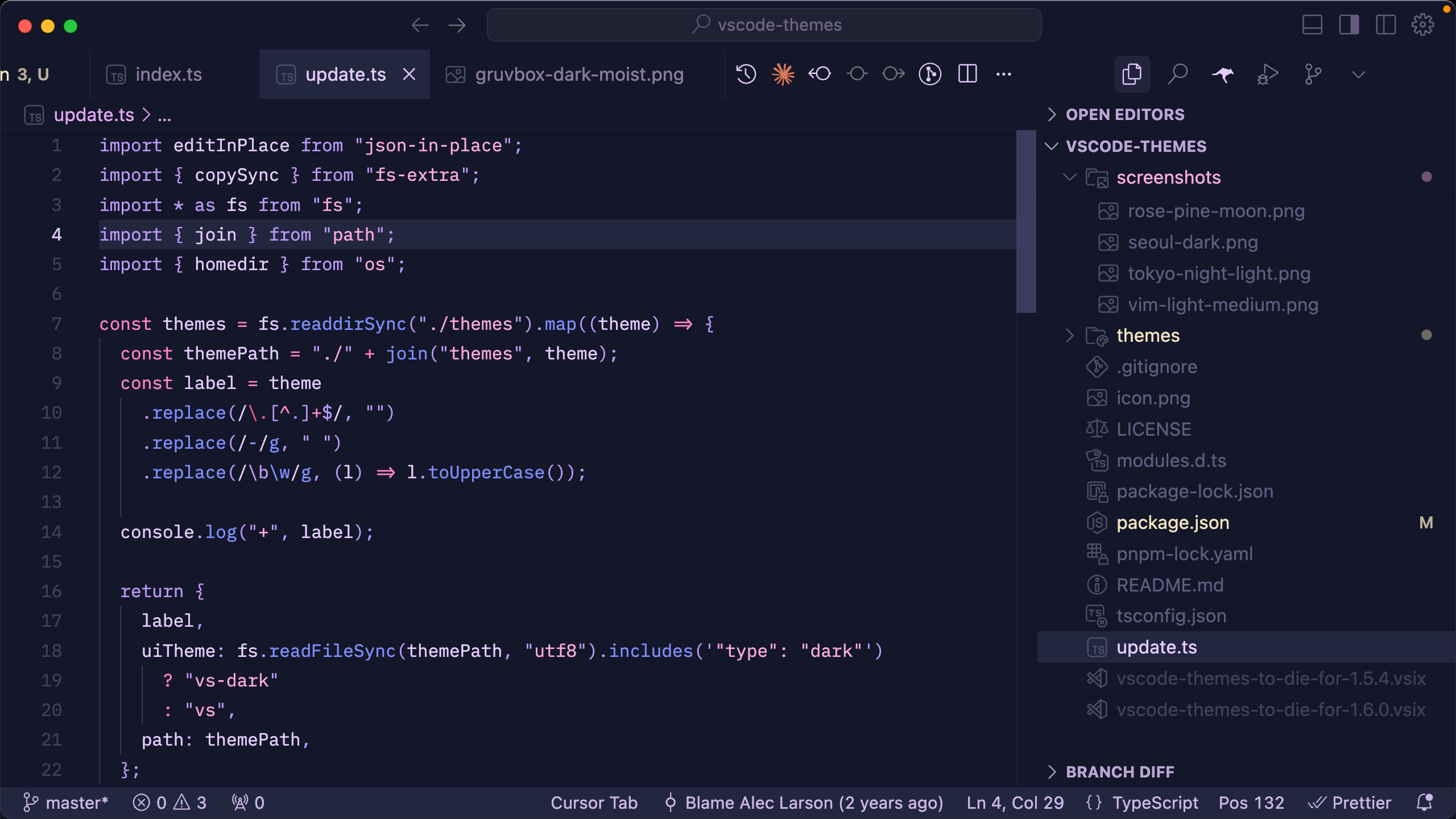
### 🌕 [Everforest Light](https://github.com/sainnhe/everforest-vscode)
– Sainnhe Park

### 🌕 [New England](https://github.com/dustypomerleau/new-england)
– Dusty Pomerleau
## 🏅 Tier 3
### 🌑 [Abelfubu Everforest](https://github.com/abelfubu/abelfubu-dark-vscode-theme/blob/dc0de4d5a08910448e69f565ea22deedd92527ad/themes/abelfubu-everforest.json)
– Abel de la Fuente
### 🌑 [Gruvbox Dark Moist](https://github.com/CraigglesO/gruvbox-dark-moist-vscode)
– Craig O'Connor
### 🌕 [Remedy Bright](https://github.com/robertrossmann/vscode-remedy)
– Robert Rossmann
### 🌕 [Rosé Pine Dawn](https://github.com/rose-pine/vscode)
– mvllow
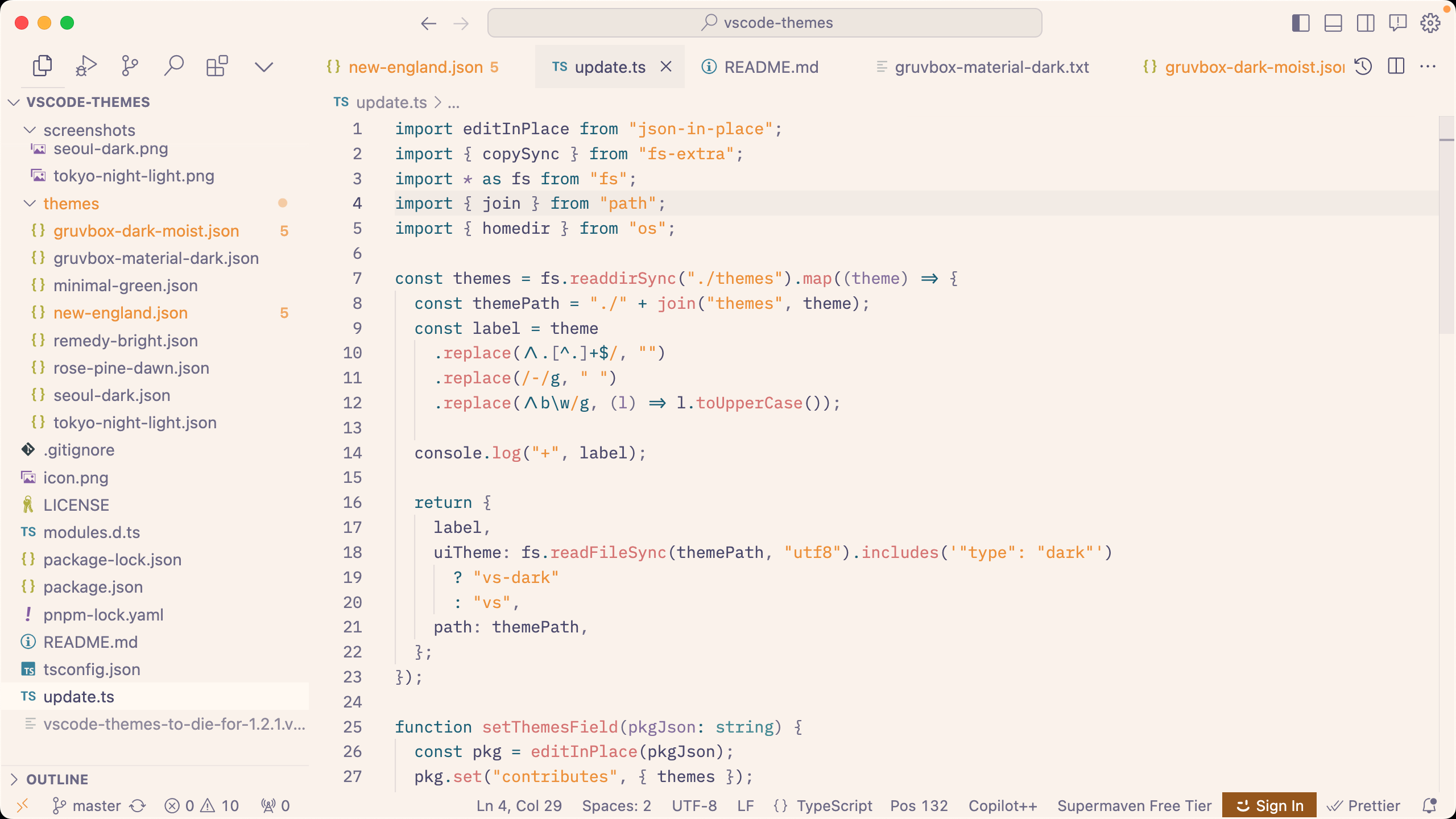
### 🌗 [Seoul Dark](https://github.com/aleclarson/vscode-seoul-dark)
– Ryan Olson
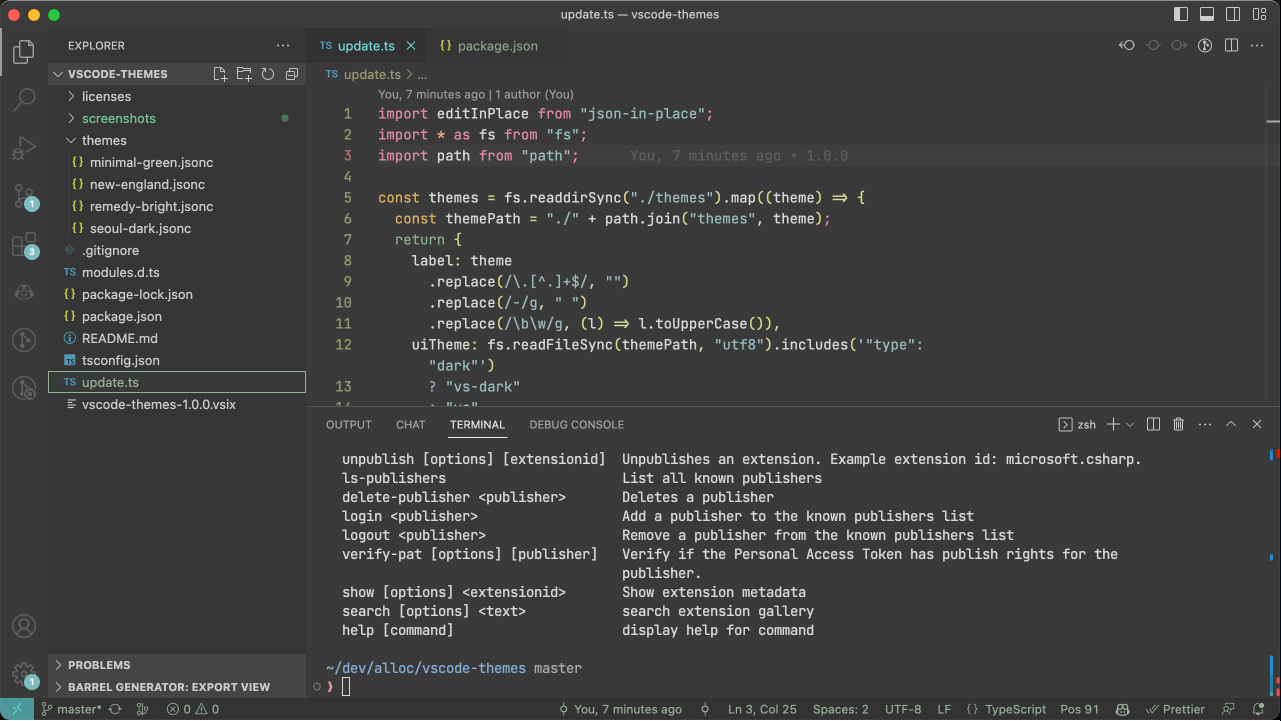
### 🌗 [Tokyo Night Light](https://github.com/enkia/tokyo-night-vscode-theme)
– enkia
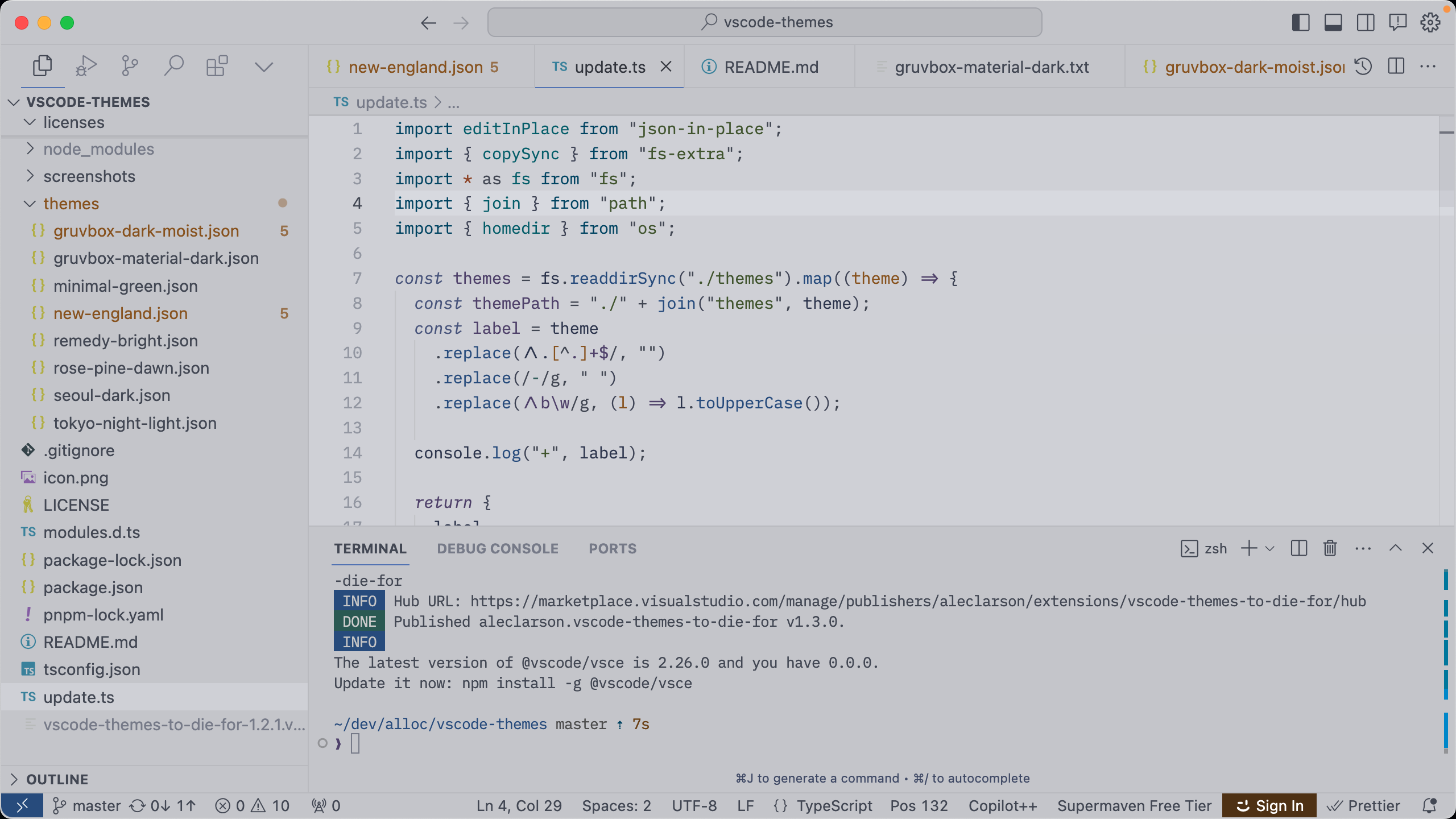
## Numa Pro v1.0
_A light & dark theme duo you can't find anywhere else, where colors are used to help you read your code._
⚠️ Currently only optimized for TypeScript/TSX/HTML/CSS/JSON.
**Special Features**
- JSX and TypeScript syntax each has its own color palette, to help separate it from the JavaScript implementation.
- JSX tags are light green and JSX attributes are dark blue.
- Primitive types are orange and other type references are magenta.
- Function calls are a deep blue, function/class/type declaration names are a bright purple, and function parameters are navy.
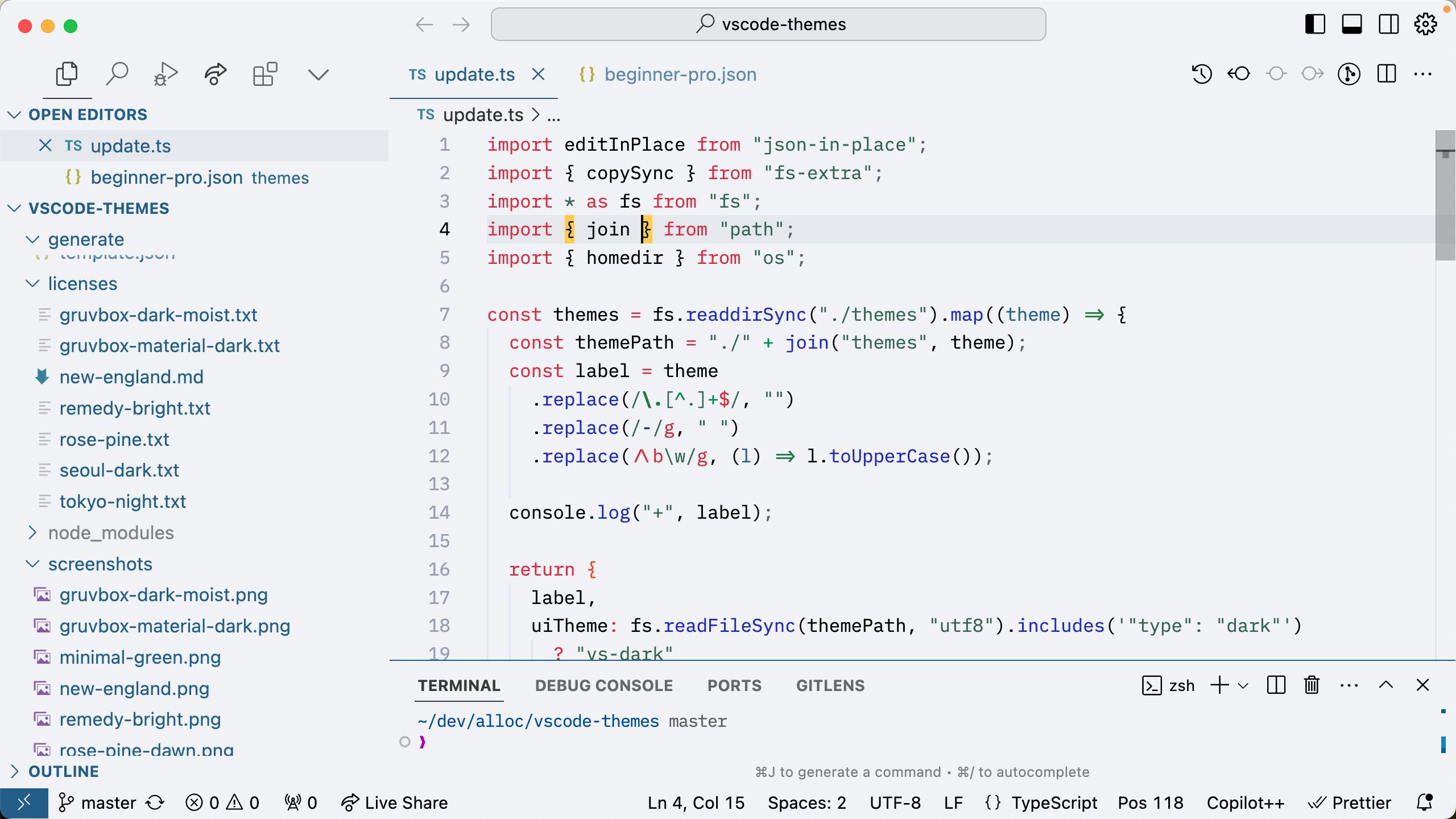
- The curly braces of an object literal are a blood orange, while all other curly braces (including those of an object _type_) are black, so you can easily identify a runtime object declaration.

## Adding new themes
1. Clone the repository
```sh
git clone https://github.com/alloc/vscode-themes
cd vscode-themes
pnpm install
```
2. Add themes to the `themes` folder.
3. Update the package.json
```
pnpm run update
```