https://github.com/alpensegler/tweakit
Yet another library for adjusting parameters and feature flagging.
https://github.com/alpensegler/tweakit
ios swift tweak
Last synced: 5 months ago
JSON representation
Yet another library for adjusting parameters and feature flagging.
- Host: GitHub
- URL: https://github.com/alpensegler/tweakit
- Owner: Alpensegler
- License: mit
- Created: 2021-05-30T10:21:30.000Z (about 5 years ago)
- Default Branch: master
- Last Pushed: 2023-09-01T02:37:30.000Z (almost 3 years ago)
- Last Synced: 2026-01-30T04:09:47.380Z (5 months ago)
- Topics: ios, swift, tweak
- Language: Swift
- Homepage: https://alpensegler.github.io/TweaKit/
- Size: 2.47 MB
- Stars: 21
- Watchers: 1
- Forks: 1
- Open Issues: 0
-
Metadata Files:
- Readme: README.md
- Changelog: CHANGELOG.md
- License: LICENSE
Awesome Lists containing this project
README





`TweaKit`, a.k.a. "Tweak It", is a pure-swift library for adjusting parameters and feature flagging.
## Features
- Declaring tweaks with property wrapper and result builder.
- Tweaking frequently used types on the fly.
- Carefully designed UI/UX.
- Searching tweaks fuzzily.
- Importing and exporting tweaks with json.
## Requirements
- iOS 13 and later
- Swift 5.4 and later
## Installation
### CocoaPods
```ruby
pod 'TweaKit', '~> 1.0'
```
### Carthage
```ogdl
github "Alpensegler/TweaKit" ~> 1.0
```
### Swift Package Manager
```swift
.package(url: "https://github.com/Alpensegler/TweaKit.git", .upToNextMajor(from: "1.0.0"))
```
## Get Started
### Declare Tweaks
```swift
import TweaKit
enum Tweaks {
@Tweak(name: "Line Width", defaultValue: 1, from: 0.5, to: 2, stride: 0.05)
static var sketchLineWidth
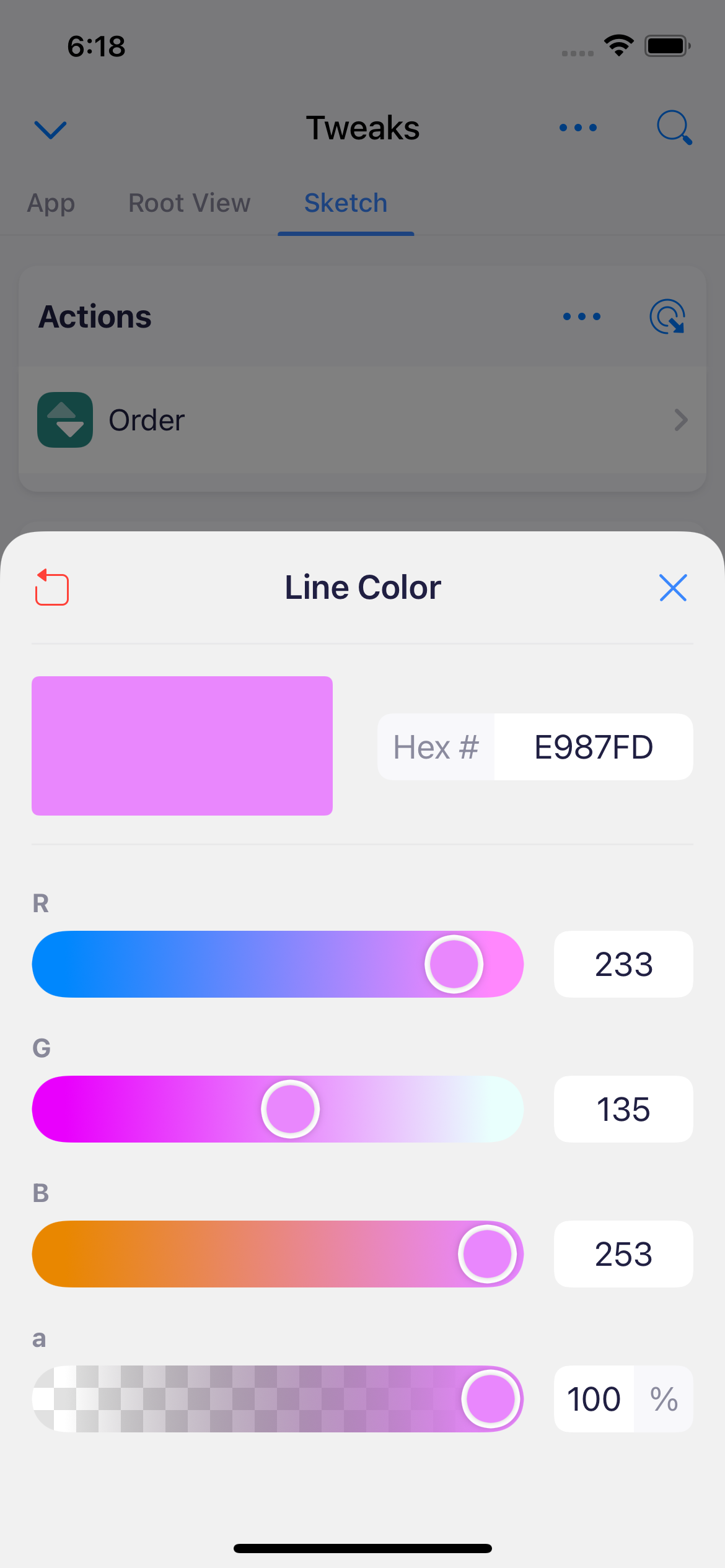
@Tweak(name: "Line Color", defaultValue: UIColor(red: 0.227, green: 0.529, blue: 0.992, alpha: 1))
static var sketchLineColor
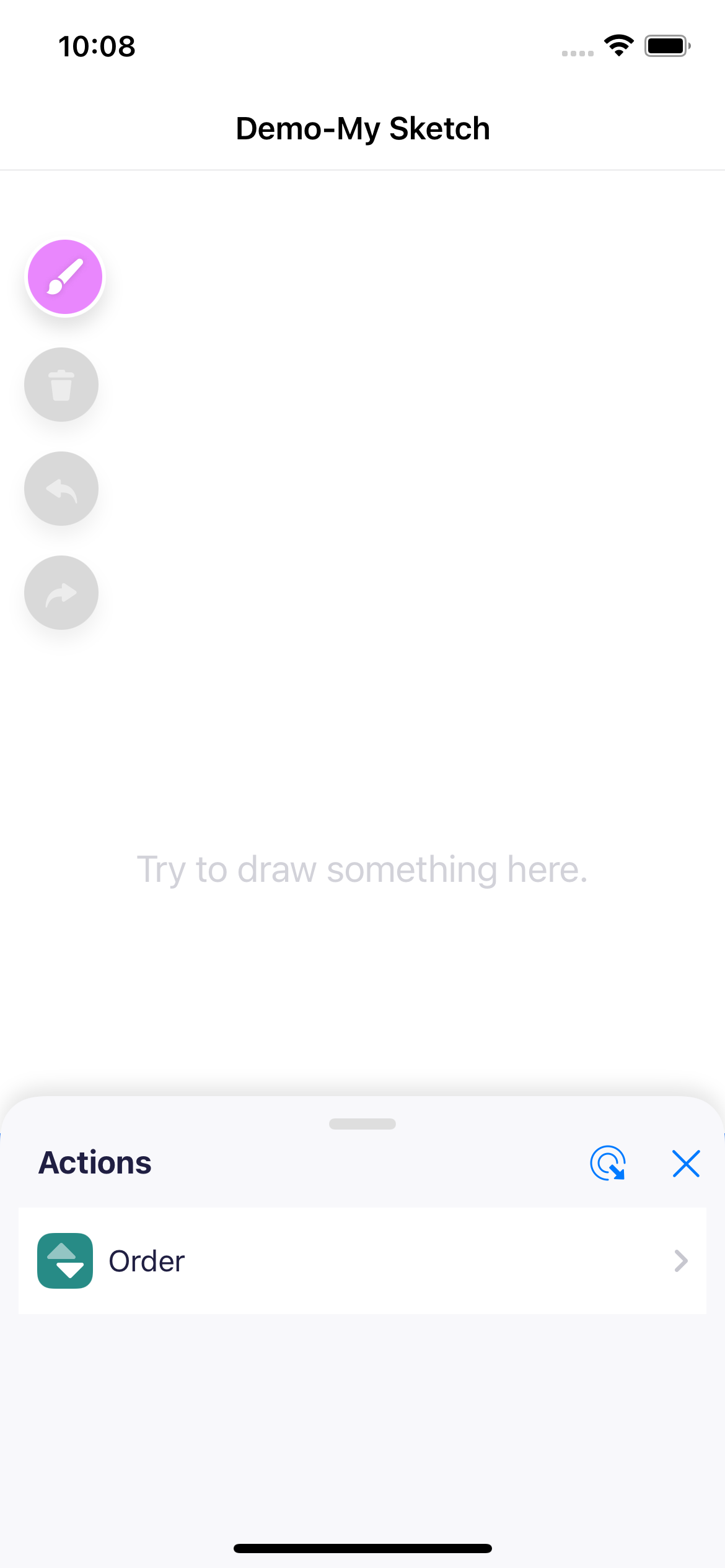
@Tweak(name: "Order", defaultValue: SketchAction.allCases)
static var sketchActionsOrder
@Tweak(name: "Name", defaultValue: "My Sketch")
static var sketchName
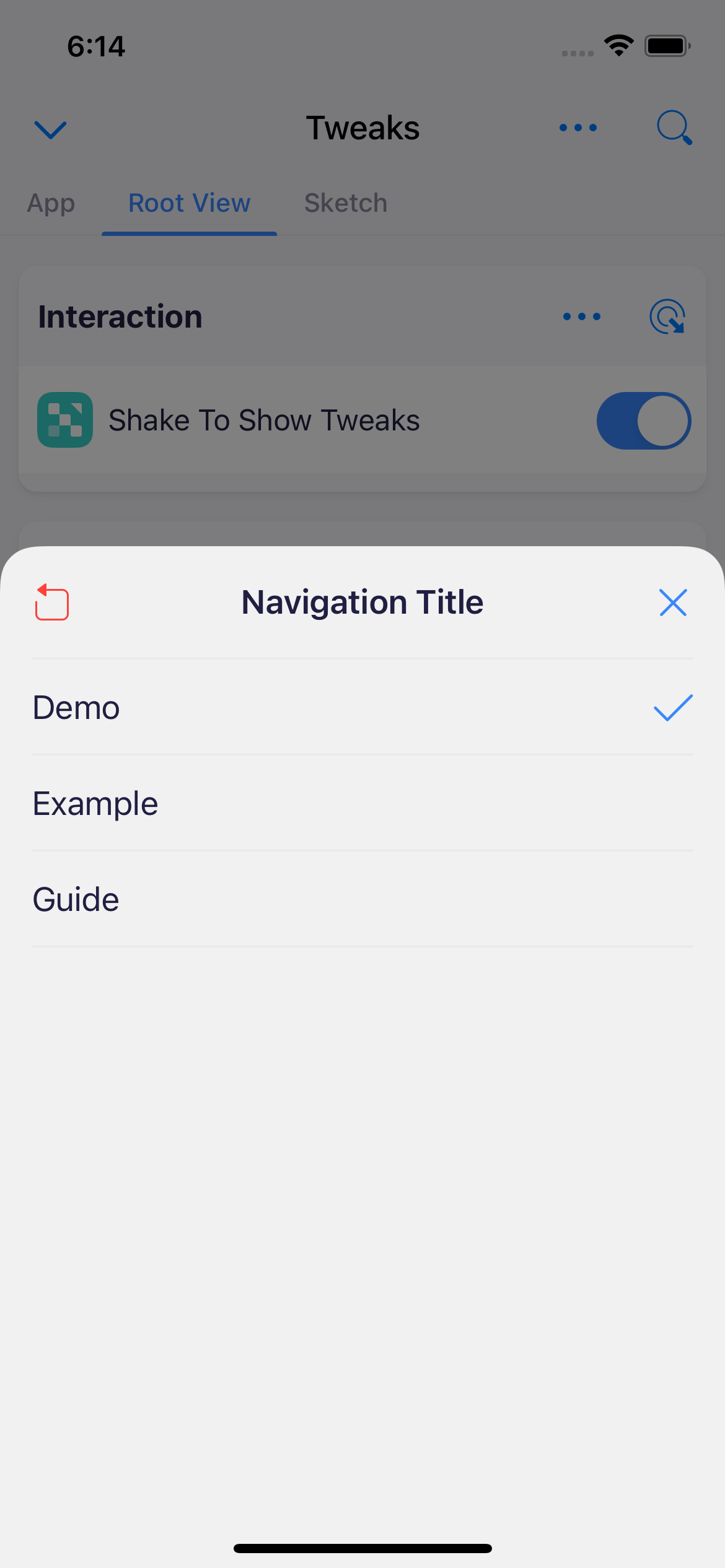
@Tweak(name: "Navigation Title", defaultValue: "Demo", options: ["Demo", "Example", "Guide"])
static var rootViewNavigationTitle
@Tweak(name: "Shake To Show Tweaks", defaultValue: true)
static var rootViewEnableShake
static let context = TweakContext {
TweakList("Sketch") {
TweakSection("Line") {
$sketchLineWidth
$sketchLineColor
}
TweakSection("Info") {
$sketchName
}
TweakSection("Actions") {
$sketchActionsOrder
}
}
TweakList("Root View") {
TweakSection("UI") {
$rootViewNavigationTitle
}
TweakSection("Interaction") {
$rootViewEnableShake
}
}
}
}
```
You can tweak the following types:
- `Bool`
- Numeric Types: `Int[8|16|32|64]`, `UInt[8|16|32|64]`, `Float`, `Double` and `CGFloat`
- `String`
- `Array` that `Element` conforming some protocols
- `UIColor`
Aside from changing value in place, you can also select value from given options.
### Initialize Tweak Context
```swift
func application(_ application: UIApplication, didFinishLaunchingWithOptions launchOptions: [UIApplication.LaunchOptionsKey: Any]?) -> Bool {
_ = Tweaks.context
return true
}
```
You can initialize tweak context at any time, but you should make sure the context is initialized before using tweaks in it.
### Use Tweaks
```swift
myViewController.title = Tweaks.rootViewNavigationTitle
mySketchView.lineWidth = Tweaks.sketchLineWidth
```
### Show the Tweak UI
```swift
Tweaks.context.show()
```
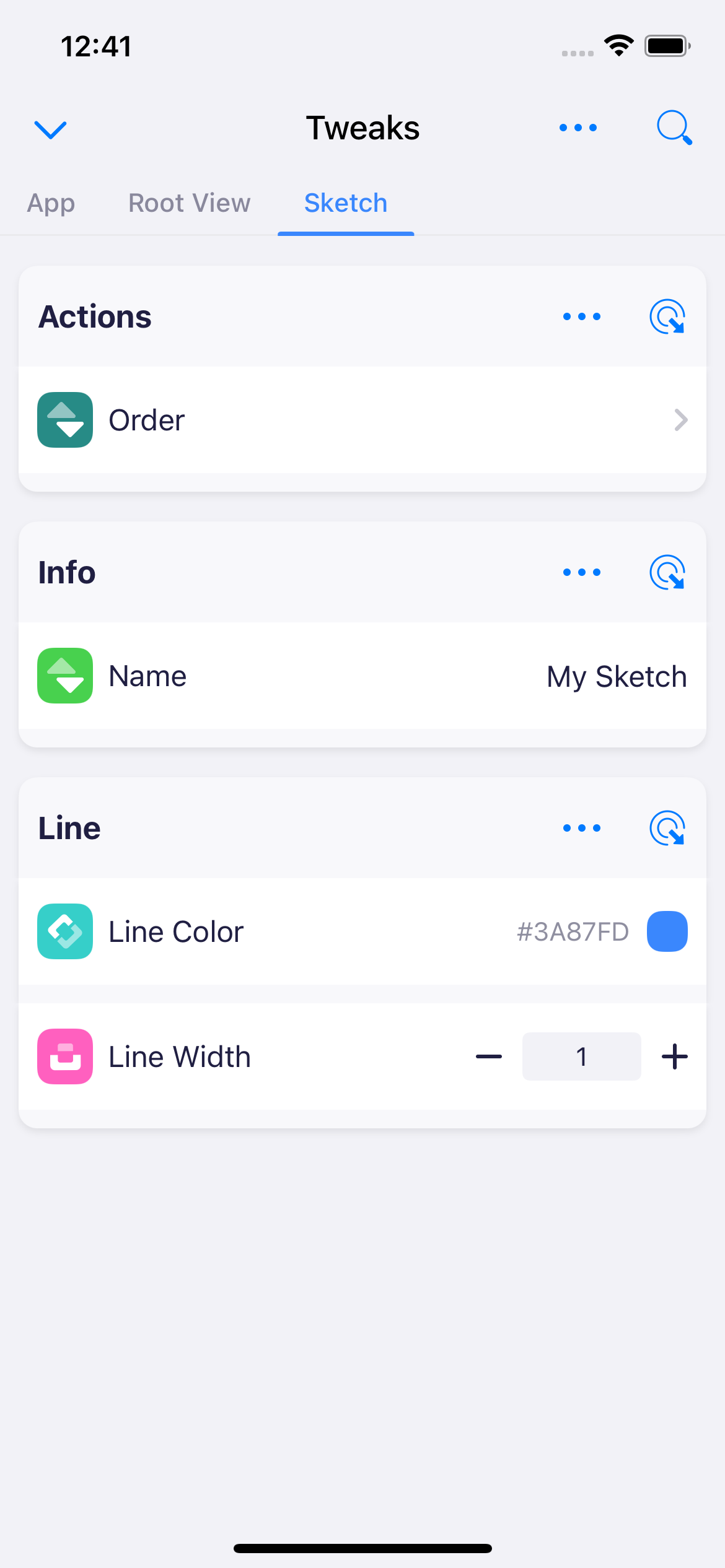
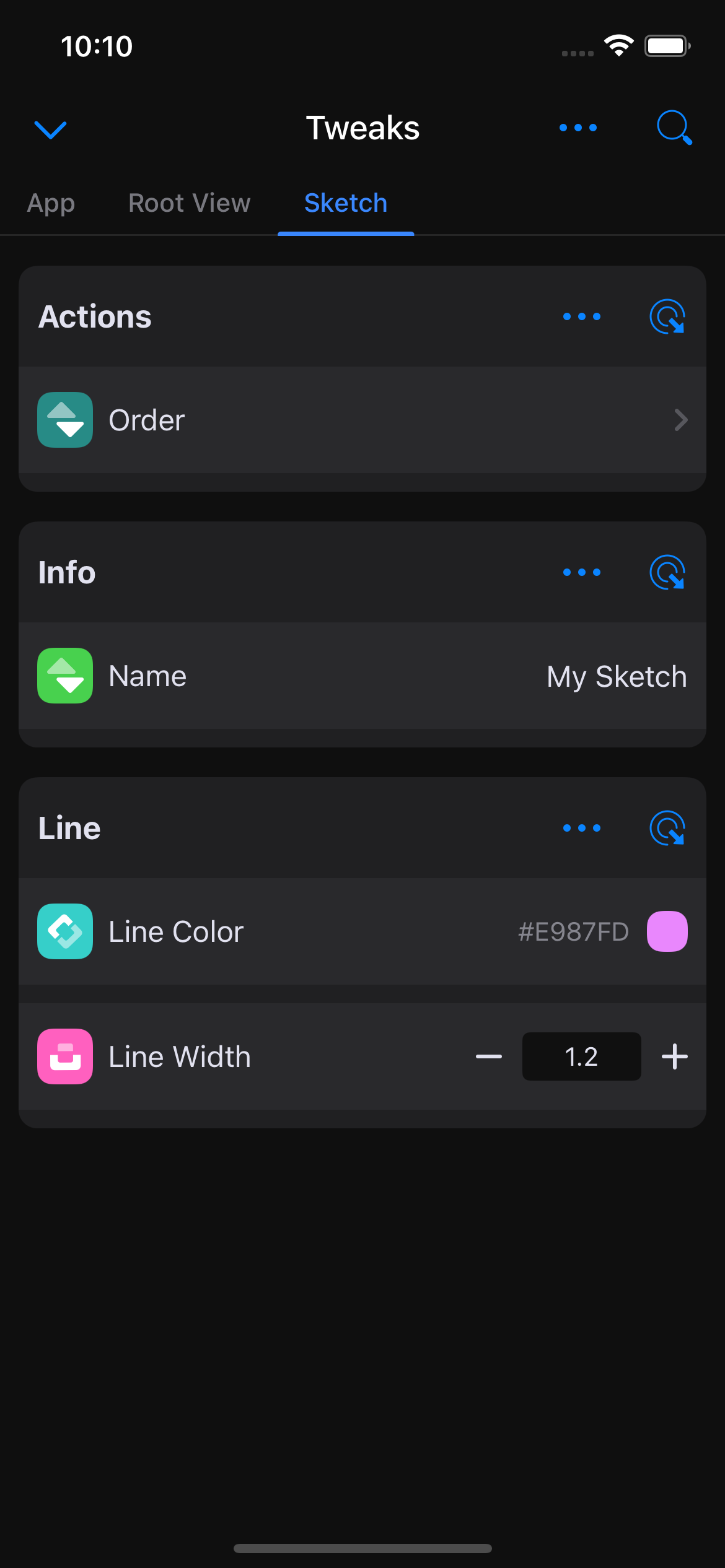
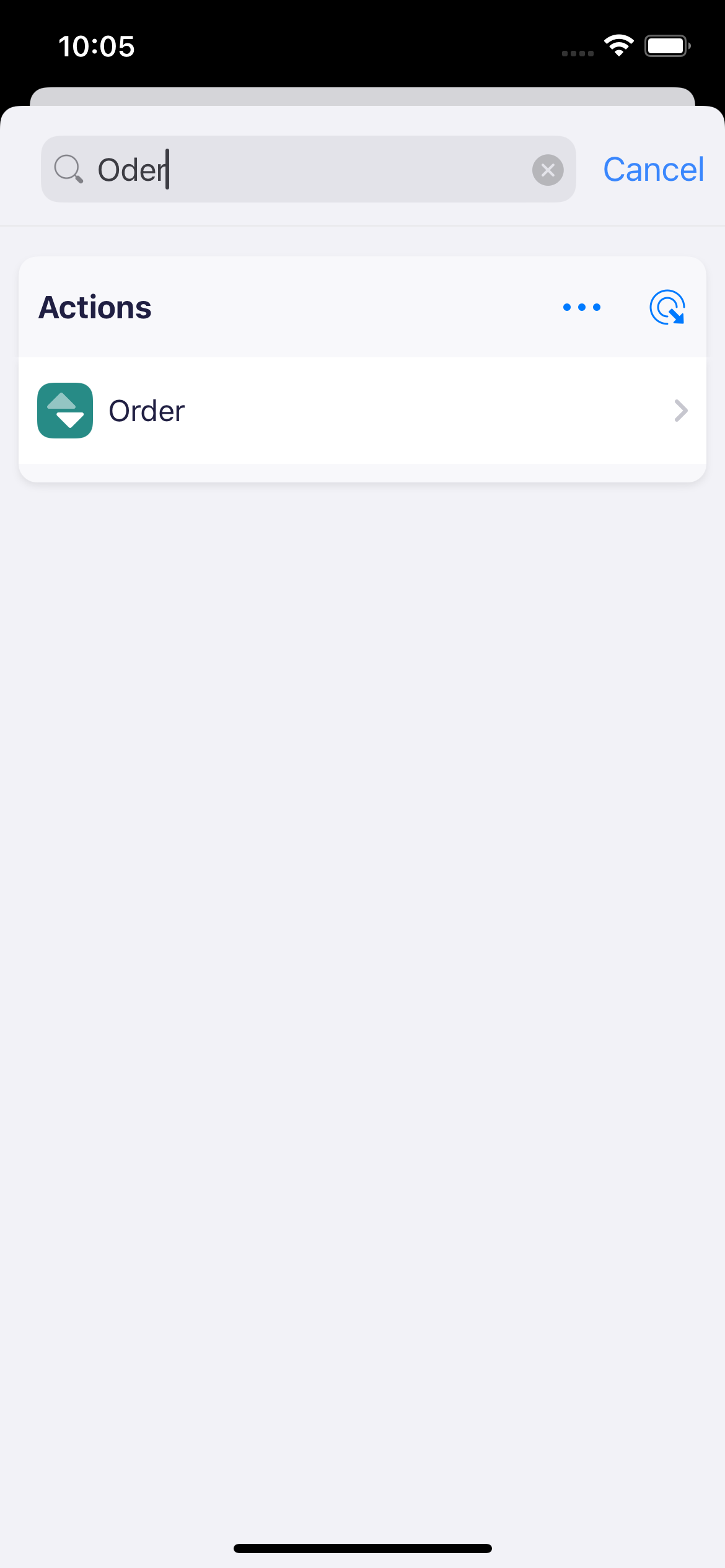
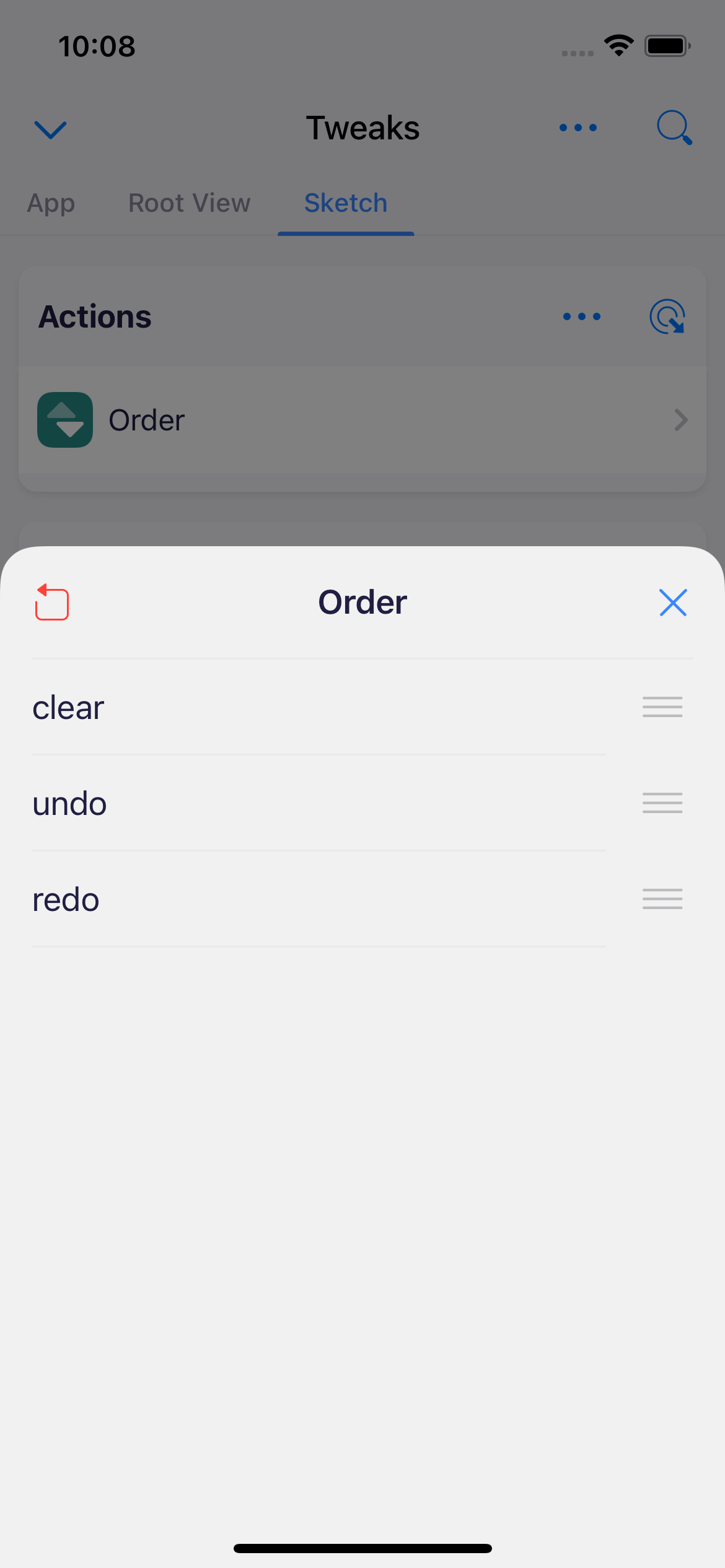
That's all. Now you already know enough about `TweaKit`.
Feel free to play with the demo app or check [wiki](https://github.com/Alpensegler/TweaKit/wiki) and [documentation](https://Alpensegler.github.io/TweaKit) for more usage information.
## Credits
- UI/UX is designed by [@gggeeeeggge](https://twitter.com/gggeeeeggge).
- TweaKit is heavily inspired by [SwiftTweaks](https://github.com/Khan/SwiftTweaks).
## About The Logo
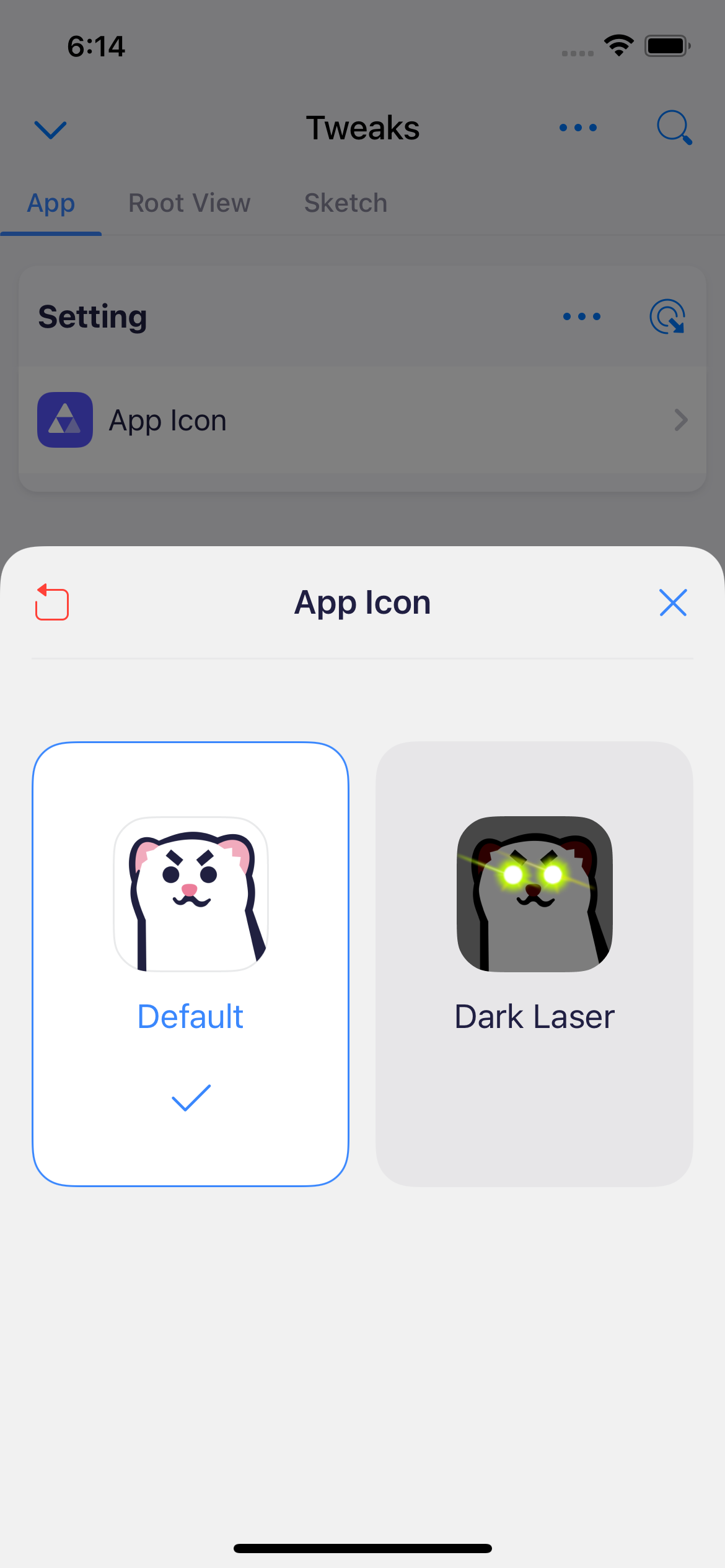
The logo of `TweaKit` is a cute stoat, a mustelid that can tweak fur color during summer and winter.