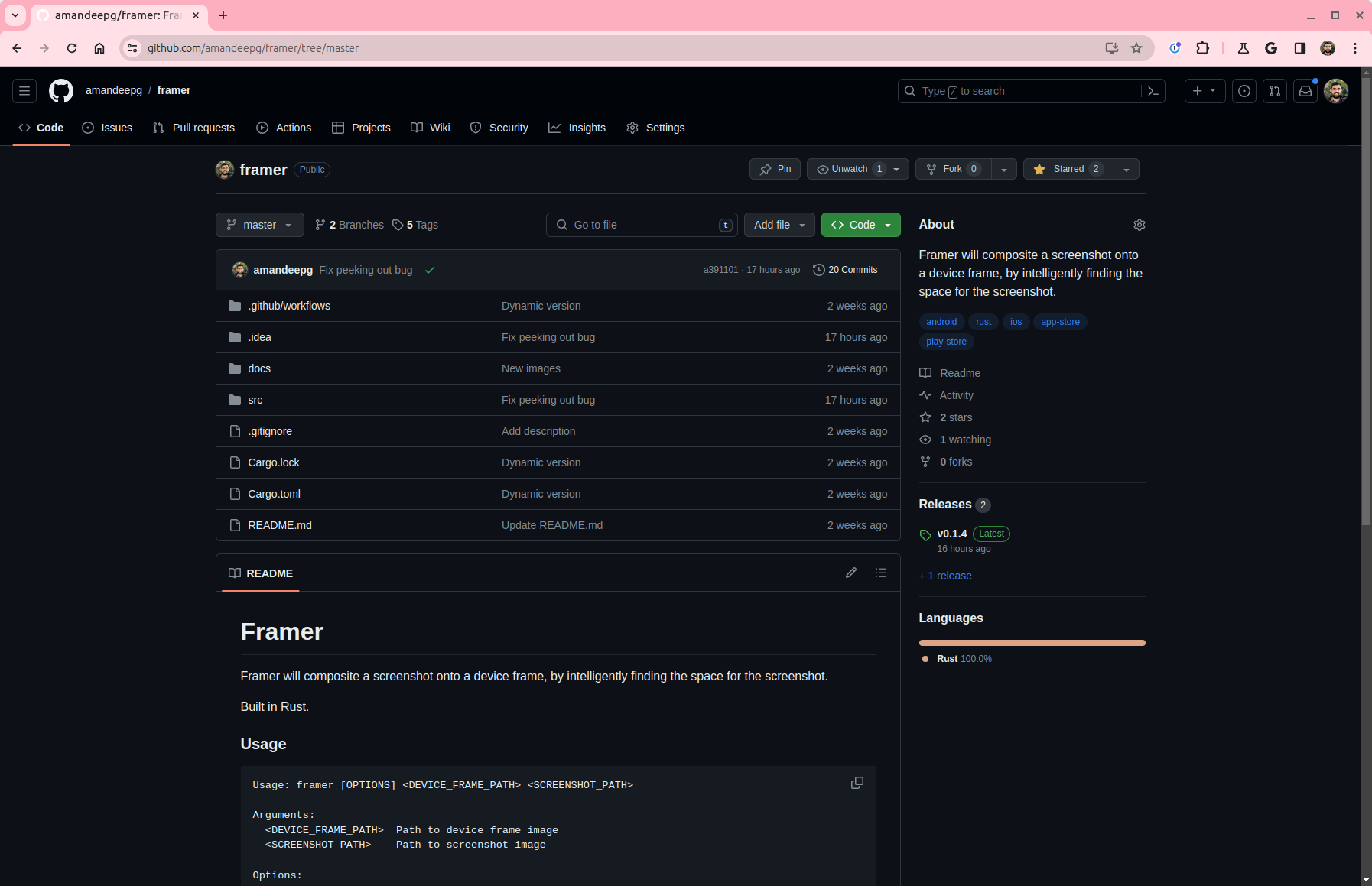
https://github.com/amandeepg/framer
Framer will composite a screenshot onto a device frame, by intelligently finding the space for the screenshot.
https://github.com/amandeepg/framer
android app-store ios play-store rust
Last synced: 5 months ago
JSON representation
Framer will composite a screenshot onto a device frame, by intelligently finding the space for the screenshot.
- Host: GitHub
- URL: https://github.com/amandeepg/framer
- Owner: amandeepg
- License: apache-2.0
- Created: 2024-02-27T01:27:29.000Z (over 2 years ago)
- Default Branch: master
- Last Pushed: 2024-03-15T20:34:35.000Z (over 2 years ago)
- Last Synced: 2024-03-16T11:15:33.140Z (over 2 years ago)
- Topics: android, app-store, ios, play-store, rust
- Language: Rust
- Homepage:
- Size: 4.21 MB
- Stars: 2
- Watchers: 1
- Forks: 0
- Open Issues: 0
-
Metadata Files:
- Readme: README.md
Awesome Lists containing this project
README
# Framer
Framer will composite a screenshot onto a device frame, by intelligently finding the space for the screenshot.
Built in Rust.
[](https://github.com/amandeepg/framer/actions/workflows/rust.yml)
### Usage
```
Usage: framer [OPTIONS]
Arguments:
Path to device frame image
Path to screenshot image
Options:
-o Path to composited output image [default: result.png]
-x, --x-perc How far, as a percentage, from the left edge that the screenshot area is at [default: 50]
-y, --y-perc How far, as a percentage, from the top edge that the screenshot area is at [default: 50]
--oxipng-level The level of optimization to use with oxipng (0-6), lower is faster [default: 4]
--pngquant-speed The level of optimization to use with pngquant (1-10), higher is faster [default: 4]
-h, --help Print help
-V, --version Print version
```
Then you can create your frame with marketing text around it once, and run `framer` in a script to automatically put in updated screenshots.
### Examples
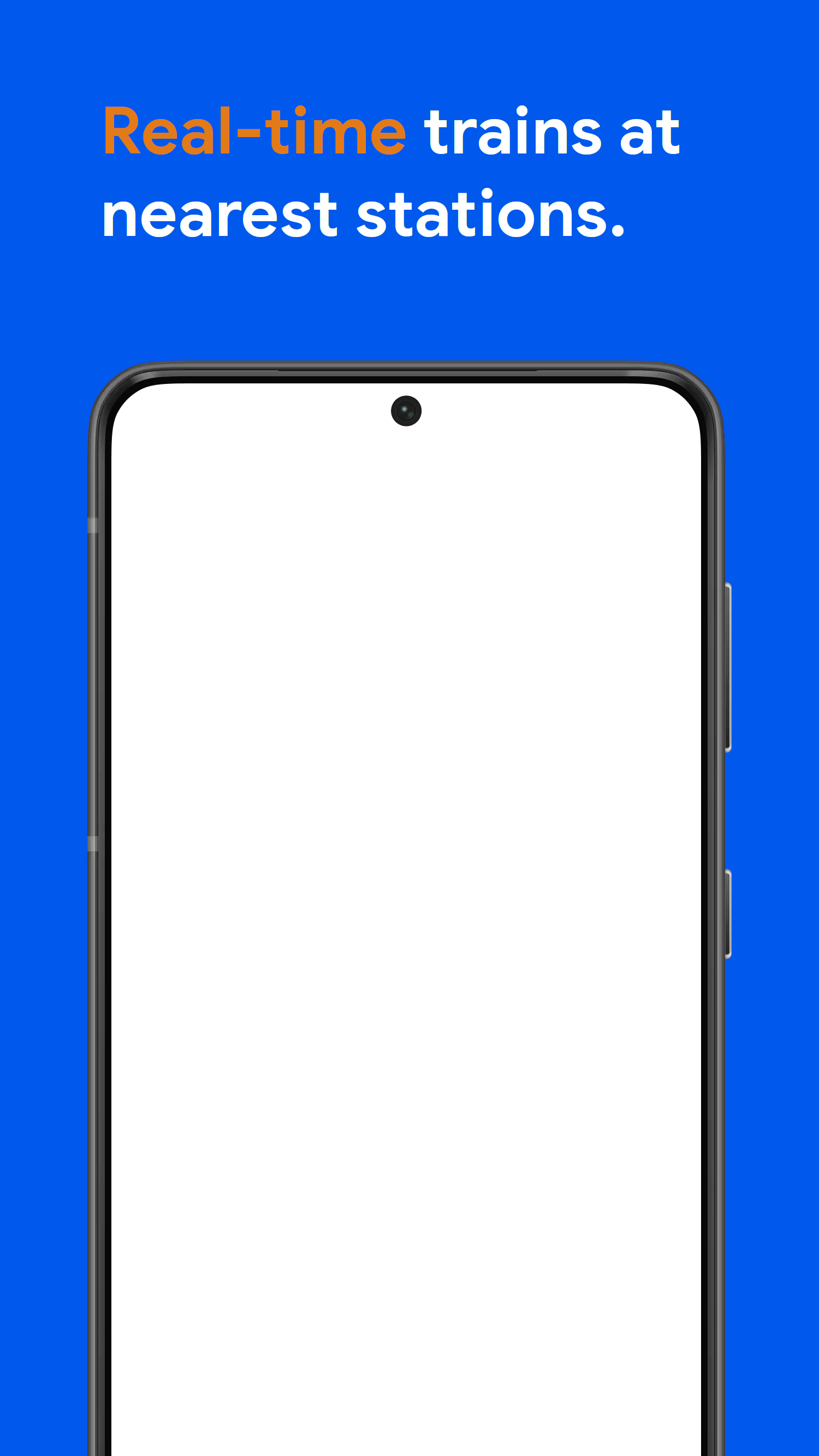
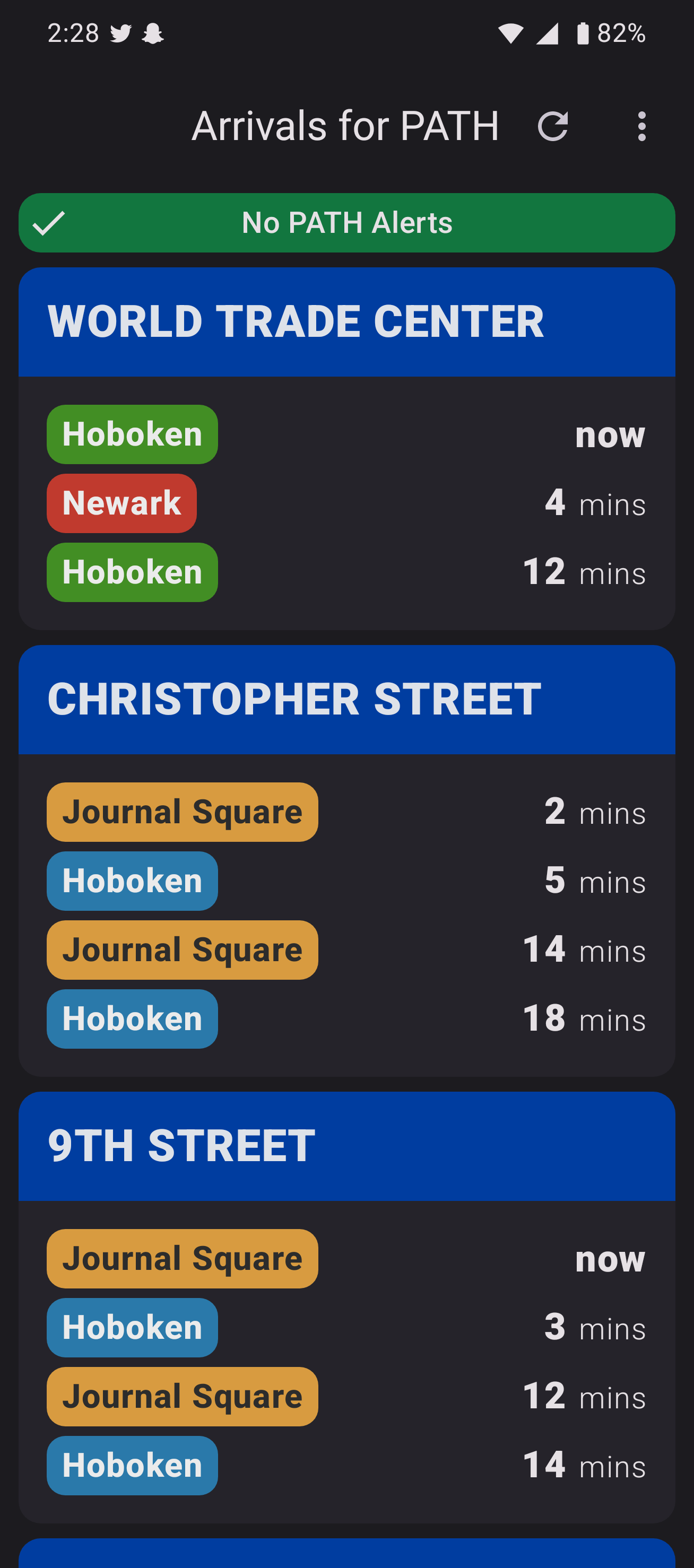
Our first example is an Android device with some marketing text already created. We can then run `framer` to put in a screenshot, which produces the composited image:
#  **+**
**+**  **=**
**=** 
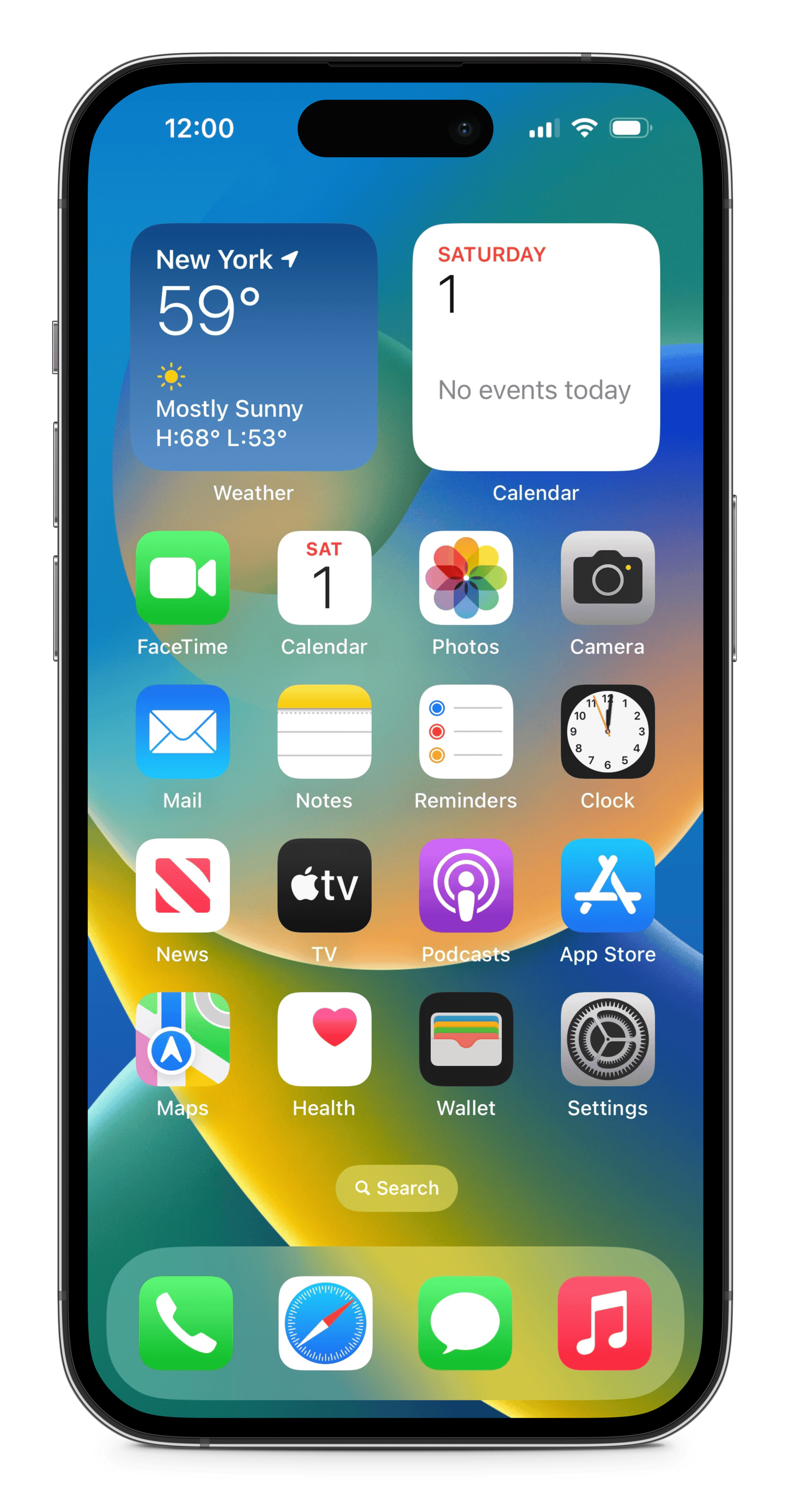
Of course `framer` is agnostic to the actual device, so an iPhone frame and an iPhone screenshot will work just as well:
#  **+**
**+**  **=**
**=** 
We can even go further and use `framer` to composite web screenshots onto a laptop frame:
#  **+**
**+**  **=**
**=**