https://github.com/amanjha8100/ams
Attendance management system made my me, which I use for taking attendance.
https://github.com/amanjha8100/ams
ajax bootstrap4 css django docker html javascript jquery
Last synced: 7 months ago
JSON representation
Attendance management system made my me, which I use for taking attendance.
- Host: GitHub
- URL: https://github.com/amanjha8100/ams
- Owner: amanjha8100
- License: mit
- Created: 2021-03-06T19:20:12.000Z (over 5 years ago)
- Default Branch: dev
- Last Pushed: 2022-02-03T16:33:50.000Z (over 4 years ago)
- Last Synced: 2023-08-07T19:54:55.857Z (almost 3 years ago)
- Topics: ajax, bootstrap4, css, django, docker, html, javascript, jquery
- Language: HTML
- Homepage: https://amsit.pythonanywhere.com/
- Size: 1.25 MB
- Stars: 13
- Watchers: 1
- Forks: 8
- Open Issues: 6
-
Metadata Files:
- Readme: README.md
- License: LICENSE
Awesome Lists containing this project
README
# Attendance Management System(AMS)

I created a attendance management system using **django framework**, **ajax**, **jquery**, **javascript**, **bootstrap**, **css** and **HTML**.
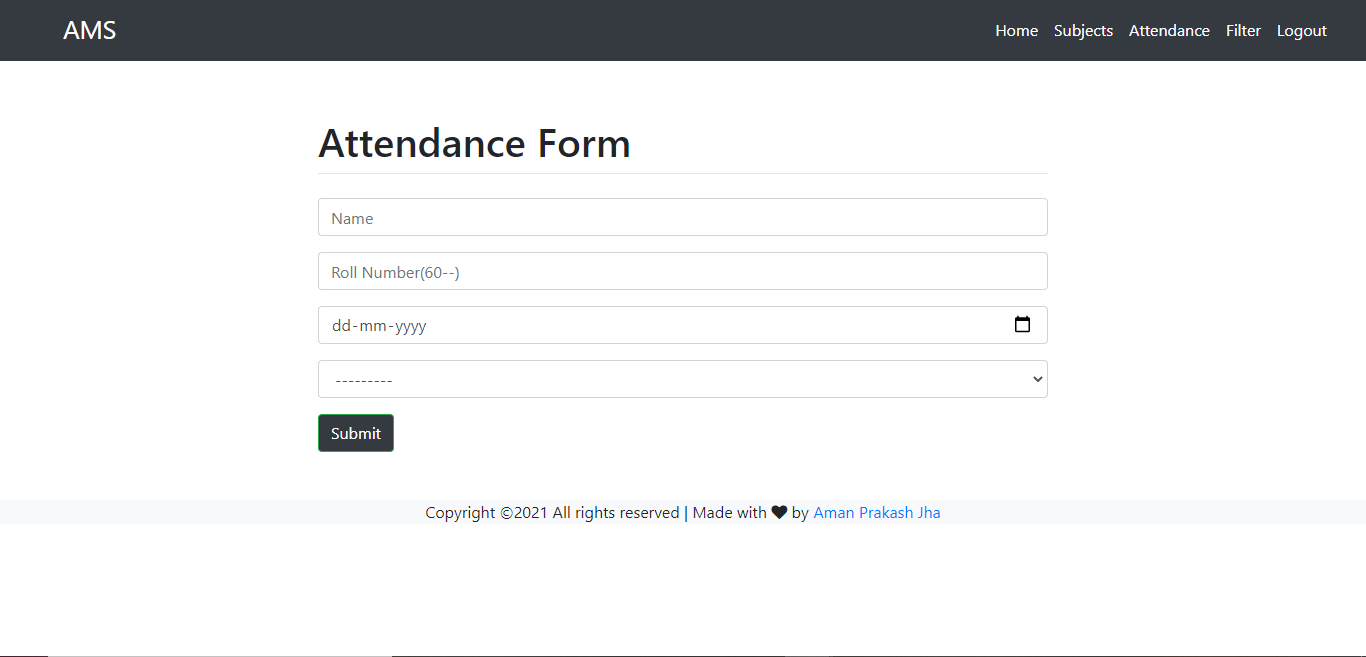
The goal of the project is to create a web app where students can login using their provided credentials and mark their attendance for the class. It uses forms and validators to stop marking attendance for the day other than today. It also enables the admin to download the attendance of the given date in CSV format.
**The attendance form is only available for users, when the admin allows it.**
## Tech Used
Python, Django, Bootstrap, CSS, HTML, Javascript, Jquery, Ajax, Docker.
## Installation
InOrder to contribute to this repository follow the given procedure -
1. Fork the repository
2. Clone it to your local system using the command
```git clone ```
After cloning it successfully its time to set up the virtual environment for Django
Use the following commands
```pip install virtualenv```
then
```python -m venv [name of venv]```
To activate the virtual environment use
```env_name\scripts\activate```
Now to install Django use
```pip install django```
So Far we have installed Django and activated the virtual environment now let us have a look at installing certain dependencies for the project and setting up the project locally.
Just Follow the Below Procedure -
```pip install -r requirements.txt```
then run
```python manage.py migrate```
Create admin account
```python manage.py createsuperuser```
then
```python manage.py makemigrations App_name```
then again run
```python manage.py migrate```
Finally to start the development server use
```python manage.py runserver```
If you face any problem while installing django click [here](https://docs.djangoproject.com/en/4.0/intro/install/)
## Key Features
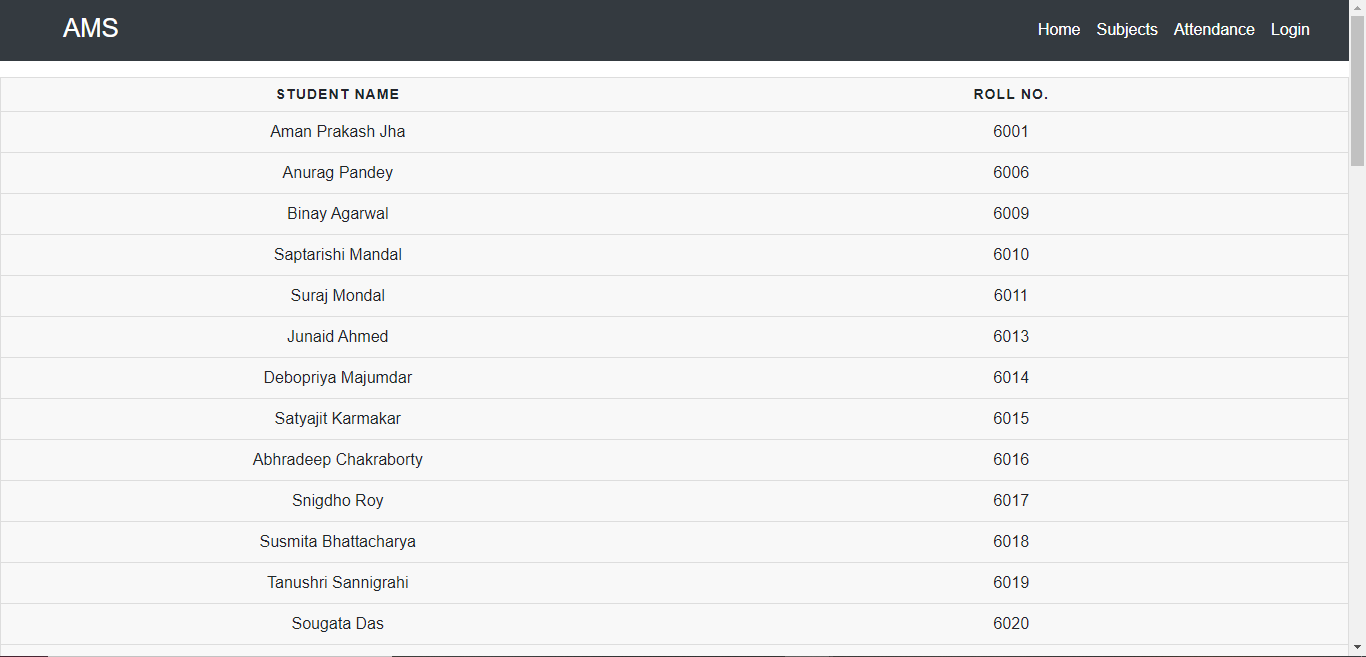
* The homepage contains the data of every student of the department.
* The subjects section contains, the subject currently active.
* A login system where users with credentials can only login and mark their attendance using the form.
* The form has custom validators which allows it to take attendance effectively.
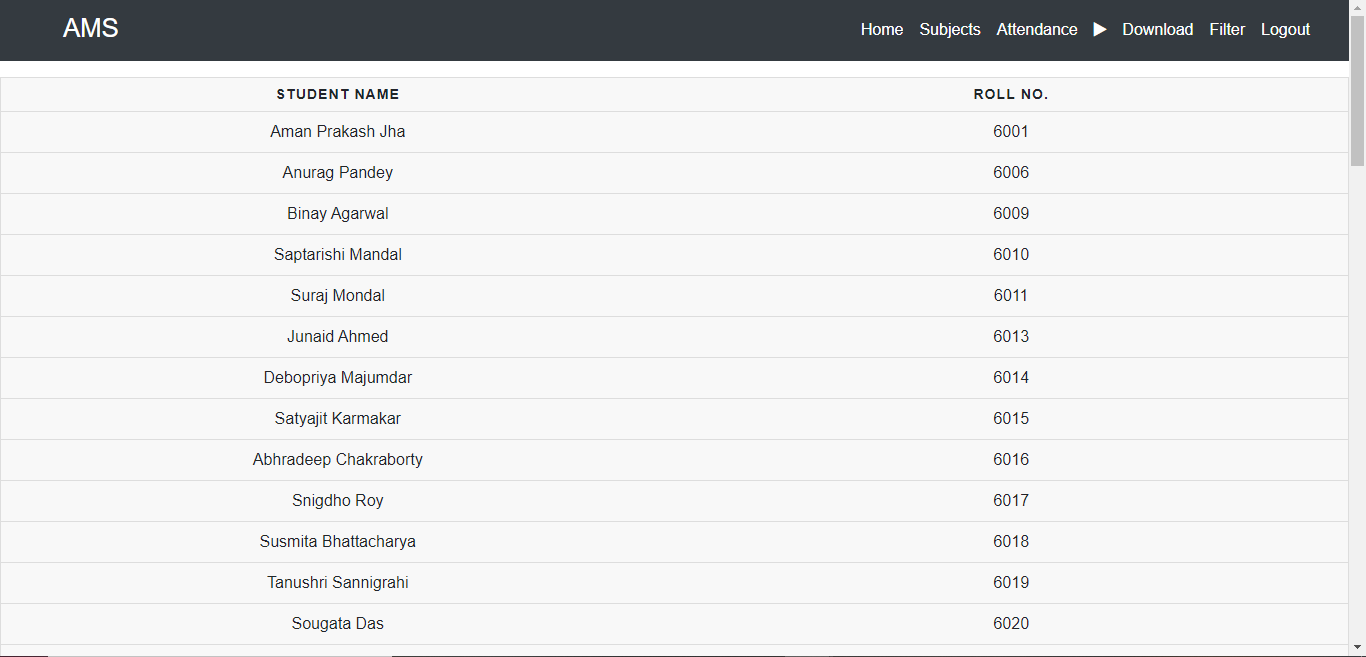
* The form is only visible to the normal users when the admin allows it through its admin homepage, which he can access after logging in on the website, with his credentials.
* The admin can download the attendance for the day in CSV form from his homepage.
* Admin has a pause and start button which controls the availability of the attendance form for the normal users on the website.
* The project has also been **dockerized**.
## Live at: https://amsit.pythonanywhere.com/
## Screenshots
## Home page
## Admin Home Page
## User Home Page

## Attendance Allowed State
## Attendance Not Allowed State

## Attendance Filter Section
