https://github.com/amculin/yii2-basic-rest-api
Simple implementation of restAPI CRUD using Yii2-Basic Framework
https://github.com/amculin/yii2-basic-rest-api
php rest-api yii2 yii2-basic yii2-restful-api
Last synced: 2 months ago
JSON representation
Simple implementation of restAPI CRUD using Yii2-Basic Framework
- Host: GitHub
- URL: https://github.com/amculin/yii2-basic-rest-api
- Owner: amculin
- License: bsd-3-clause
- Created: 2019-08-24T03:00:16.000Z (almost 7 years ago)
- Default Branch: master
- Last Pushed: 2024-01-30T07:44:39.000Z (over 2 years ago)
- Last Synced: 2025-09-11T22:35:06.065Z (10 months ago)
- Topics: php, rest-api, yii2, yii2-basic, yii2-restful-api
- Language: CSS
- Size: 15.7 MB
- Stars: 2
- Watchers: 1
- Forks: 1
- Open Issues: 0
-
Metadata Files:
- Readme: README.md
- License: LICENSE.md
Awesome Lists containing this project
README

Yii 2 Basic REST API Implementation
This is simple implementation of Yii2 Basic Template for API/Backend Application.
DIRECTORY STRUCTURE
-------------------
assets/ contains assets definition
commands/ contains console commands (controllers)
config/ contains application configurations
controllers/ contains Web controller classes
customs/ contains custom classes
mail/ contains view files for e-mails
models/ contains model classes
runtime/ contains files generated during runtime
tests/ contains various tests for the basic application
vendor/ contains dependent 3rd-party packages
views/ contains view files for the Web application
web/ contains the entry script and Web resources
REQUIREMENTS
------------
The minimum requirement by this project template that your Web server supports PHP 5.4.0.
INSTALLATION
------------
No need to worry about installation, just clone this repo. All dependencies should be downloaded too.
CONFIGURATION
-------------
### Database
Import file `pretest_privy.sql` to create database scheme including some data seed
**NOTES:**
- This file contains `CREATE DATABASE` command, so you don't need to create blank database
- Please do check `runtime` and `web` directory, it should be writable
### REST Client
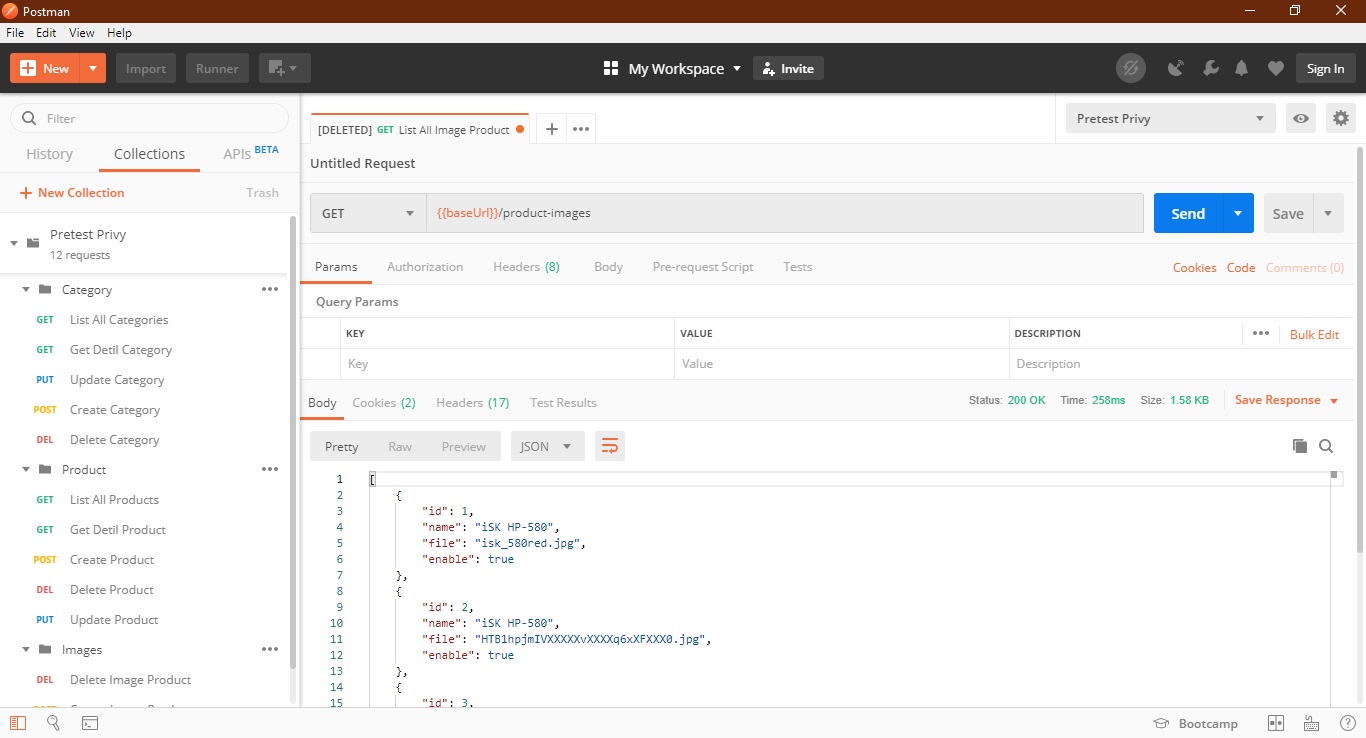
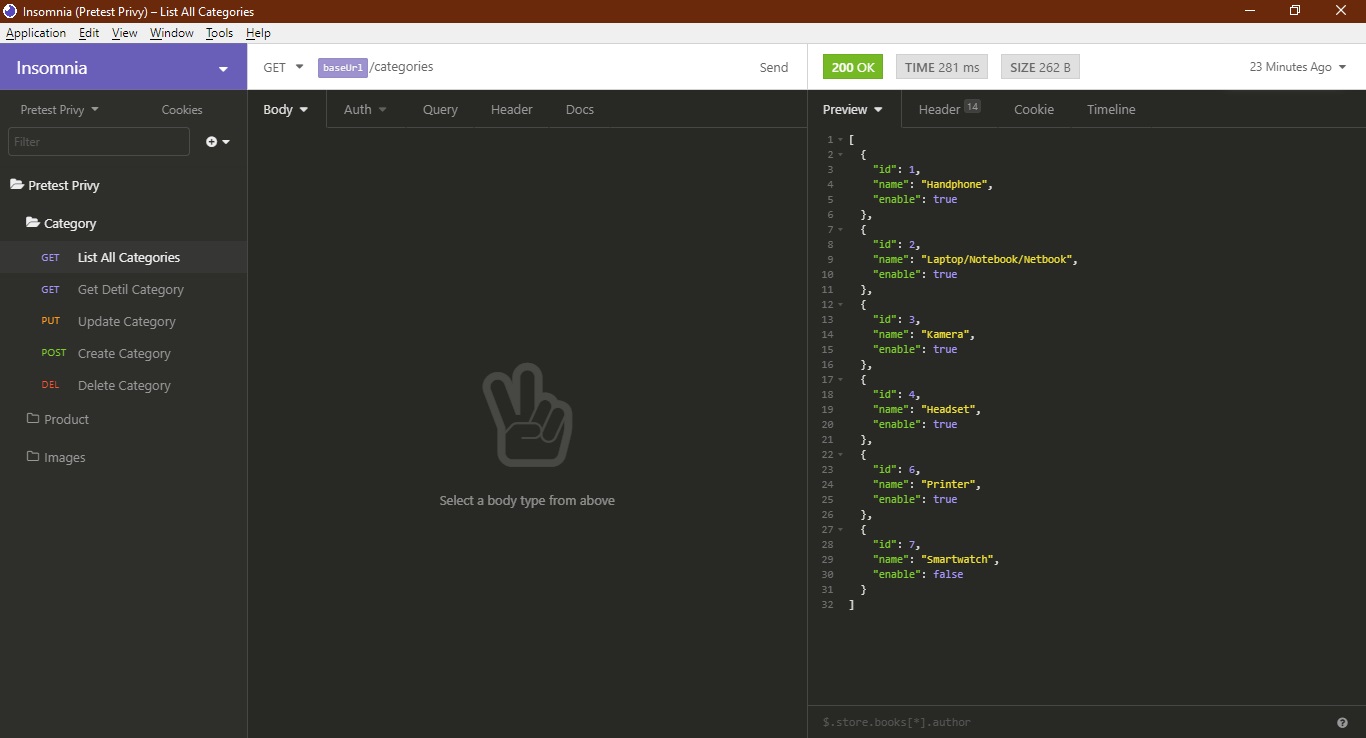
Import file `Pretest-Privy.postman_collection.json` for API Collection & `Pretest-Privy.postman_environment.json` for the environment. You can import those file using Postman or Insomnia.
RUNNING APPLICATION
-------------------
### Create Server
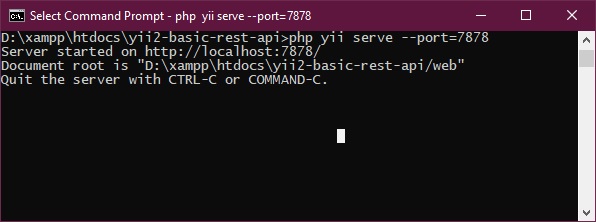
Simply run this command from your console `php yii serve --port=7878`, so you can access it by calling `http://localhost:7878`.
You can change the port, but you have to change the REST Client environment settings too.
### Testing via Insomnia
### Testing via Postman