https://github.com/ameerthehacker/kubelive
kubectl tool reinvented to be more reactive and interactive :fire:
https://github.com/ameerthehacker/kubelive
cli kubectl kubernetes realtime
Last synced: over 1 year ago
JSON representation
kubectl tool reinvented to be more reactive and interactive :fire:
- Host: GitHub
- URL: https://github.com/ameerthehacker/kubelive
- Owner: ameerthehacker
- License: mit
- Created: 2019-08-15T13:46:43.000Z (almost 7 years ago)
- Default Branch: master
- Last Pushed: 2021-10-20T15:40:15.000Z (almost 5 years ago)
- Last Synced: 2025-03-28T15:03:36.399Z (over 1 year ago)
- Topics: cli, kubectl, kubernetes, realtime
- Language: JavaScript
- Homepage: https://www.npmjs.com/package/kubelive
- Size: 3.17 MB
- Stars: 590
- Watchers: 9
- Forks: 27
- Open Issues: 10
-
Metadata Files:
- Readme: README.md
- Contributing: .github/CONTRIBUTING.md
- License: LICENSE
- Code of conduct: .github/CODE_OF_CONDUCT.md
Awesome Lists containing this project
README
Kubelive





kubectl tool reinvented to be more reactive and interactive

## Motivation
I felt that the output from **kubectl get pod -w** is very cluttered and it is a pain in my ass to understand which pod is running, which pod is exactly terminating so I built **kubelive** which updates the status of the pods in realtime without cluttering the terminal
## Requirements
- node v10 or higher
## Installation
```sh
npm install -g kubelive
```
## Available commands
- List the pods in the cluster
```sh
kubelive get pods
```
- List the services in the cluster
```sh
kubelive get services
```
- List the replication controllers in the cluster
```sh
kubelive get replicationcontrollers
```
- List the nodes in the cluster
```sh
kubelive get nodes
```
- List resources from a different context
```sh
kubelive get --context
```
- List the pods in the cluster in a jiffy
```sh
kubelive
```
- Get help on all available commands
```sh
kubelive help
```
- Get the current kubelive version
```sh
kubelive --version
```
Kubelive also supports short names for resources similar to kubectl, the below command will list services
```sh
kubectl get svc
```
## Actions
- You can use the :arrow_left: and :arrow_right: keys to switch between available namespaces
- You can use the :arrow_up: and :arrow_down: keys to select a pod
- You can press the **D** key to delete the selected pod
- You can press the **C** key to copy the name of the selected pod
- You can press the **Q** key to quit the app
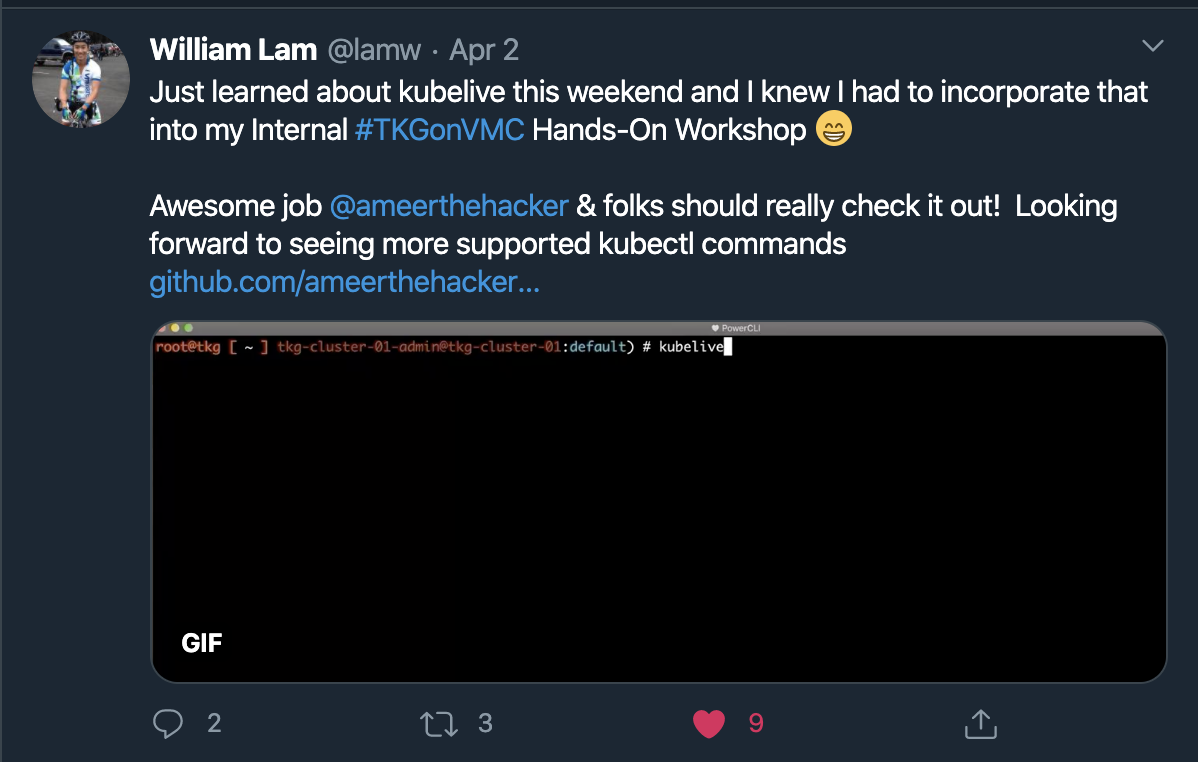
## What others say

## Roadmap
- [x] Add support for pods
- [x] Add support por nodes, services, replication controllers
- [ ] Add support for ingress, deployments, replica sets
- [ ] Show live logs from pods
- [ ] Shell into a running pod
- [ ] Add support for filter by name flag
- [ ] Add support for refresh rate flag
Show your support by :star: the repo
## License
MIT © [Ameer Jhan](mailto:ameerjhanprof@gmail.com)