https://github.com/amhndu/gravity
Orbital survival game
https://github.com/amhndu/gravity
game gravity sfml survival-game
Last synced: about 1 year ago
JSON representation
Orbital survival game
- Host: GitHub
- URL: https://github.com/amhndu/gravity
- Owner: amhndu
- License: gpl-3.0
- Created: 2014-11-17T09:59:22.000Z (over 11 years ago)
- Default Branch: master
- Last Pushed: 2021-12-14T17:22:13.000Z (over 4 years ago)
- Last Synced: 2025-03-25T21:21:57.526Z (about 1 year ago)
- Topics: game, gravity, sfml, survival-game
- Language: C++
- Homepage:
- Size: 495 KB
- Stars: 13
- Watchers: 4
- Forks: 3
- Open Issues: 0
-
Metadata Files:
- Readme: README.md
- License: LICENSE
Awesome Lists containing this project
README

=================================
**An Orbital survival game**
Project page: http://amhndu.github.io/Projects/gravity.html
Gravity is a survial game set in space, you are in a space station orbiting Earth but things have gone awry and you have a situation with broken satellites, how long can you survie ? (Yes, the premise is very similar to that Hollywood movie of the same name).
Programmed in C++11 with the [SFML](http://sfml-dev.org) library for graphics. I made this is as my final project in school. This is a clone of the HTML5 game [Orbital Debris][orbital debris].
Screenshots
-----------------------------
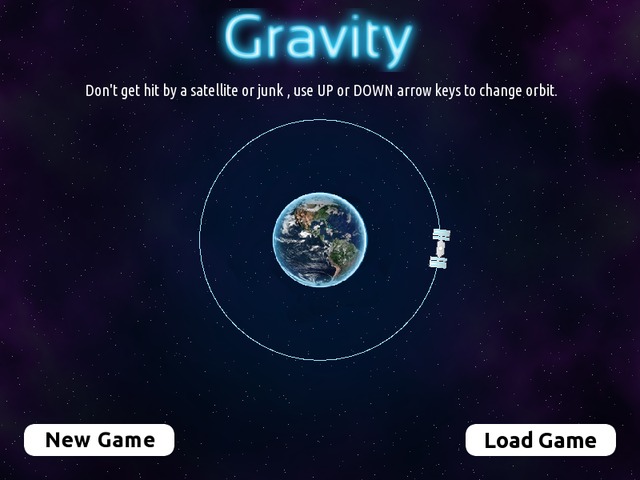
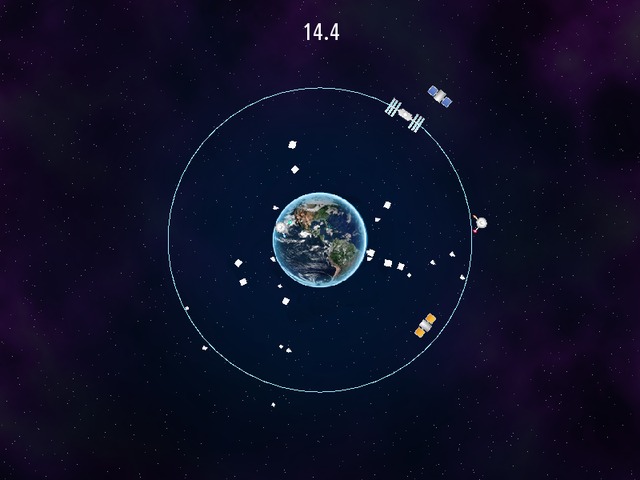
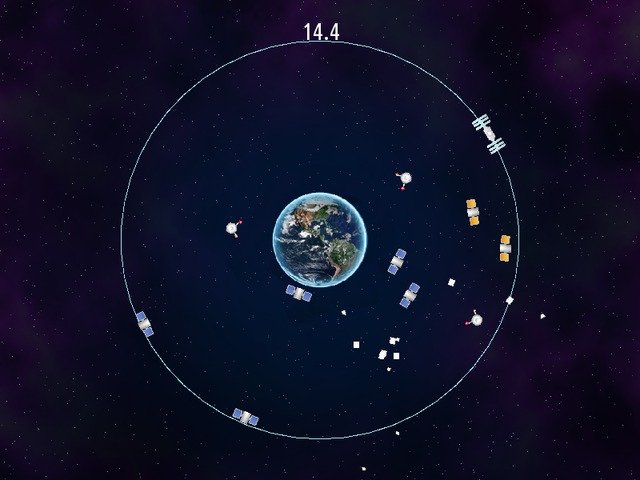
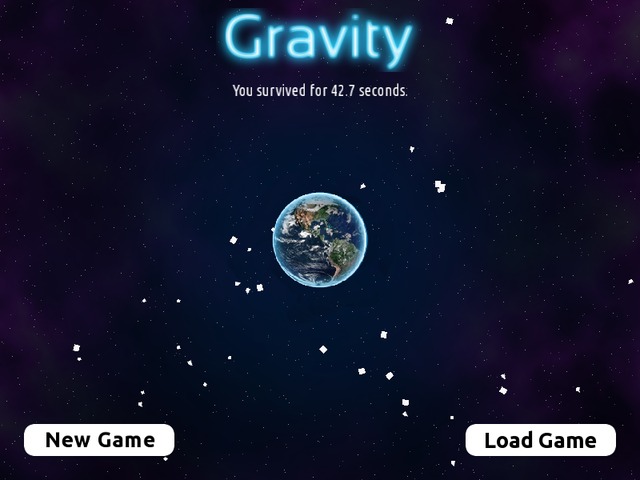
Gameplay video
------------------------------
(Note that this video is a bit outdated since the game now supports saving/loading, apart from the new buttons this video remains precise)
[Youtube video](https://www.youtube.com/watch?v=LI_u30P6zTA)
Compiling
------------------------------
You need a C++11 compliant compiler and [SFML 2.0+](http://sfml-dev.org) to compile *Gravity*. After you've downloaded the source and dependencies, you can use [cmake](http://cmake.org) to compile *Gravity*.
On any Linux distribution, these are the typical steps :
```
$ git clone https://github.com/amhndu/gravity
$ cd gravity
$ cmake .
$ make
```
If you don't have cmake and don't wish to install it either, then you can simply compile Gravity by compiling all the cpp files and then linking them with SFML using your IDE/compiler. e.g. With g++, you can enter this command :
```
$ g++ -o gravity *.cpp -std=c++11 -lsfml-graphics -lsfml-window -lsfml-system
```
Note : To compile on windows, you also need to link the sfml-main component.
License
--------------------------------
The following images have been taken from [here][orbital debris]
* assets/satellite\.png where n = {0,1,2,3}
* assets/junk\.png where n = {0,1,2}
* assets/Earth.png
* assets/bg.png
* assets/station.png
For code, see LICENSE
Contact me
---------------------------------
Email : amhndu --at-- gmail --period-- com
[orbital debris]: https://web.archive.org/web/20150717114053/http://www.allworkallplay.org/blog/orbital-debris-making-an-html5-game-with-phaser/
[repo]: https://github.com/amhndu/gravity