https://github.com/amirisback/keyboard
Custom Keyboard Like Google Keyboard
https://github.com/amirisback/keyboard
android android-custom-keyboard custom-keyboard keyboard layout-in-keyboard soft-keyboard
Last synced: about 1 year ago
JSON representation
Custom Keyboard Like Google Keyboard
- Host: GitHub
- URL: https://github.com/amirisback/keyboard
- Owner: amirisback
- License: apache-2.0
- Created: 2022-11-02T02:05:15.000Z (over 3 years ago)
- Default Branch: master
- Last Pushed: 2024-11-14T07:03:25.000Z (over 1 year ago)
- Last Synced: 2025-03-29T08:04:05.487Z (about 1 year ago)
- Topics: android, android-custom-keyboard, custom-keyboard, keyboard, layout-in-keyboard, soft-keyboard
- Language: Kotlin
- Homepage: https://amirisback.github.io/keyboard/
- Size: 6.8 MB
- Stars: 114
- Watchers: 4
- Forks: 33
- Open Issues: 5
-
Metadata Files:
- Readme: README.md
- Funding: .github/FUNDING.yml
- License: LICENSE
- Code of conduct: CODE_OF_CONDUCT.md
- Security: SECURITY.md
Awesome Lists containing this project
README

[](https://jitpack.io/#amirisback/keyboard)
[](https://github.com/amirisback/keyboard/actions/workflows/android-ci.yml)
[](https://github.com/amirisback/keyboard/actions/workflows/detekt-analysis.yml)
[](https://devlibrary.withgoogle.com/products/android/repos/amirisback-keyboard)
[](https://android-arsenal.com/details/1/8434)
- Simple research keyboard for Android
- Custom Keyboard
- Emoji Custom Keyboard
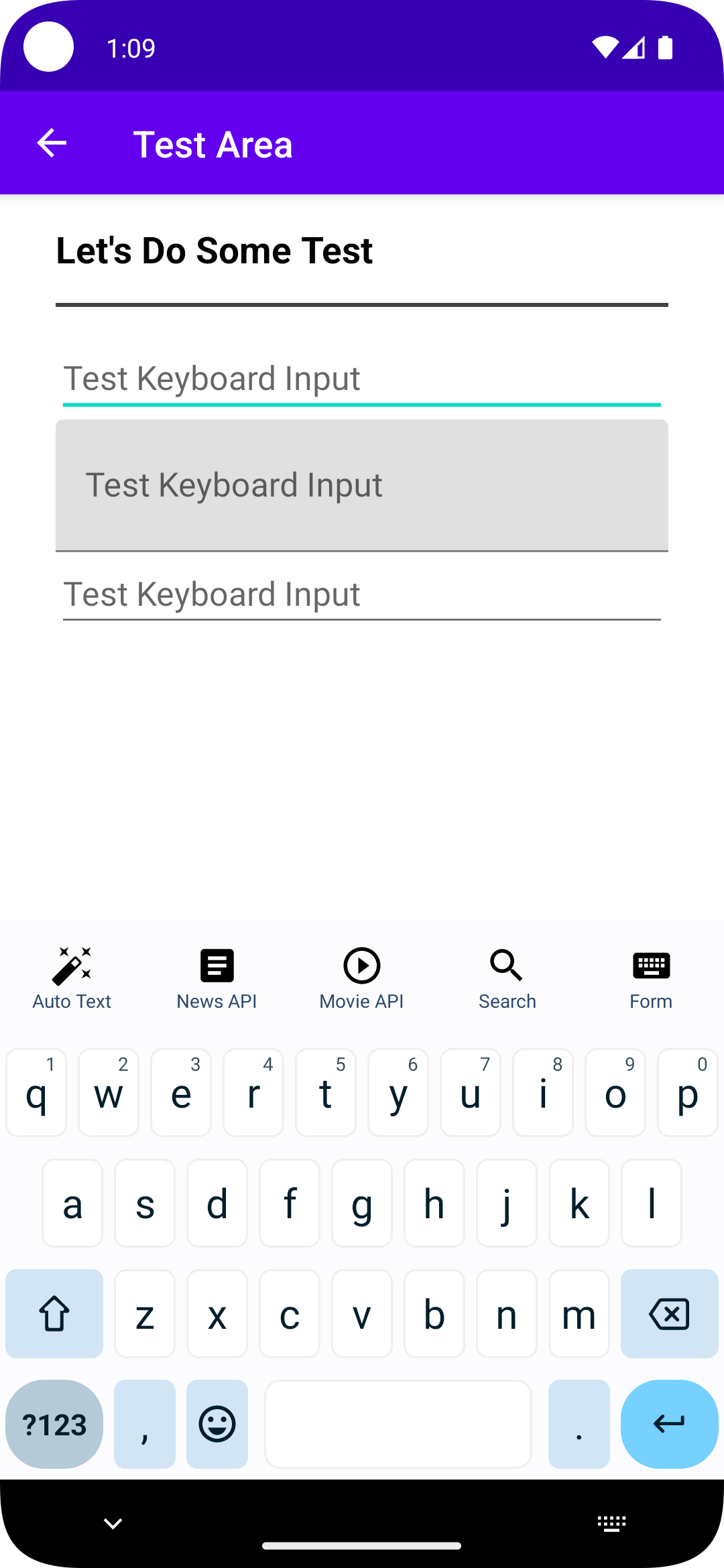
- Call API inside Keyboard
- Open Form inside Keyboard
- Support Dark Theme
- AutoText Feature
- Setup Toggle Feature

## Version Release
This Is Latest Release
$version_release = 1.1.7
What's New??
* Avaiable in dark mode *
* Enhance Performance *
* Easy Change Background Keyboard *
* Setup Theme *
## How To Use As Library (Coming Soon)
### Step 1. Add the JitPack repository to your build file (build.gradle : Project)
#### Groovy Gradle
// Add it in your root build.gradle at the end of repositories:
allprojects {
repositories {
...
maven { url 'https://jitpack.io' }
}
}
#### Kotlin DSL Gradle
```kotlin
// Add it in your root build.gradle.kts at the end of repositories:
allprojects {
repositories {
...
maven("https://jitpack.io")
}
}
```
### Step 2. Add the dependency (build.gradle : Module)
#### Groovy Gradle
dependencies {
// library frogo-keyboard
implementation 'com.github.amirisback:keyboard:1.1.7'
}
#### Kotlin DSL Gradle
dependencies {
// library frogo-keyboard
implementation("com.github.amirisback:keyboard:1.1.7")
}
### Step 3. Create Layout Keyboard IME
```xml
```
### Step 4. Create Service Keyboard IME
#### Create Class Keyboard IME
```kotlin
class KeyboardIME : BaseKeyboardIME() {
// set your custom keyboard layout
override fun setupViewBinding(): YourIMELayoutBinding {
return YourIMELayoutBinding.inflate(LayoutInflater.from(this), null, false)
}
override fun initialSetupKeyboard() {
binding?.keyboardMain?.setKeyboard(keyboard!!) // your base keyboard
binding?.mockMeasureHeightKeyboardMain?.setKeyboard(keyboard!!) // this code is for your keyboard header menu
}
override fun setupBinding() {
initialSetupKeyboard()
binding?.keyboardMain?.mOnKeyboardActionListener = this
binding?.keyboardEmoji?.mOnKeyboardActionListener = this
}
// redraw keyboard for capslock on/off state
override fun invalidateAllKeys() {
binding?.keyboardMain?.invalidateAllKeys()
}
// call this function when navigating to your feature
override fun hideMainKeyboard() {
binding?.apply {
keyboardMain.gone()
keyboardHeader.gone()
mockMeasureHeightKeyboard.invisible()
}
}
override fun showOnlyKeyboard() {
binding?.keyboardMain?.visible()
}
override fun hideOnlyKeyboard() {
binding?.keyboardMain?.visible()
}
// setup emoji keyboard
override fun runEmojiBoard() {
binding?.keyboardEmoji?.visible()
hideMainKeyboard()
binding?.keyboardEmoji?.openEmojiPalette()
}
}
```
### For Emoji Keyboard, dont forget to implement Dependency Injection to load emoji asset manager
```kotlin
@HiltAndroidApp
class App: Application() {
override fun onCreate() {
super.onCreate()
setupEmojiCompat()
}
private fun setupEmojiCompat() {
val config = BundledEmojiCompatConfig(this)
EmojiCompat.init(config)
}
}
```
### Step 5. Add keyboard header menu
### setup keyboard header icon & menu name
```kotlin
class KeyboardUtil {
private val pref: PreferenceDelegatesImpl by inject(PreferenceDelegatesImpl::class.java)
fun menuToggle(): List {
return listOf(
KeyboardFeature(
KeyboardFeatureType.AUTO_TEXT.id,
KeyboardFeatureType.AUTO_TEXT,
R.drawable.ic_menu_auto_text,
pref.getPrefBoolean(KeyboardFeatureType.AUTO_TEXT.id, true)
),
KeyboardFeature(
KeyboardFeatureType.TEMPLATE_TEXT_APP.id,
KeyboardFeatureType.TEMPLATE_TEXT_APP,
R.drawable.ic_menu_ps_app,
pref.getPrefBoolean(KeyboardFeatureType.TEMPLATE_TEXT_APP.id, true)
),
KeyboardFeature(
KeyboardFeatureType.TEMPLATE_TEXT_GAME.id,
KeyboardFeatureType.TEMPLATE_TEXT_GAME,
R.drawable.ic_menu_ps_game,
pref.getPrefBoolean(KeyboardFeatureType.TEMPLATE_TEXT_GAME.id, true)
),
KeyboardFeature(
KeyboardFeatureType.TEMPLATE_TEXT_LOVE.id,
KeyboardFeatureType.TEMPLATE_TEXT_LOVE,
R.drawable.ic_menu_ps_love,
pref.getPrefBoolean(KeyboardFeatureType.TEMPLATE_TEXT_LOVE.id, true)
),
KeyboardFeature(
KeyboardFeatureType.TEMPLATE_TEXT_GREETING.id,
KeyboardFeatureType.TEMPLATE_TEXT_GREETING,
R.drawable.ic_menu_ps_greeting,
pref.getPrefBoolean(KeyboardFeatureType.TEMPLATE_TEXT_GREETING.id, true)
),
KeyboardFeature(
KeyboardFeatureType.TEMPLATE_TEXT_SALE.id,
KeyboardFeatureType.TEMPLATE_TEXT_SALE,
R.drawable.ic_menu_ps_sale,
pref.getPrefBoolean(KeyboardFeatureType.TEMPLATE_TEXT_SALE.id, true)
),
KeyboardFeature(
KeyboardFeatureType.NEWS.id,
KeyboardFeatureType.NEWS,
R.drawable.ic_menu_news,
pref.getPrefBoolean(KeyboardFeatureType.NEWS.id, true)
),
KeyboardFeature(
KeyboardFeatureType.MOVIE.id,
KeyboardFeatureType.MOVIE,
R.drawable.ic_menu_movie,
pref.getPrefBoolean(KeyboardFeatureType.MOVIE.id, true)
),
KeyboardFeature(
KeyboardFeatureType.WEB.id,
KeyboardFeatureType.WEB,
R.drawable.ic_menu_website,
pref.getPrefBoolean(KeyboardFeatureType.WEB.id, true)
),
KeyboardFeature(
KeyboardFeatureType.FORM.id,
KeyboardFeatureType.FORM,
R.drawable.ic_menu_form,
pref.getPrefBoolean(KeyboardFeatureType.FORM.id, true)
),
KeyboardFeature(
KeyboardFeatureType.CHANGE_KEYBOARD.id,
KeyboardFeatureType.CHANGE_KEYBOARD,
R.drawable.ic_menu_keyboard,
pref.getPrefBoolean(KeyboardFeatureType.CHANGE_KEYBOARD.id, true)
),
KeyboardFeature(
KeyboardFeatureType.SETTING.id,
KeyboardFeatureType.SETTING,
R.drawable.ic_menu_setting,
pref.getPrefBoolean(KeyboardFeatureType.SETTING.id, true)
)
).sortedBy { it.state }
}
fun menuKeyboard(): List {
val listFeature = mutableListOf()
menuToggle().forEach { data ->
if (data.state) {
listFeature.add(data)
}
}
return listFeature
}
}
```
### setup keyboard header feature on KeyboardIME class
```kotlin
class KeyboardIME : BaseKeyboardIME() {
// ...
override fun setupFeatureKeyboard() {
val maxMenu = 4
val gridSize = if (KeyboardUtil().menuKeyboard().size <= maxMenu) {
KeyboardUtil().menuKeyboard().size
} else if (KeyboardUtil().menuKeyboard().size.mod(maxMenu) == 0) {
maxMenu
} else {
maxMenu + 1
}
binding?.apply {
if (KeyboardUtil().menuKeyboard().isEmpty()) {
keyboardHeader.gone()
mockKeyboardHeader.gone()
} else {
keyboardHeader.visible()
mockKeyboardHeader.visible()
keyboardHeader.injectorBinding()
.addData(KeyboardUtil().menuKeyboard())
.addCallback(object :
IFrogoBindingAdapter {
override fun setViewBinding(parent: ViewGroup): ItemKeyboardHeaderBinding {
return ItemKeyboardHeaderBinding.inflate(
LayoutInflater.from(parent.context),
parent,
false
)
}
override fun setupInitComponent(
binding: ItemKeyboardHeaderBinding,
data: KeyboardFeature,
position: Int,
notifyListener: FrogoRecyclerNotifyListener,
) {
binding.ivIcon.setImageResource(data.icon)
binding.tvTitle.text = data.type.title
if (data.state) {
binding.root.visible()
} else {
binding.root.gone()
}
}
override fun onItemClicked(
binding: ItemKeyboardHeaderBinding,
data: KeyboardFeature,
position: Int,
notifyListener: FrogoRecyclerNotifyListener,
) {
when (data.type) {
KeyboardFeatureType.NEWS -> {
hideMainKeyboard()
keyboardNews.visible()
}
KeyboardFeatureType.MOVIE -> {
hideMainKeyboard()
keyboardMoview.visible()
}
KeyboardFeatureType.WEB -> {
mockMeasureHeightKeyboard.invisible()
keyboardHeader.gone()
keyboardWebview.visible()
}
KeyboardFeatureType.FORM -> {
hideMainKeyboard()
keyboardForm.visible()
keyboardForm.binding?.etText?.showKeyboardExt()
keyboardForm.binding?.etText2?.showKeyboardExt()
keyboardForm.binding?.etText3?.showKeyboardExt()
keyboardForm.setOnClickListener {
hideOnlyKeyboard()
}
}
KeyboardFeatureType.AUTO_TEXT -> {
hideMainKeyboard()
keyboardAutotext.visible()
}
KeyboardFeatureType.TEMPLATE_TEXT_GAME -> {
hideMainKeyboard()
keyboardTemplateText.setupTemplateTextType(KeyboardFeatureType.TEMPLATE_TEXT_GAME)
keyboardTemplateText.visible()
}
KeyboardFeatureType.TEMPLATE_TEXT_APP -> {
hideMainKeyboard()
keyboardTemplateText.setupTemplateTextType(KeyboardFeatureType.TEMPLATE_TEXT_APP)
keyboardTemplateText.visible()
}
KeyboardFeatureType.TEMPLATE_TEXT_SALE -> {
hideMainKeyboard()
keyboardTemplateText.setupTemplateTextType(KeyboardFeatureType.TEMPLATE_TEXT_SALE)
keyboardTemplateText.visible()
}
KeyboardFeatureType.TEMPLATE_TEXT_LOVE -> {
hideMainKeyboard()
keyboardTemplateText.setupTemplateTextType(KeyboardFeatureType.TEMPLATE_TEXT_LOVE)
keyboardTemplateText.visible()
}
KeyboardFeatureType.TEMPLATE_TEXT_GREETING -> {
hideMainKeyboard()
keyboardTemplateText.setupTemplateTextType(KeyboardFeatureType.TEMPLATE_TEXT_GREETING)
keyboardTemplateText.visible()
}
KeyboardFeatureType.CHANGE_KEYBOARD -> {
(getSystemService(INPUT_METHOD_SERVICE) as InputMethodManager).showInputMethodPicker()
}
KeyboardFeatureType.SETTING -> {
binding.root.context.startActivity(
Intent(binding.root.context, MainActivity::class.java).apply {
addFlags(Intent.FLAG_ACTIVITY_NEW_TASK)
})
}
}
}
override fun onItemLongClicked(
binding: ItemKeyboardHeaderBinding,
data: KeyboardFeature,
position: Int,
notifyListener: FrogoRecyclerNotifyListener,
) {
}
})
.createLayoutGrid(gridSize)
.build()
}
}
}
// ...
}
```
### if your feature is using a textfield, add below code to your KeyboardIME class
```kotlin
@RequiresApi(Build.VERSION_CODES.M)
override fun onKey(code: Int) {
val formView = binding?.keyboardForm
var inputConnection = currentInputConnection
if (formView?.visibility == View.VISIBLE) {
val et1 = formView.binding?.etText
val et1Connection = et1?.onCreateInputConnection(EditorInfo())
val et2 = formView.binding?.etText2
val et2Connection = et2?.onCreateInputConnection(EditorInfo())
val et3 = formView.binding?.etText3
val et3Connection = et3?.onCreateInputConnection(EditorInfo())
if (et1?.isFocused == true) {
inputConnection = et1Connection
} else if (et2?.isFocused == true) {
inputConnection = et2Connection
} else if (et3?.isFocused == true) {
inputConnection = et3Connection
}
} else if (binding?.keyboardWebview?.visibility == View.VISIBLE) {
inputConnection =
binding?.keyboardWebview?.binding?.webview?.onCreateInputConnection(EditorInfo())
} else {
inputConnection = currentInputConnection
}
onKeyExt(code, inputConnection)
}
```
### Step 6. Create keys_config.xml inside xml folder
```xml
```
### Step 7. Create Keyboard Service In Manifest inside application tag
```xml
```
## Video Play
https://user-images.githubusercontent.com/24654871/231431022-4410933f-7199-4967-9db1-24544f5593e0.mp4
## Screen Shoot
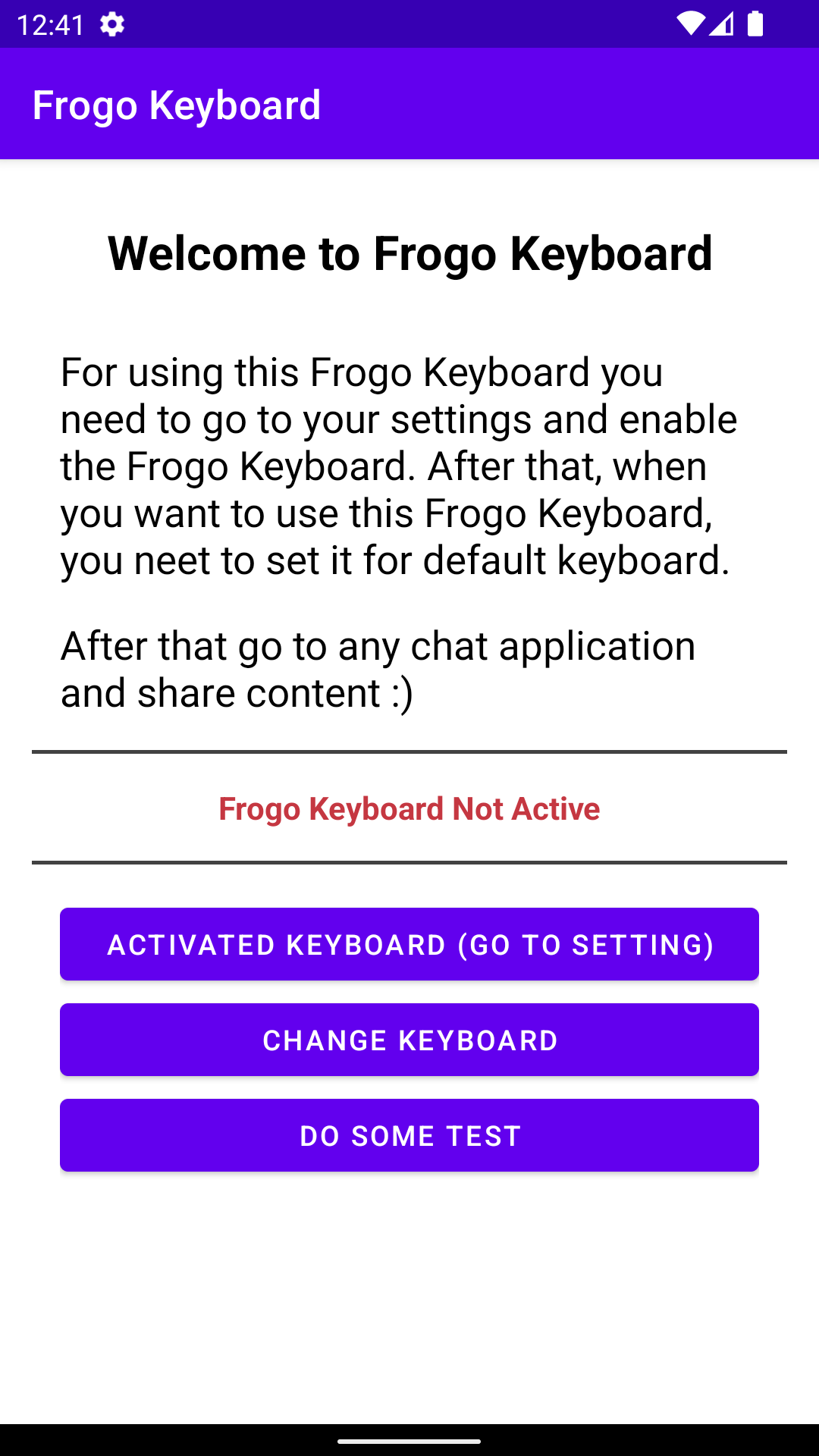
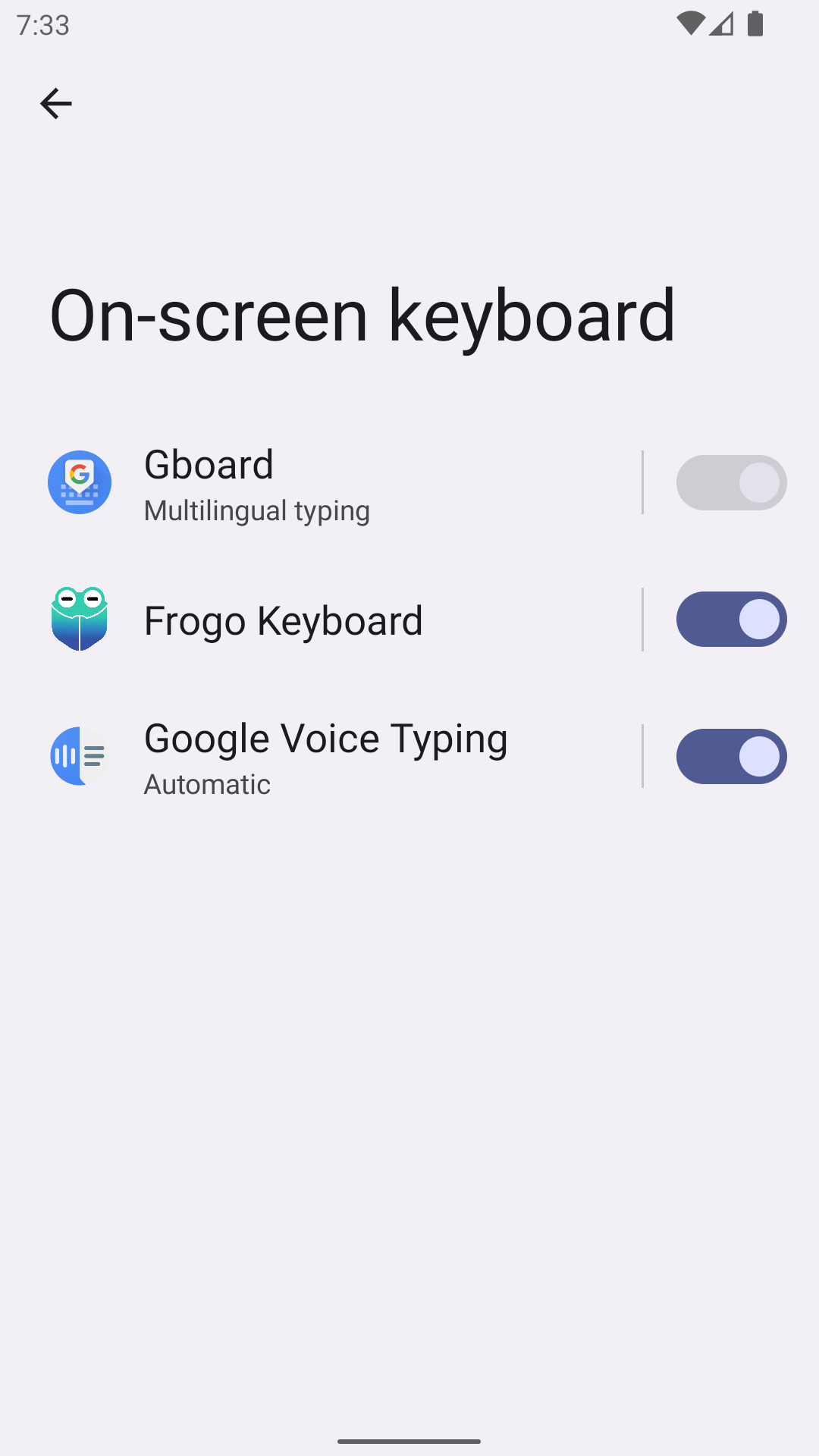
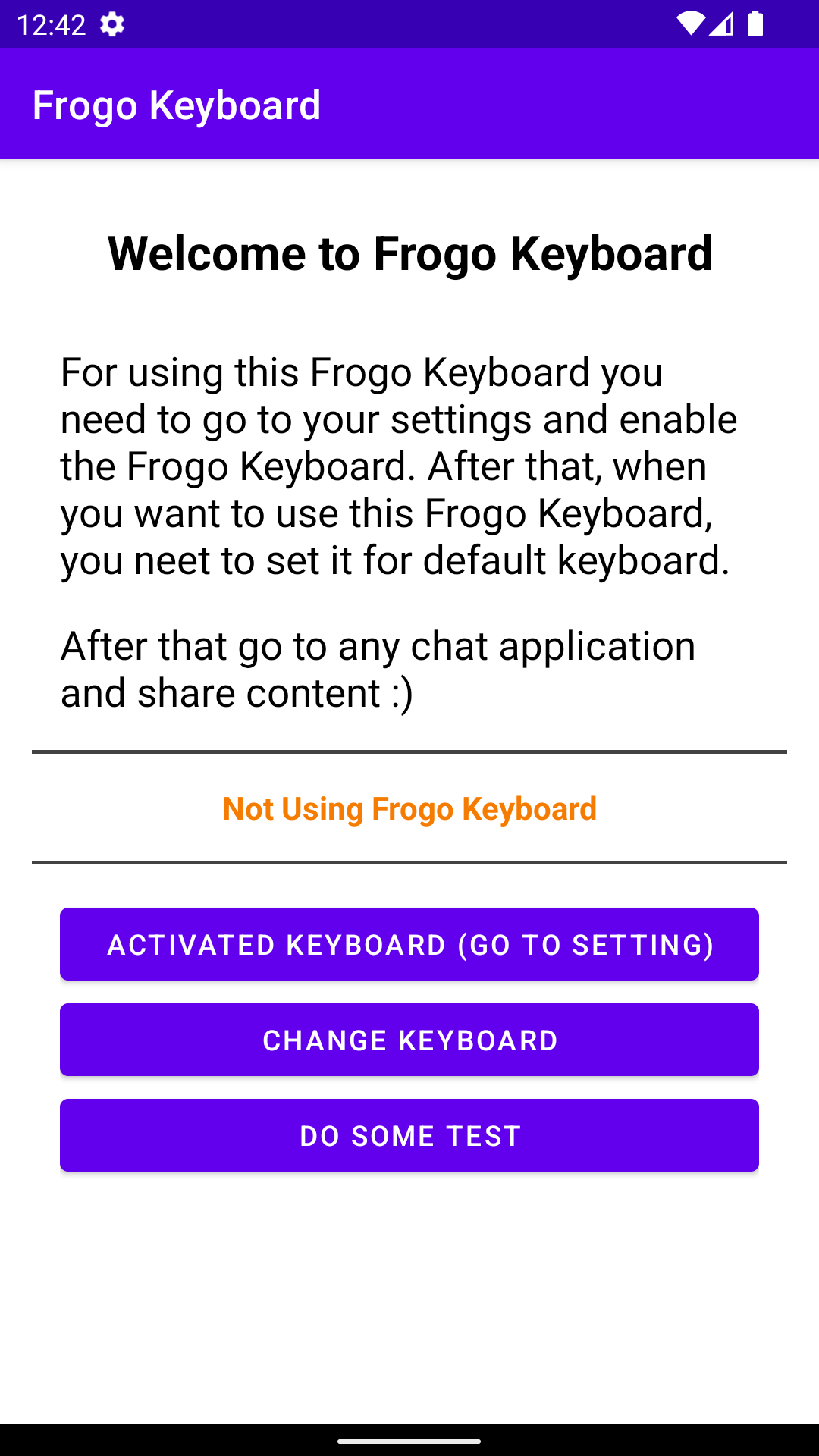
### How To Activated
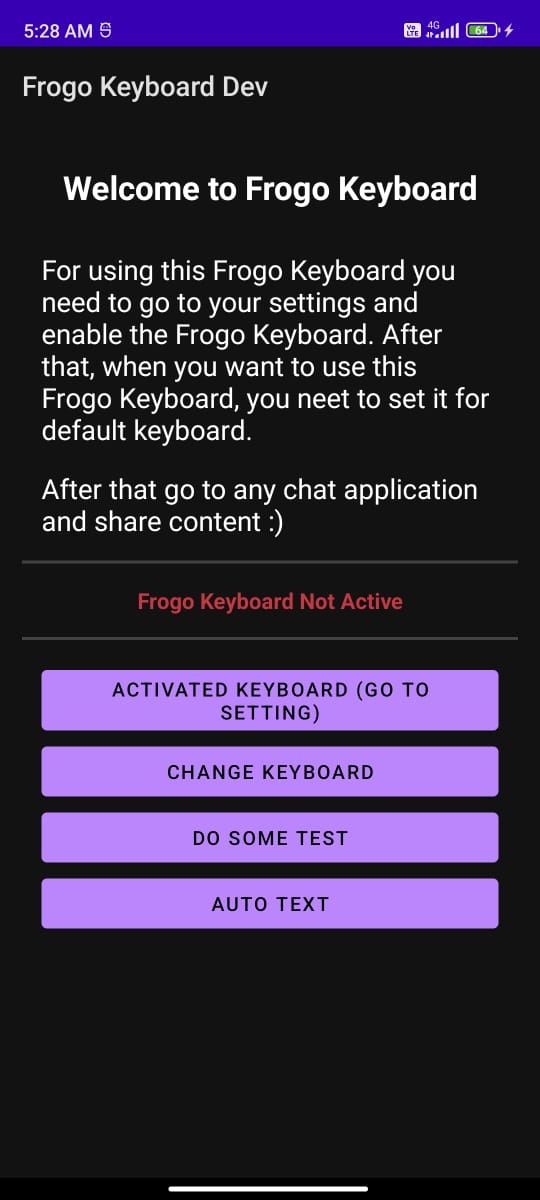
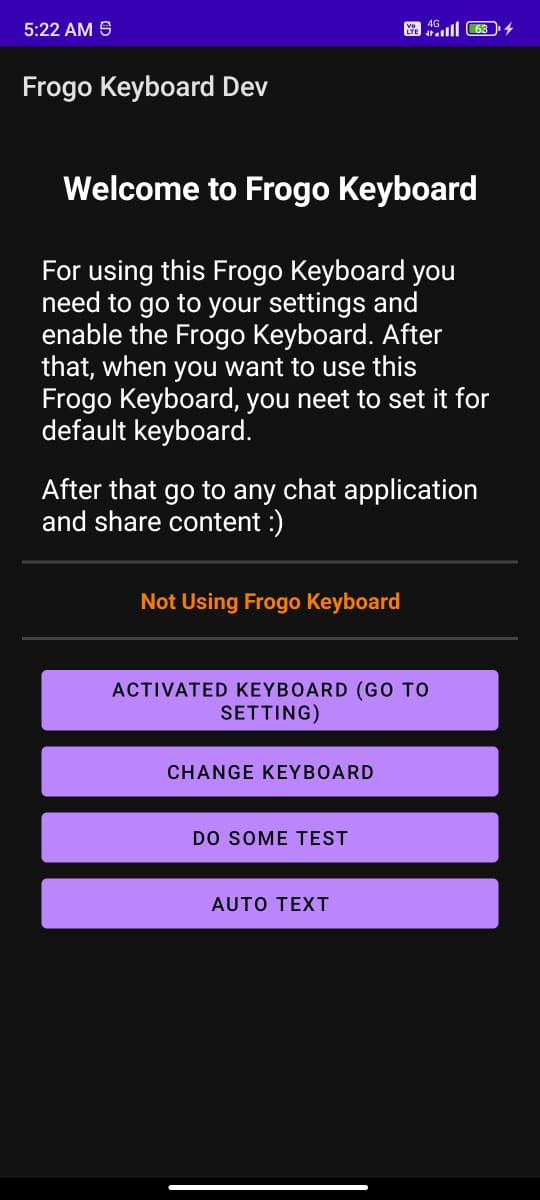
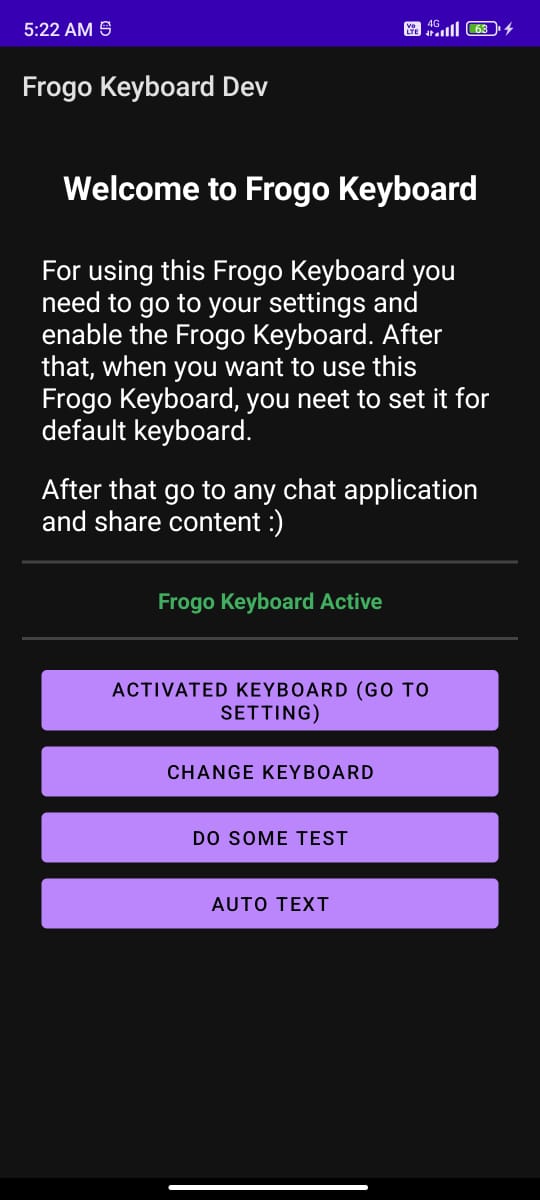
#### Activated Keyboard
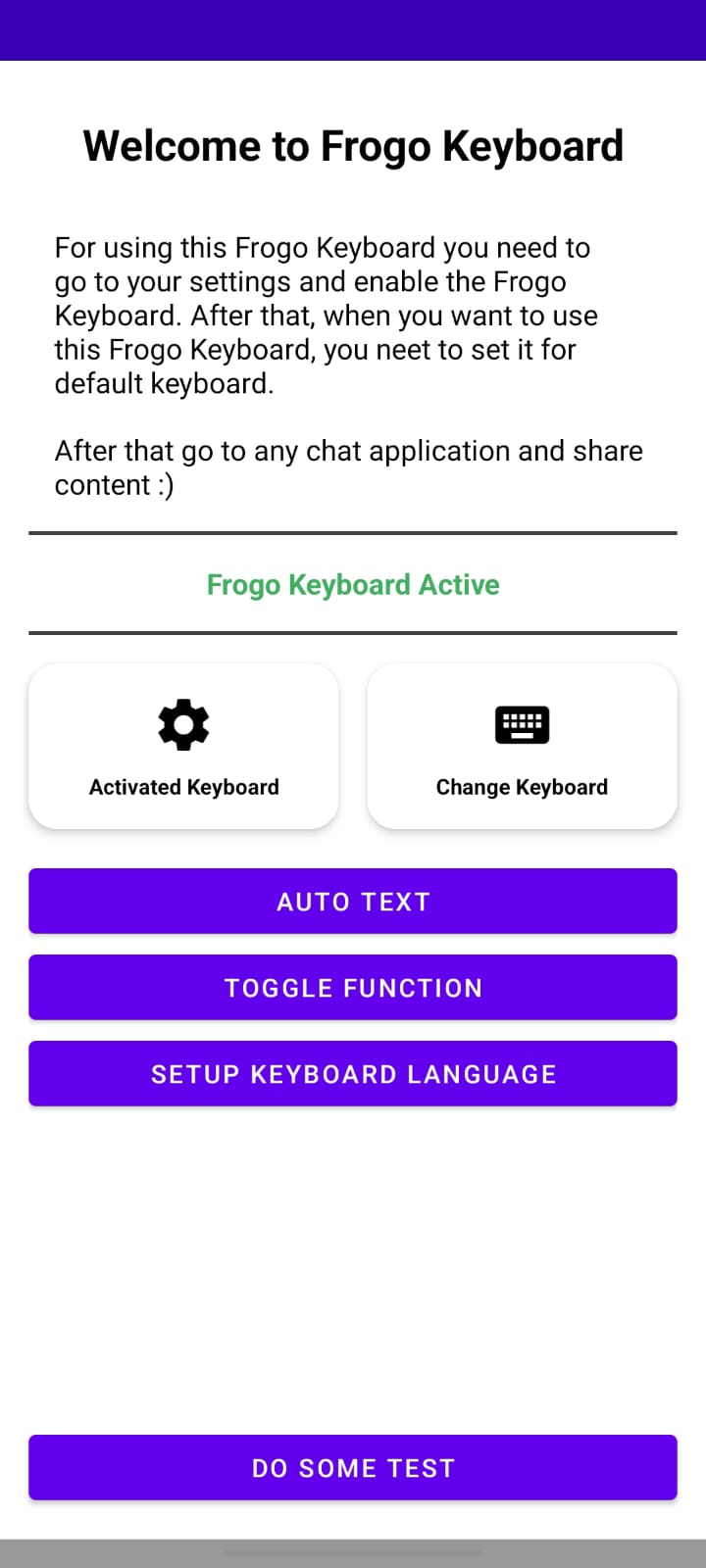
Welcome Page (Light)
Activated Keyboard (Light)
After Activated (Light)
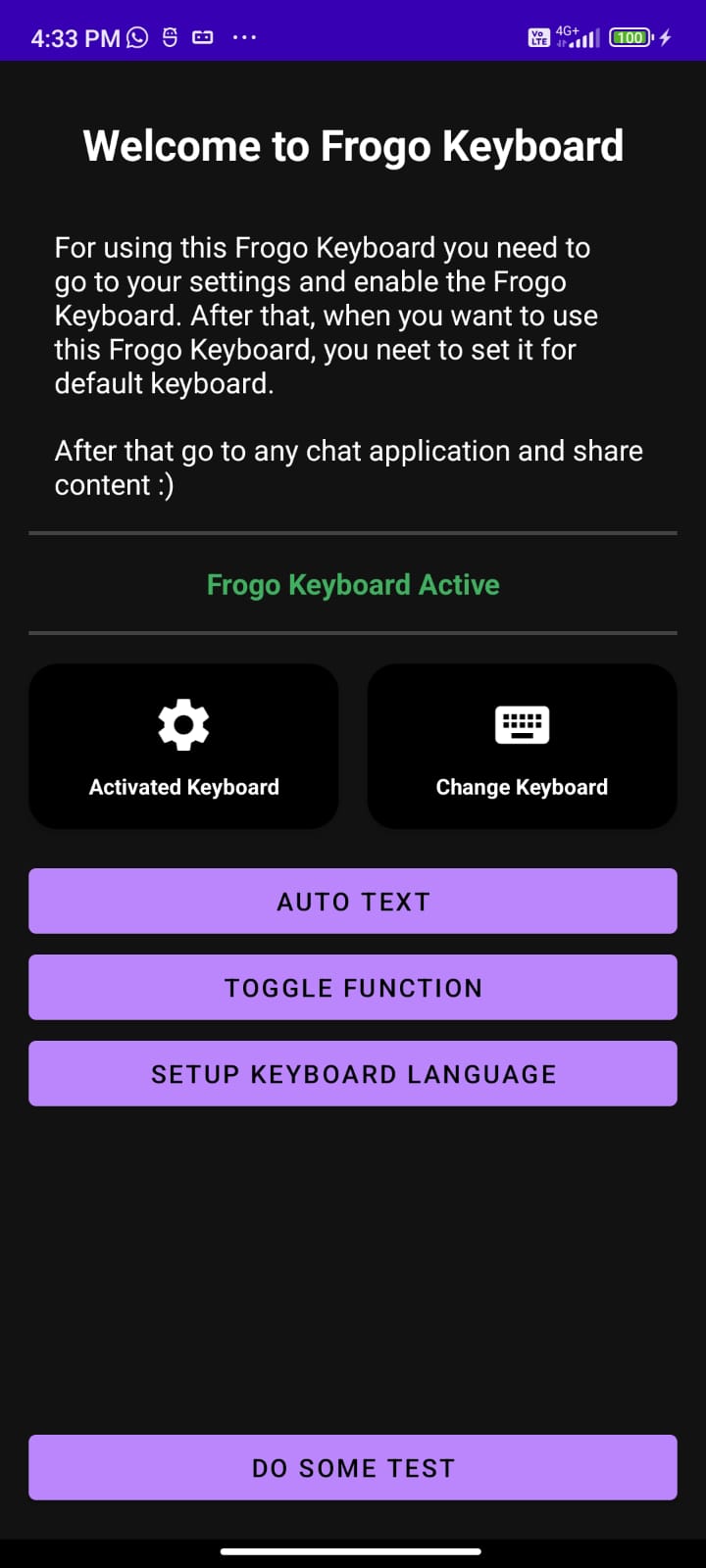
Welcome Page (Dark)
Activated Keyboard (Dark)
After Activated (Dark)

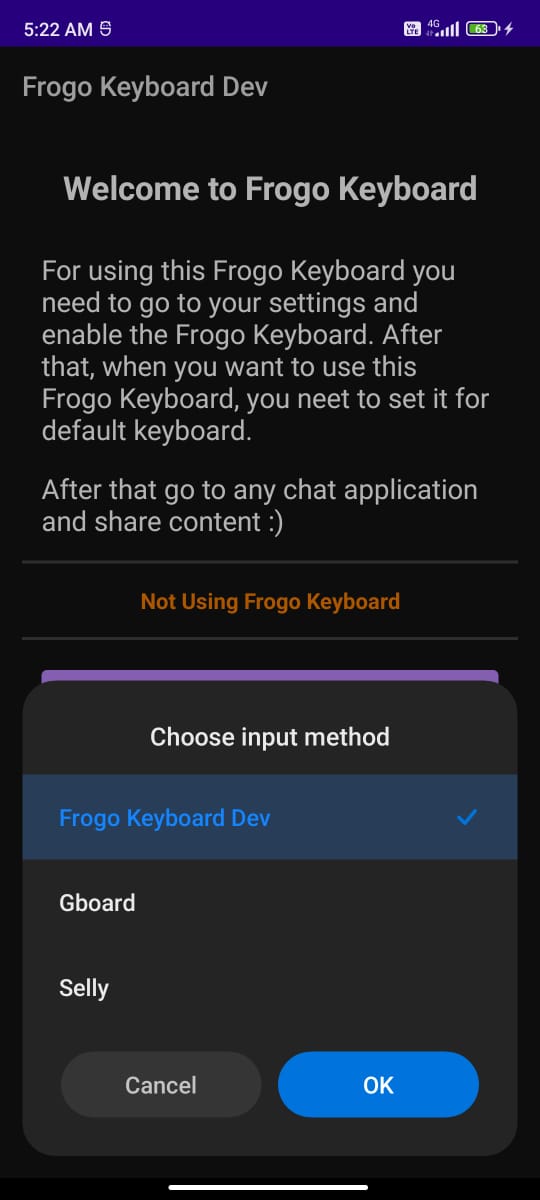
#### Change Keyboard
Before Change Keyboard (Light)
Change Keyboard (Light)
After Change Keyboard (Light)
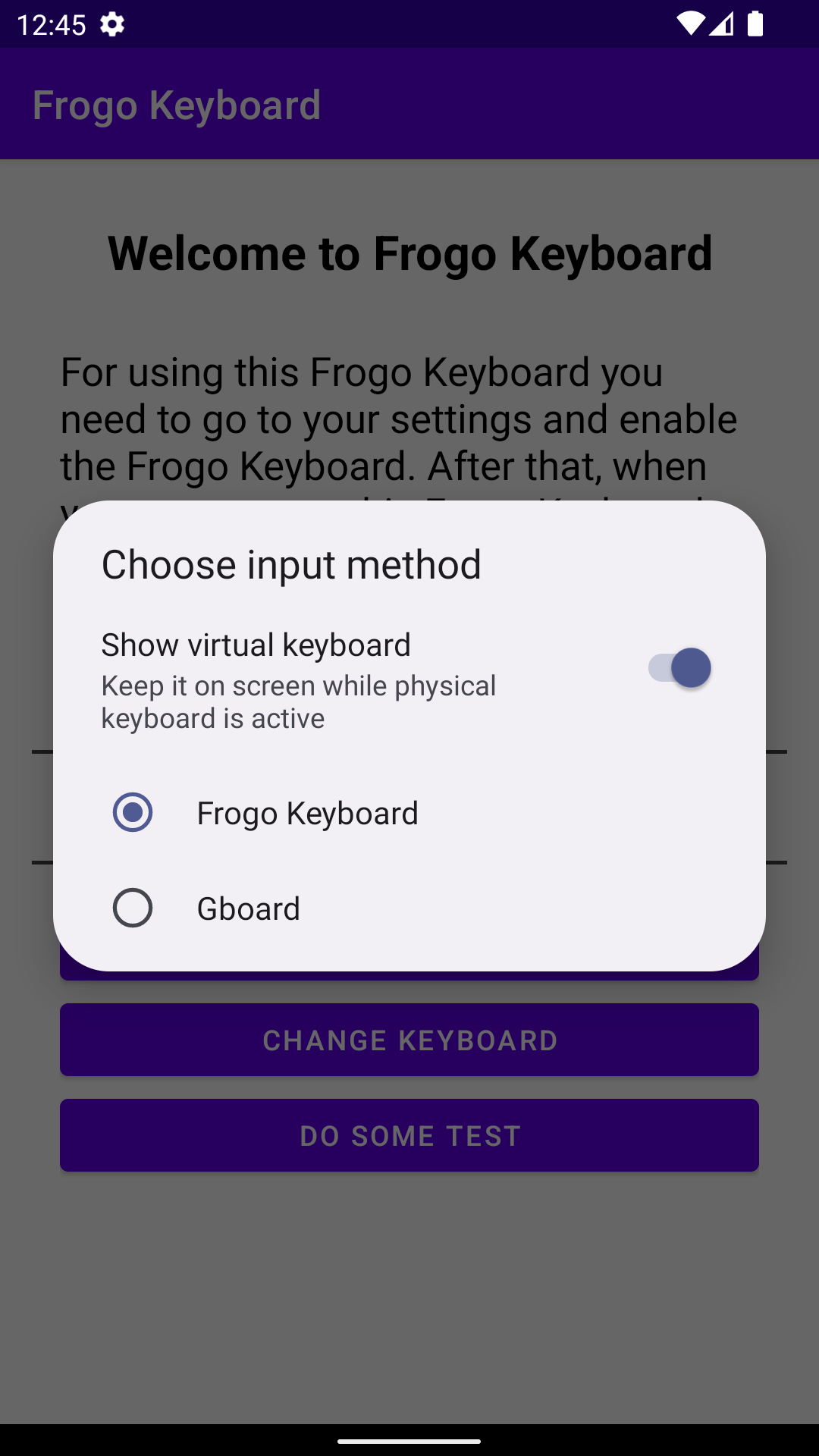
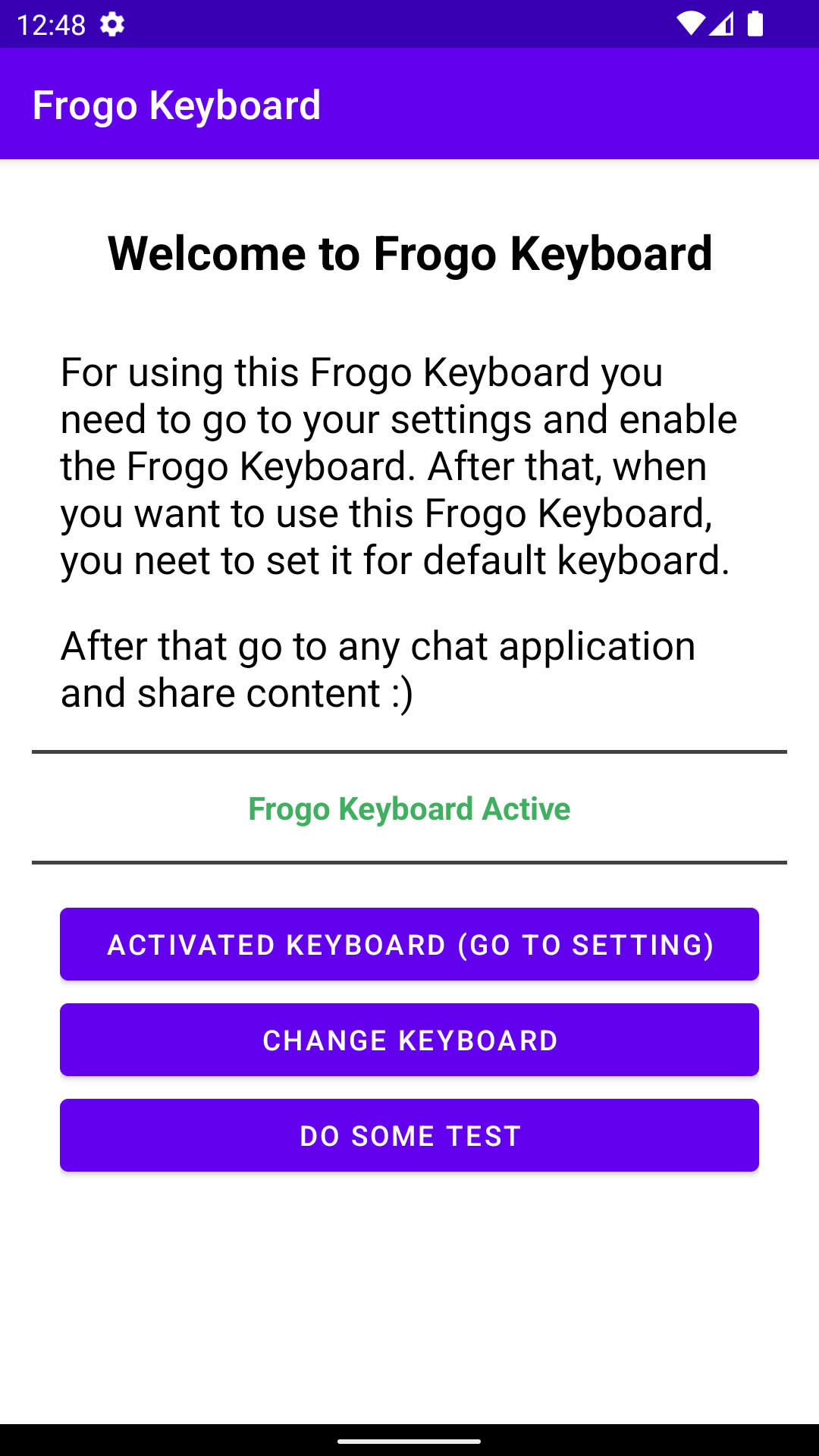
Before Change Keyboard (Dark)
Change Keyboard (Dark)
After Change Keyboard (Dark)
### Normal Keyboard State
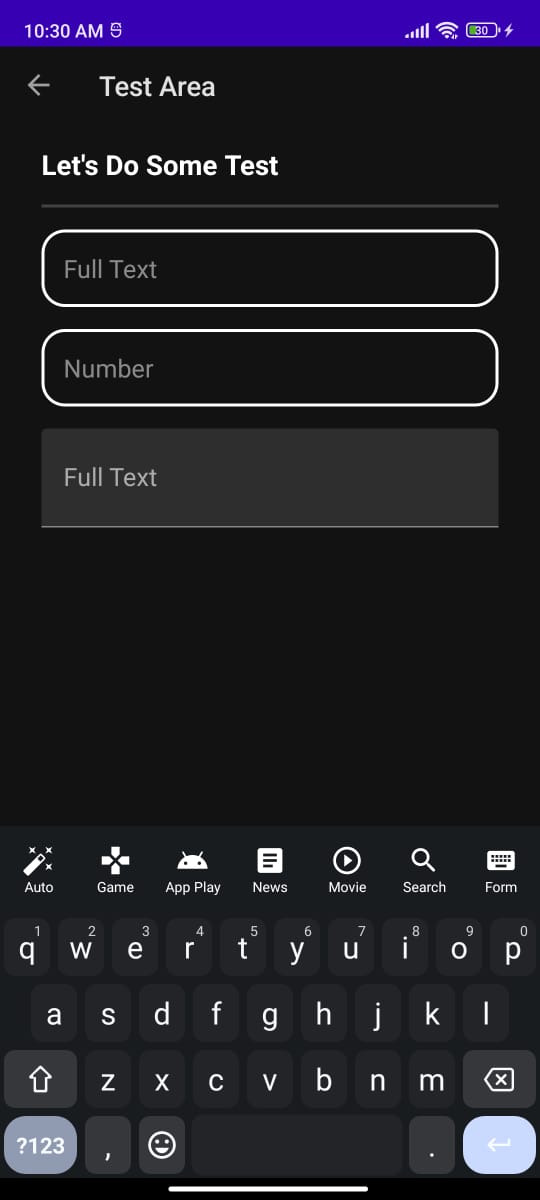
Alphabet Keyboard (Light)
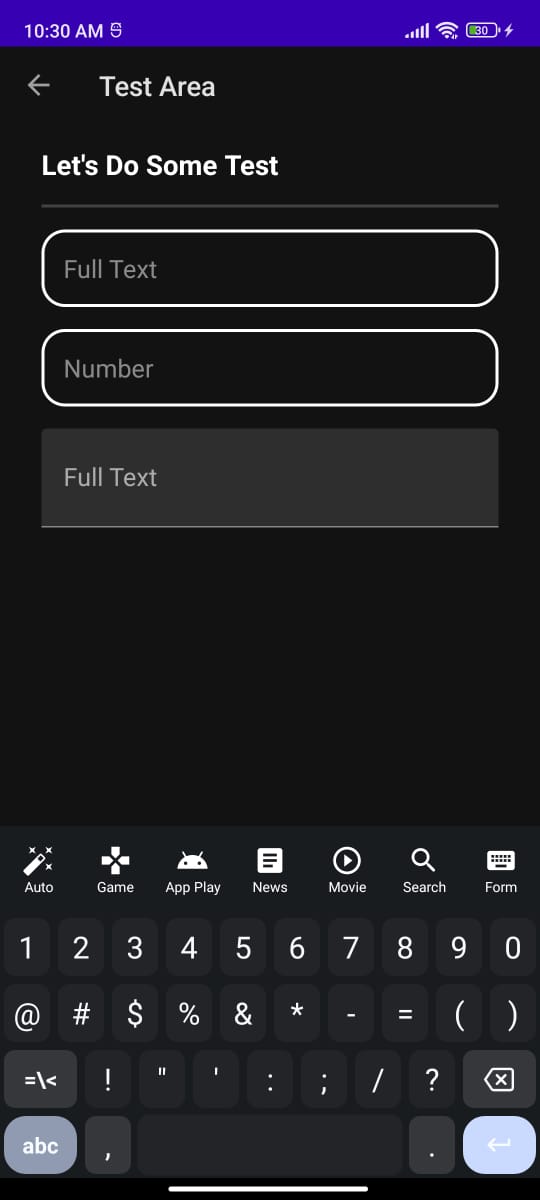
Numeric Keyboard (Light)


Alphabet Keyboard (Dark)
Numeric Keyboard (Dark)
### Feature Keyboard
#### Using API
News API (Light)
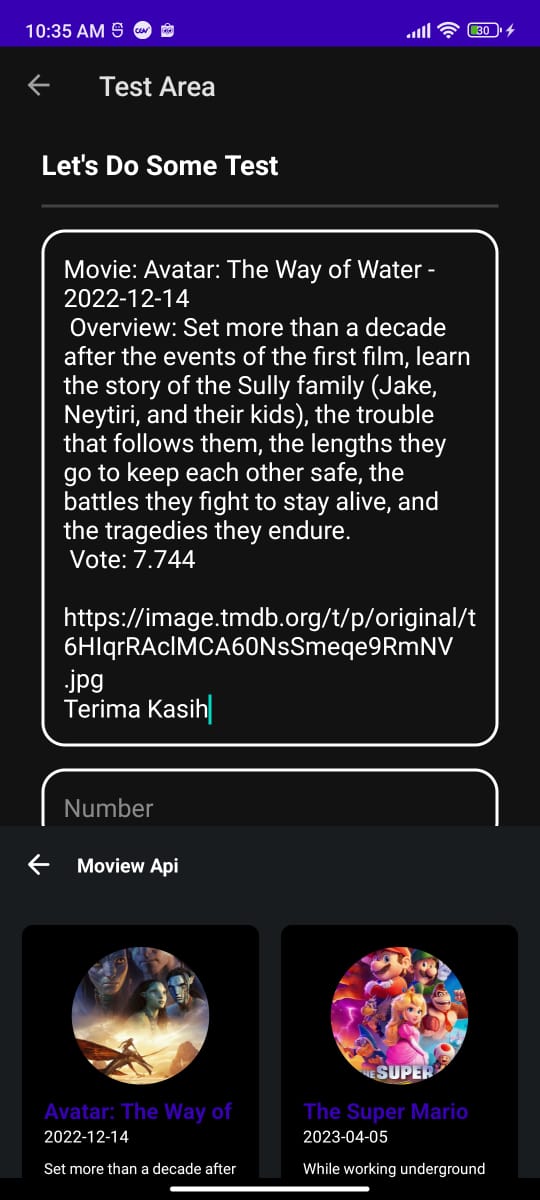
Movie API (Light)


News API (Dark)
Movie API (Dark)

#### Webview
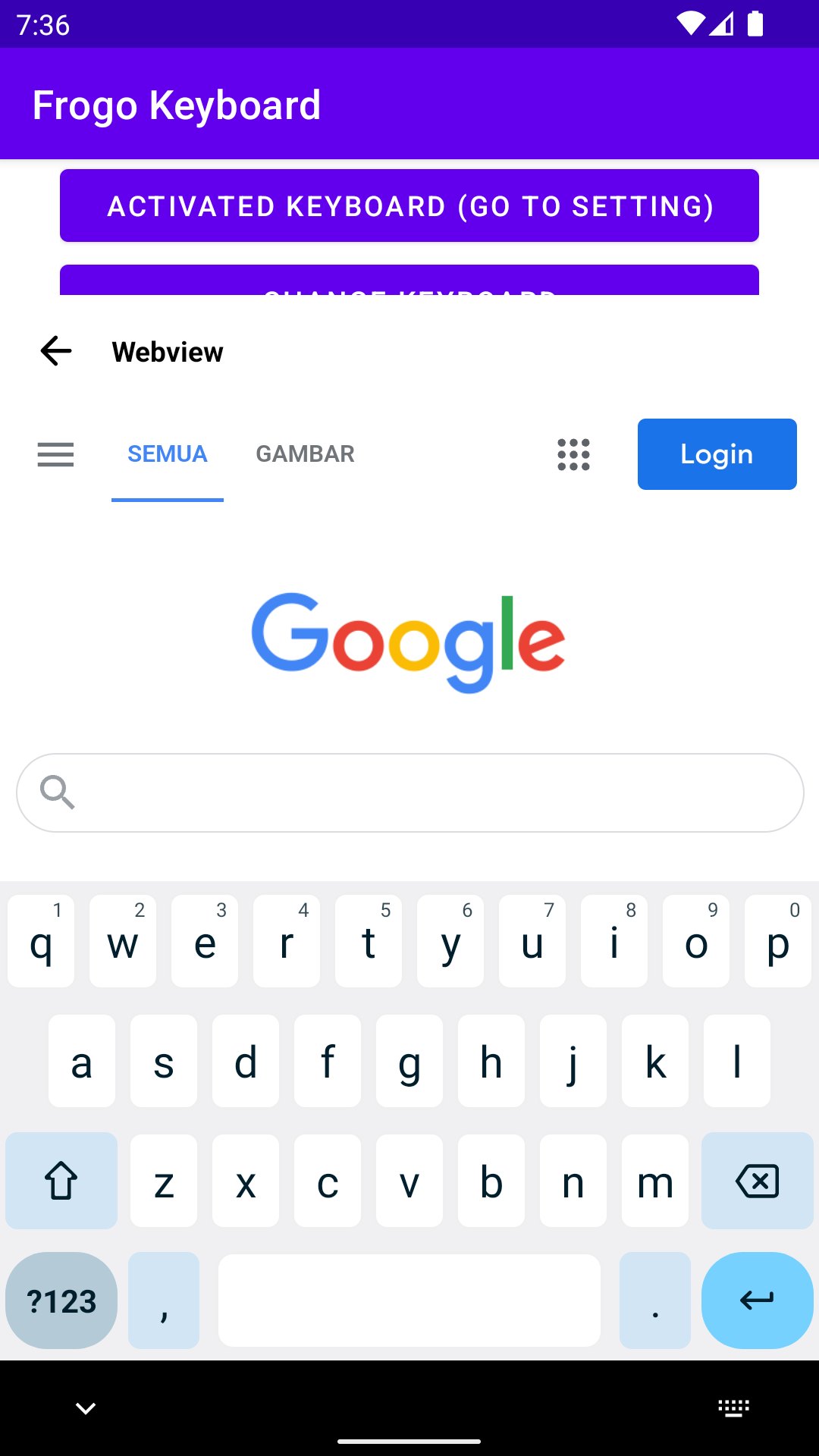
Show Webview
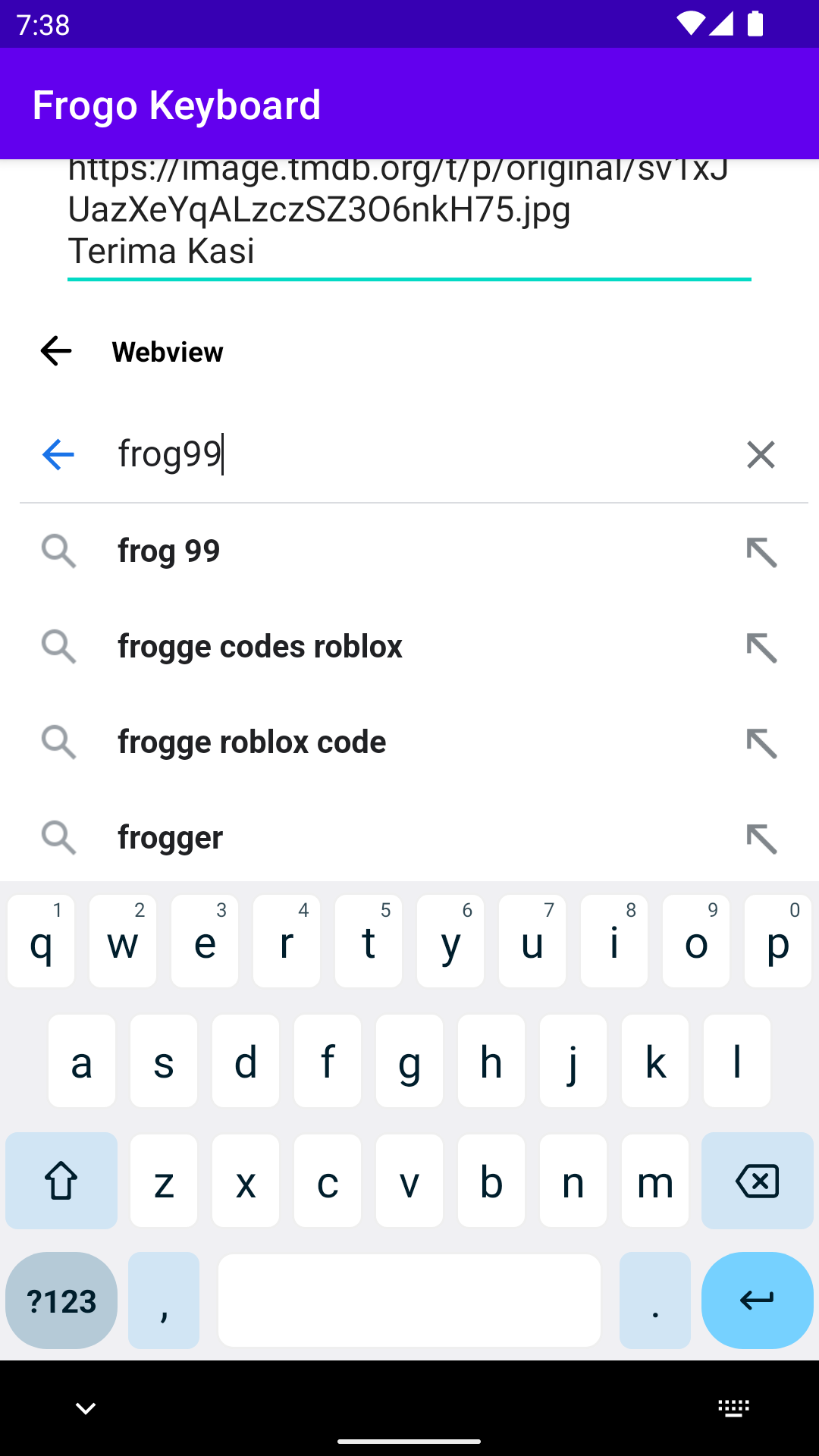
Input Webview
#### Form
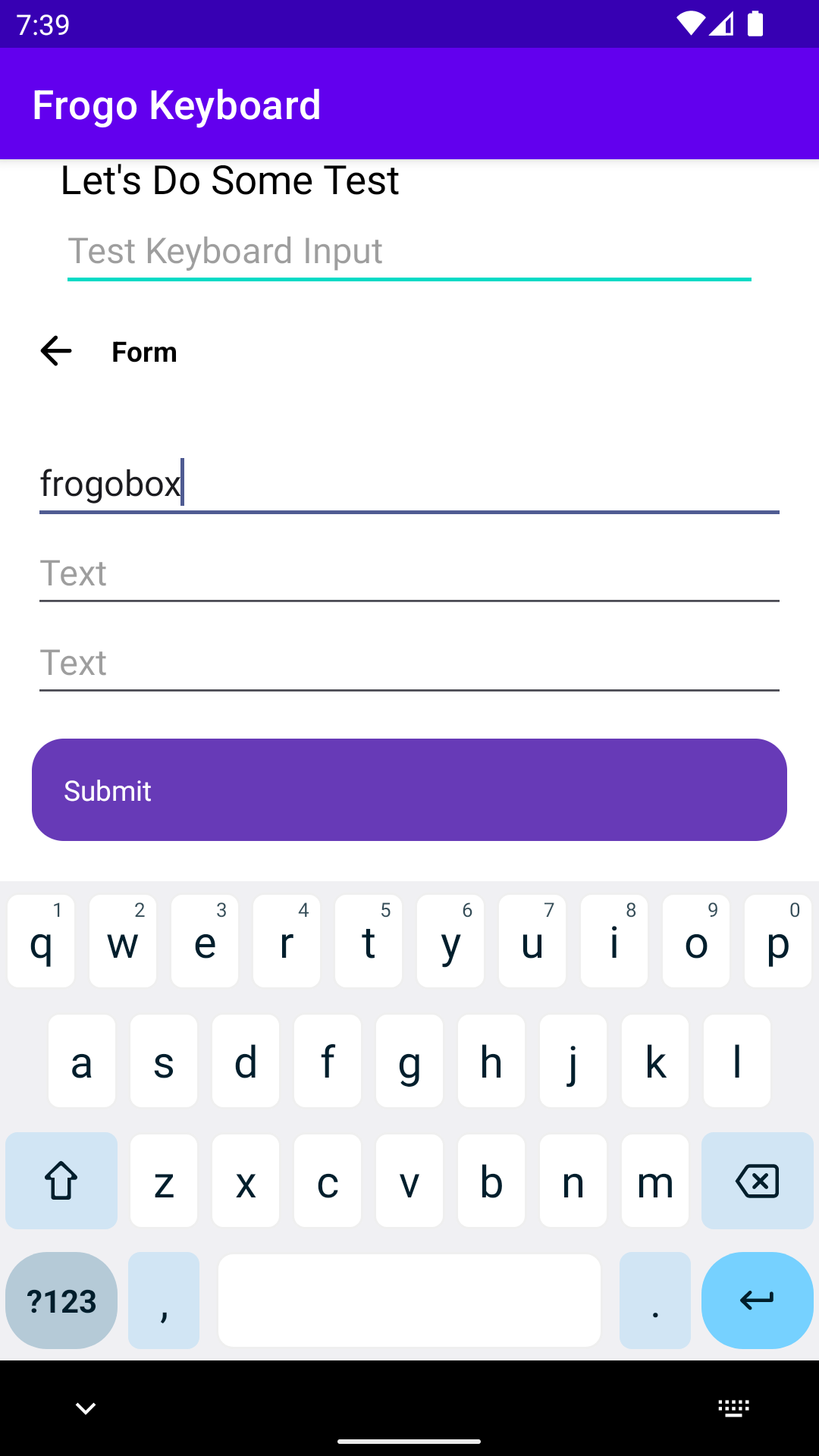
Show Form (Light)
Input Form (Light)
Hide Keyboard (Light)

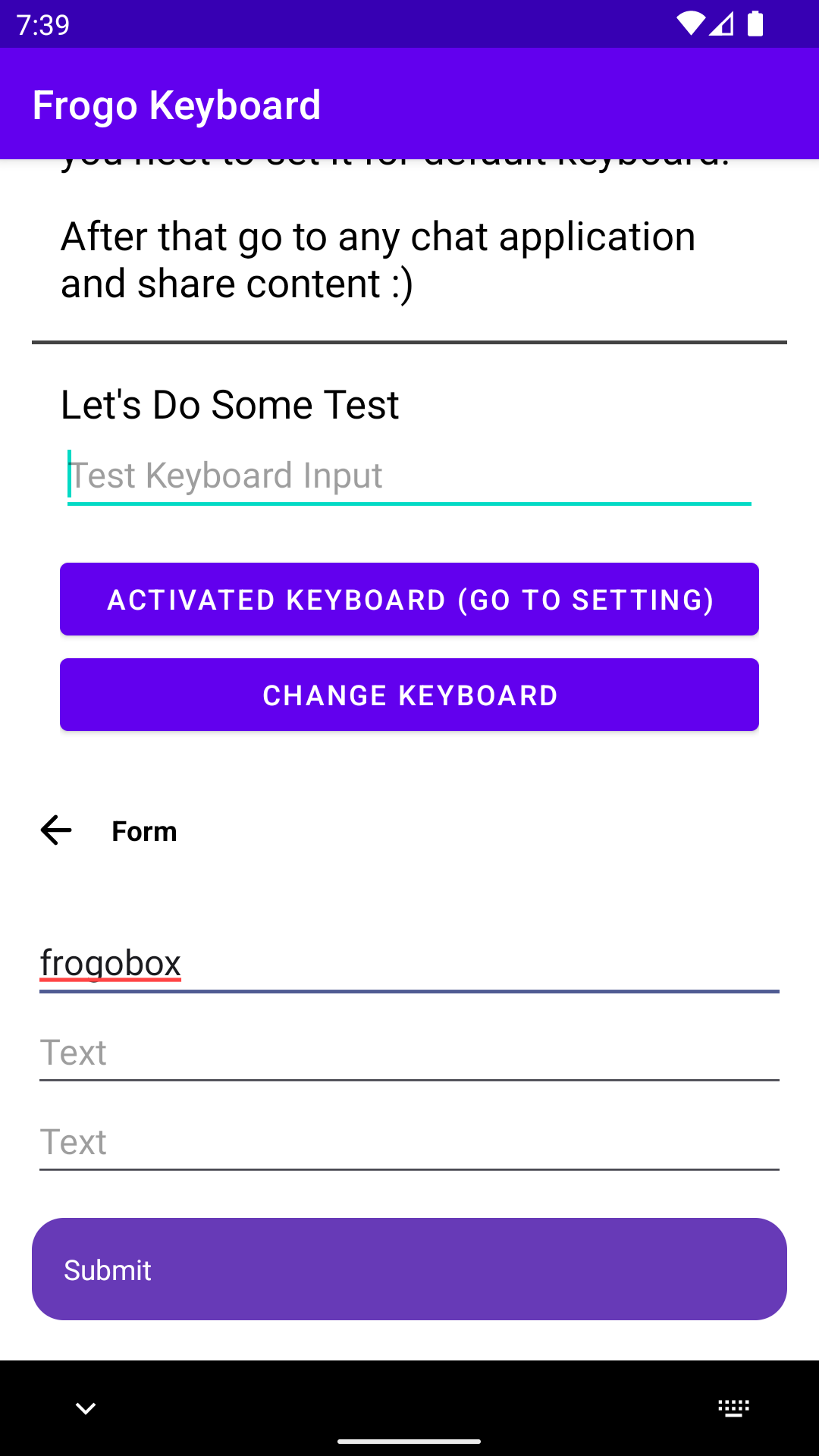
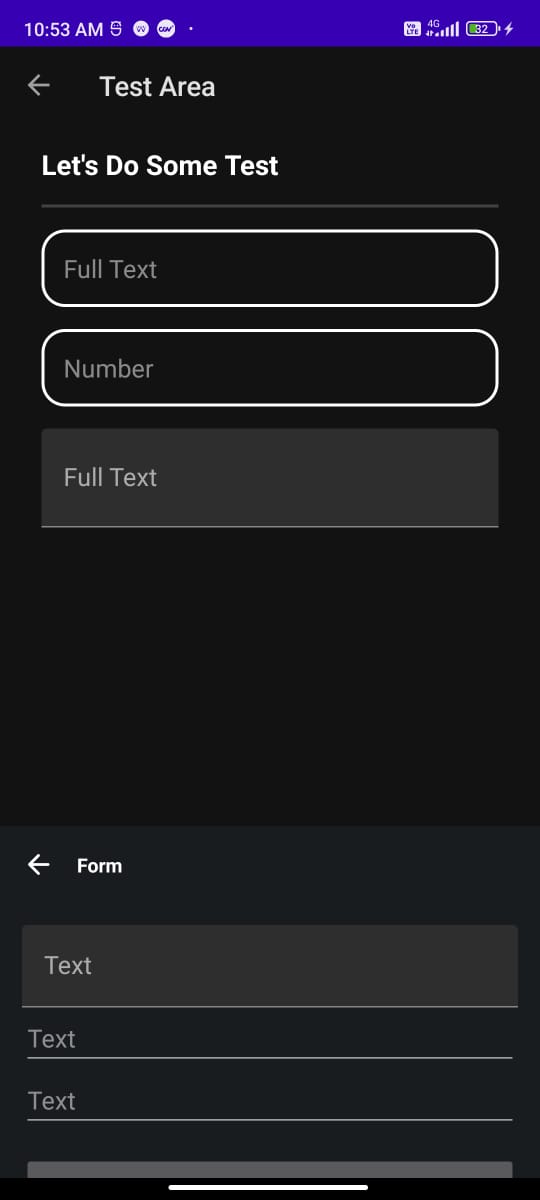
Show Form (Dark)
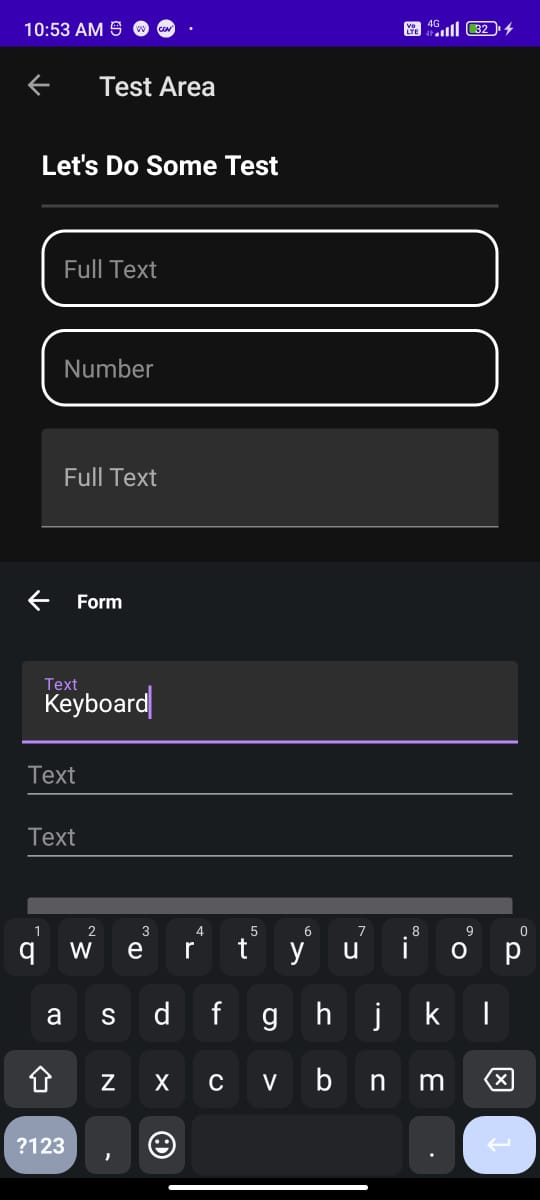
Input Form (Dark)
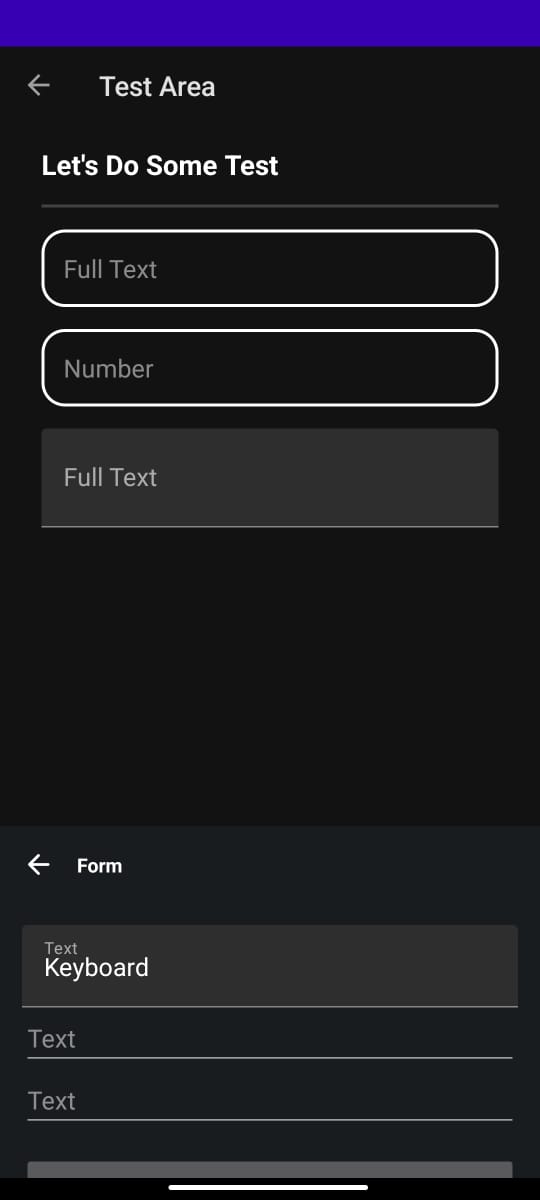
Hide Keyboard (Dark)
#### Emojis
Emojis (Light)
Emojis (Light)
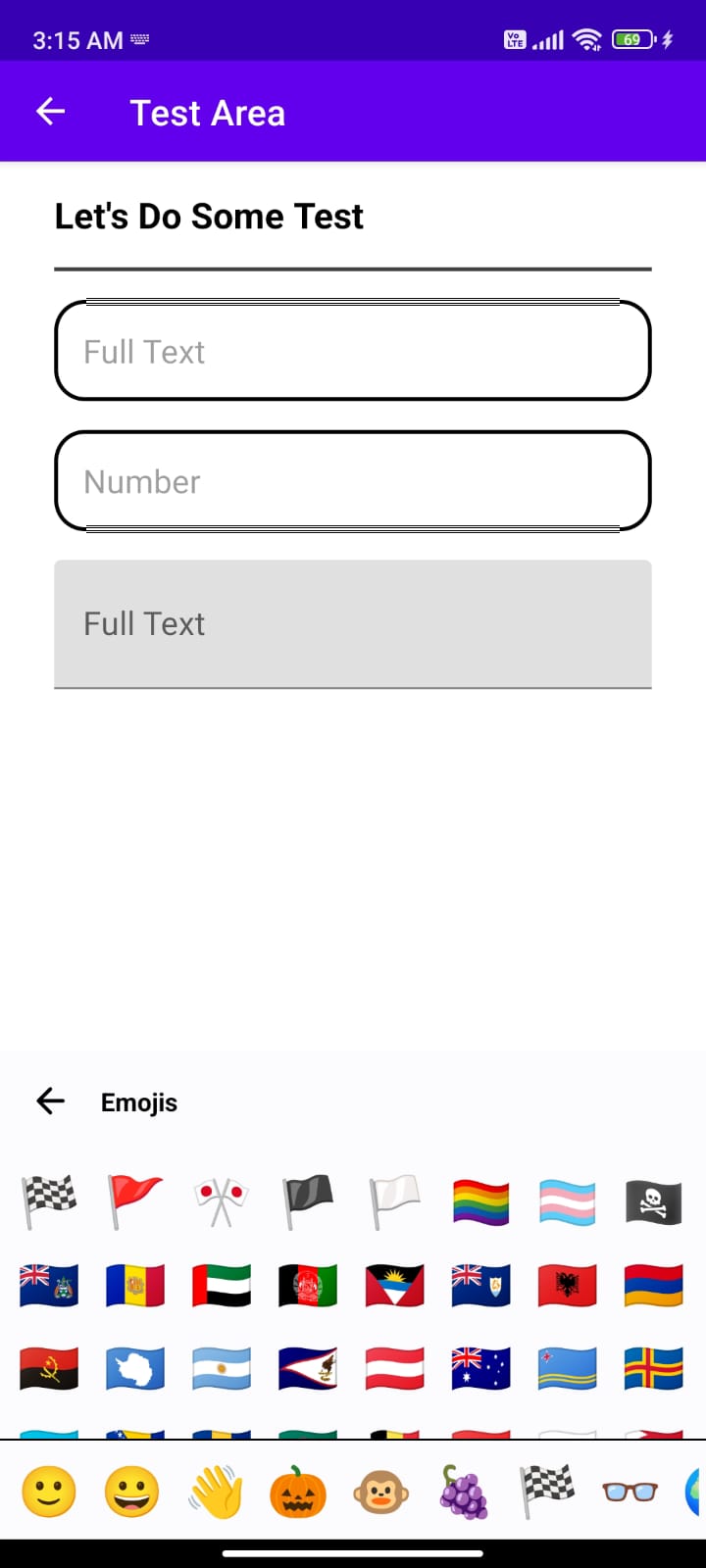
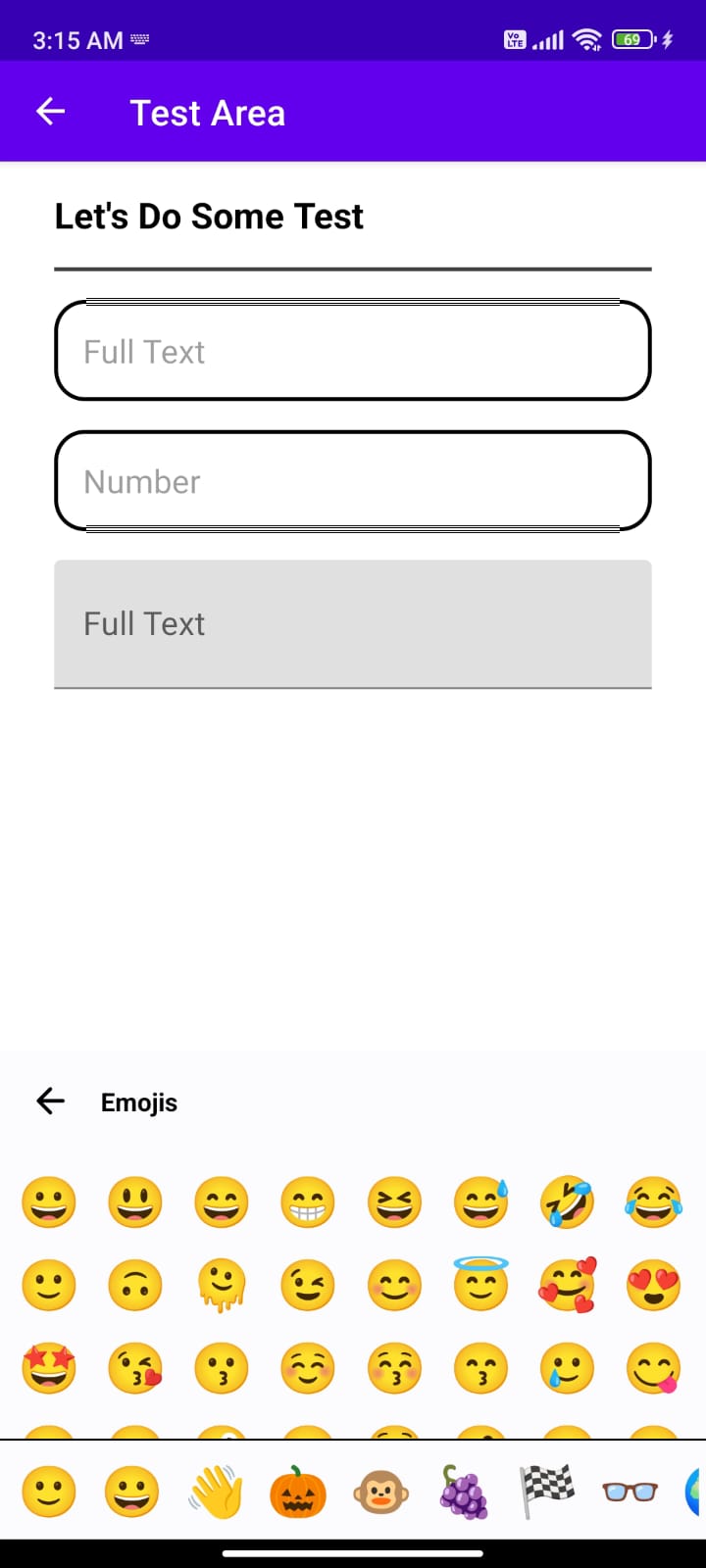
Emojis (Dark)
Emojis (Dark)
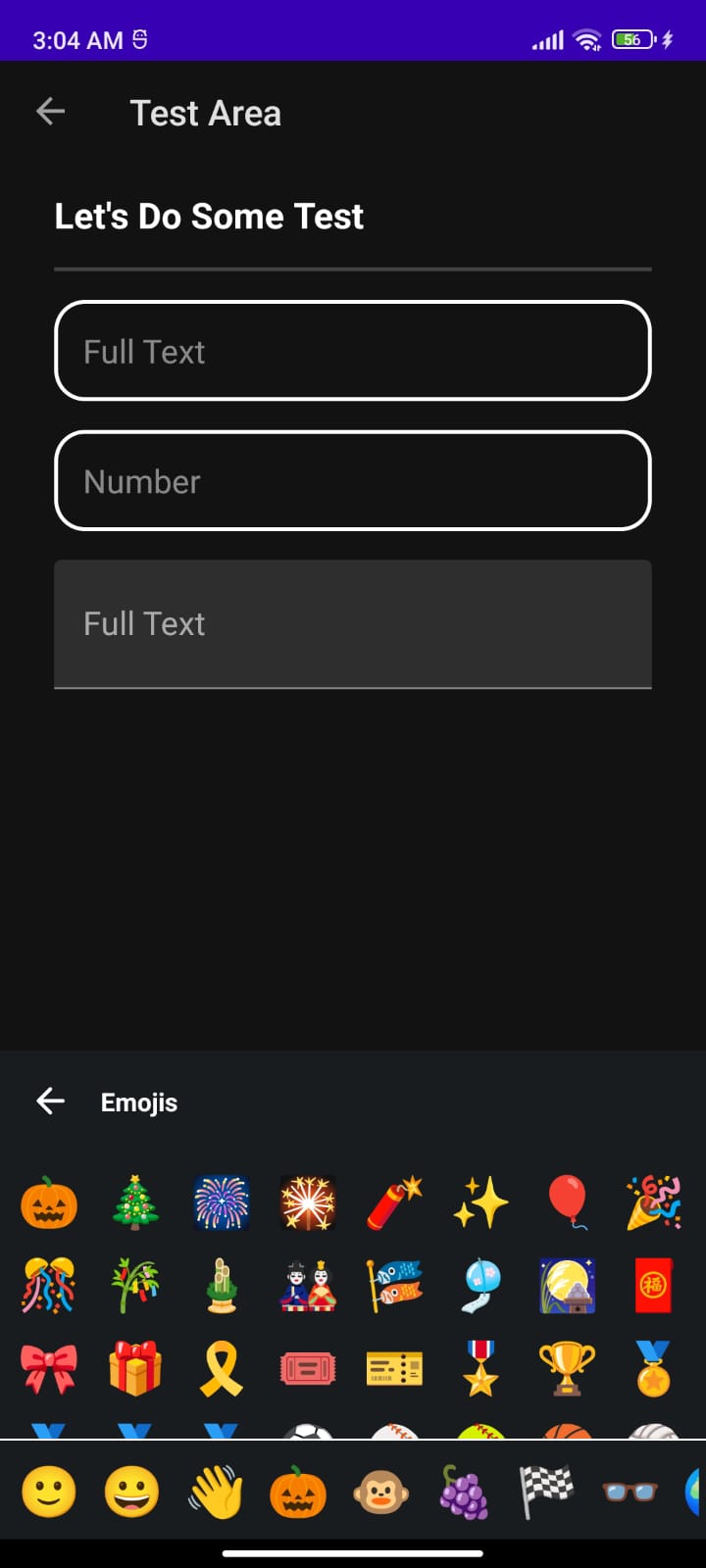
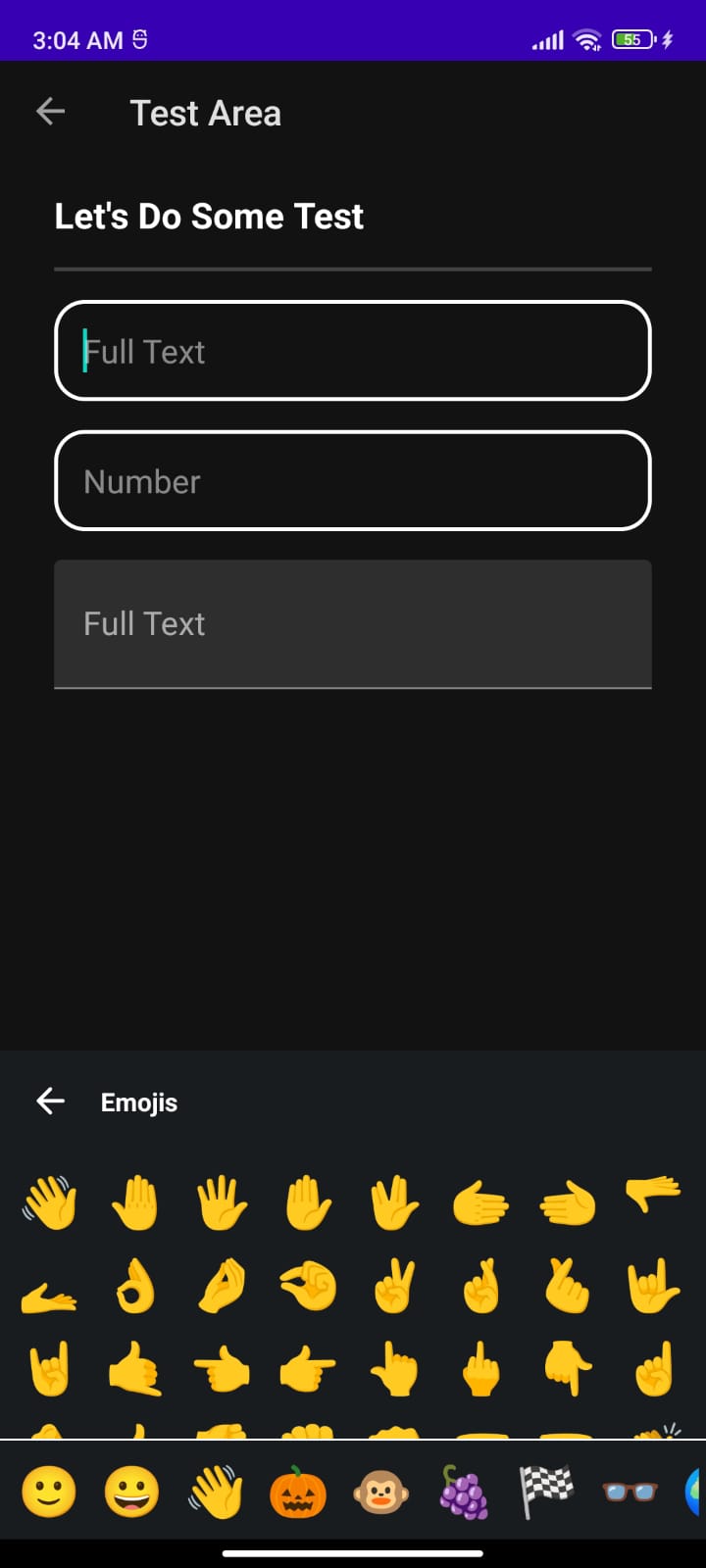
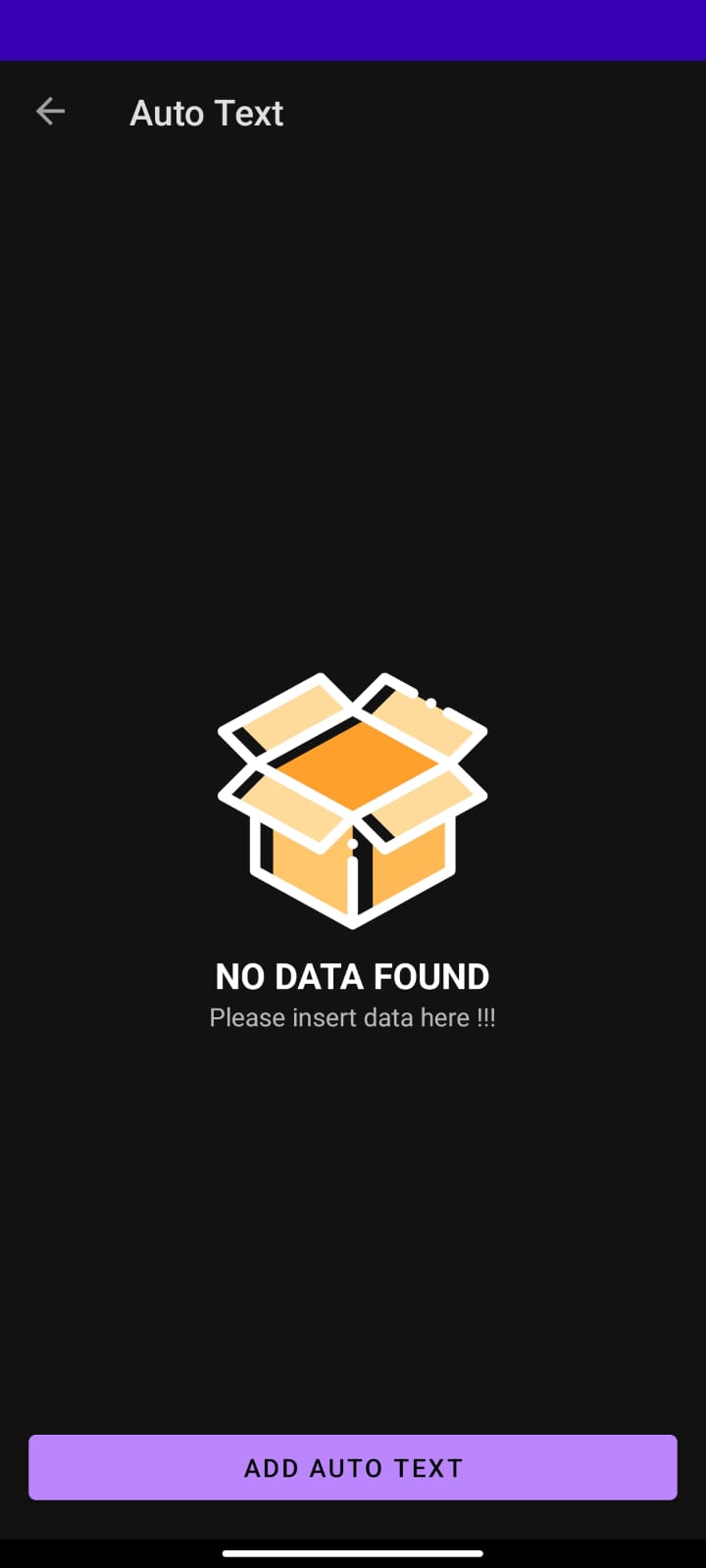
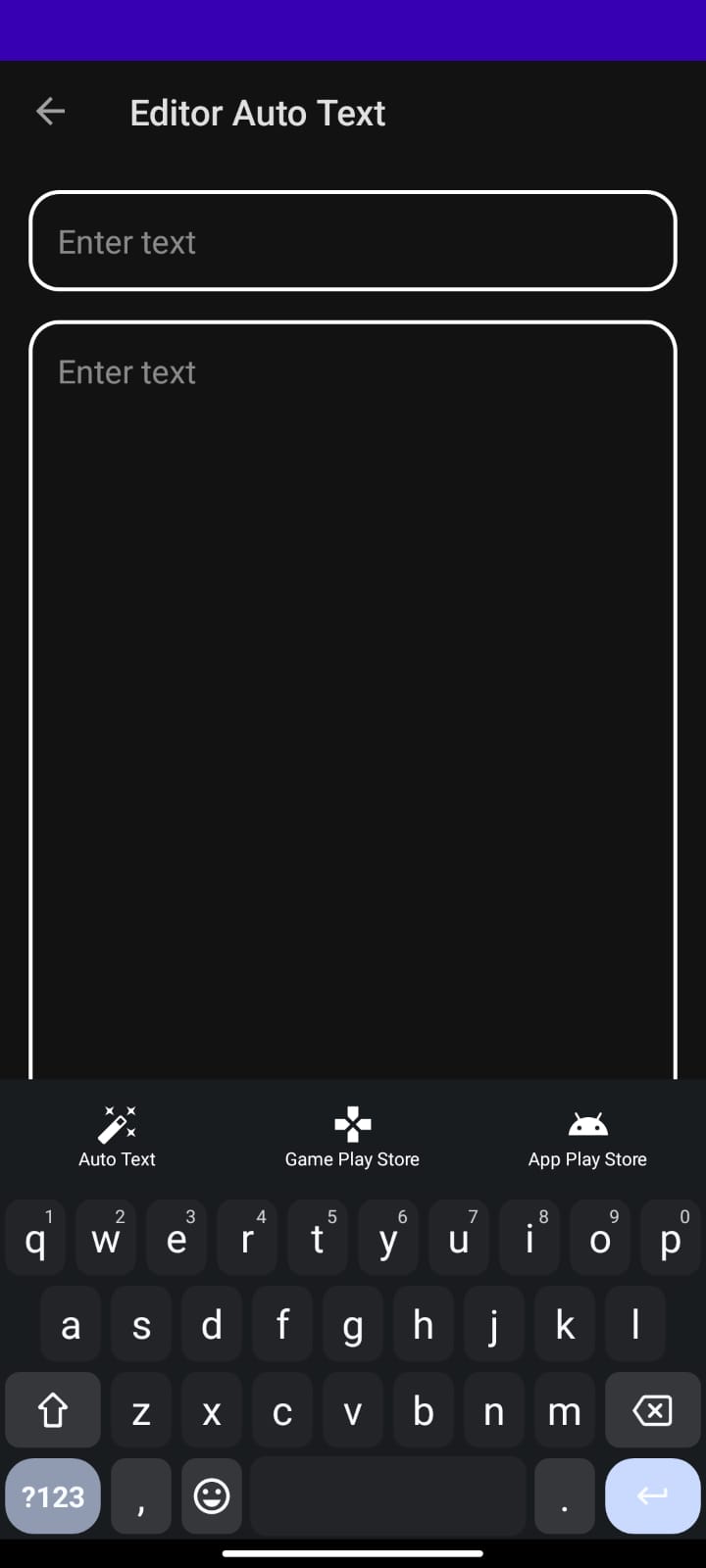
#### Auto Text
Menu Auto Text (Light)
Auto Text Inputed (Light)
Auto Text Dashboard (Light)


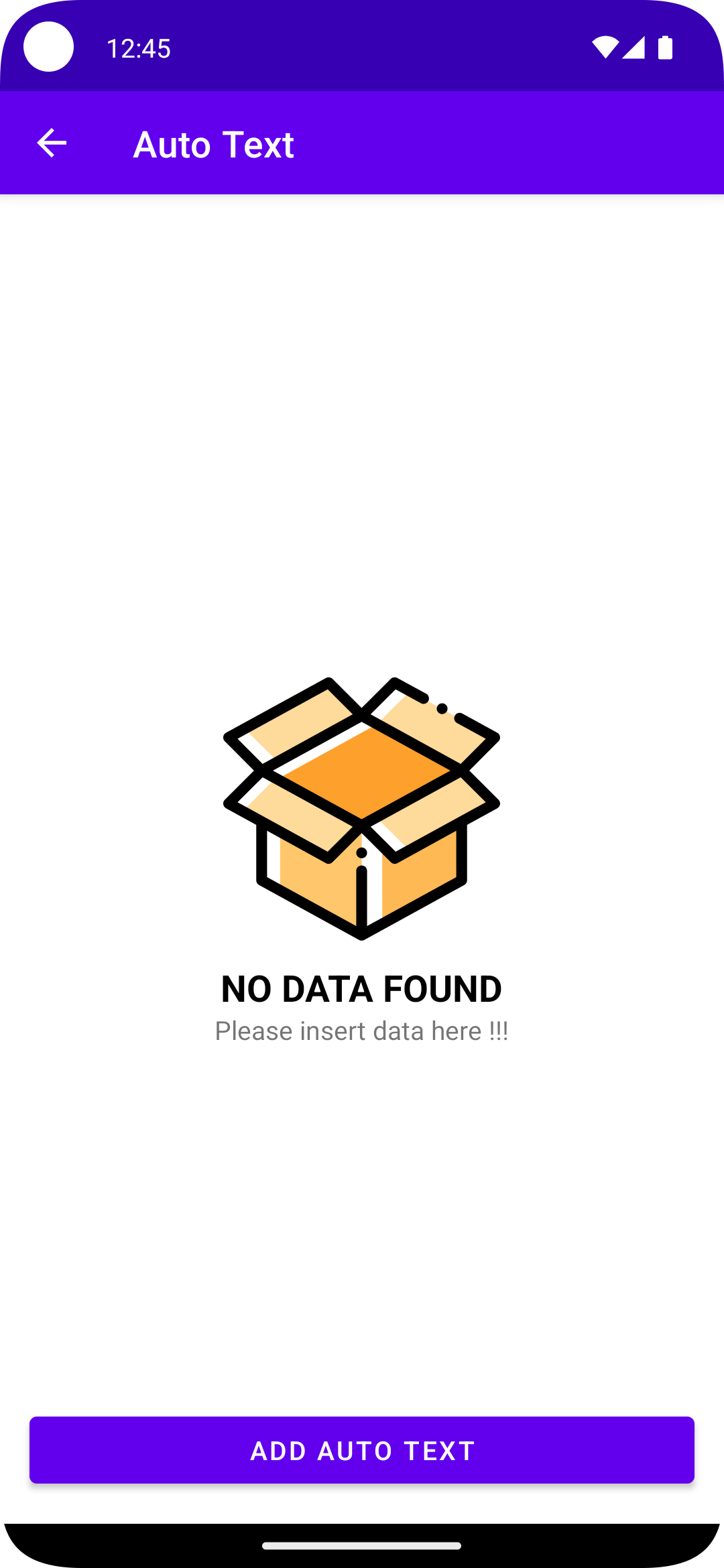
Empty View Auto Text (Light)
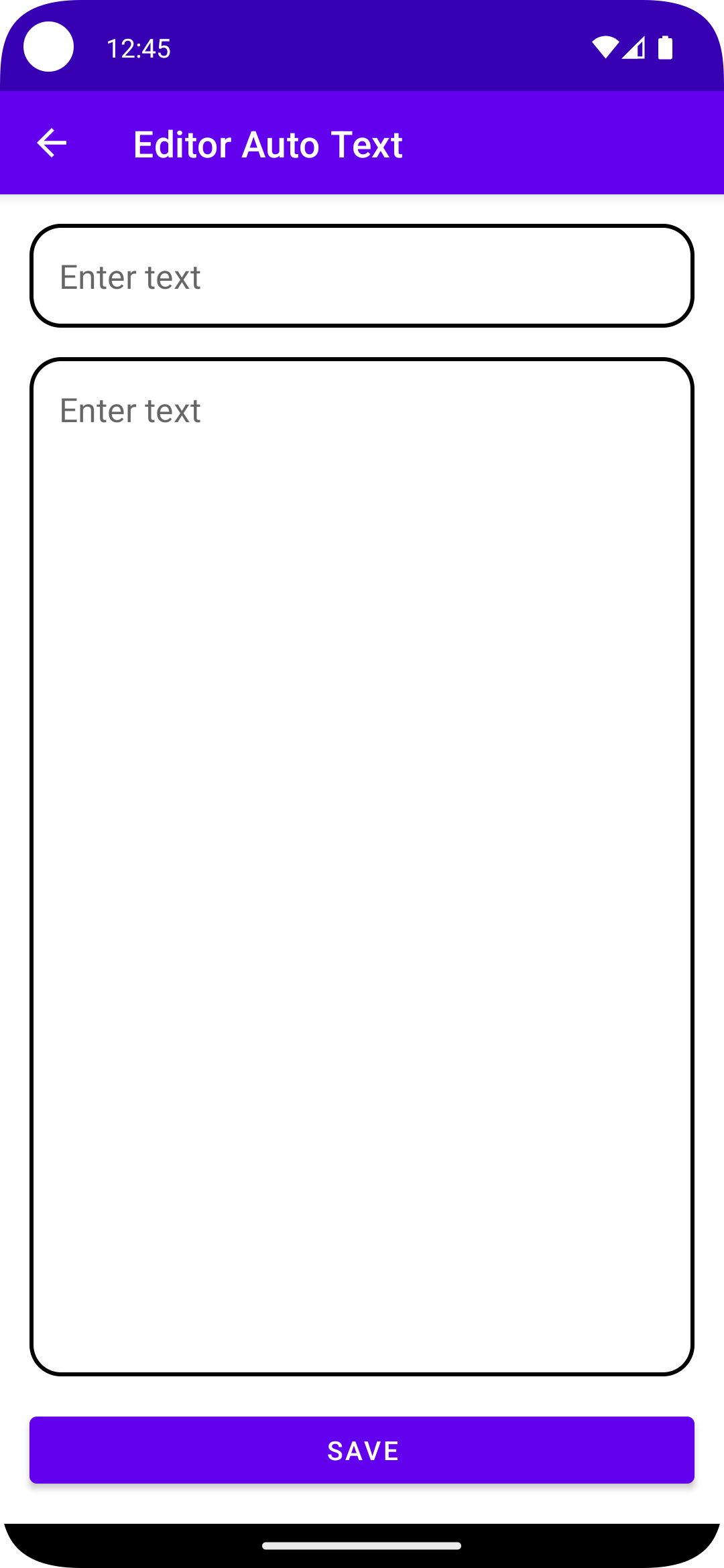
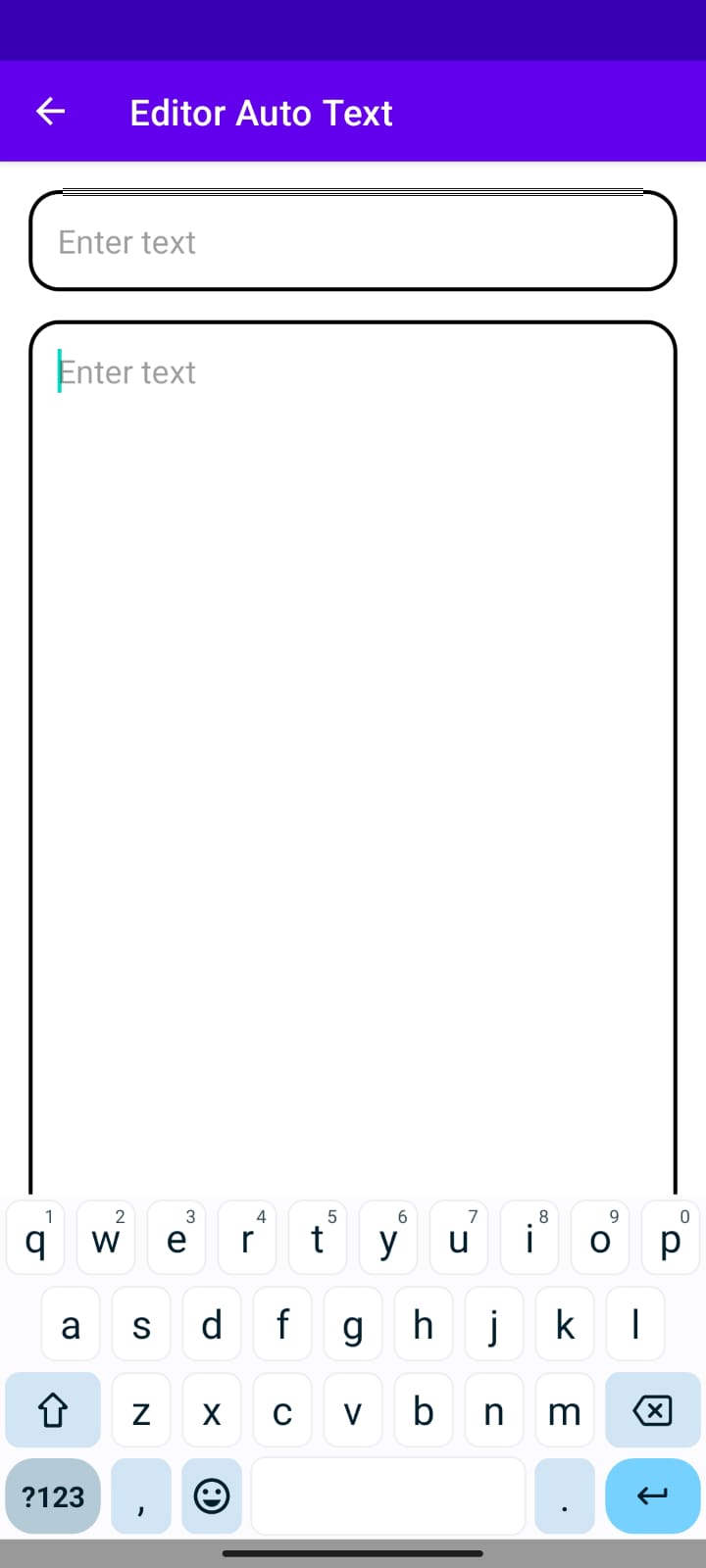
Auto Text Editor (Light)
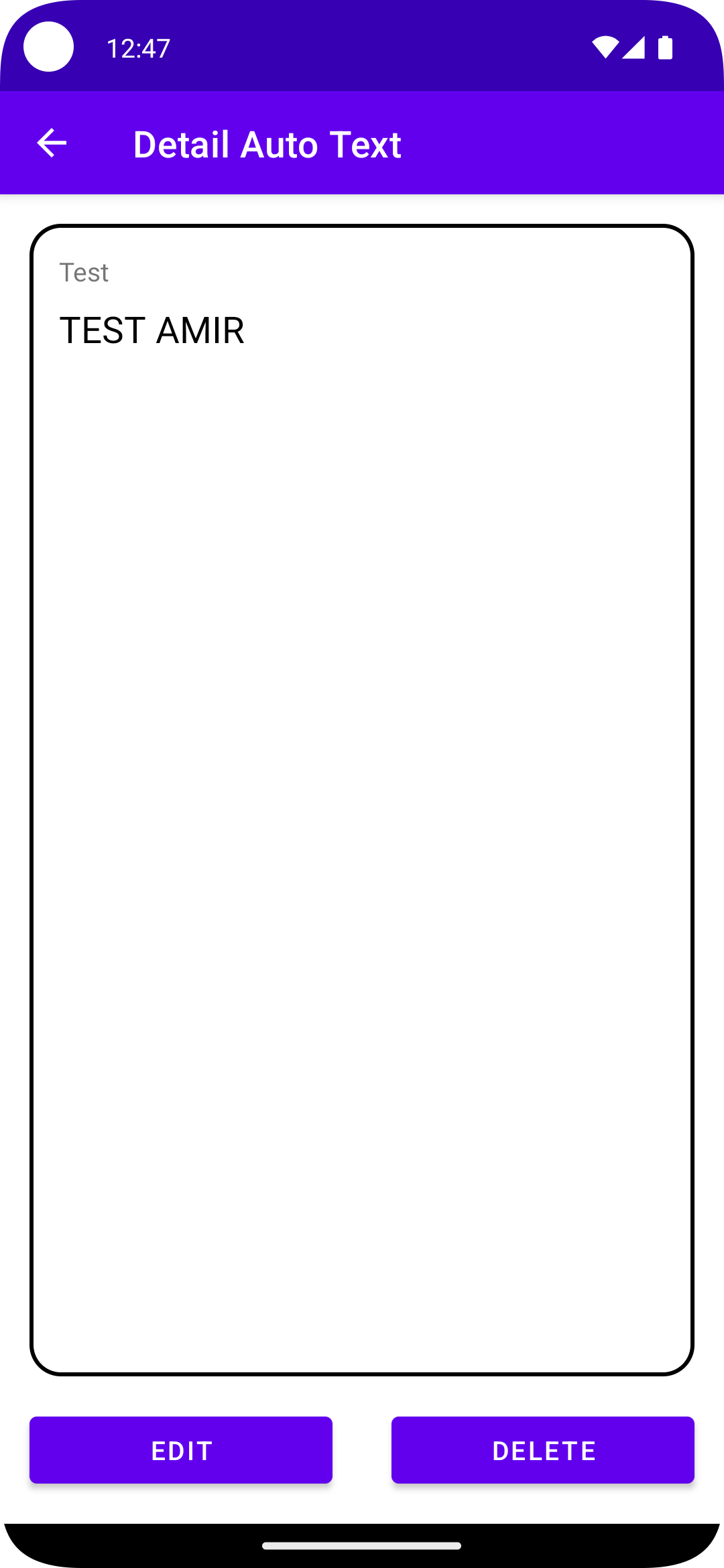
Auto Text Detail (Light)
Menu Auto Text (Dark)
Auto Text Inputed (Dark)
Auto Text Dashboard (Dark)
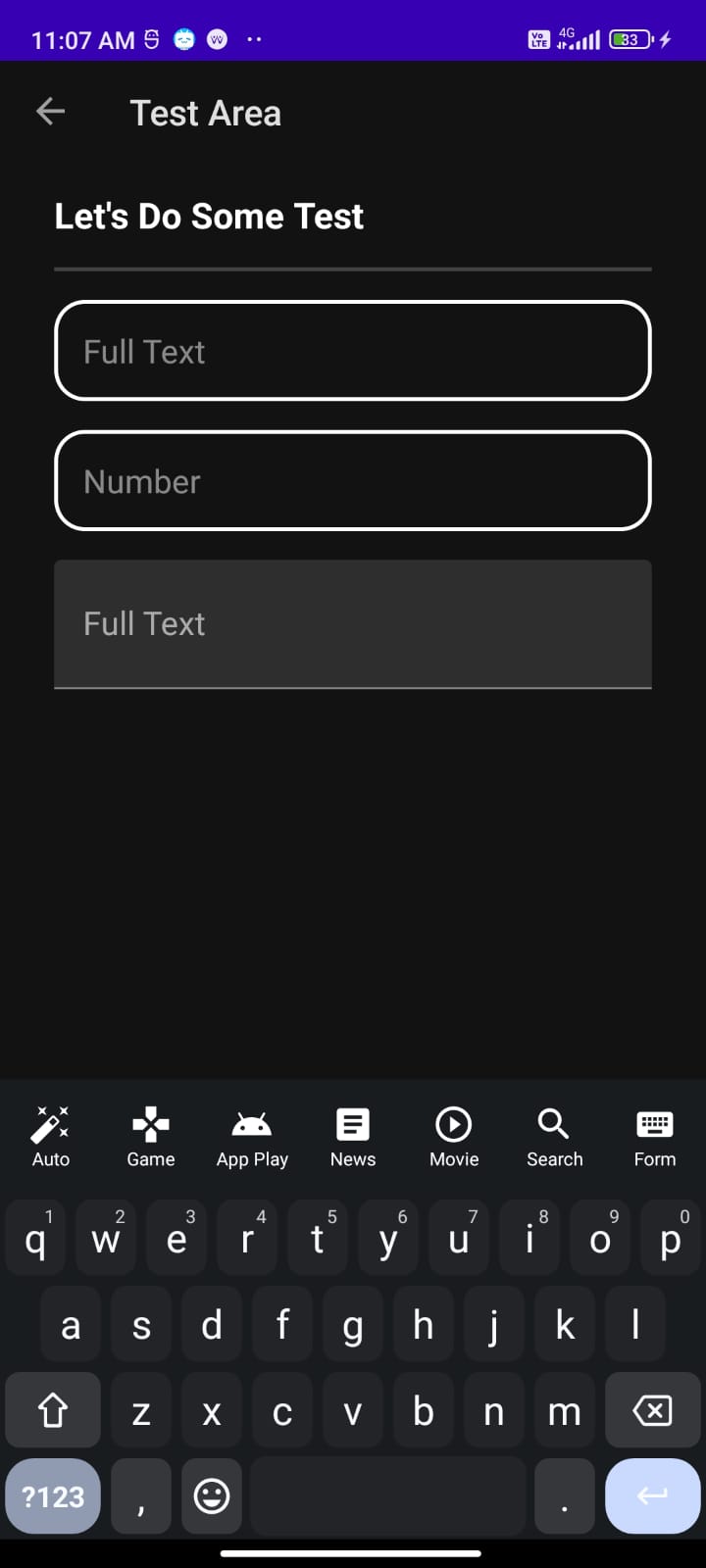
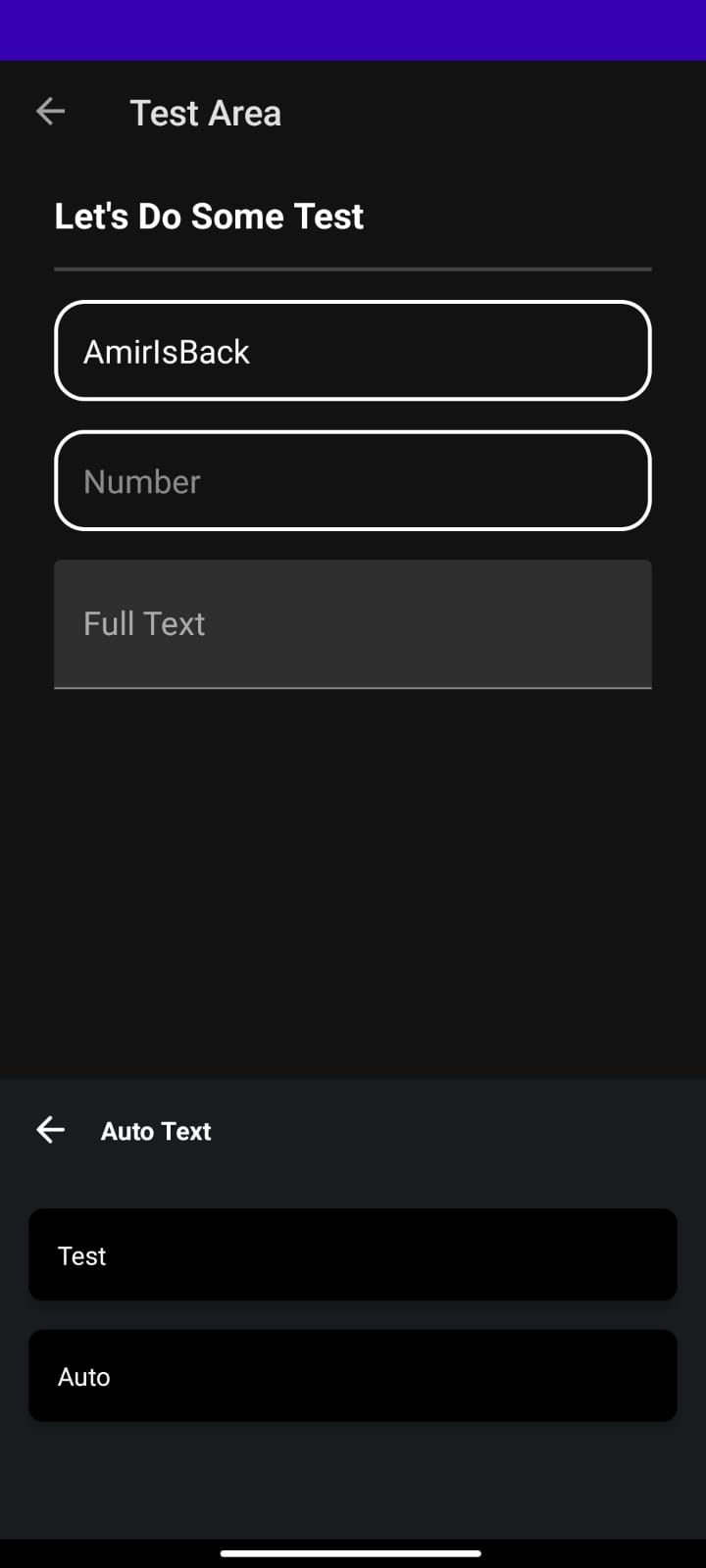
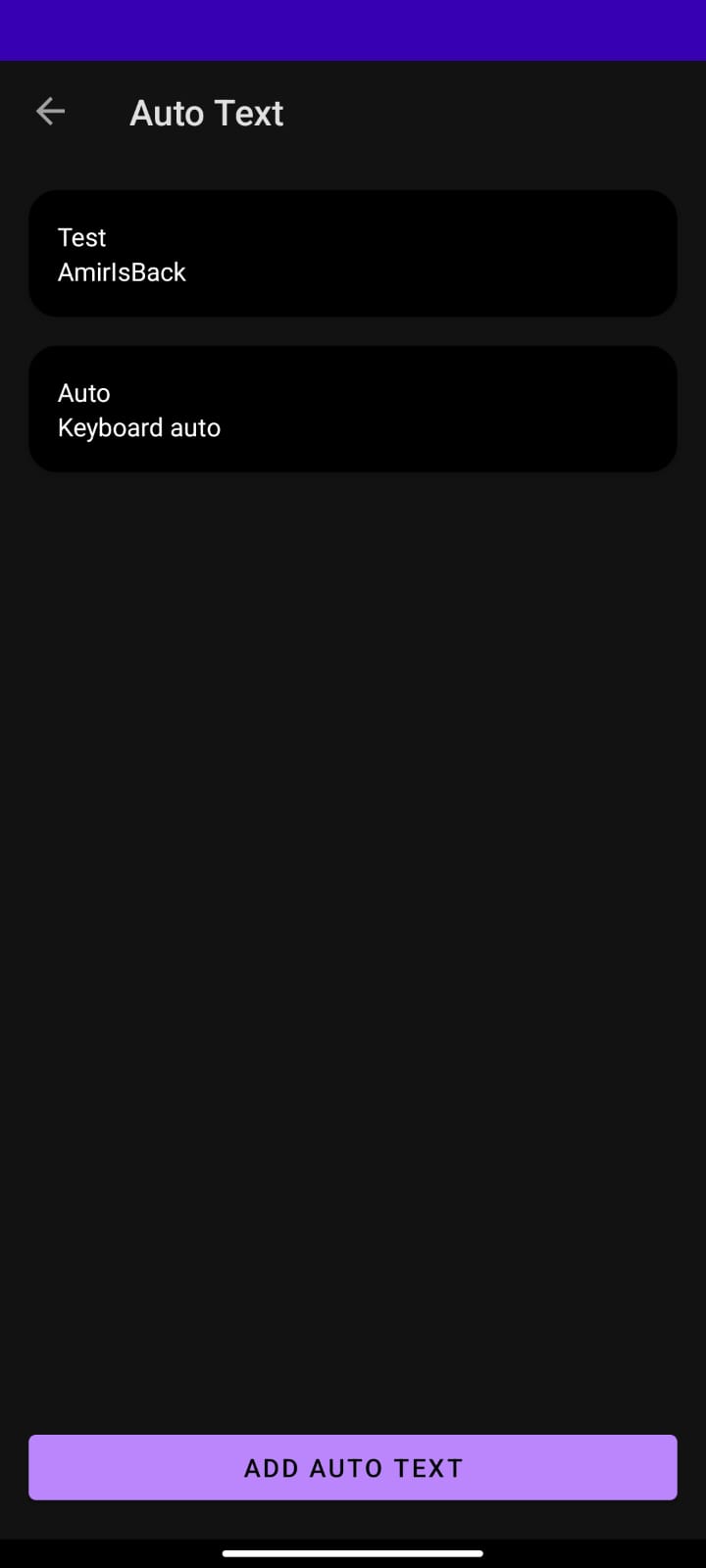
Empty View Auto Text (Dark)
Auto Text Editor (Dark)
Auto Text Detail (Dark)


### Open To Other App
Google Search (Light)
Google Message (Light)
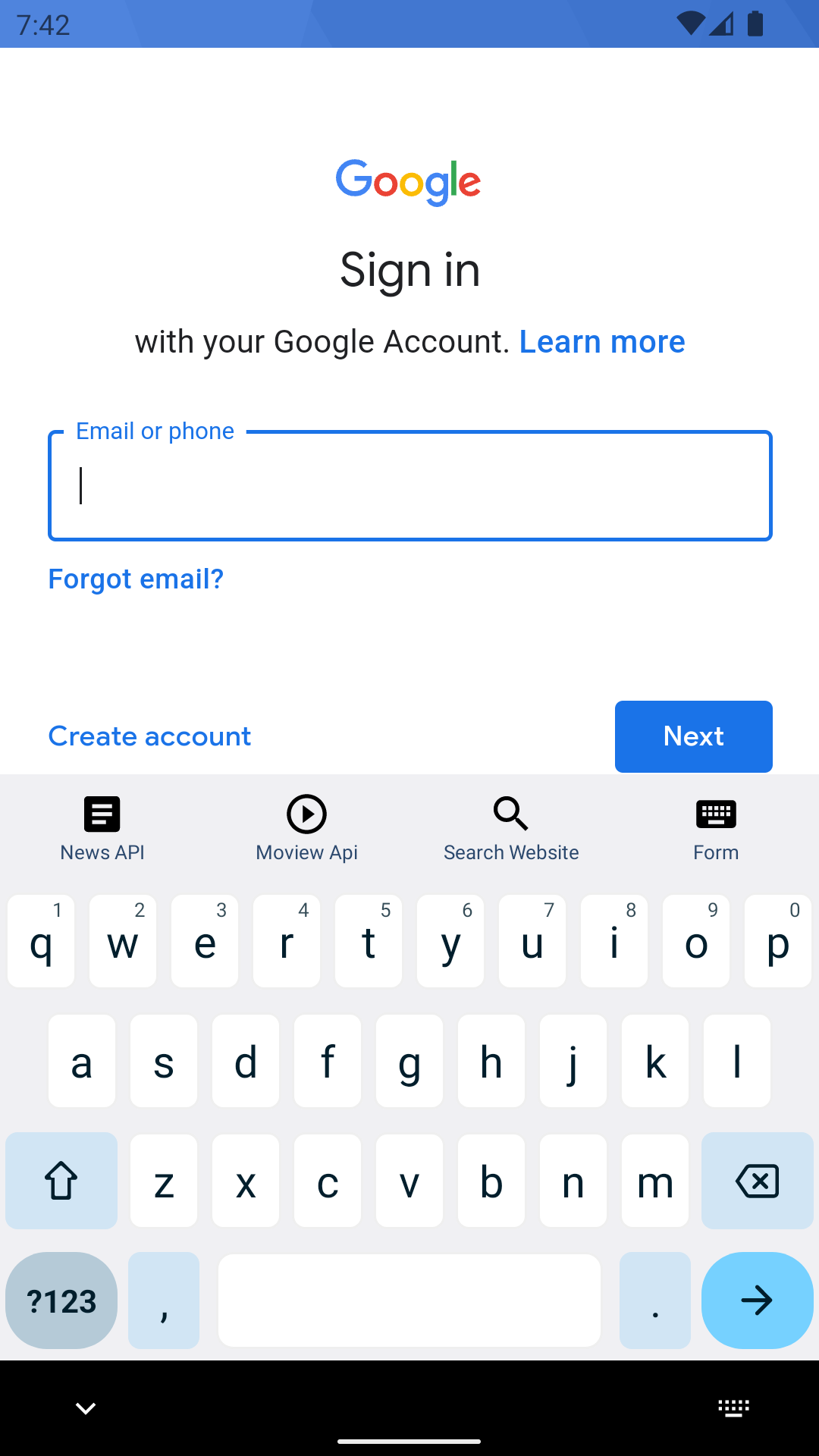
Sign In Google (Light)


Google Search (Dark)
Google Message (Dark)
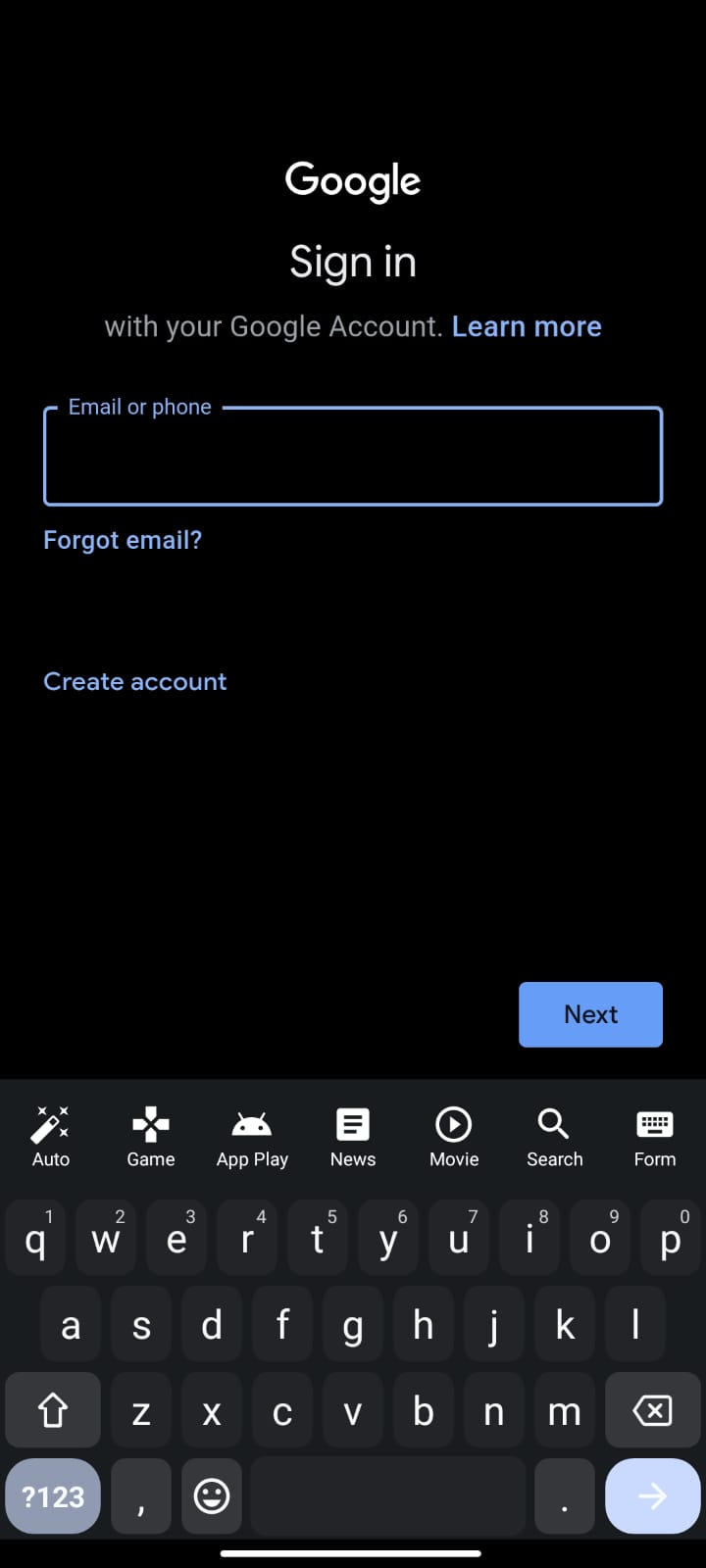
Sign In Google (Dark)


### Toggle Feature
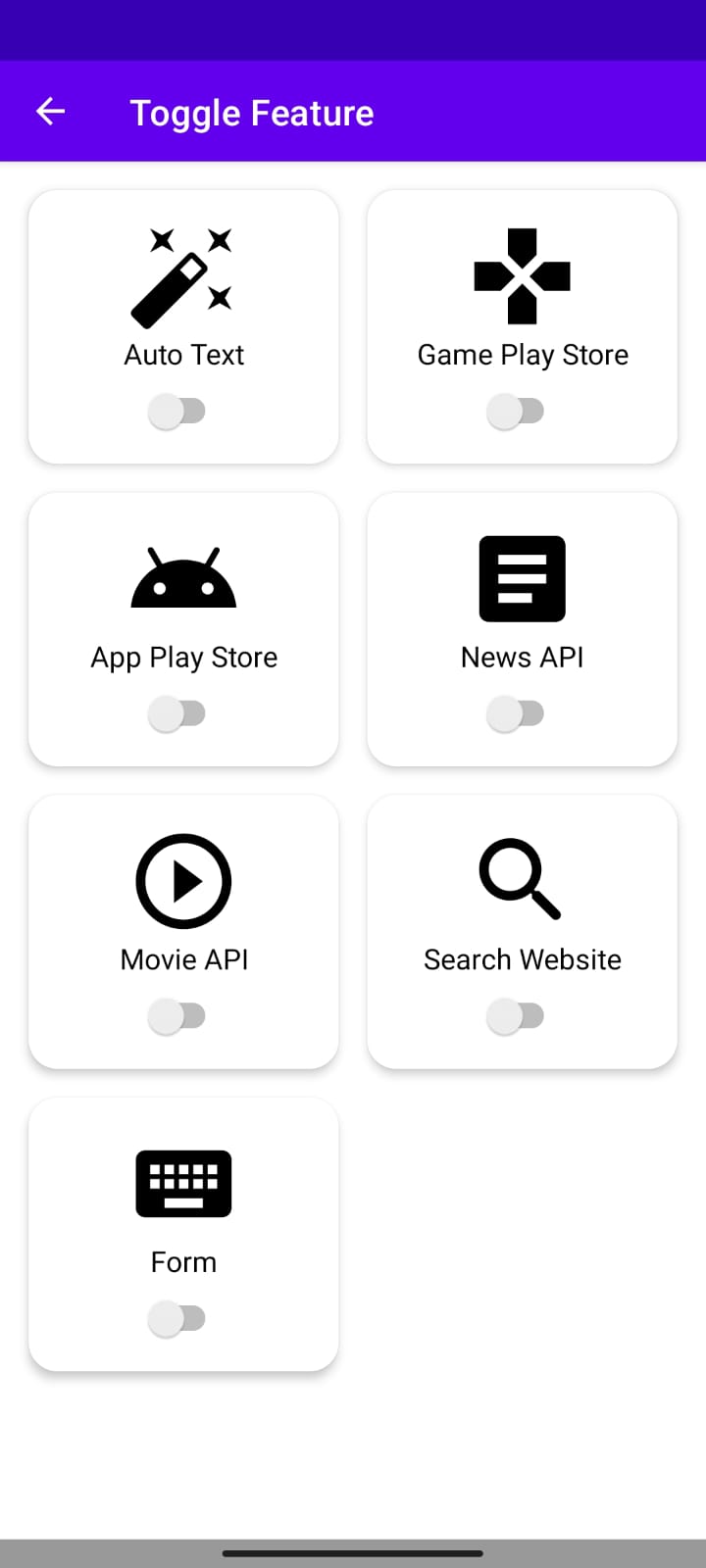
All Toggle Off (Light)
Keyboard No Feature (Light)
Some Toggle On (Light)
Keyboard With Feature (Light)
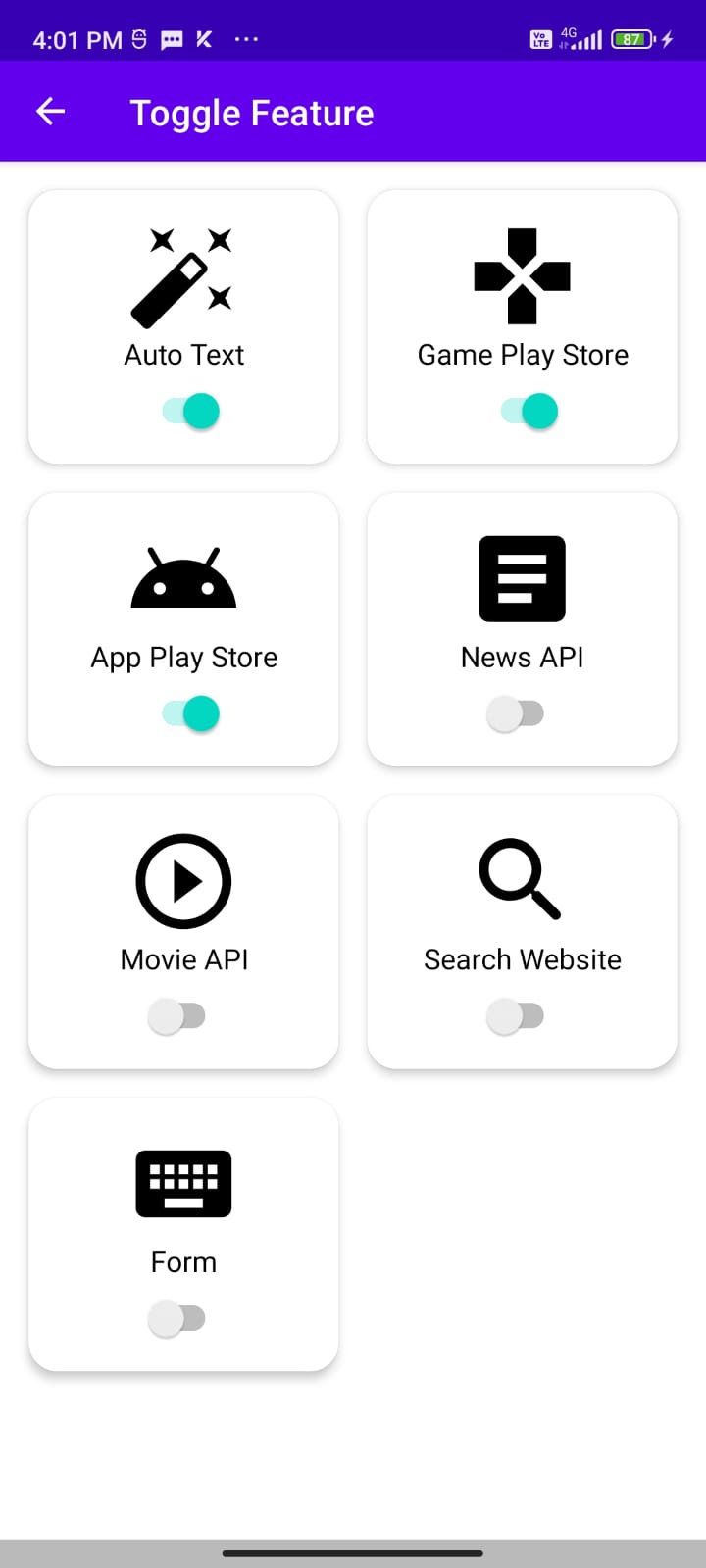
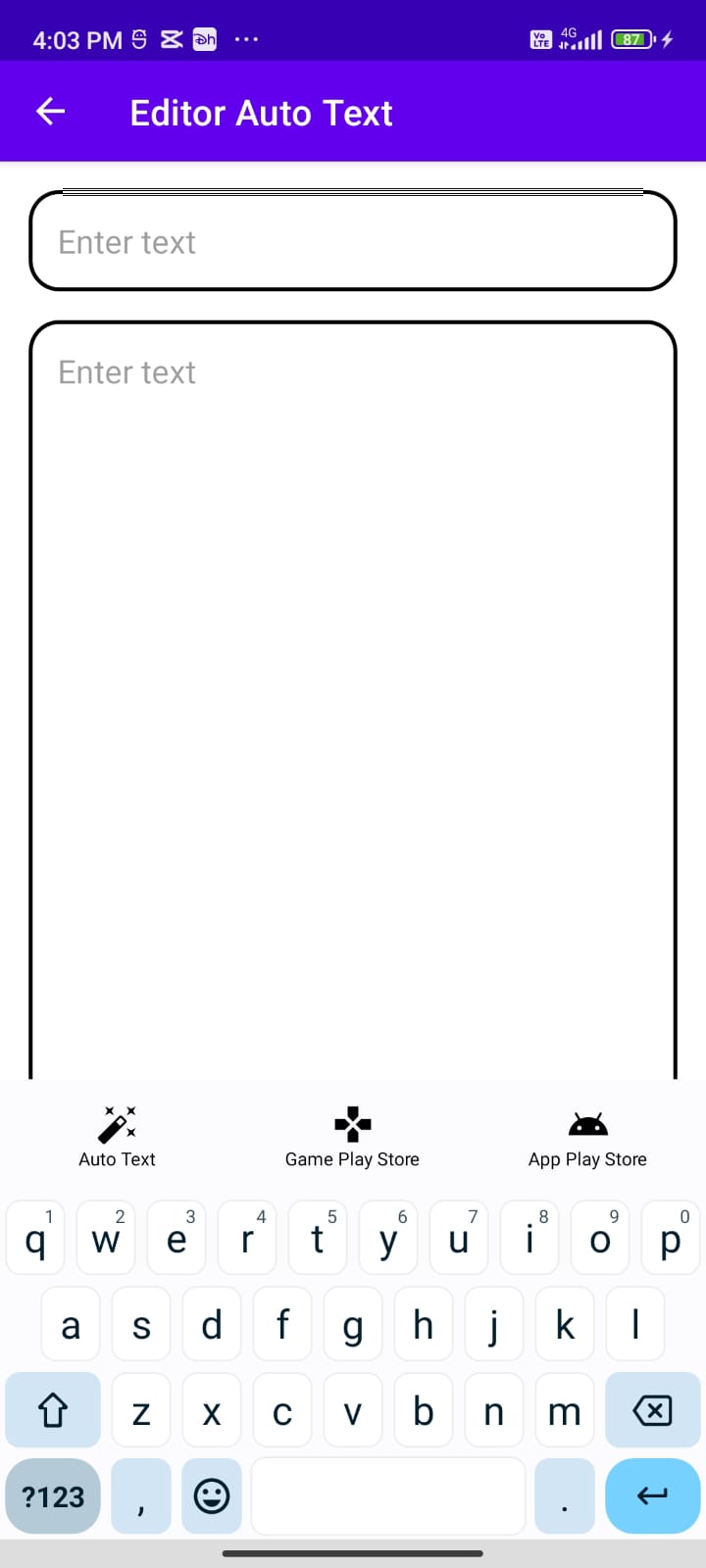
All Toggle Off (Dark)
Keyboard No Feature (Dark)
Some Toggle On (Dark)
Keyboard With Feature (Dark)
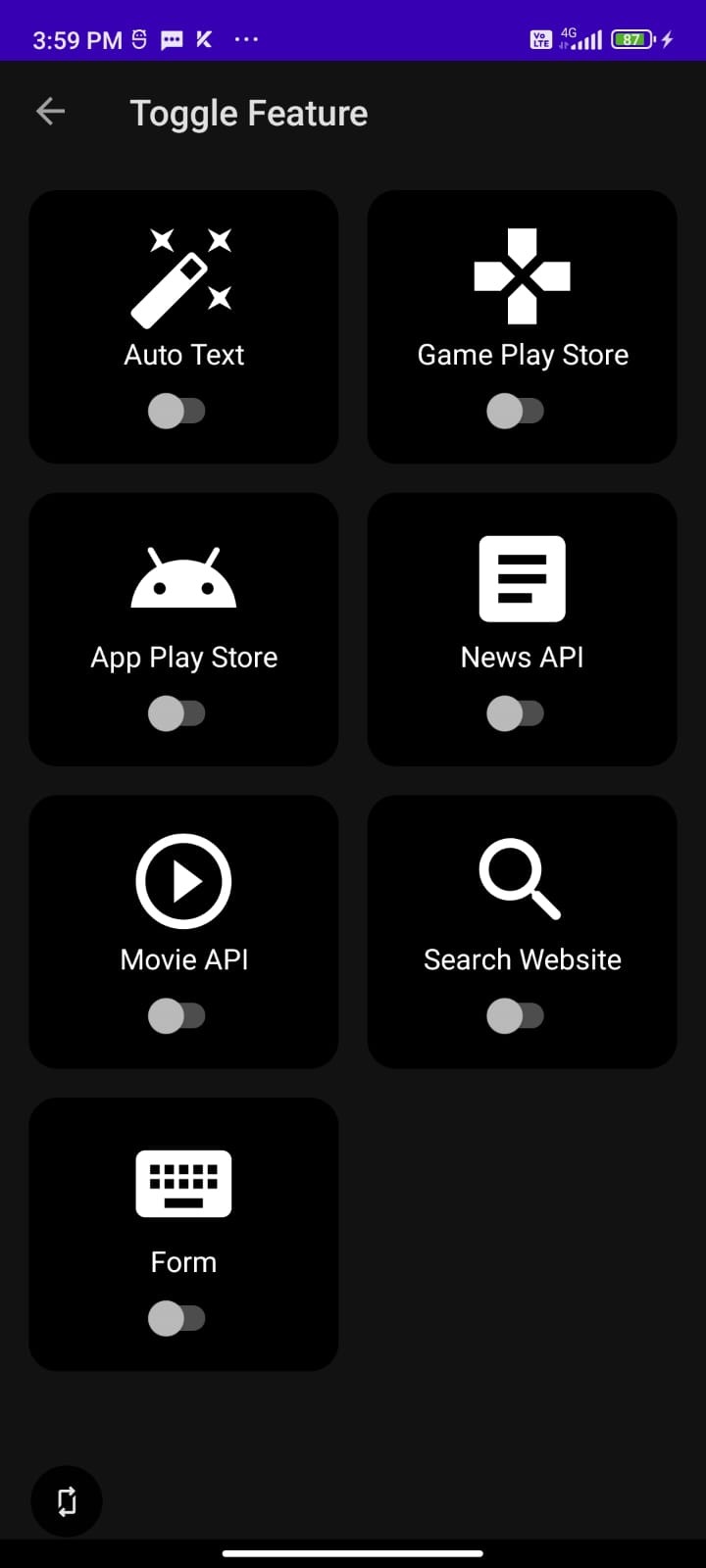

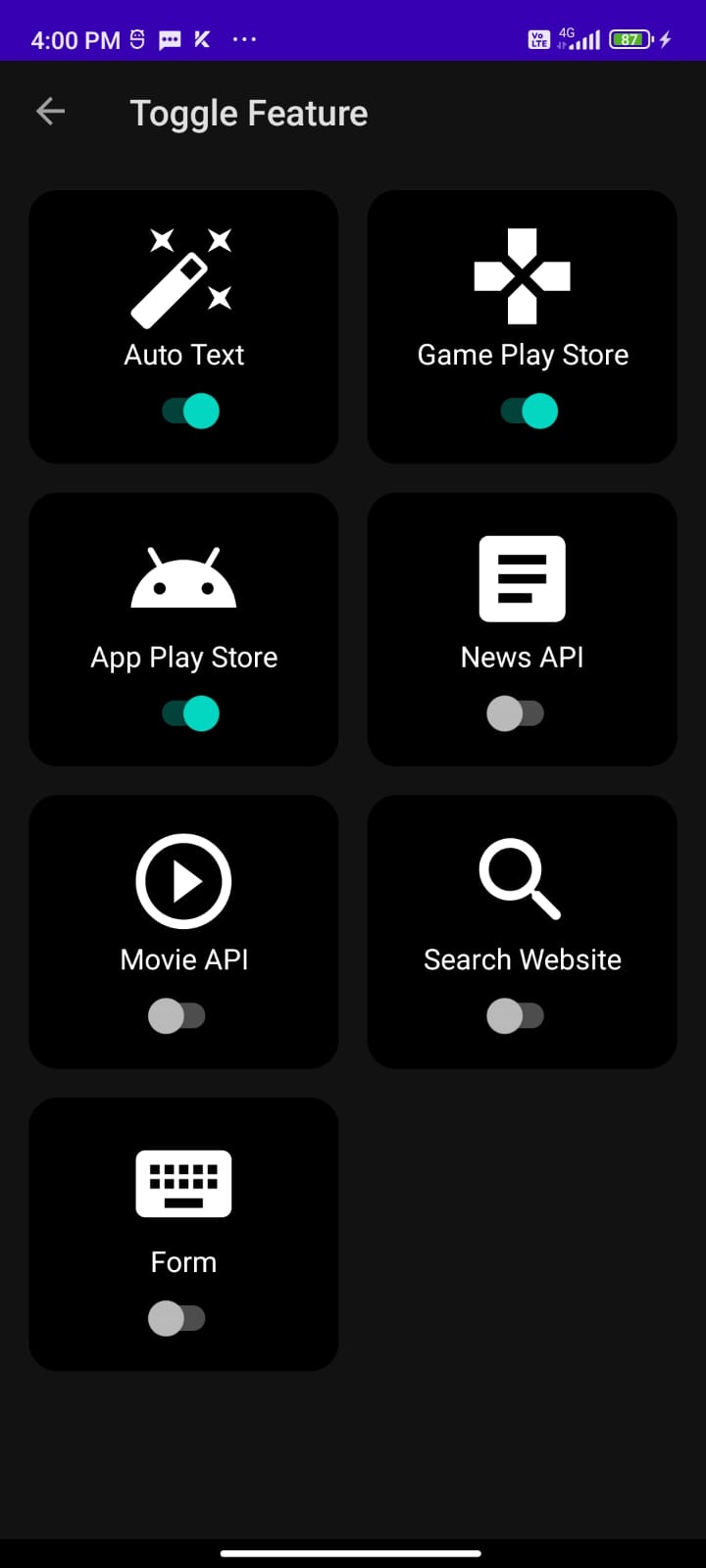
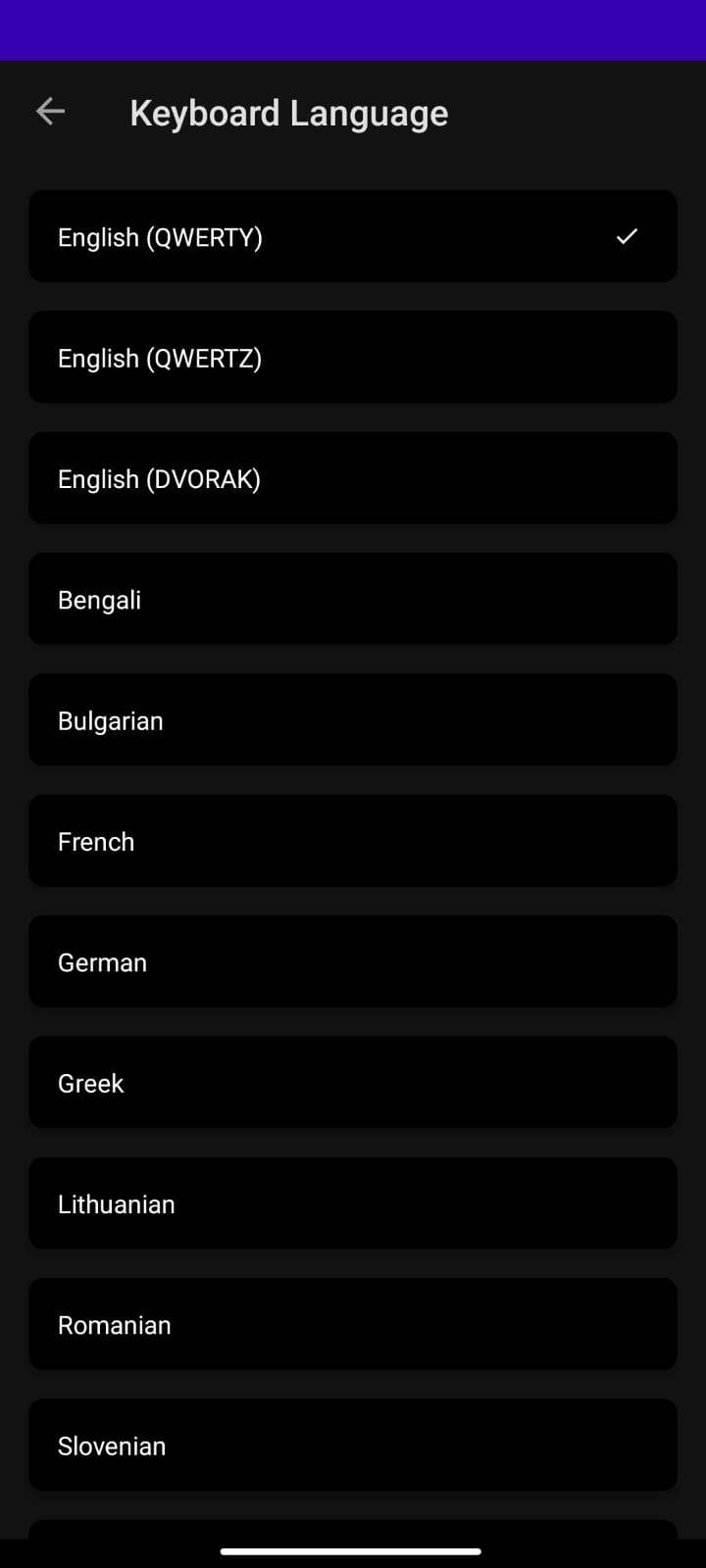
### Multi Language Support
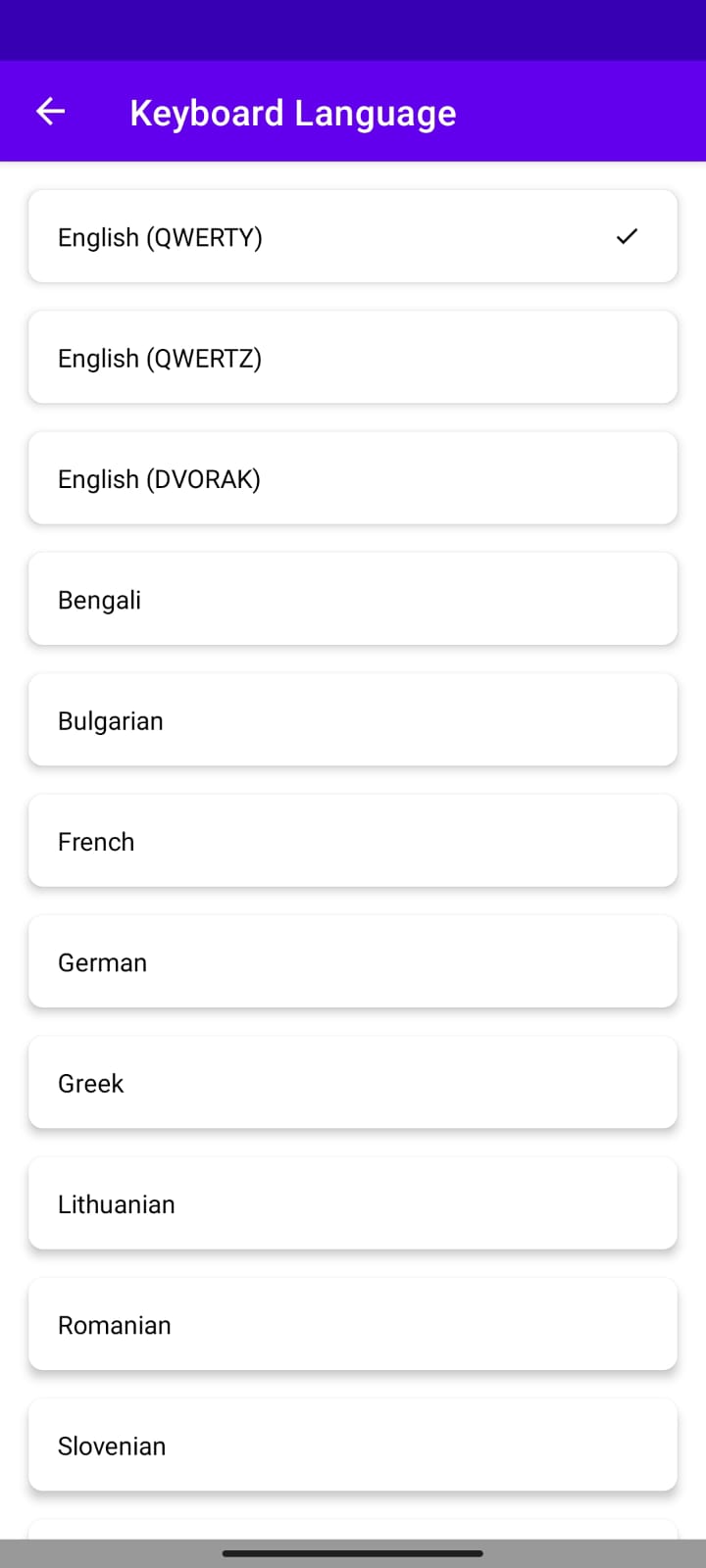
Menu Multi Language (Light)
Change Language (Light)
Menu Multi Language (Dark)
Change Language (Dark)
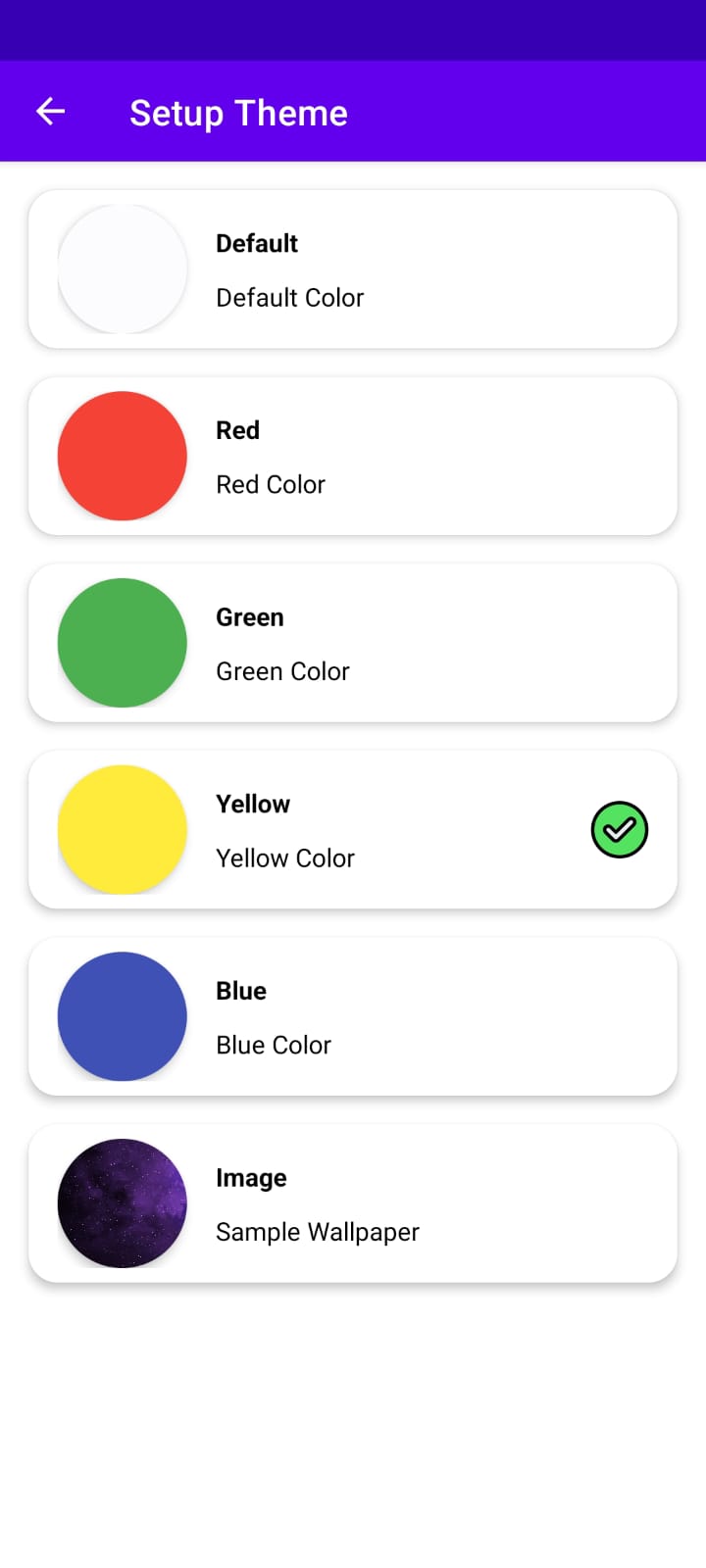
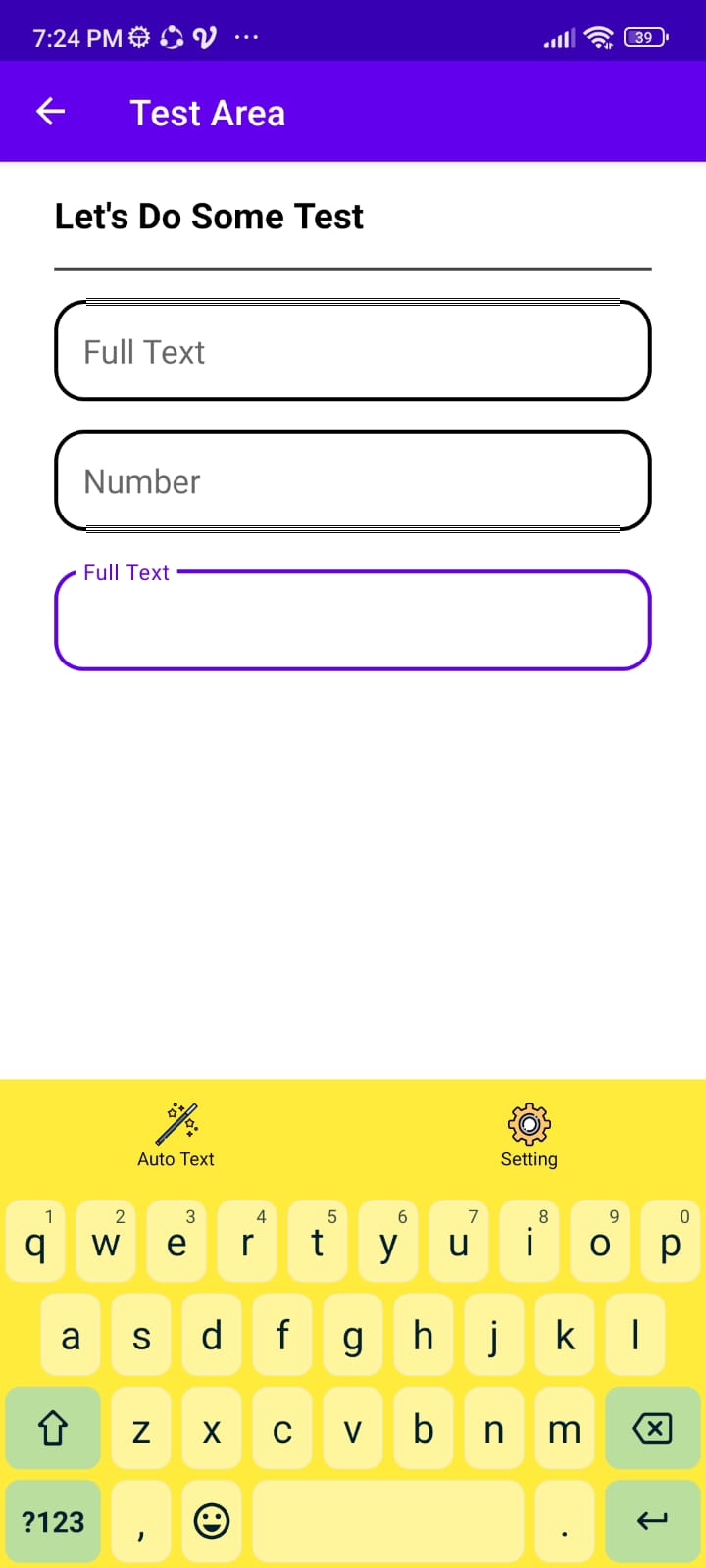
### Multi Theme Suppported
Setup Theme (Light)
Theme Applied (Light)
Setup Theme (Dark)
Theme Applied (Dark)


## Documentation
- https://github.com/SimpleMobileTools/Simple-Keyboard
- Clone From This
- https://github.com/anssih/finqwerty
- Keymap app for phones with physical keyboards
- https://github.com/shiftrot/caps2ctrl
- Provides almost all keymaps we need usually
- https://github.com/kolegad/custom-keyboard
- https://android.googlesource.com/platform/frameworks/base/+/master/data/keyboards/Generic.kl
- https://android.googlesource.com/platform/frameworks/base/+/master/data/keyboards/Generic.kcm
- https://developer.android.com/reference/kotlin/android/hardware/input/InputManager
- https://source.android.com/devices/input/key-character-map-files
## Frogo Library
No.
Github Name / Organization
Github Project
1.
Muhammad Faisal Amir
frogo-admob
2.
Muhammad Faisal Amir
frogo-recycler-view
3.
Frogobox
frogo-sdk
4.
Frogobox
frogo-ui
5.
Frogobox
frogo-consume-api
## Colaborator
Very open to anyone, I'll write your name under this, please contribute by sending an email to me
- Mail To faisalamircs@gmail.com
- Subject : Github _ [Github-Username-Account] _ [Language] _ [Repository-Name]
- Example : Github_amirisback_kotlin_admob-helper-implementation
Name Of Contribute
- Muhammad Faisal Amir
- Waiting List
- Waiting List
Waiting for your contribute
## Attention !!!
- Please enjoy and don't forget fork and give a star
- Don't Forget Follow My Github Account