https://github.com/amirrezaask/dotfiles
https://github.com/amirrezaask/dotfiles
dotfiles emacs-config emacs-configuration git hyprland hyprland-config kitty neovim neovim-configuration neovim-dotfiles nvim vim vimrc vscode-config
Last synced: 6 months ago
JSON representation
- Host: GitHub
- URL: https://github.com/amirrezaask/dotfiles
- Owner: amirrezaask
- Created: 2019-04-30T16:07:22.000Z (about 7 years ago)
- Default Branch: master
- Last Pushed: 2026-01-26T14:10:08.000Z (6 months ago)
- Last Synced: 2026-01-27T02:55:27.282Z (6 months ago)
- Topics: dotfiles, emacs-config, emacs-configuration, git, hyprland, hyprland-config, kitty, neovim, neovim-configuration, neovim-dotfiles, nvim, vim, vimrc, vscode-config
- Language: Python
- Homepage:
- Size: 319 MB
- Stars: 1
- Watchers: 1
- Forks: 0
- Open Issues: 0
-
Metadata Files:
- Readme: README.md
Awesome Lists containing this project
README
# Dotfiles
My personal computing experience.
## Installation
```bash
git clone https://github.com/amirreza/dotfiles.git ~/.dotfiles
cd ~/.dotfiles
./sync
```
### Supported Platforms
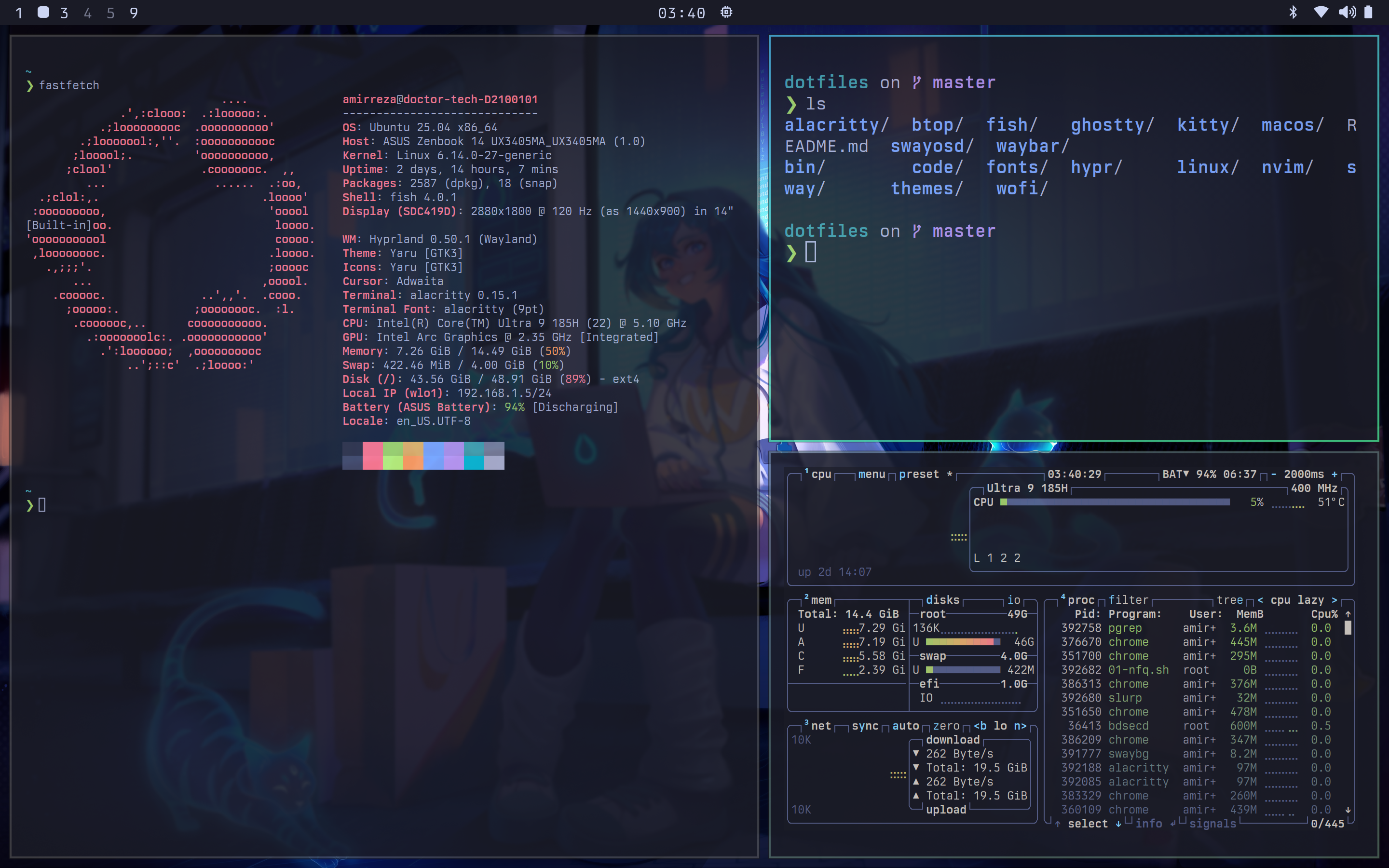
- [Ubuntu](https://ubuntu.com/)
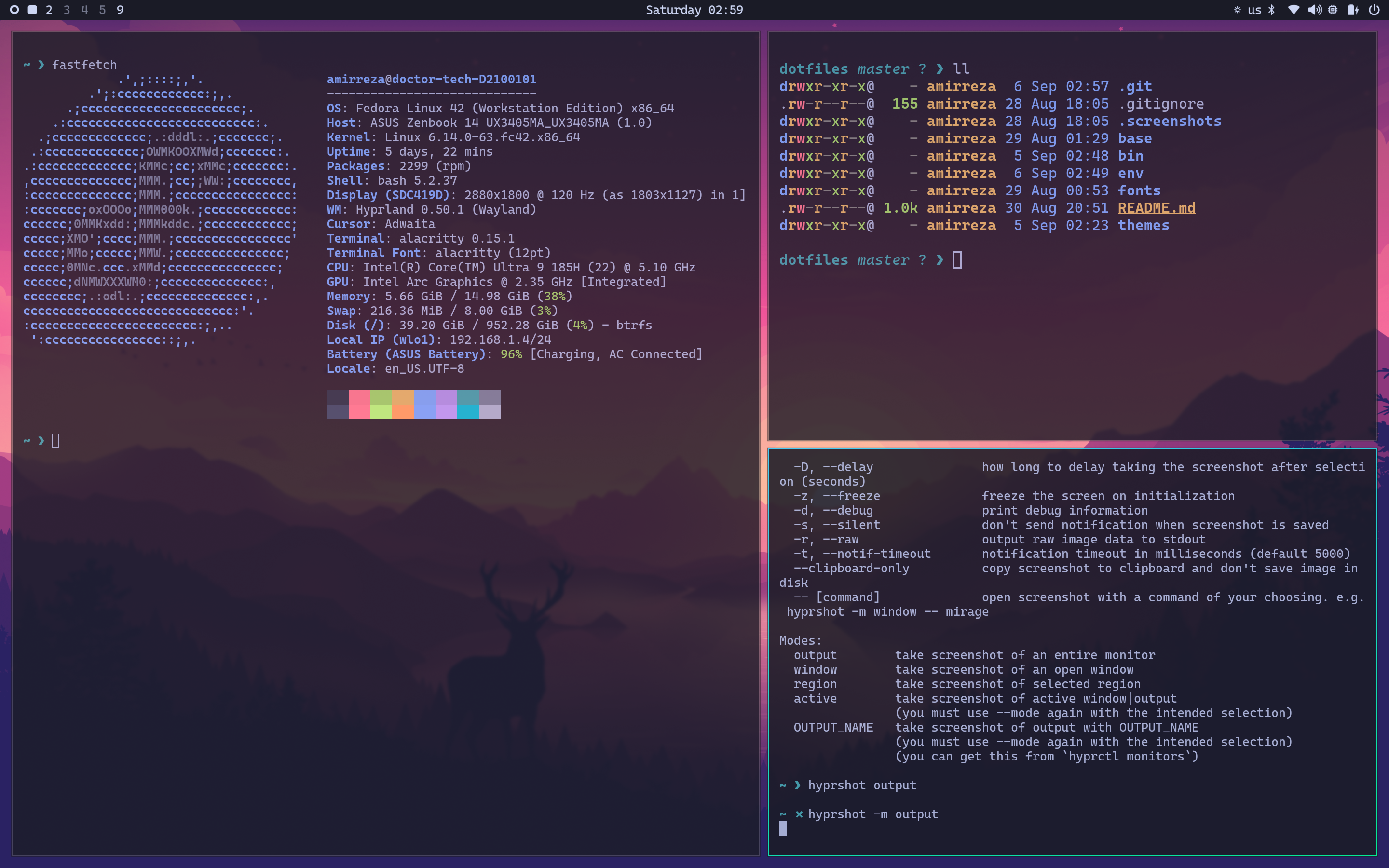
- [Fedora](https://fedoraproject.org/)
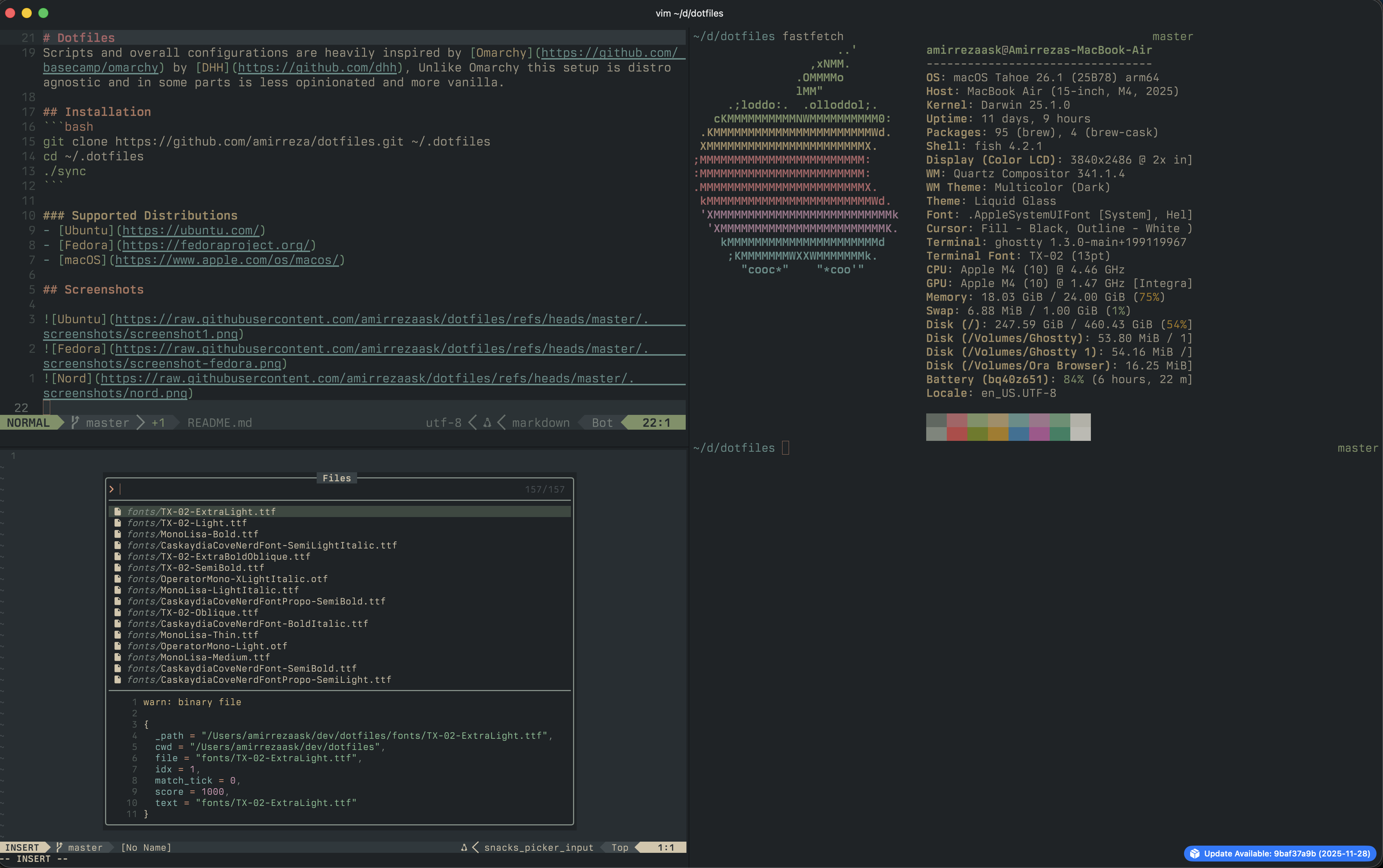
- [macOS](https://www.apple.com/os/macos/)
## Theme Management
This dotfiles repository includes a theme synchronization function that keeps your terminal (Ghostty) and Neovim in sync.
### Changing Themes
Use the `theme` function in zsh to change themes:
```bash
theme
theme --list
```
### Available Themes
- `gruvbox` - Gruvbox Dark Hard (default)
- `everforest` - Everforest Dark Hard
- `tokyonight` - Tokyo Night
- `poimandres` - Poimandres
### List Available Themes
```bash
theme --list
```
The function automatically updates:
- Ghostty terminal configuration (`configs/ghostty/config`)
- Neovim configuration (`configs/nvim/init.lua`)
- VSCode configuration (`configs/code/settings.json`)
- Cursor configuration (`configs/cursor/settings.json`)
The function also automatically installs the required theme extensions in VSCode and Cursor using their command-line interfaces (`code --install-extension` and `cursor --install-extension`).
**Note:** After changing themes, restart Ghostty, Neovim, VSCode, and Cursor for changes to take effect. The `code` and `cursor` CLI commands must be installed for extension installation to work.
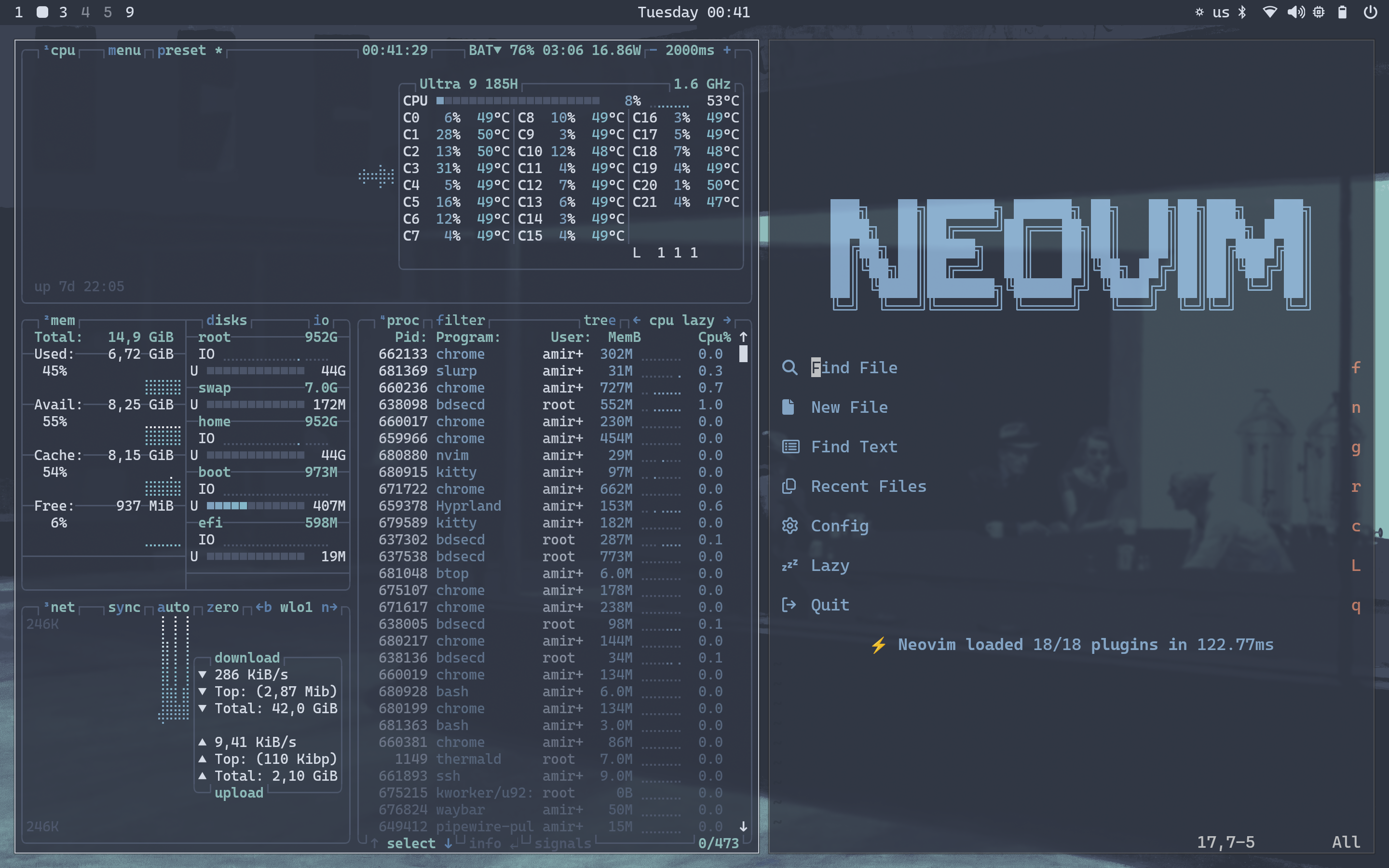
## Screenshots