https://github.com/amscotti/page-summarizer
Generate a comprehensive summary and key points of the extracted text give a URL
https://github.com/amscotti/page-summarizer
keypoints langchain openai pdf summarizer website youtube
Last synced: about 2 months ago
JSON representation
Generate a comprehensive summary and key points of the extracted text give a URL
- Host: GitHub
- URL: https://github.com/amscotti/page-summarizer
- Owner: amscotti
- License: mit
- Created: 2023-11-26T03:50:43.000Z (over 2 years ago)
- Default Branch: main
- Last Pushed: 2024-03-15T01:06:48.000Z (over 2 years ago)
- Last Synced: 2025-04-02T13:09:20.652Z (about 1 year ago)
- Topics: keypoints, langchain, openai, pdf, summarizer, website, youtube
- Language: Python
- Homepage:
- Size: 270 KB
- Stars: 1
- Watchers: 1
- Forks: 0
- Open Issues: 0
-
Metadata Files:
- Readme: README.md
- License: LICENSE
Awesome Lists containing this project
README
# Page Summarizer

Page Summarizer is a Python application that extracts text from a given URL and uses OpenAI's GPT-4 model, interfaced through the LangChain library, to generate a comprehensive summary and key points of the extracted text. The application leverages the power of GPT-4's natural language understanding to provide concise and relevant summaries, making it easier to digest large amounts of information quickly.
[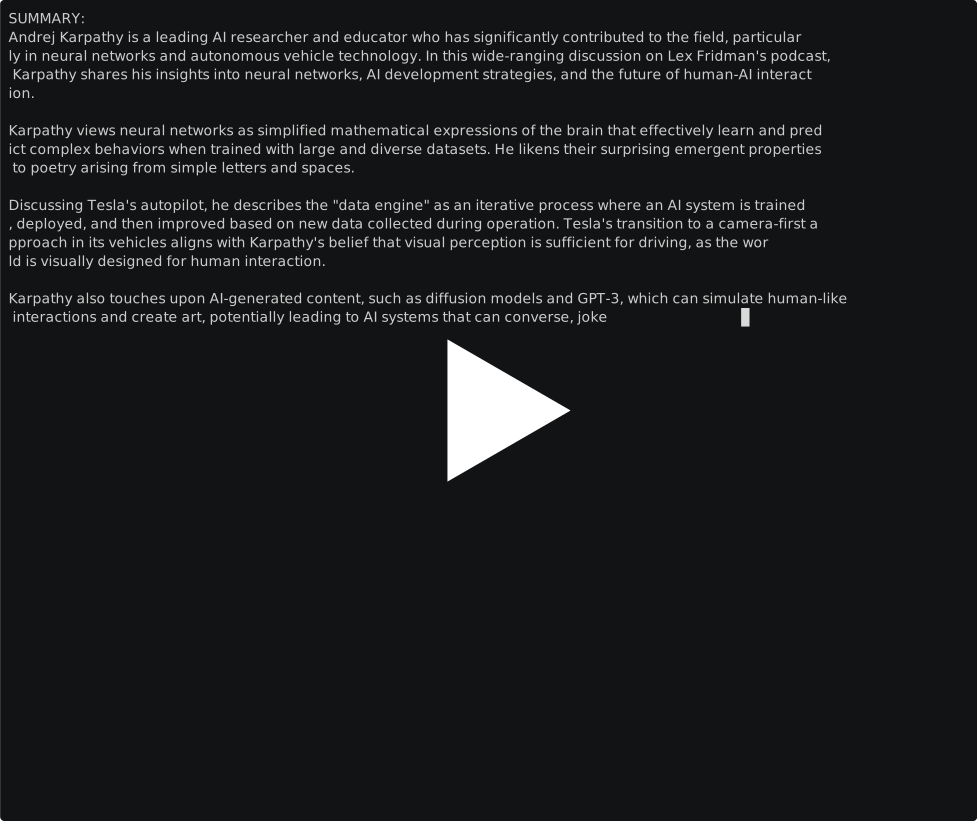](https://asciinema.org/a/e68VLIEPl7oFshok8tmGhb2Gh)
## How to Run the Project
### Running Locally
To run this project, you will need Python installed on your machine along with the necessary packages. Follow these steps:
1. Clone the repository to your local machine.
2. Install the required dependencies by running `pip install -r requirements.txt`.
3. Set up your environment variables by creating a `.env` file with your OpenAI API key as `OPENAI_API_KEY`.
4. Run the script using the command `python app.py `, where `` is the URL of the webpage you want to summarize.
### Running with Docker
To build and run the project using Docker, follow these steps:
1. Ensure you have Docker installed on your machine.
2. Navigate to the directory containing the Dockerfile.
3. Build the Docker image using the command:
```
docker build -t page-summarizer .
```
4. Once the image is built, run the container using the command:
```
docker run -e OPENAI_API_KEY='your_openai_api_key' --rm page-summarizer
```
Replace `your_openai_api_key` with your actual OpenAI API key and `` with the URL of the webpage you want to summarize.
## References
- [Requests](https://docs.python-requests.org/en/latest/index.html)
- [HTML2Text](https://alir3z4.github.io/html2text/)
- [LangChain](https://www.langchain.com/)
- [OpenAI API Documentation](https://platform.openai.com/docs/api-reference)