https://github.com/andrei-markeev/camljs-console
Chrome extension, that provides a CamlJs console for creating SharePoint CAML queries right in browser, with live data preview.
https://github.com/andrei-markeev/camljs-console
chrome-extension sharepoint
Last synced: 11 months ago
JSON representation
Chrome extension, that provides a CamlJs console for creating SharePoint CAML queries right in browser, with live data preview.
- Host: GitHub
- URL: https://github.com/andrei-markeev/camljs-console
- Owner: andrei-markeev
- License: unlicense
- Created: 2014-09-12T13:21:25.000Z (almost 12 years ago)
- Default Branch: master
- Last Pushed: 2023-05-31T20:06:48.000Z (about 3 years ago)
- Last Synced: 2025-03-27T10:21:37.207Z (over 1 year ago)
- Topics: chrome-extension, sharepoint
- Language: JavaScript
- Homepage:
- Size: 1.36 MB
- Stars: 37
- Watchers: 10
- Forks: 10
- Open Issues: 3
-
Metadata Files:
- Readme: README.md
- License: LICENSE
Awesome Lists containing this project
README
CamlJs-Console
==============
Google chrome browser extension that provides a console for creating [CamlJS](https://github.com/andrei-markeev/camljs) queries right from browser, with live data preview.
Installing
----------
Extension is available [from Chrome Web Store](https://chrome.google.com/webstore/detail/camljs-console/ohjcpmdjfihchfhkmimcbklhjdphoeac).
Alternatively, you can install it manually from the source code.
1. Download the source code archive from GitHub and unpack it to some folder
2. Check the "Developer mode" checkbox on the extensions page
3. Click [Load unpacked extension...] button
4. Select folder with camljs-console source code
Using
-----
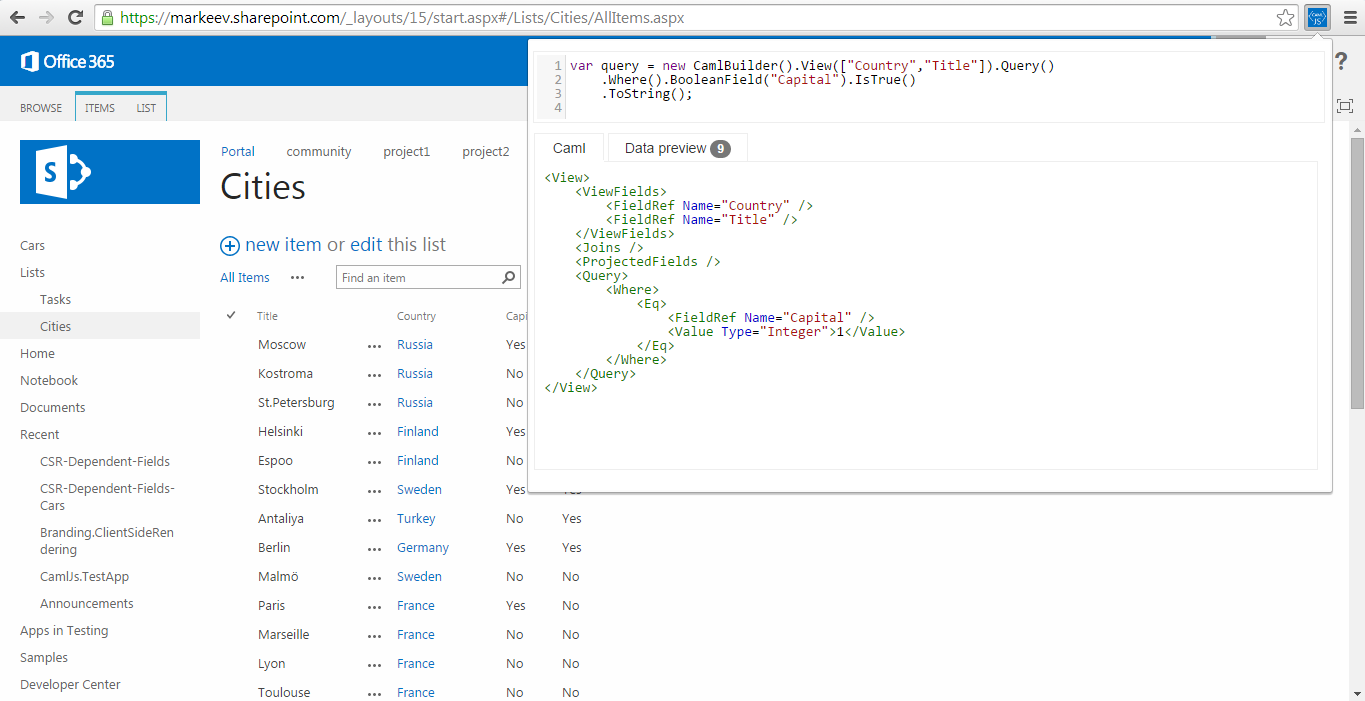
Navigate to your portal (any page), open the console, and start creating CamlJs queries.
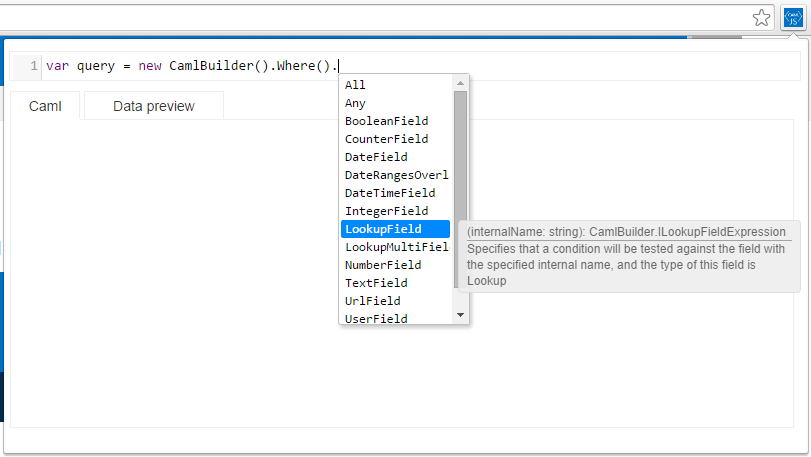
Intellisense:
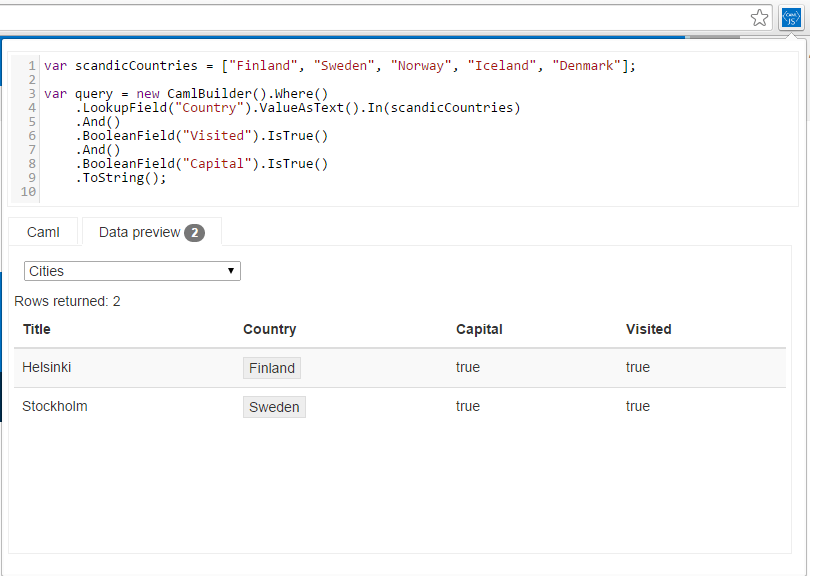
After query is ready, select a list to test upon, and you'll get the live data preview:
Some more usage notes
---------------------
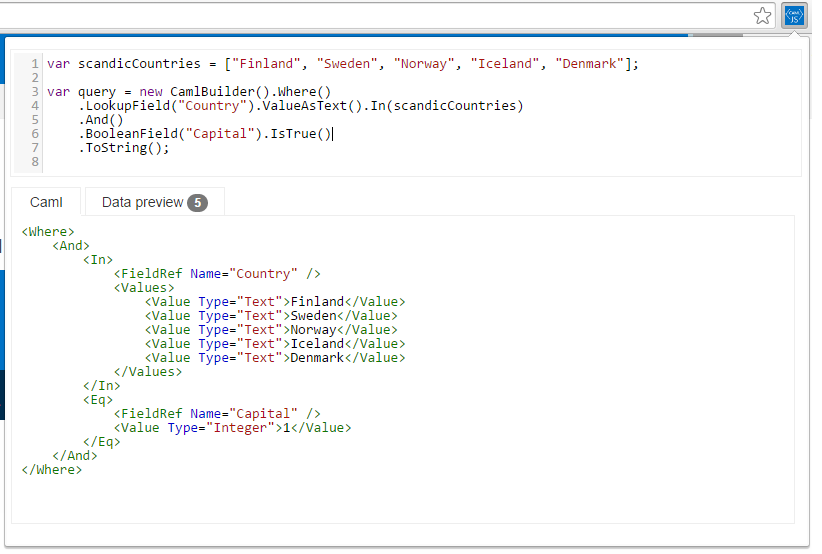
At the moment, you cannot directly interact with the underlying SharePoint portal via the CamlJs code editor window, but otherwise, any valid JS code will be processed. E.g. you can use arrays, functions and so on:
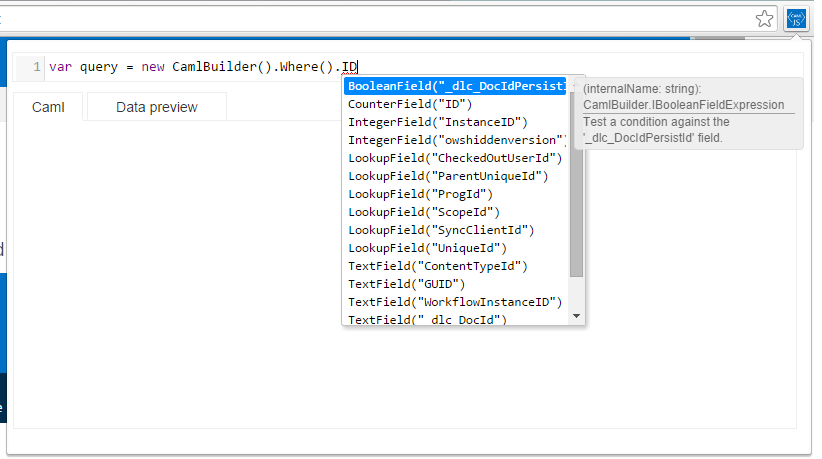
Intellisense is enhanced with fields of the list, that you're querying against.