https://github.com/andreia/filament-cotton-candy-docs
A sweet light and dark theme for Filament PHP
https://github.com/andreia/filament-cotton-candy-docs
Last synced: 4 months ago
JSON representation
A sweet light and dark theme for Filament PHP
- Host: GitHub
- URL: https://github.com/andreia/filament-cotton-candy-docs
- Owner: andreia
- Created: 2025-12-22T02:18:49.000Z (6 months ago)
- Default Branch: main
- Last Pushed: 2026-01-26T01:53:33.000Z (5 months ago)
- Last Synced: 2026-01-26T17:30:03.239Z (5 months ago)
- Size: 29.3 MB
- Stars: 0
- Watchers: 0
- Forks: 0
- Open Issues: 0
-
Metadata Files:
- Readme: README.md
Awesome Lists containing this project
README
# Filament Cotton Candy Theme
A sweet light and dark theme for Filament PHP.

## Requirements
- Filament 4 or 5
## Features
- Scale down effect in buttons
- Rounded corners
- Transparency
- Soft colors on light mode
## Video
Check out how the theme looks when applied to Filament demo project:
[](https://youtu.be/lA2T1oKqVn0)
## Installation
> [!IMPORTANT]
> Regarding the payment, at the moment there is a limitation because Stripe does not support fee transfers between the Netherlands (where AnyStack is based) and Brazil (where I am currently based). If you encounter any issues related to this, you can contact me via email at andreiabohner@gmail.com, and I can provide an alternative.
## Activating Your License on AnyStack
Filament Cotton Candy Theme uses AnyStack to handle payment, licensing, and distribution. [You can buy it here](https://checkout.anystack.sh/filament-cotton-candy-theme).
During the purchasing process, AnyStack will provide you with a license key. Once your license key is activated, you can proceed with the Composer installation described below.
## Installing with Composer
Add the Filament Cotton Candy package to the repositories section of your `composer.json` file:
```
{
"repositories": [
{
"type": "composer",
"url": "https://filament-cotton-candy-theme.composer.sh"
}
]
}
```
Once the repository has been added to the `composer.json` file, you can install like any other Composer package using the `composer require` command:
```bash
composer require filament-handbook/filament-cotton-candy-theme
```
Next, you will be prompted to provide your username and password.
```
Loading composer repositories with package information
Authentication required (filament-cotton-candy.composer.sh):
Username: [license-email]
Password: [license-key]
```
Your username will be your email address and the password will be your license key. For example, let's say we have the following email and license activation:
```
Contact email: your@email.com
License key: 04c21df8f-4890-7024-y2vk-6bny143ta642
```
You will need to enter the above information as follows when prompted for your credentials:
```
Loading composer repositories with package information
Authentication required (filament-cotton-candy.composer.sh):
Username: your@email.com
Password: 04c21df8f-4890-7024-y2vk-6bny143ta642
```
Add a new item to the `input` array of your `vite.config.js` file:
```js
'vendor/filament-handbook/filament-cotton-candy-theme/resources/css/theme.css'
```
Run:
```bash
npm run build
```
Register the plugin on your panel (e.g. `/app/Providers/Filament/AdminPanelProvider.php`):
```php
use FilamentHandbook\FilamentCottonCandyTheme\FilamentCottonCandyThemePlugin;
$panel
->plugin(FilamentCottonCandyThemePlugin::make())
```
You're all set!
## Color Palettes
Cotton Candy theme comes with 8 sweet color palettes:
### CandyGum
Pink candy vibes 💗

### CandyLavender
Soft purple sweetness 💜

### CandyPeach 🍑
Warm peachy tones

### CandyMint 🍃
Fresh minty greens

### CandyVanilla 🍨
Creamy vanilla yellows

### CandySky ☁️
Dreamy blue cotton candy

### CandyJelly 💙
Vibrant blue jelly candy

### CandyApricot 🧡
Sweet apricot orange

### Usage
You can use any of these palettes to override colors in your panel:
```php
use FilamentHandbook\FilamentCottonCandyTheme\Color;
use FilamentHandbook\FilamentCottonCandyTheme\FilamentCottonCandyThemePlugin;
$panel
->colors([
'primary' => Color::CandyLavender,
'secondary' => Color::CandyMint,
'accent' => Color::CandyApricot,
])
->plugin(FilamentCottonCandyThemePlugin::make())
```
By default, the primary color is `CandyGum`.
## Appearance
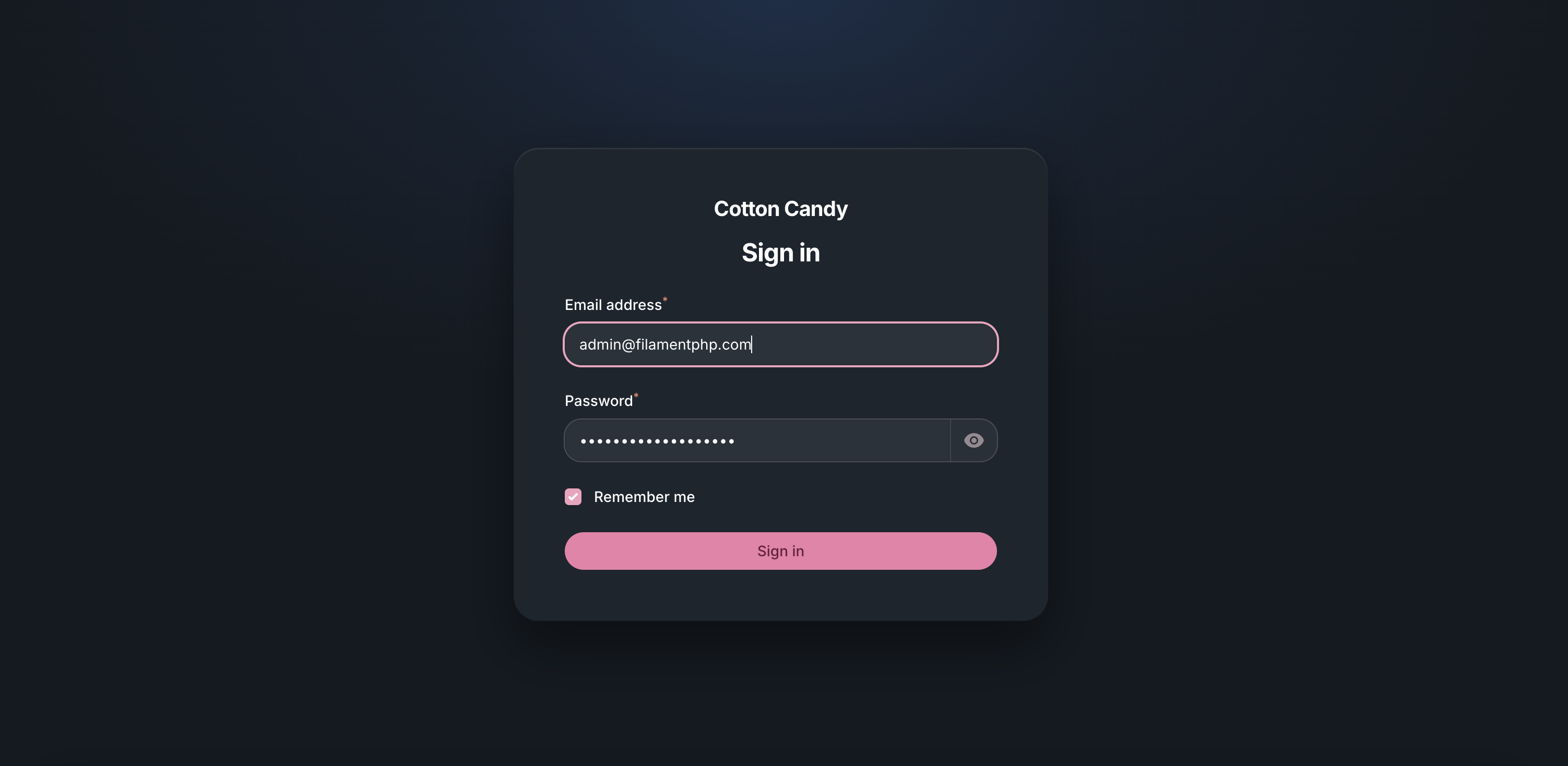
### Login
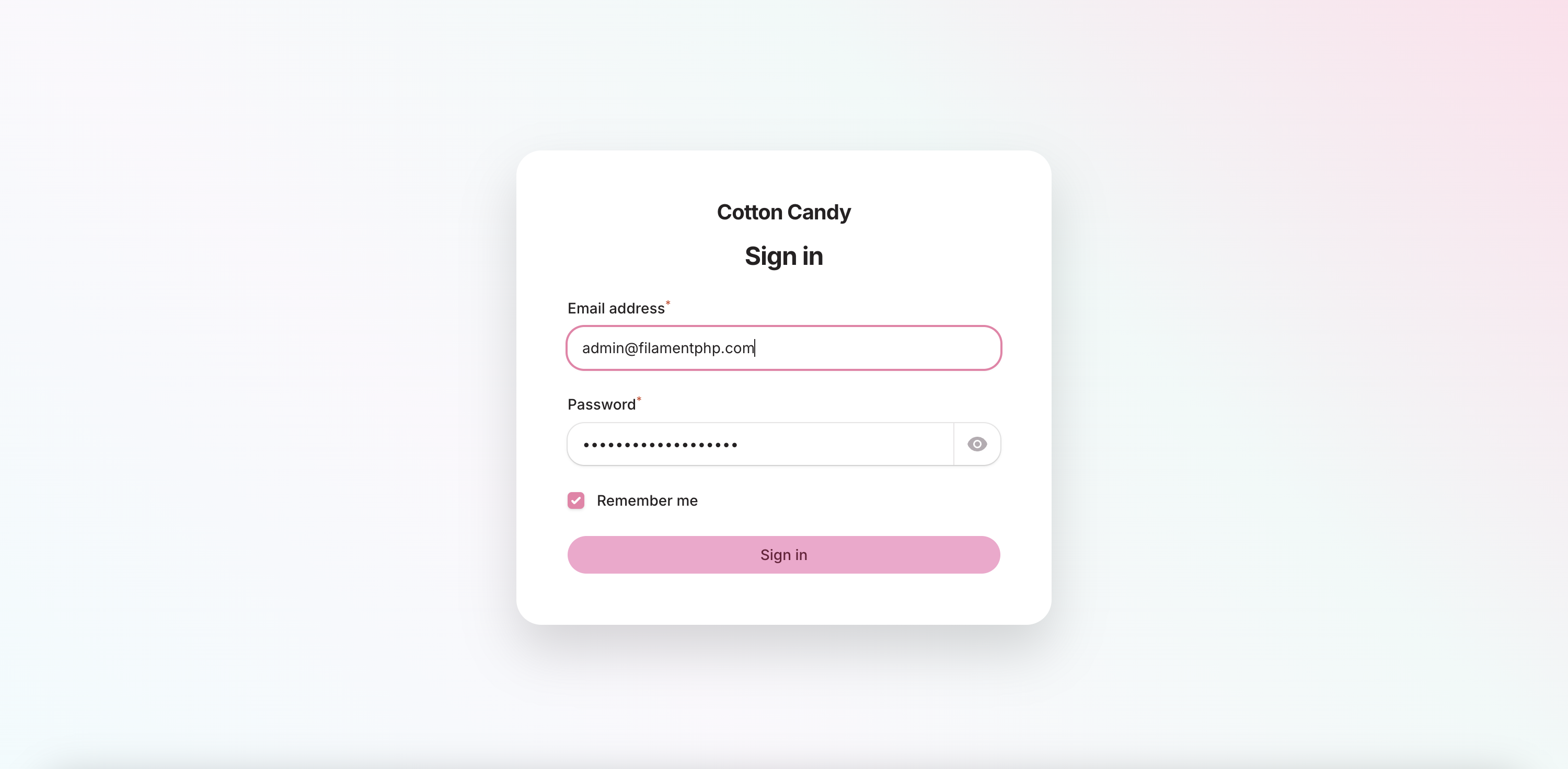
Login Light
Login Dark
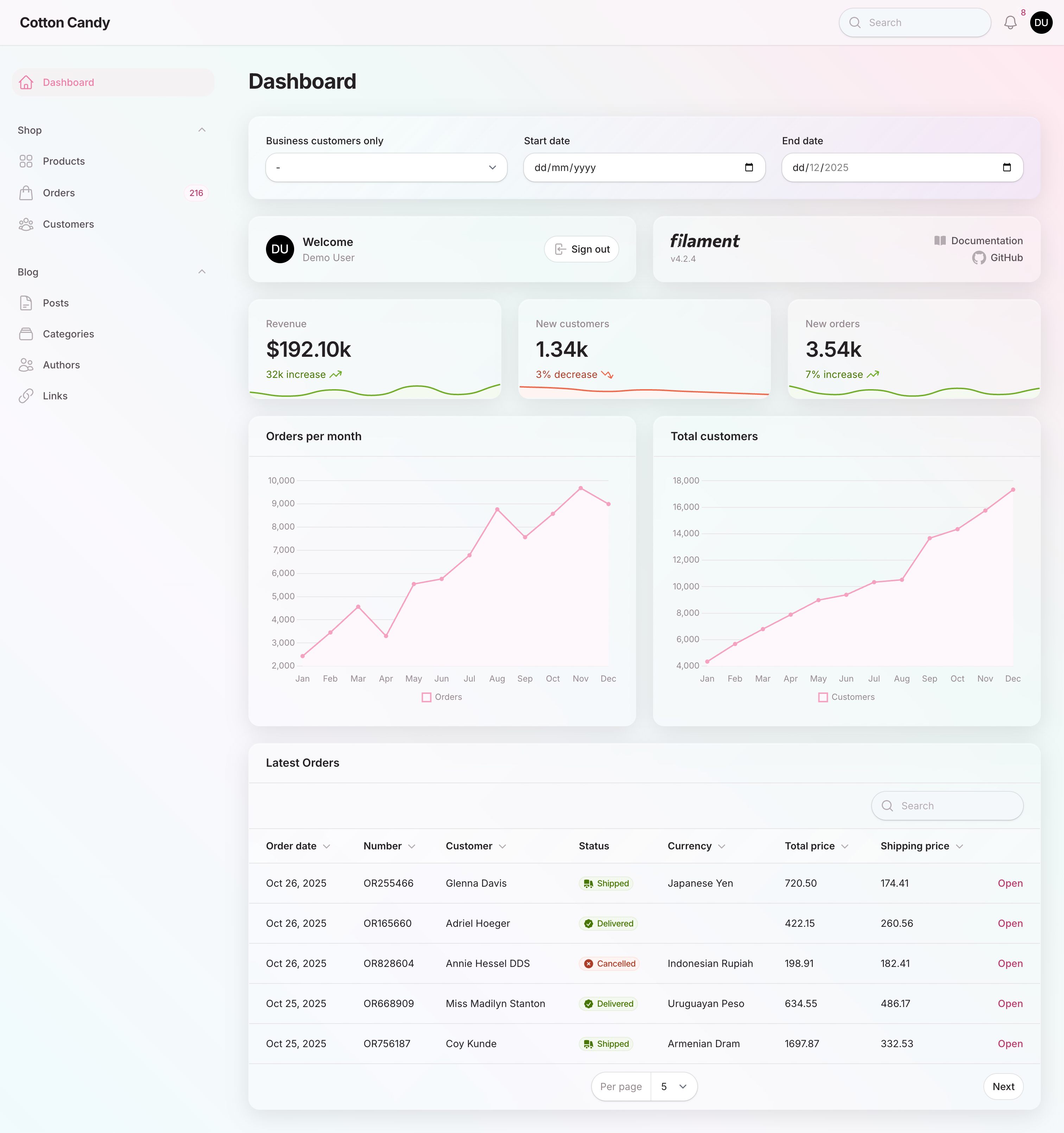
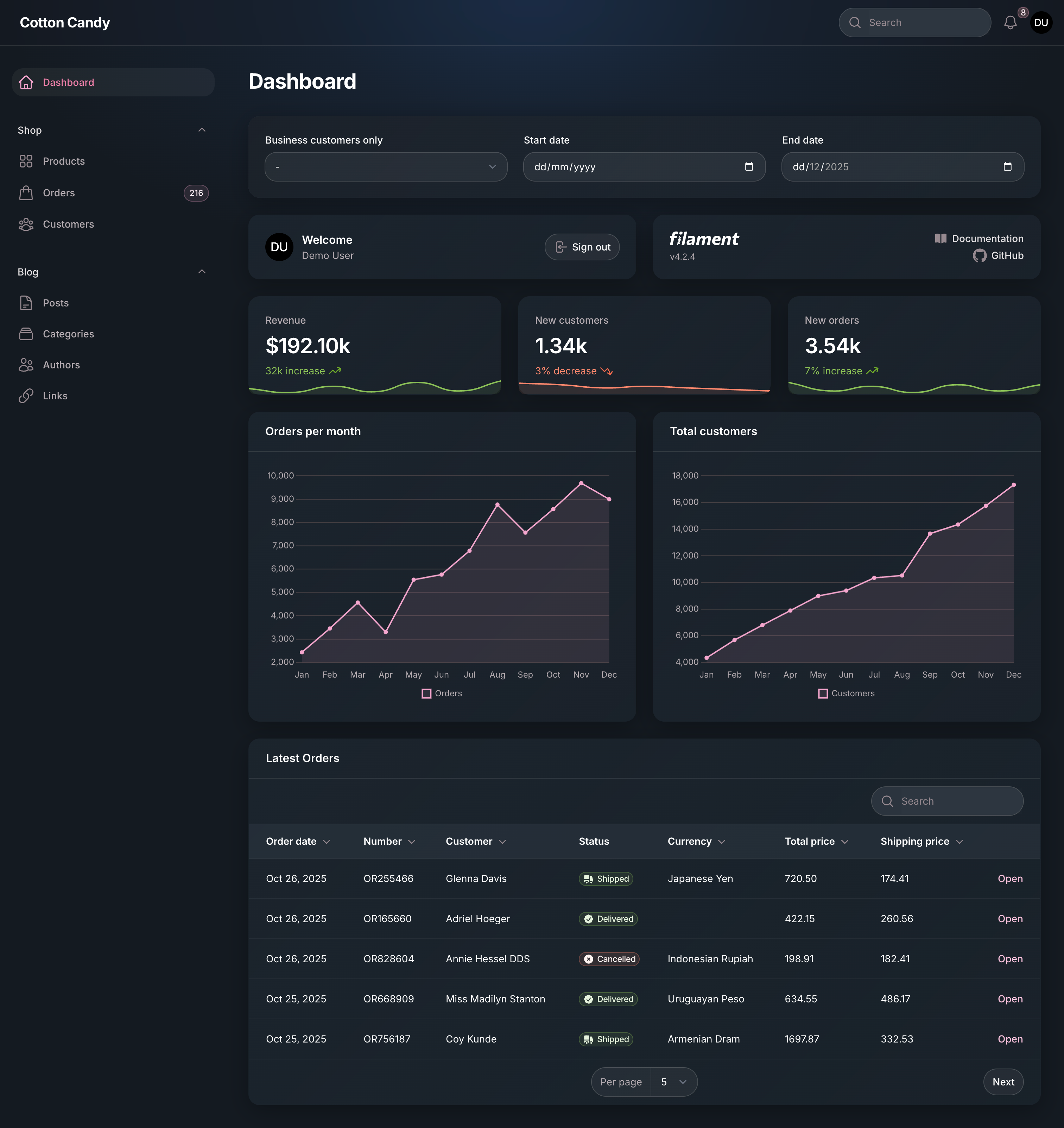
### Dashboard
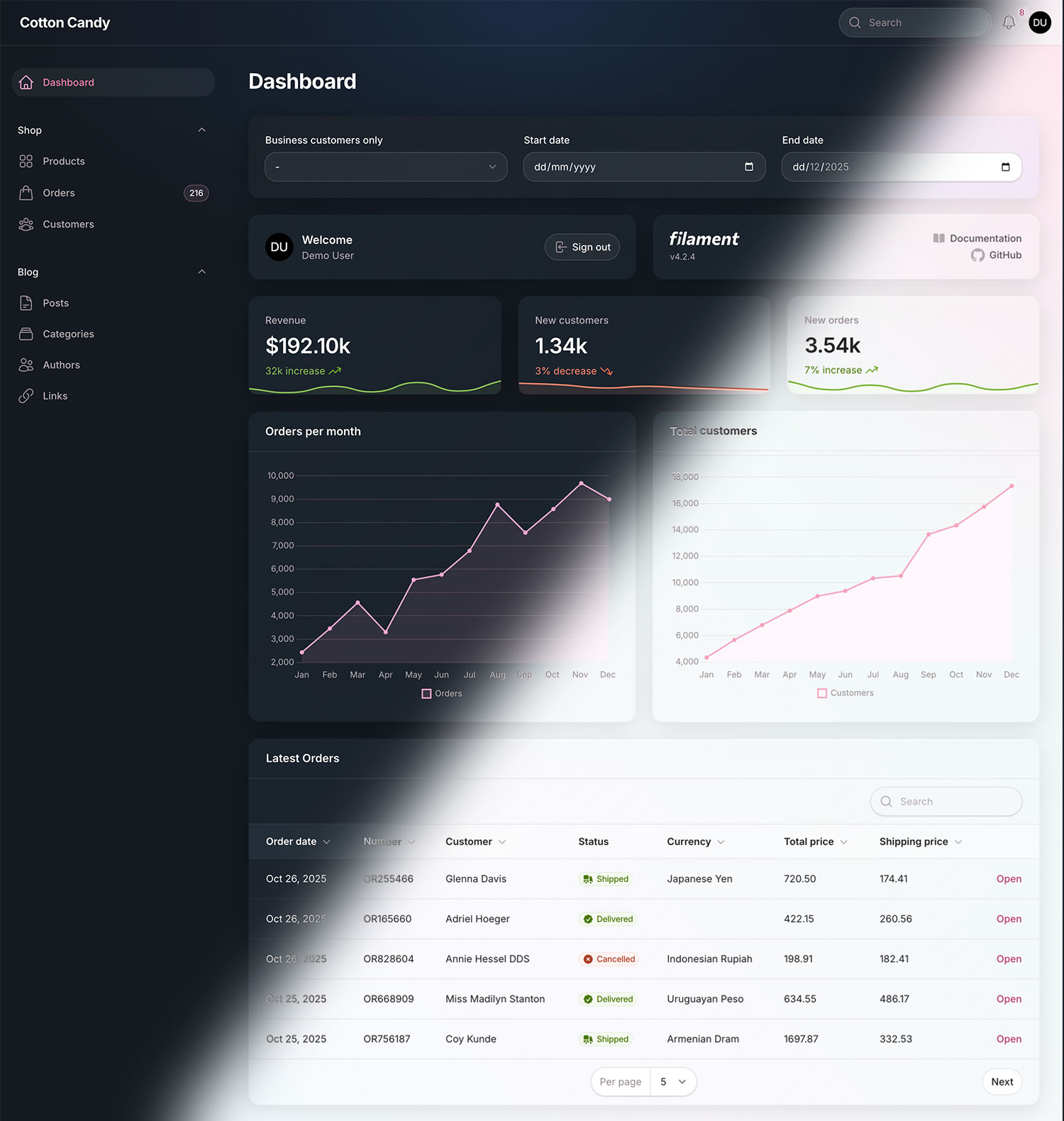
Dashboard Light
Dashboard Dark
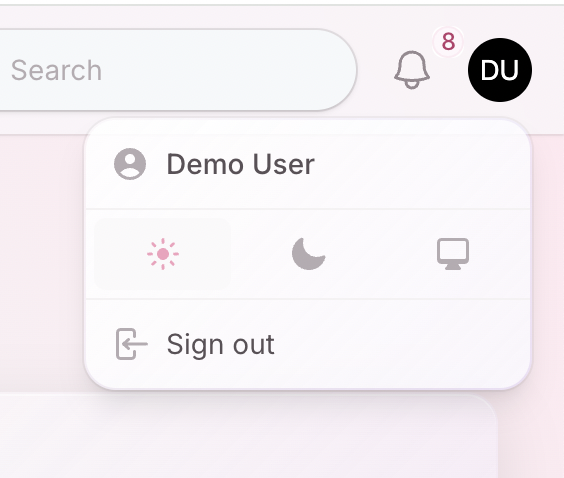
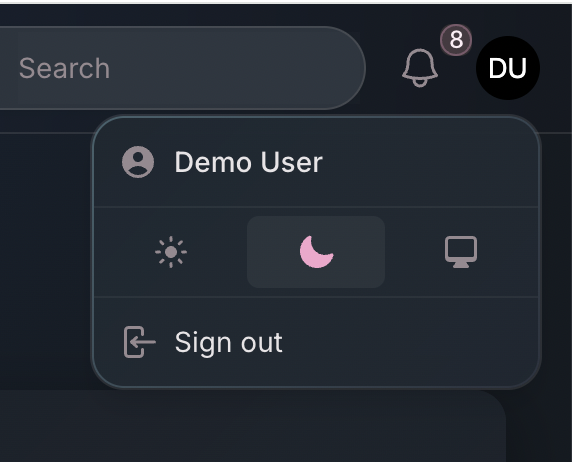
### User Menu
User Menu Light
User Menu Dark
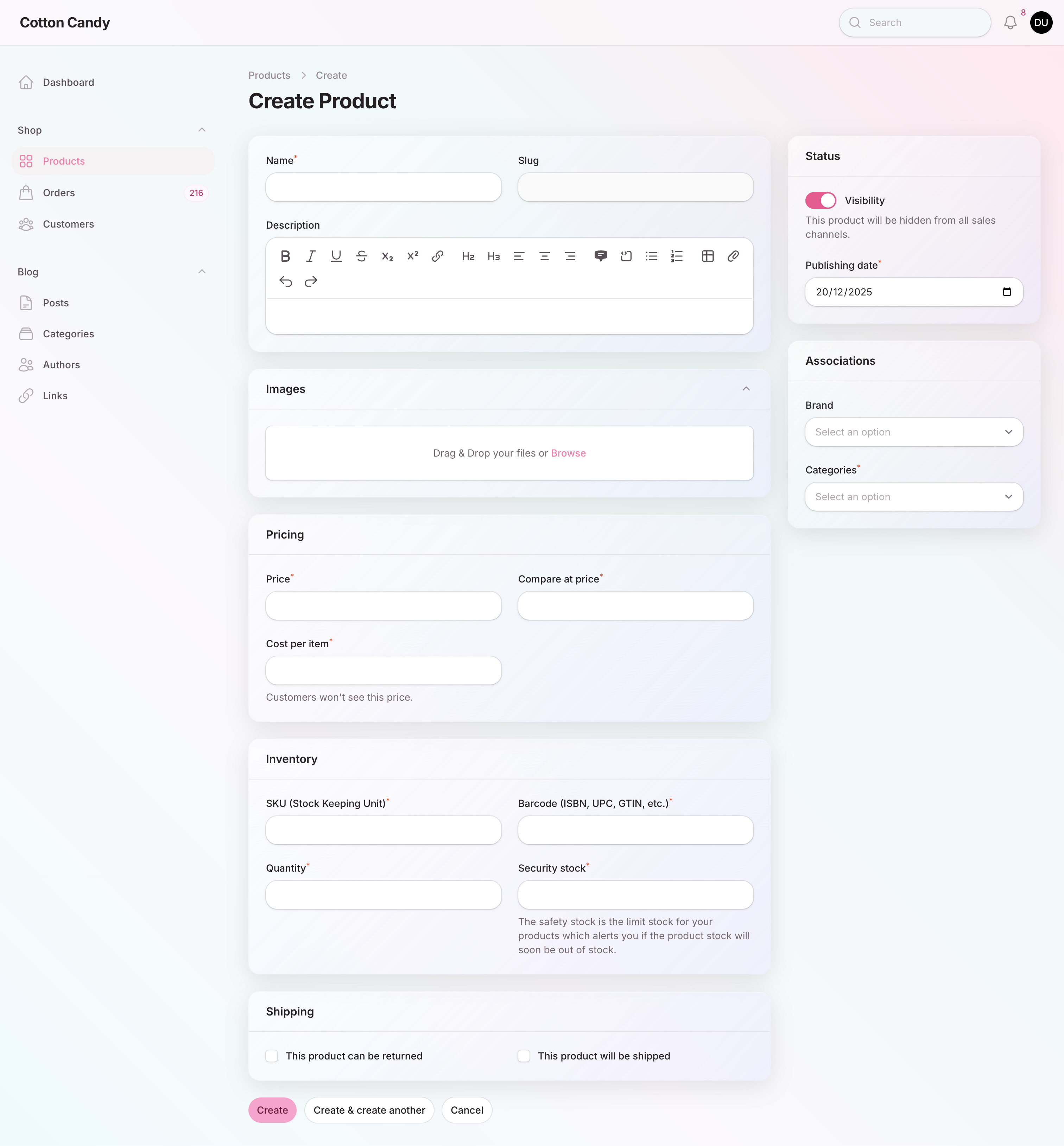
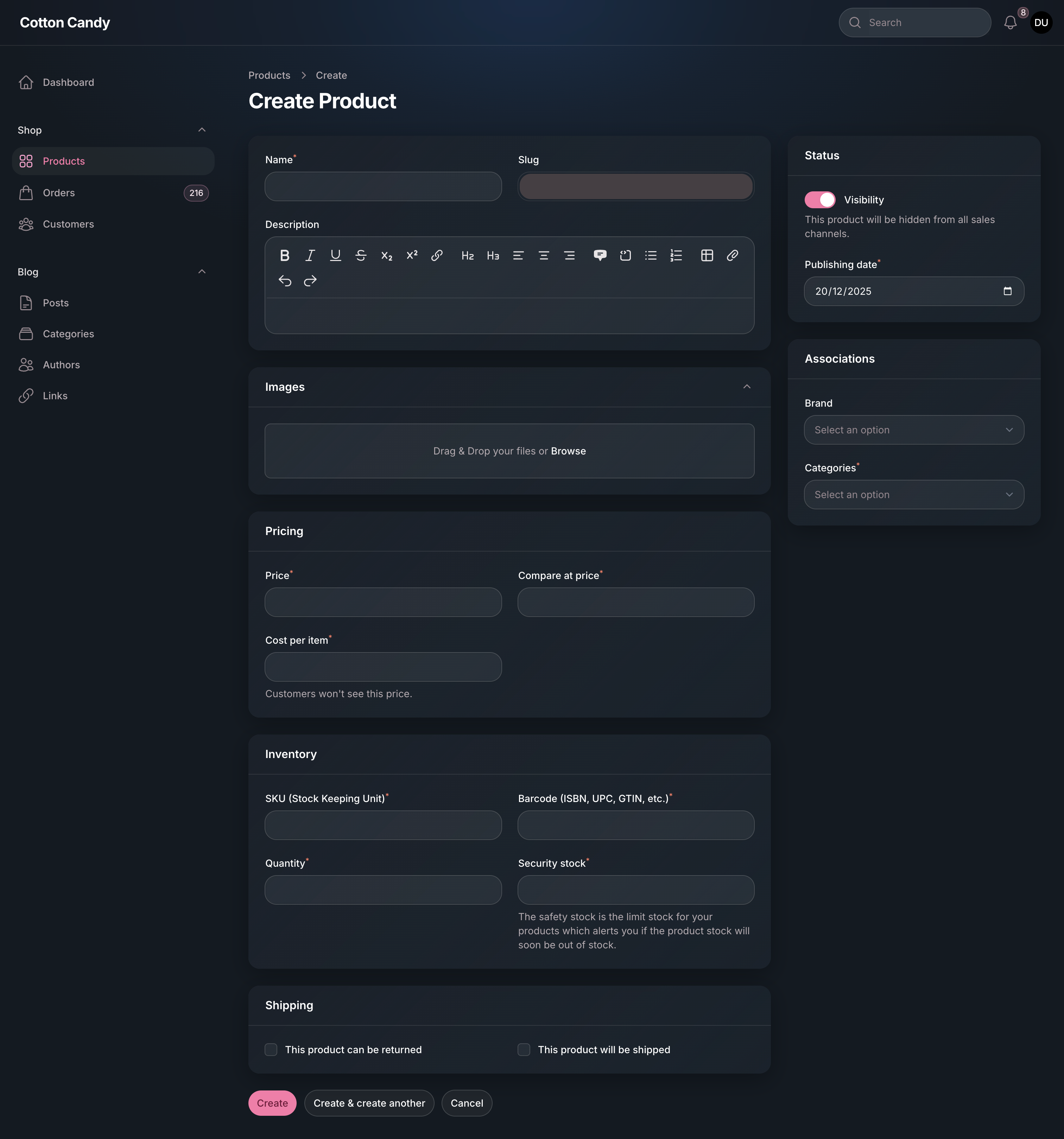
### Product
Create Product Light
Create Product Dark
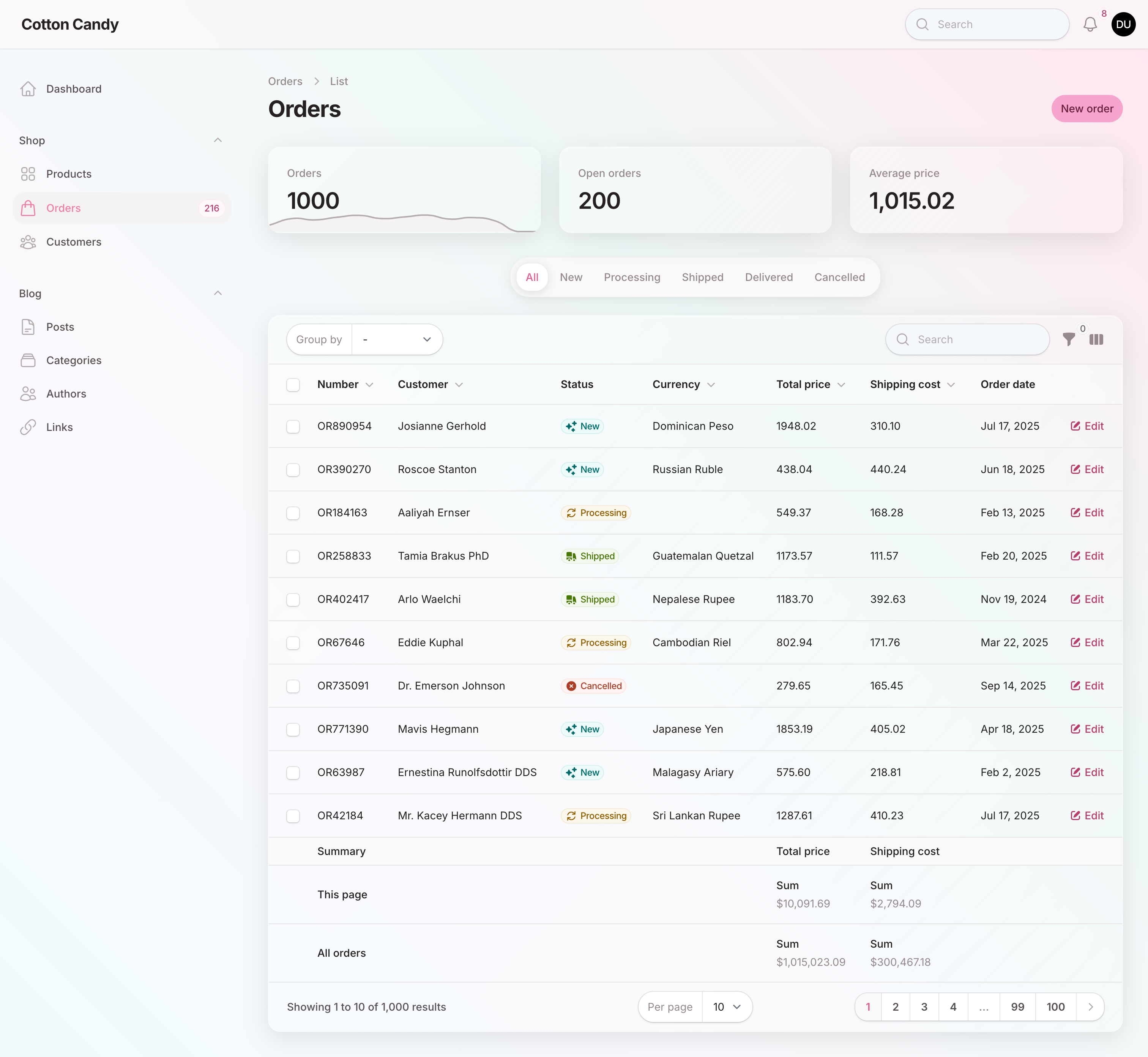
### Order
Order List Light
Order List Dark
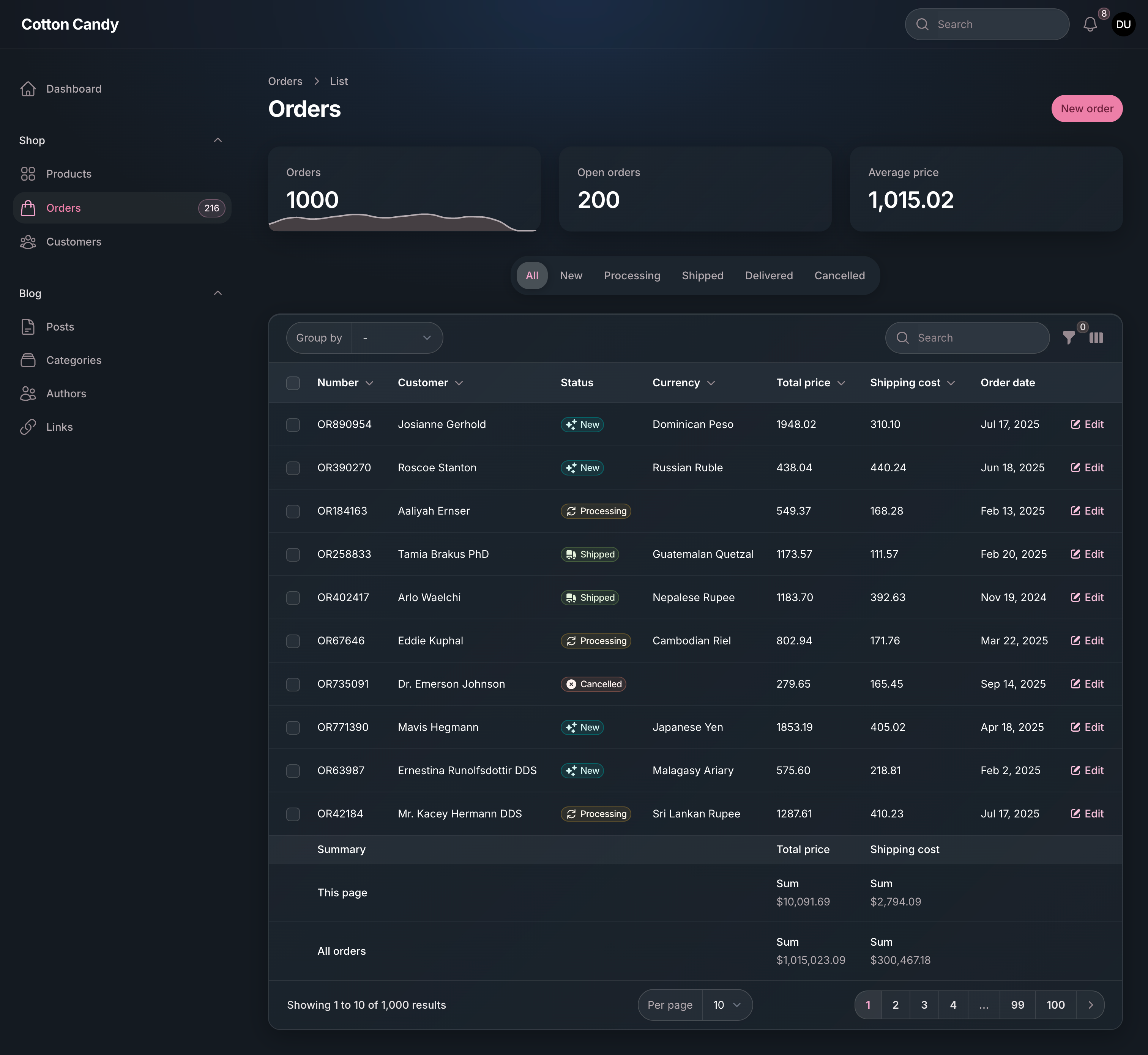
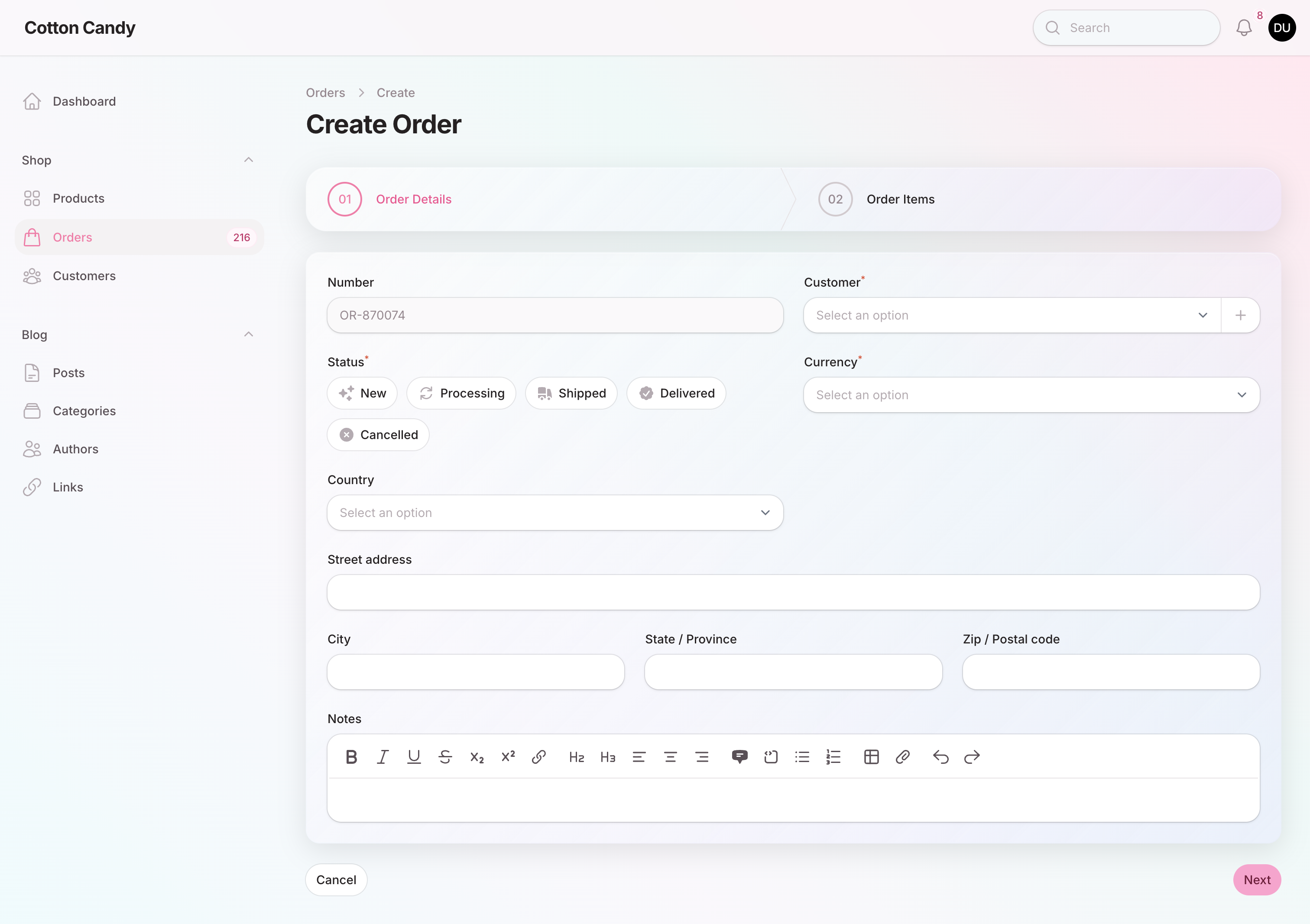
Create Order Light
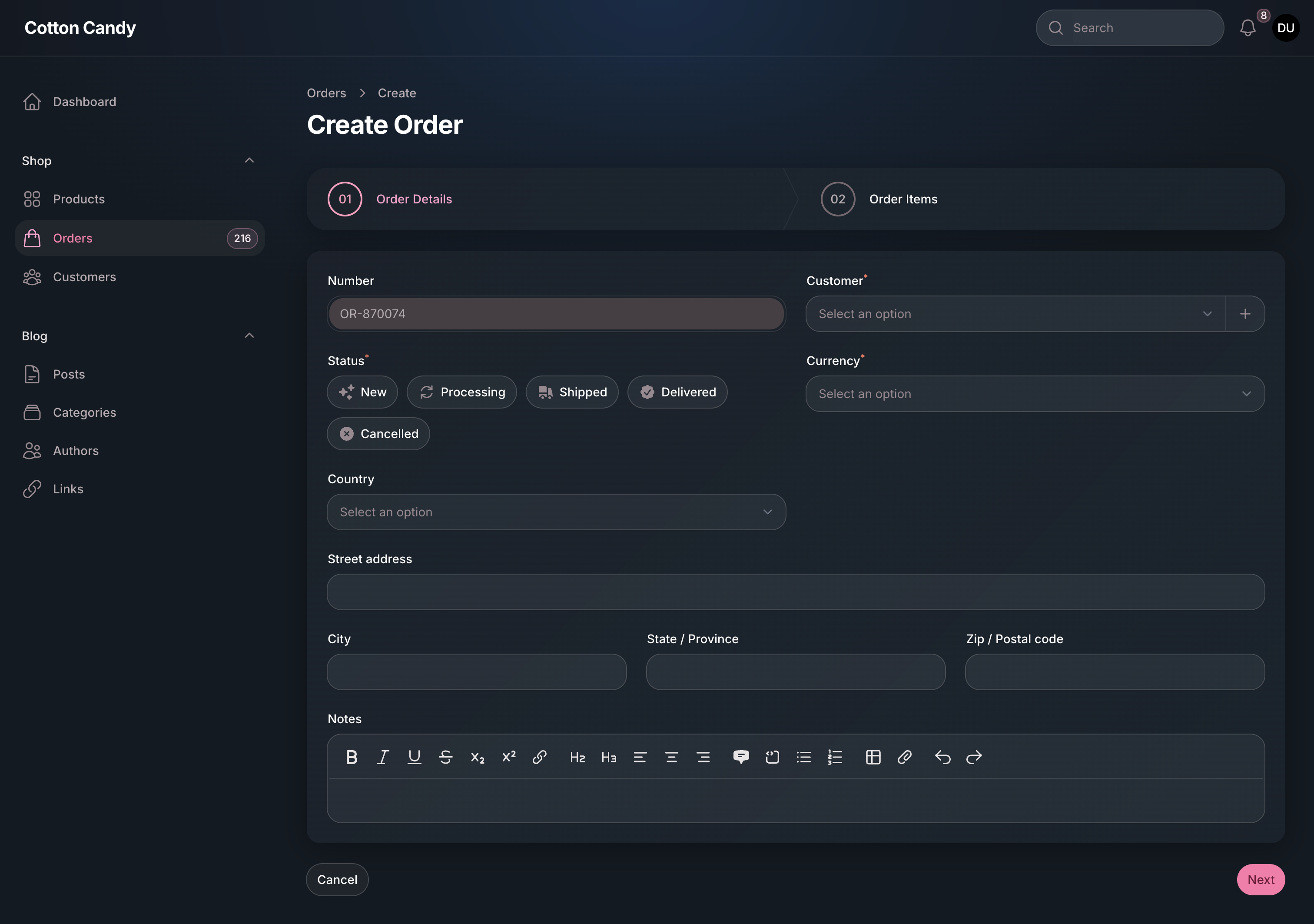
Create Order Dark