https://github.com/angelfire/remix-blog
Simple blog using Remix
https://github.com/angelfire/remix-blog
react remix
Last synced: about 2 months ago
JSON representation
Simple blog using Remix
- Host: GitHub
- URL: https://github.com/angelfire/remix-blog
- Owner: Angelfire
- Created: 2021-11-25T14:43:54.000Z (over 4 years ago)
- Default Branch: main
- Last Pushed: 2021-11-25T15:55:42.000Z (over 4 years ago)
- Last Synced: 2025-03-20T23:14:14.501Z (about 1 year ago)
- Topics: react, remix
- Language: JavaScript
- Homepage: https://codesandbox.io/s/remix-blog-1iho1
- Size: 104 KB
- Stars: 0
- Watchers: 2
- Forks: 0
- Open Issues: 0
-
Metadata Files:
- Readme: README.md
Awesome Lists containing this project
README
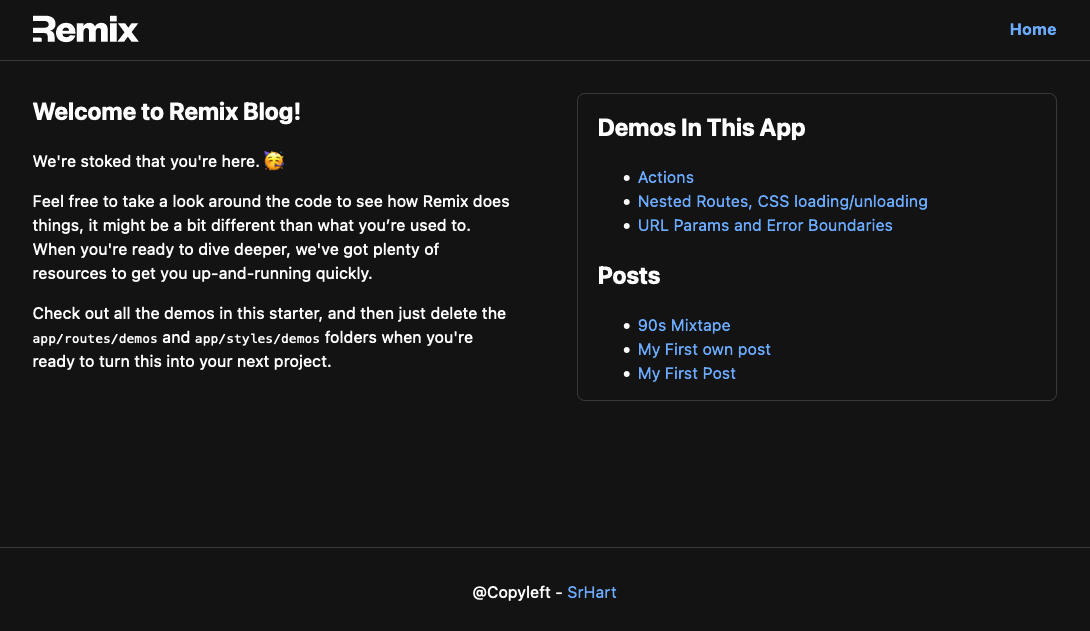
# Welcome to Remix Blog!
## Docs
[Remix Docs](https://remix.run/docs)
## Development
From your terminal:
```sh
npm run dev
```
This starts your app in development mode, rebuilding assets on file changes.
## Deployment
First, build your app for production:
```sh
npm run build
```
Then run the app in production mode:
```sh
npm start
```
Now you'll need to pick a host to deploy it to.
### DIY
If you're familiar with deploying node applications, the built-in Remix app server is production-ready.
Make sure to deploy the output of `remix build`
- `build/`
- `public/build/`
### Using a Template
When you ran `npx create-remix@latest` there were a few choices for hosting. You can run that again to create a new project, then copy over your `app/` folder to the new project that's pre-configured for your target server.
```sh
cd ..
# create a new project, and pick a pre-configured host
npx create-remix@latest
cd my-new-remix-app
# remove the new project's app (not the old one!)
rm -rf app
# copy your app over
cp -R ../my-old-remix-app/app app
```