https://github.com/angrycoding/elementary-desktop
elementary-desktop
https://github.com/angrycoding/elementary-desktop
Last synced: 10 months ago
JSON representation
elementary-desktop
- Host: GitHub
- URL: https://github.com/angrycoding/elementary-desktop
- Owner: angrycoding
- Created: 2019-04-03T05:32:36.000Z (about 7 years ago)
- Default Branch: master
- Last Pushed: 2020-03-18T13:59:59.000Z (about 6 years ago)
- Last Synced: 2025-04-09T18:14:39.305Z (about 1 year ago)
- Language: C++
- Size: 5.74 MB
- Stars: 0
- Watchers: 1
- Forks: 0
- Open Issues: 0
-
Metadata Files:
- Readme: README.md
Awesome Lists containing this project
README
# elementary-desktop
This project was aiming to test if I could make a "missing" desktop for Elementary OS in QT, unfortunatelly it did not succeed in it due the
various problems related with QT (buggy support of drag and drop and several other minor things). But that might change in the future :)
However I've switched to Mint, and it's very unlikely that it's gonna be supported.
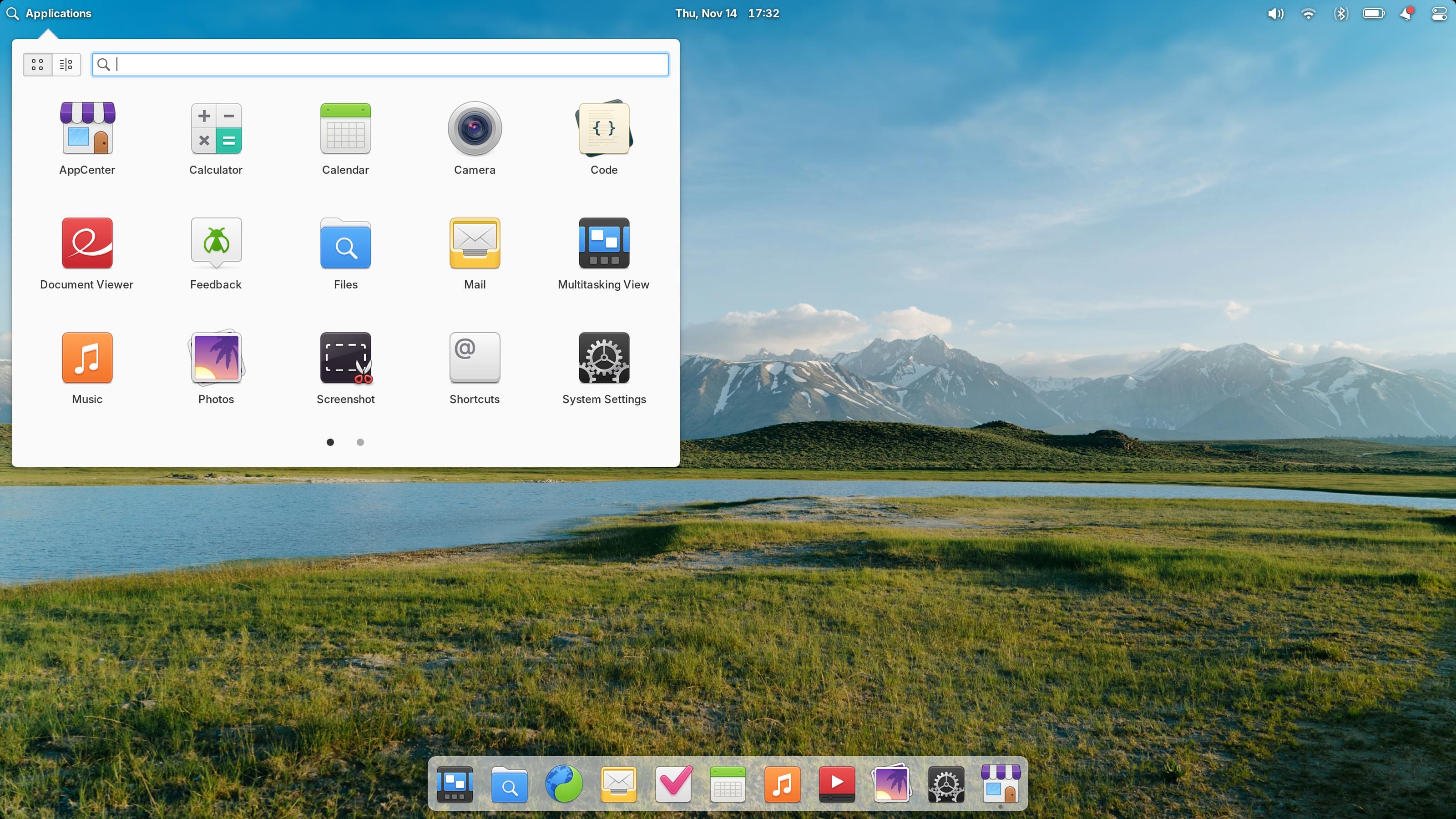
Problems 'ive faced so far:
1. Very bad support of drag & drop operations to the OS <-> QT, especially the ones using native file information (link or file object)
2. Few very tricky techniques to make QT app on top of the desktop and don't screw up everything in the mean time.
3. Crossplatform ways to obtain icons for the registered files / folders. Had to use external tools to obtain gnome theme name, and then looking for the icons in OS dependent folders (very very shity solution).
What's done:
1. Aligning desktop icons on the grid
2. Automatically scaling the grid relative to the desktop window size (screen size)
3. Very cool icon rendering technique, which mimics OSX desktop along with rounded corners selection around the text under the icon.
4. Drag & drop (multiple files supported) along with correctly rendered drag symbols? (don't remember how exactly it's called)
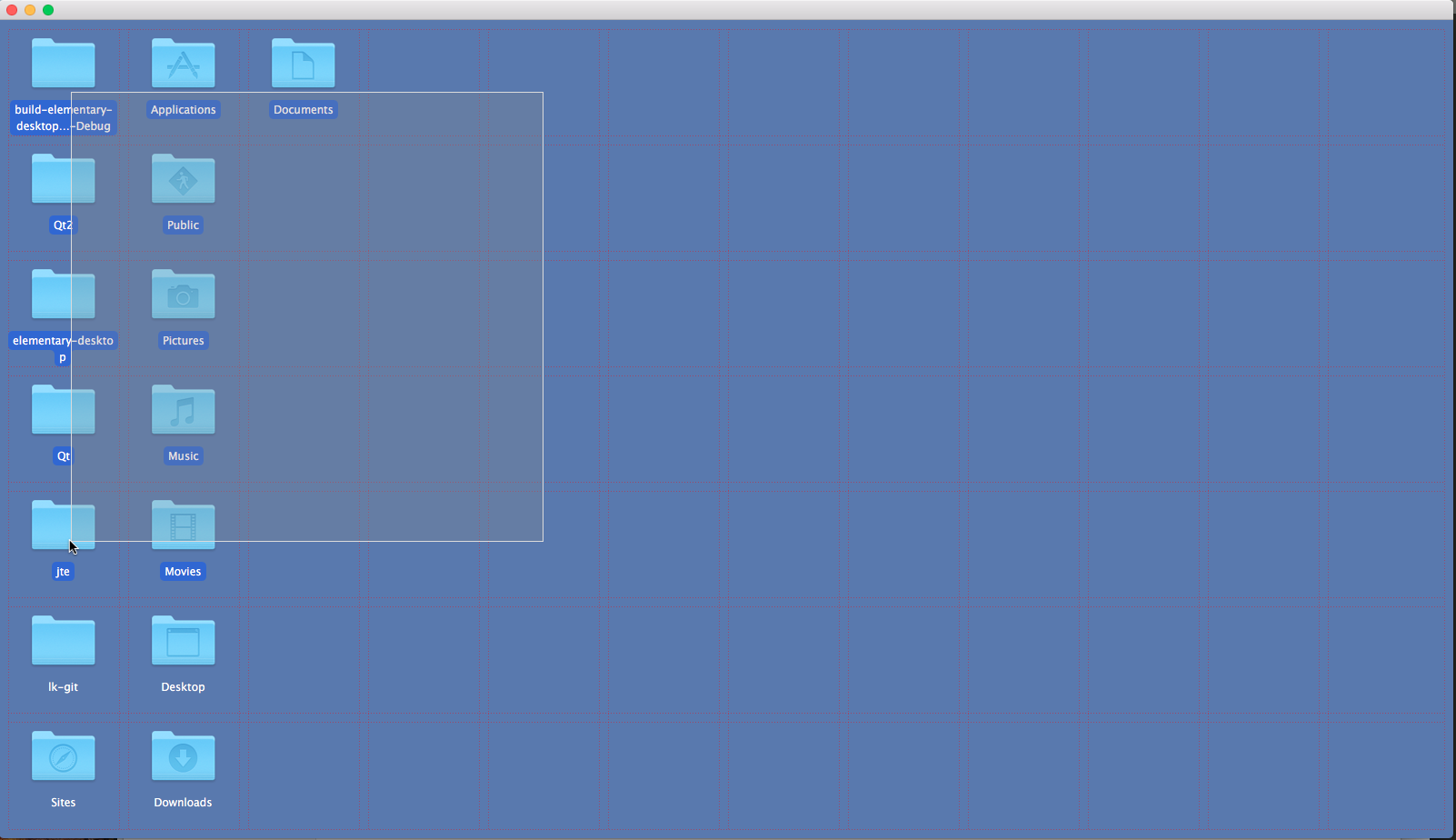
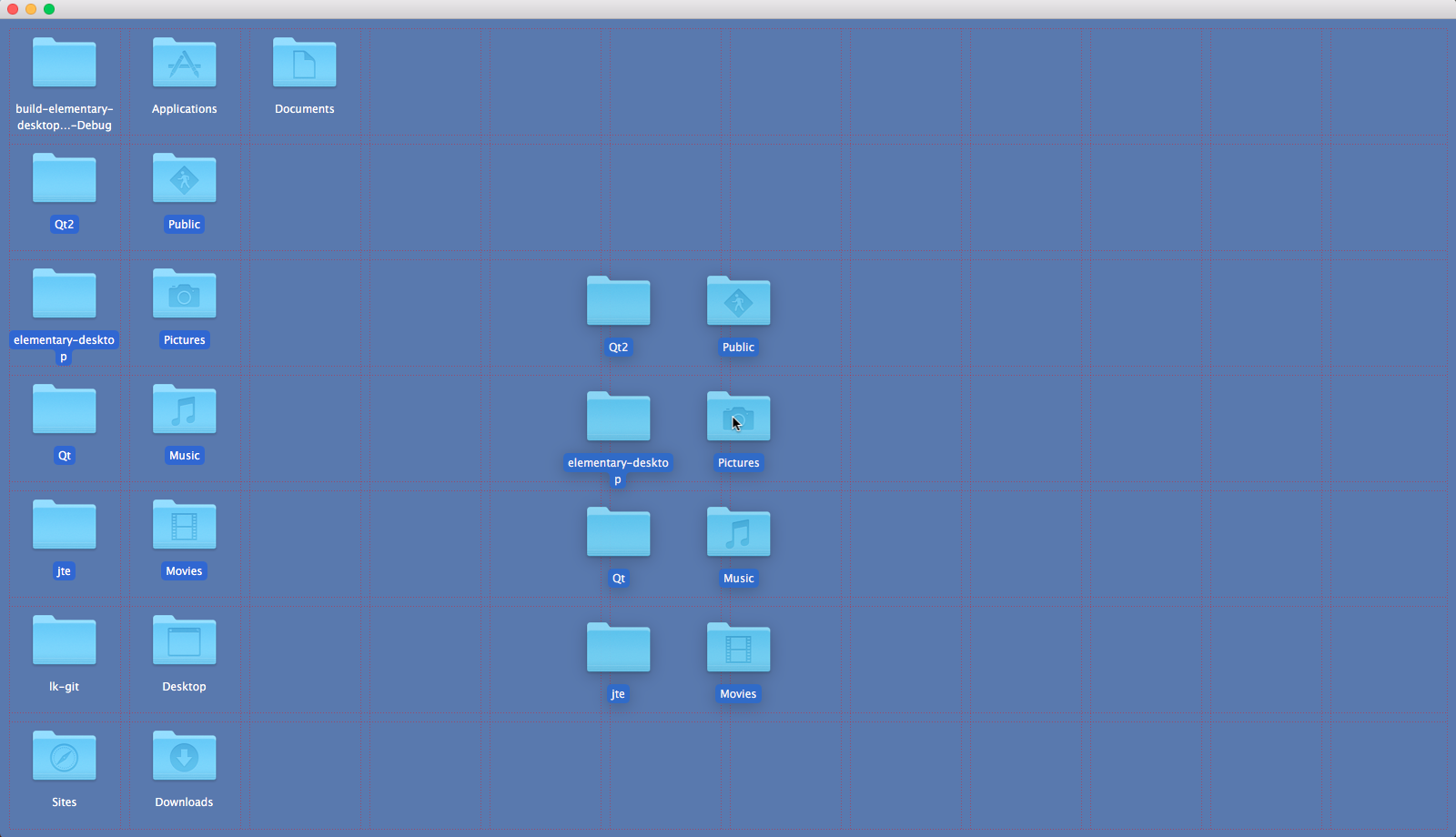
Besides that everything is pretty straight forward, use file watcher to watch for the changes in the desktop directory and draw icons according to the grid keeping in mind font size, icon size, grid size and so on so on. Thing itself looks very impressive to me in the terms how easy and quick you can make something that looks and behaves "almost" like a native desktop application. However the bad part is that some minor issues / inconviniences makes it totally unusable in real life.
So to me QT is good, but not good enough to make something production ready (**yet**) at least without platform dependent tricks that in my opinion kill all the magic.