https://github.com/aniketwithpython/pylocker
An encrypted folder software written in Python 3
https://github.com/aniketwithpython/pylocker
Last synced: 4 days ago
JSON representation
An encrypted folder software written in Python 3
- Host: GitHub
- URL: https://github.com/aniketwithpython/pylocker
- Owner: AniketWithPython
- Created: 2022-04-06T18:24:46.000Z (about 4 years ago)
- Default Branch: main
- Last Pushed: 2022-04-08T14:39:57.000Z (about 4 years ago)
- Last Synced: 2025-02-23T04:32:27.974Z (over 1 year ago)
- Language: Python
- Homepage:
- Size: 20.5 KB
- Stars: 0
- Watchers: 1
- Forks: 0
- Open Issues: 0
-
Metadata Files:
- Readme: README.md
Awesome Lists containing this project
README
# Pylocker
This software generates an encrypted locker which is protected by a password. This uses [`pycryptodome`](https://pypi.org/project/pycryptodome/) library.
Updates:
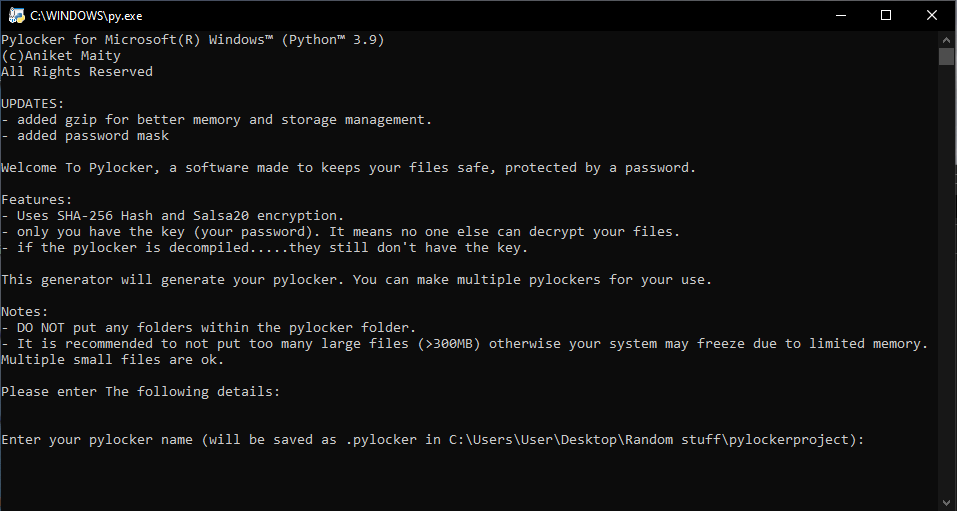
* Added gzip for better memory and storage management.
* Added password mask
To install pycryptodome:
```
pip install -r requirements.txt
```
To use the software:
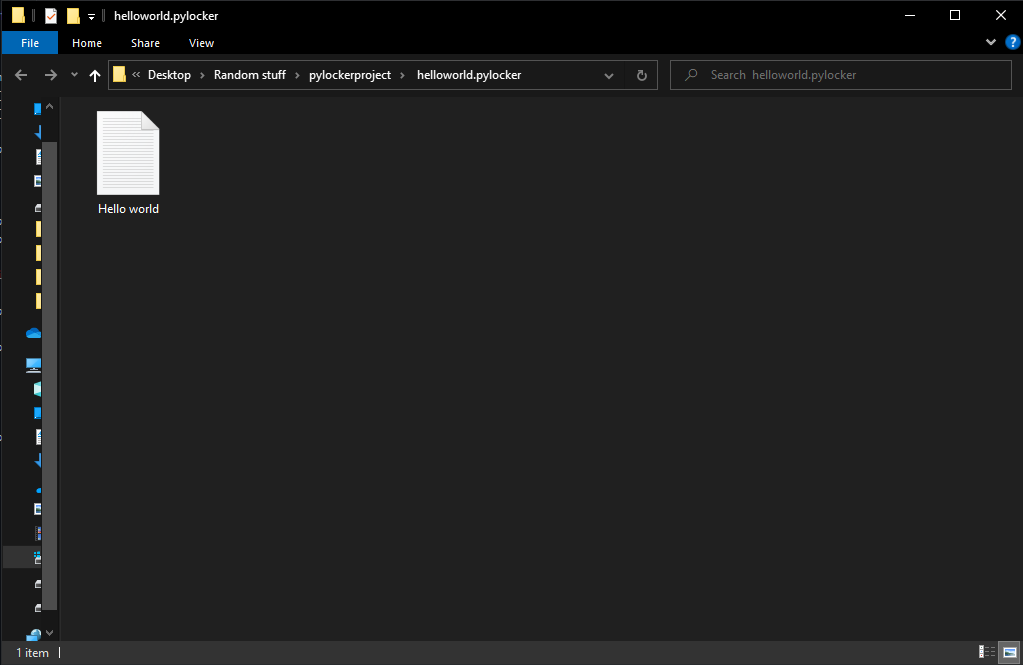
* Run the pylockergenerator to generate a pylocker folder (a `.pyc` file will be generated with the name "filename.pylocker")
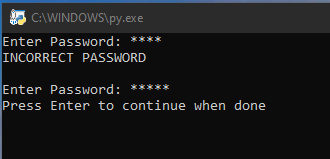
* open the `.pyc` file and enter the password in the terminal window to access the folder
* once completed, press enter in the terminal window. The software will close automatically once all the files have been encrypted.
Notes:
* This works only if [Python 3.9](https://www.python.org/downloads/) is installed.
* DO NOT put any folders within the pylocker folder
* It is recommended to not put too many large files (>300MB) otherwise your system may freeze due to limited memory. Multiple small files are ok.
> Pylocker for Microsoft® Windows™ (Python™ 3.9) ©Aniket Maity All Rights Reserved
> Created for educational purposes only.