https://github.com/anirudhajith/process-wallpaper
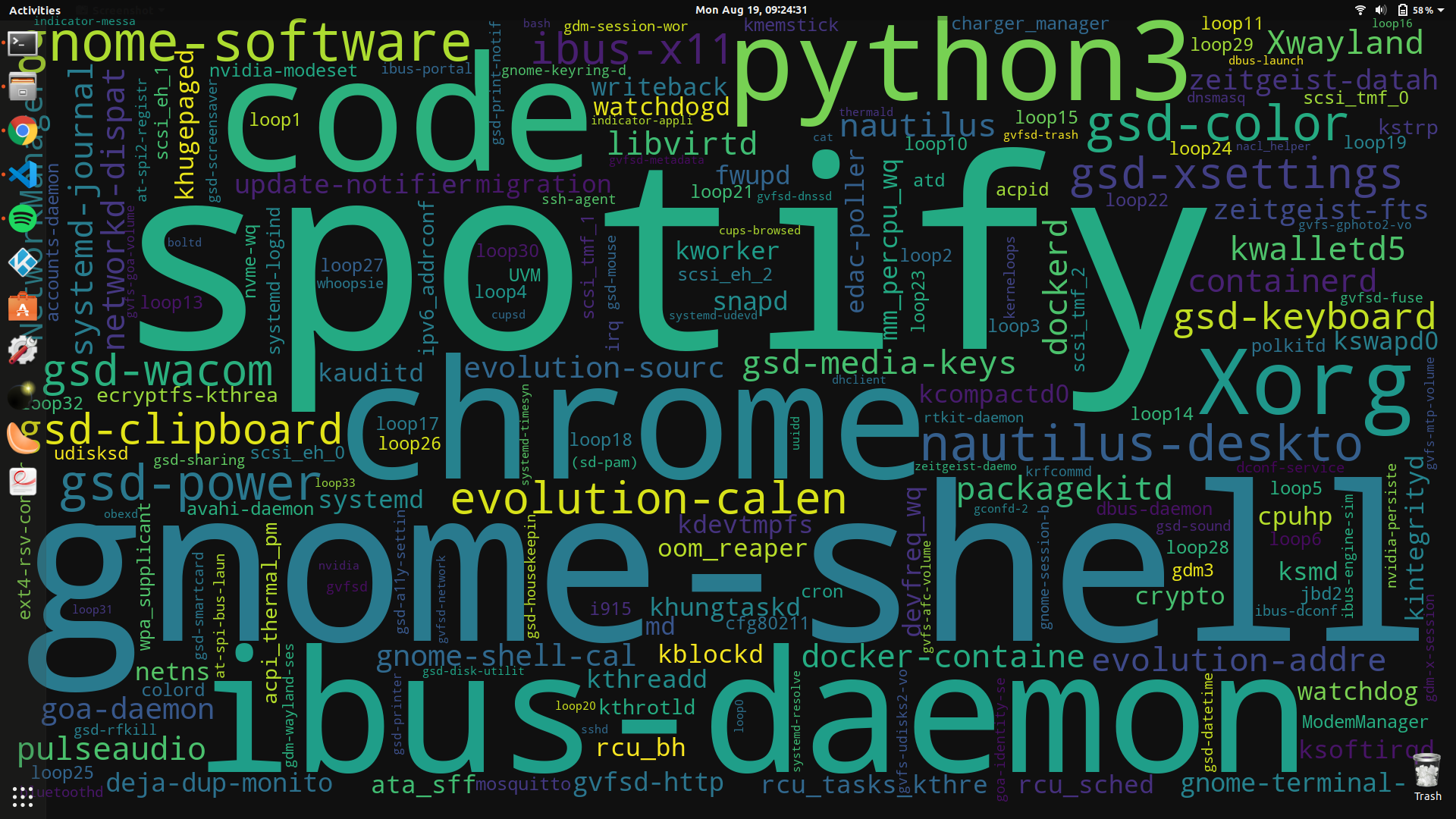
Shell and python scripts for setting your desktop wallpaper to a ~live word cloud of your most resource-hungry processes
https://github.com/anirudhajith/process-wallpaper
Last synced: 12 months ago
JSON representation
Shell and python scripts for setting your desktop wallpaper to a ~live word cloud of your most resource-hungry processes
- Host: GitHub
- URL: https://github.com/anirudhajith/process-wallpaper
- Owner: anirudhajith
- License: gpl-3.0
- Created: 2019-08-18T03:51:21.000Z (over 6 years ago)
- Default Branch: master
- Last Pushed: 2022-04-21T11:03:02.000Z (almost 4 years ago)
- Last Synced: 2024-10-28T03:44:43.273Z (over 1 year ago)
- Language: Python
- Homepage:
- Size: 4.76 MB
- Stars: 544
- Watchers: 8
- Forks: 52
- Open Issues: 13
-
Metadata Files:
- Readme: README.md
- License: LICENSE
Awesome Lists containing this project
- stars - anirudhajith/process-wallpaper - hungry processes (HarmonyOS / Windows Manager)
README
# process-wallpaper
Python and shell scripts which set your wallpaper to a wordcloud of the most resource-intensive processes presently running.
## Depenendencies
* `python3`
* `gsettings` (comes preinstalled with GNOME), `plasmashell` (comes with KDE) or `feh` (supported by many Linux distributions).
If `gsettings`, `plasmashell` and `feh` are all not supported by your platform, you can still set `wallpaper.png` as your wallpaper manually.
## Setup
* Clone this repo.
```
git clone https://github.com/anirudhajith/process-wallpaper.git
cd process-wallpaper
```
* Set the resolution of your display in `config.json`
* Install Python dependencies.
```
pip3 install -r requirements.txt --user
```
* Run `setup.sh`
```
./setup.sh
```
## Use
The wallpaper is updated every time `updateWallpaper.sh` is run. To trigger the update every minute, append the following line to `crontab -e`, remember to replace `/path/to/script/directory` with the directory of your scripts.
### KDE
```
* * * * * export "binpath=/path/to/script/directory"; "DISPLAY=:$(ls -1 /tmp/.X11-unix/X* | grep -oE "[0-9]*$" | sort -n | head -1)"; export "DBUS_SESSION_BUS_ADDRESS=unix:path=/run/user/$(id -u)/bus"; (pushd "${binpath}" && ./updateWallpaper.sh && ./setWallpaper.sh; popd) 2>&1 | logger -t "process-wallpaper"
```
### Most other
```
* * * * * cd /path/to/script/directory && ./updateWallpaper.sh > /tmp/wallpaper.log 2>&1
```