https://github.com/ansub/enchant
A VS-Code Theme
https://github.com/ansub/enchant
vscode-theme
Last synced: about 1 year ago
JSON representation
A VS-Code Theme
- Host: GitHub
- URL: https://github.com/ansub/enchant
- Owner: Ansub
- License: mit
- Created: 2023-05-30T02:14:53.000Z (about 3 years ago)
- Default Branch: main
- Last Pushed: 2023-07-15T16:59:23.000Z (almost 3 years ago)
- Last Synced: 2025-04-05T06:34:41.029Z (about 1 year ago)
- Topics: vscode-theme
- Homepage: https://marketplace.visualstudio.com/items?itemName=Ansub.enchant
- Size: 4.45 MB
- Stars: 15
- Watchers: 1
- Forks: 0
- Open Issues: 0
-
Metadata Files:
- Readme: README.md
- Changelog: CHANGELOG.md
- License: LICENSE
Awesome Lists containing this project
README

# Enchant - Visual Studio Code Theme
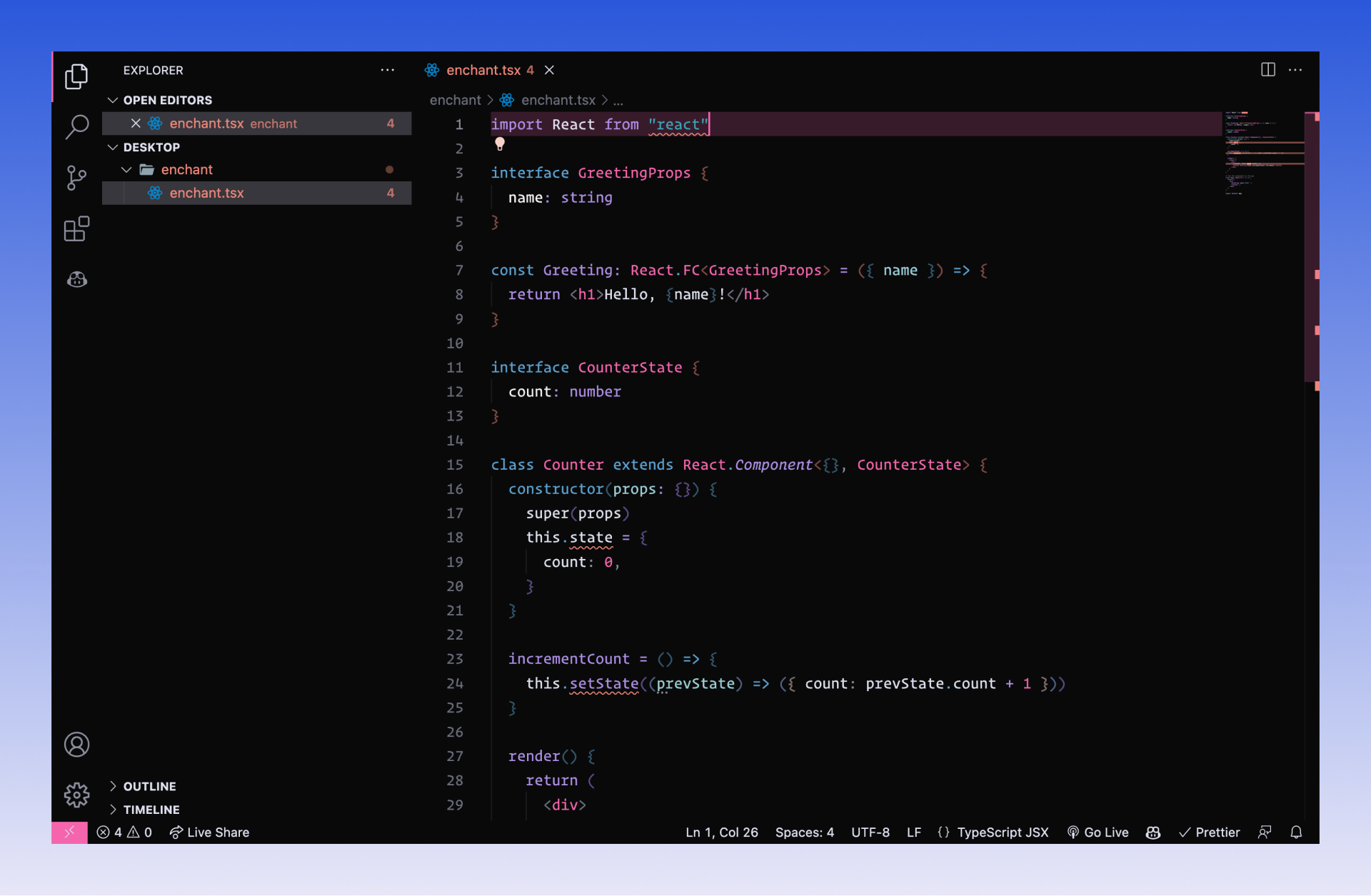
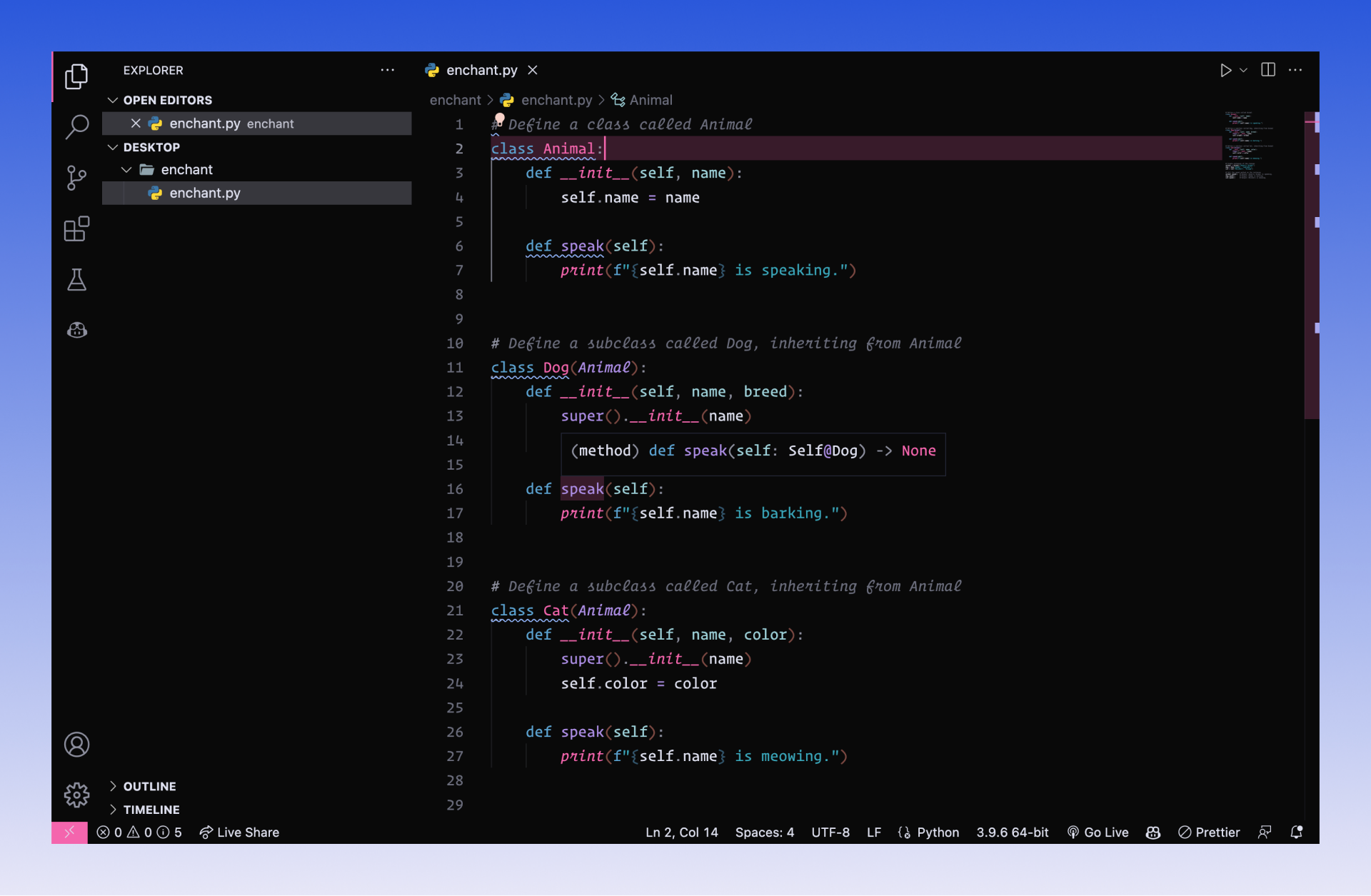
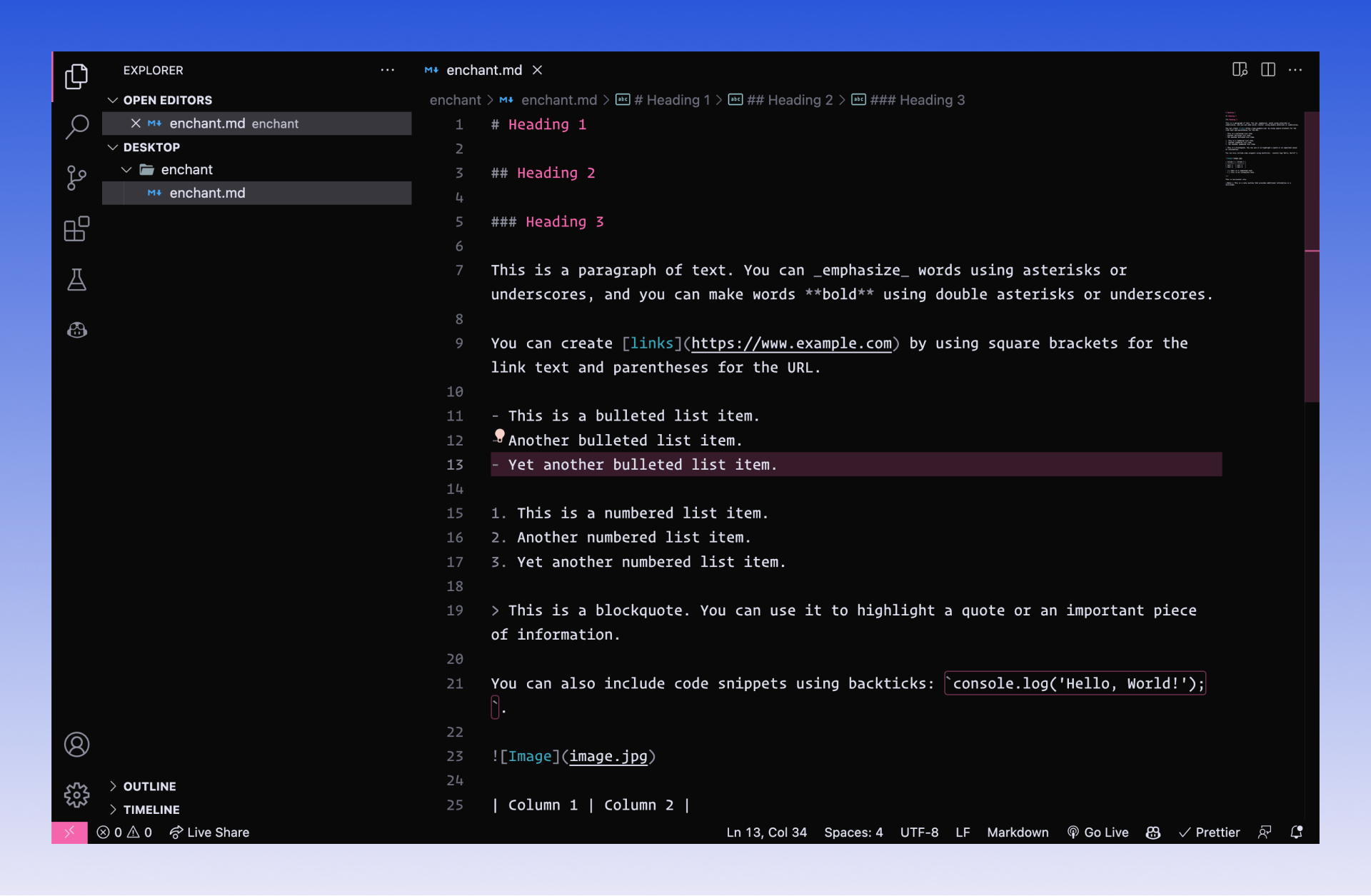
Enchant is a vibrant and modern Visual Studio Code theme designed to provide an immersive coding experience. It features a carefully curated color palette, combining vivid tones with subtle contrasts, to make your code stand out and enhance your productivity.
## Screenshots
**Typescript**
**Python**
**Markdown**
## Installation
1. Launch Visual Studio Code.
2. Go to the Extensions view by clicking on the square icon in the left sidebar or by pressing `Cmd+Shift+X` or `Ctrl+Shift+X`.
3. Search for "Enchant" in the [Extensions Marketplace](https://marketplace.visualstudio.com/items?itemName=Ansub.enchant).
4. Click on the "Install" button next to the Enchant theme.
5. Once installed, click on the "Reload" button to activate the theme.
## Feedback and Contributions
Feedback, bug reports, and suggestions are always welcome! Feel free to [open an issue](https://github.com/ansub/enchant/issues) on the GitHub repository if you encounter any problems or have ideas for improvements.
Created by [Ansub Khan](https://twitter.com/justansub)
## License
This project is licensed under the [MIT License](LICENSE).
I hope you enjoy using Enchant as your Visual Studio Code theme. Happy coding!