https://github.com/apimatic/whatsapp-python-sdk
https://github.com/apimatic/whatsapp-python-sdk
Last synced: 9 months ago
JSON representation
- Host: GitHub
- URL: https://github.com/apimatic/whatsapp-python-sdk
- Owner: apimatic
- License: other
- Created: 2022-06-17T08:47:08.000Z (about 4 years ago)
- Default Branch: main
- Last Pushed: 2022-06-17T08:47:54.000Z (about 4 years ago)
- Last Synced: 2025-04-05T07:13:36.921Z (about 1 year ago)
- Language: Python
- Size: 80.1 KB
- Stars: 0
- Watchers: 3
- Forks: 0
- Open Issues: 0
-
Metadata Files:
- Readme: README.md
- License: LICENSE
Awesome Lists containing this project
README
# Getting Started with WhatsApp Cloud API
## Introduction
Welcome to the WhatsApp API from Meta.
Individual developers and existing Business Service Providers (BSPs) can now send and receive messages via the WhatsApp API using a cloud-hosted version of the WhatsApp Business API. Compared to the previous solutions, the cloud-based WhatsApp API is simpler to use and is a more cost-effective way for businesses to use WhatsApp. Please keep in mind the following configurations:
| Name | Description |
| --- | --- |
| Version | Latest [Graph API version](https://developers.facebook.com/docs/graph-api/). For example: v13.0 |
| User-Access-Token | Your user access token after signing up at [developers.facebook.com](https://developers.facebook.com). |
| WABA-ID | Your WhatsApp Business Account (WABA) ID. |
| Phone-Number-ID | ID for the phone number connected to the WhatsApp Business API. You can get this with a [Get Phone Number ID request](3184f675-d289-46f1-88e5-e2b11549c418). |
| Business-ID | Your Business' ID. Once you have your Phone-Number-ID, make a [Get Business Profile request](#99fd3743-46cf-46c4-95b5-431c6a4eb0b0) to get your Business' ID. |
| Recipient-Phone-Number | Phone number that you want to send a WhatsApp message to. |
| Media-ID | ID for the media to [send a media message](#0a632754-3788-43bf-b785-ac6a73423d5a) or [media template message](#439c926a-8a6c-4972-ab2c-d99297716da9) to your customers. |
| Media-URL | URL for the media to [download media content](#cbe5ece3-246c-48f3-b338-074187dfef66). |
## Building
You must have Python `3 >=3.7, <= 3.9` installed on your system to install and run this SDK. This SDK package depends on other Python packages like nose, jsonpickle etc. These dependencies are defined in the `requirements.txt` file that comes with the SDK. To resolve these dependencies, you can use the PIP Dependency manager. Install it by following steps at [https://pip.pypa.io/en/stable/installing/](https://pip.pypa.io/en/stable/installing/).
Python and PIP executables should be defined in your PATH. Open command prompt and type `pip --version`. This should display the version of the PIP Dependency Manager installed if your installation was successful and the paths are properly defined.
* Using command line, navigate to the directory containing the generated files (including `requirements.txt`) for the SDK.
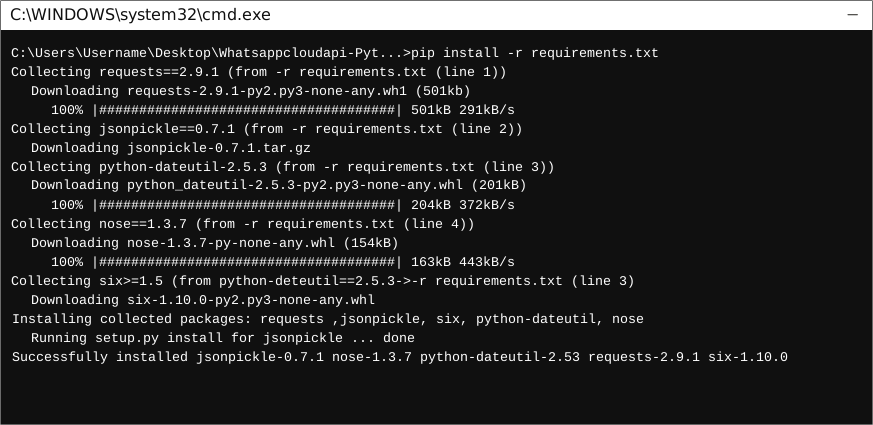
* Run the command `pip install -r requirements.txt`. This should install all the required dependencies.
## Installation
The following section explains how to use the whatsappcloudapi library in a new project.
### 1. Open Project in an IDE
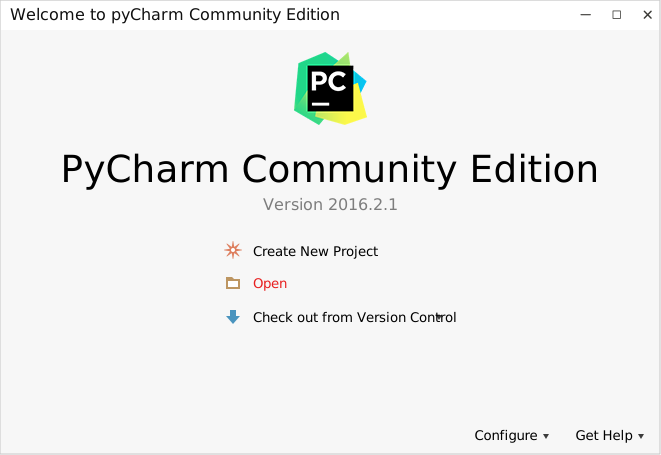
Open up a Python IDE like PyCharm. The basic workflow presented here is also applicable if you prefer using a different editor or IDE.
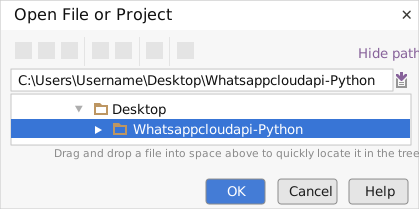
Click on `Open` in PyCharm to browse to your generated SDK directory and then click `OK`.
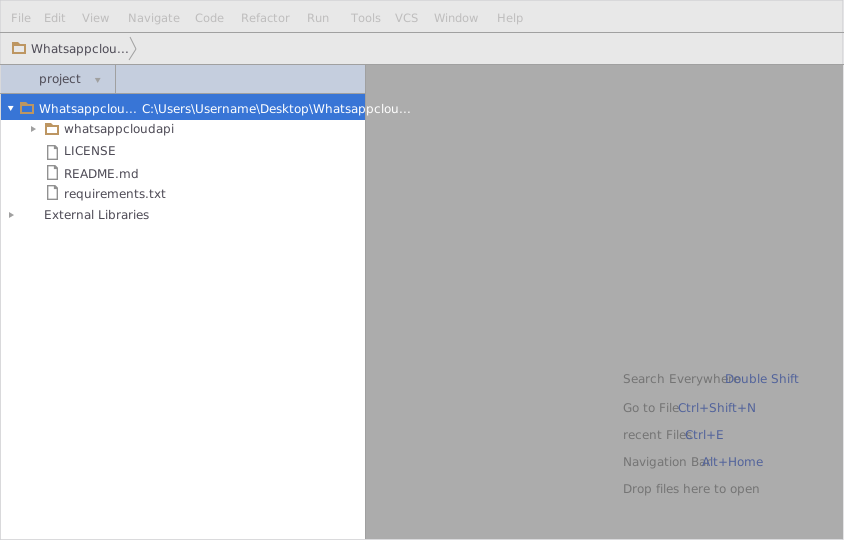
The project files will be displayed in the side bar as follows:
### 2. Add a new Test Project
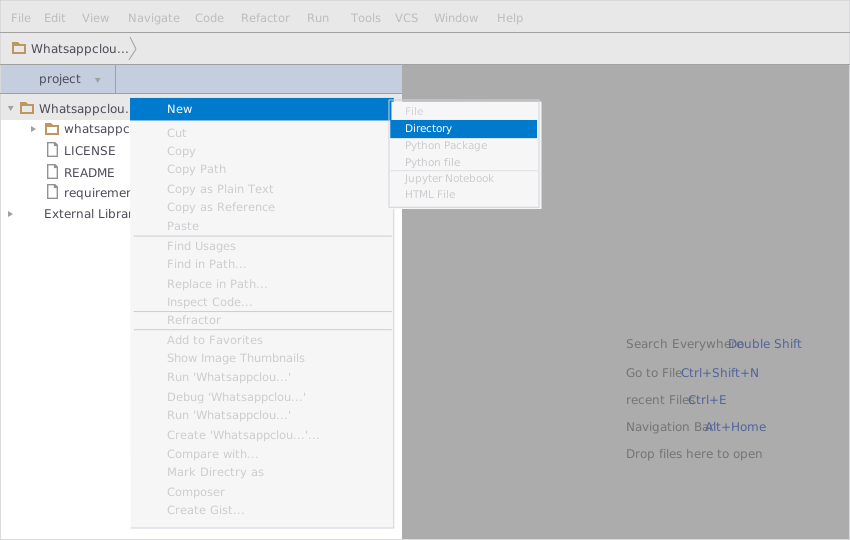
Create a new directory by right clicking on the solution name as shown below:
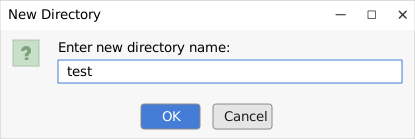
Name the directory as "test".
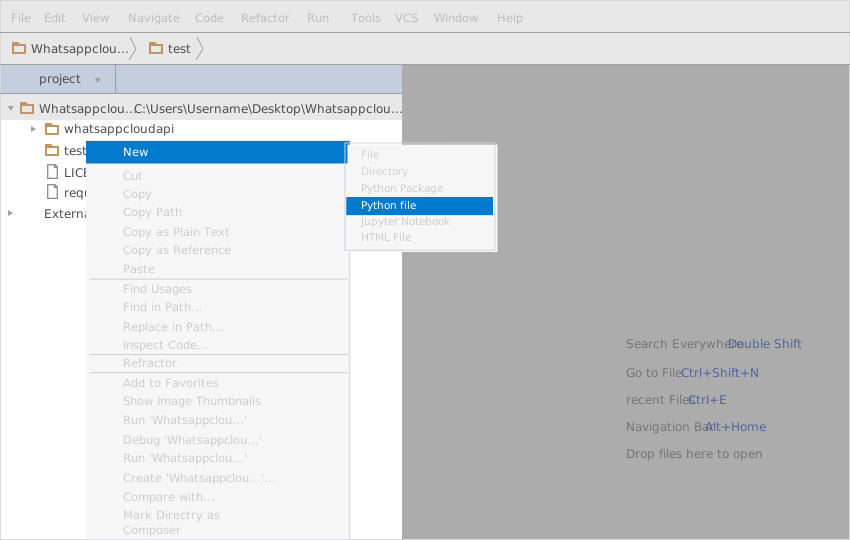
Add a python file to this project.
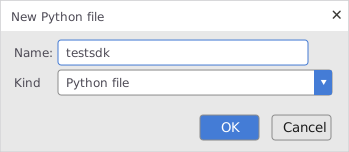
Name it "testSDK".
In your python file you will be required to import the generated python library using the following code lines
```python
from whatsappcloudapi.whatsappcloudapi_client import WhatsappcloudapiClient
```
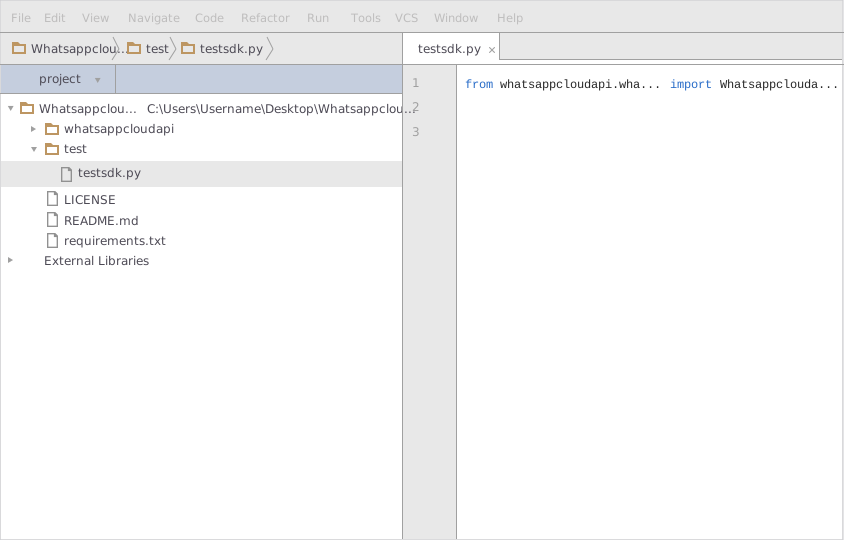
After this you can write code to instantiate an API client object, get a controller object and make API calls. Sample code is given in the subsequent sections.
### 3. Run the Test Project
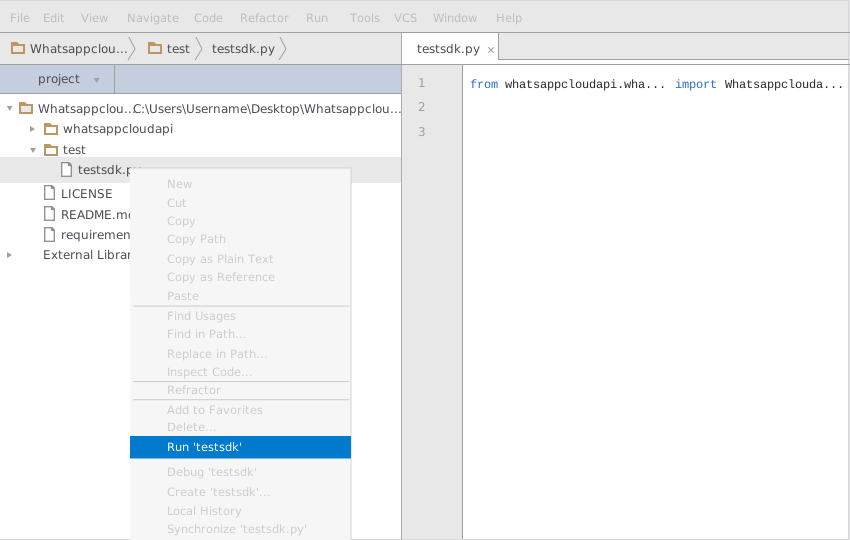
To run the file within your test project, right click on your Python file inside your Test project and click on `Run`
## Initialize the API Client
**_Note:_** Documentation for the client can be found [here.](doc/client.md)
The following parameters are configurable for the API Client:
| Parameter | Type | Description |
| --- | --- | --- |
| `version` | `string` | *Default*: `'v13.0'` |
| `environment` | Environment | The API environment.
**Default: `Environment.PRODUCTION`** |
| `http_client_instance` | `HttpClient` | The Http Client passed from the sdk user for making requests |
| `override_http_client_configuration` | `bool` | The value which determines to override properties of the passed Http Client from the sdk user |
| `http_call_back` | `HttpCallBack` | The callback value that is invoked before and after an HTTP call is made to an endpoint |
| `timeout` | `float` | The value to use for connection timeout.
**Default: 60** |
| `max_retries` | `int` | The number of times to retry an endpoint call if it fails.
**Default: 0** |
| `backoff_factor` | `float` | A backoff factor to apply between attempts after the second try.
**Default: 2** |
| `retry_statuses` | `Array of int` | The http statuses on which retry is to be done.
**Default: [408, 413, 429, 500, 502, 503, 504, 521, 522, 524]** |
| `retry_methods` | `Array of string` | The http methods on which retry is to be done.
**Default: ['GET', 'PUT']** |
| `access_token` | `string` | The OAuth 2.0 Access Token to use for API requests. |
The API client can be initialized as follows:
```python
from whatsappcloudapi.whatsappcloudapi_client import WhatsappcloudapiClient
from whatsappcloudapi.configuration import Environment
client = WhatsappcloudapiClient(
access_token='AccessToken',
environment=Environment.PRODUCTION,
version = 'v13.0',)
```
## Authorization
This API uses `OAuth 2 Bearer token`.
## List of APIs
* [Business Profiles](doc/controllers/business-profiles.md)
* [Phone Numbers](doc/controllers/phone-numbers.md)
* [Two-Step Verification](doc/controllers/two-step-verification.md)
* [Messages](doc/controllers/messages.md)
* [Registration](doc/controllers/registration.md)
* [Media](doc/controllers/media.md)
## Classes Documentation
* [Utility Classes](doc/utility-classes.md)
* [HttpResponse](doc/http-response.md)
* [HttpRequest](doc/http-request.md)