https://github.com/apneduniya/lazya
An agent which help you to execute actions on apps like Youtube, Gmail, GitHub, etc via natural language.
https://github.com/apneduniya/lazya
composio gaianet nextjs
Last synced: about 1 month ago
JSON representation
An agent which help you to execute actions on apps like Youtube, Gmail, GitHub, etc via natural language.
- Host: GitHub
- URL: https://github.com/apneduniya/lazya
- Owner: apneduniya
- License: gpl-3.0
- Created: 2024-09-28T09:01:44.000Z (over 1 year ago)
- Default Branch: main
- Last Pushed: 2025-03-21T09:42:47.000Z (about 1 year ago)
- Last Synced: 2025-06-08T22:34:27.163Z (about 1 year ago)
- Topics: composio, gaianet, nextjs
- Language: JavaScript
- Homepage:
- Size: 1.03 MB
- Stars: 1
- Watchers: 1
- Forks: 0
- Open Issues: 0
-
Metadata Files:
- Readme: README.md
- License: LICENSE
Awesome Lists containing this project
README
lazyA 😴
An agent which help you to execute actions on apps like Youtube, Gmail, GitHub, etc via natural language. Sounds crazy right, perfect for lazy people like me 🤭
Table of Contents
- Demo
- Features
- How I Used GaiaNet?
-
Getting Started
- Project Structure
- Contributing
-
Acknowledgments
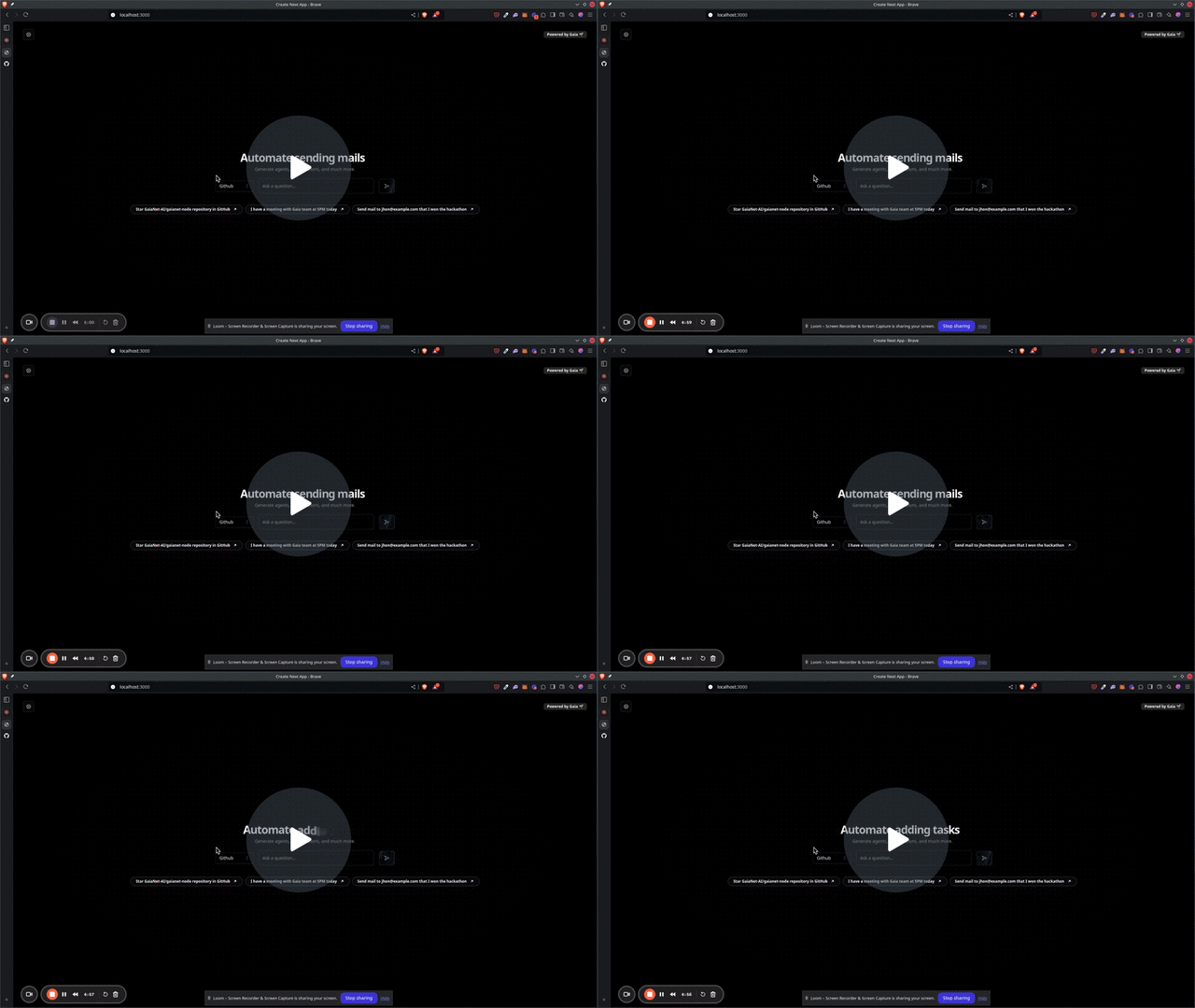
## 🎥 DEMO
[](https://www.loom.com/share/f7cded69452940febdef5de0c7bb038b?sid=d9f04d11-f69b-440a-b7fa-00fe37a8bc28)
## 📙 Features
Currently we support **Github, Gmail, Youtube, Google Docs** and **Google Calendar**. If you give good prompts it can interact with that app as you wish, like:
- Subscribing to any youtube channel.
- Writing docs.
- Searching videos on youtube.
- Schedule events on google calendar and even you can send to attendees email.
- And much much more!!
## 🤔 How I used GaiaNet?
**Gaianet** was very _crucial and neccessary_ for making my project. It is the **heart and brain** of this project. It helped to make AI agents which can decide _what action is needed to use, what data I need to pass and even giving back friendly response for the user_. In this project I used LLM from **Public GaiaNet nodes**, and it helped me to give a _style, expertise and vibe_ to this project 😎. It would really be very hard to make this project, if I hadn't used Gaianet 🔥.
## 🫳 Prerequisites
You should have
- Node v20.16.0 or higher
- [COMPOSIO API KEY](https://docs.composio.dev/patterns/howtos/get_api_key)
## 👣 Steps to Run
**Navigate to the Project Directory:**
Change to the directory where the project files are located. For example:
```shell
cd path/to/project/directory
```
### 1. Run the Setup File
Make the setup.sh Script Executable (if necessary):
On Linux or macOS, you might need to make the setup.sh script executable:
```shell
chmod +x setup.sh
```
Execute the setup.sh script to set up the environment, install dependencies, login to composio platform and
get the API:
```shell
./setup.sh
```
Now, Fill in the `.env.local` file with your secrets.
### 2. Run the development server
```shell
bun run dev
```
## 🏛️ Project structure
```bash
.
├── bun.lockb
├── components.json
├── jsconfig.json
├── next.config.mjs
├── package.json
├── postcss.config.mjs
├── README.md
├── setup.sh
├── src
│ ├── app
│ │ ├── api
│ │ │ ├── check-connect-app
│ │ │ │ └── [...slug]
│ │ │ │ └── route.js
│ │ │ ├── connect-app
│ │ │ │ └── [...slug]
│ │ │ │ └── route.js
│ │ │ └── run-agent
│ │ │ └── route.js
│ │ ├── favicon.ico
│ │ ├── fonts
│ │ │ ├── GeistMonoVF.woff
│ │ │ └── GeistVF.woff
│ │ ├── globals.css
│ │ ├── layout.jsx
│ │ └── page.jsx
│ ├── components
│ │ ├── blocks
│ │ │ ├── expandable-card-demo-grid.jsx
│ │ │ └── expandable-card-demo-standard.jsx
│ │ ├── common
│ │ │ ├── DotBackground.jsx
│ │ │ ├── InputWithButton.jsx
│ │ │ ├── Loader.jsx
│ │ │ └── PromptSuggestionButtton.jsx
│ │ ├── section
│ │ │ └── SupportedApps.jsx
│ │ ├── theme-provider.jsx
│ │ └── ui
│ │ ├── alert.jsx
│ │ ├── animated-modal.jsx
│ │ ├── badge.jsx
│ │ ├── button.jsx
│ │ ├── dialog.jsx
│ │ ├── flip-words.jsx
│ │ ├── input.jsx
│ │ ├── select.jsx
│ │ ├── toaster.jsx
│ │ └── toast.jsx
│ ├── helpers
│ │ └── common.js
│ ├── hooks
│ │ ├── use-outside-click.js
│ │ └── use-toast.js
│ ├── lib
│ │ └── utils.js
│ └── utils
│ ├── agent.js
│ ├── common.js
│ ├── index.js
│ └── llm.js
└── tailwind.config.js
```
## 🤗 Contributing
1. Fork the repository.
2. Create a new branch: `git checkout -b feature-name`.
3. Make your changes.
4. Push your branch: `git push origin feature-name`.
5. Create a pull request.
## ✍ Acknowledgments
This project couldn't be there if they didn't be there!
- [GaiaNet](https://www.gaianet.ai/)
- [Composio](https://composio.dev/)
Even something was gone wrong while making this project but gaianet team helped me to over come the issues and I am really thankful to it!