https://github.com/app-generator/sample-flask-i18n
Flask i18n Sample - Internationalization Sample | AppSeed
https://github.com/app-generator/sample-flask-i18n
appseed-sample flask i18n
Last synced: about 2 months ago
JSON representation
Flask i18n Sample - Internationalization Sample | AppSeed
- Host: GitHub
- URL: https://github.com/app-generator/sample-flask-i18n
- Owner: app-generator
- License: other
- Created: 2022-12-01T17:31:21.000Z (over 3 years ago)
- Default Branch: master
- Last Pushed: 2022-12-08T16:00:07.000Z (over 3 years ago)
- Last Synced: 2025-10-07T18:52:08.567Z (8 months ago)
- Topics: appseed-sample, flask, i18n
- Language: CSS
- Homepage: https://appseed.us/apps/flask/
- Size: 8.77 MB
- Stars: 0
- Watchers: 1
- Forks: 0
- Open Issues: 0
-
Metadata Files:
- Readme: README.md
- Changelog: CHANGELOG.md
- License: LICENSE.md
Awesome Lists containing this project
README
# [Flask Pixel Lite](https://appseed.us/product/pixel-bootstrap/flask/)
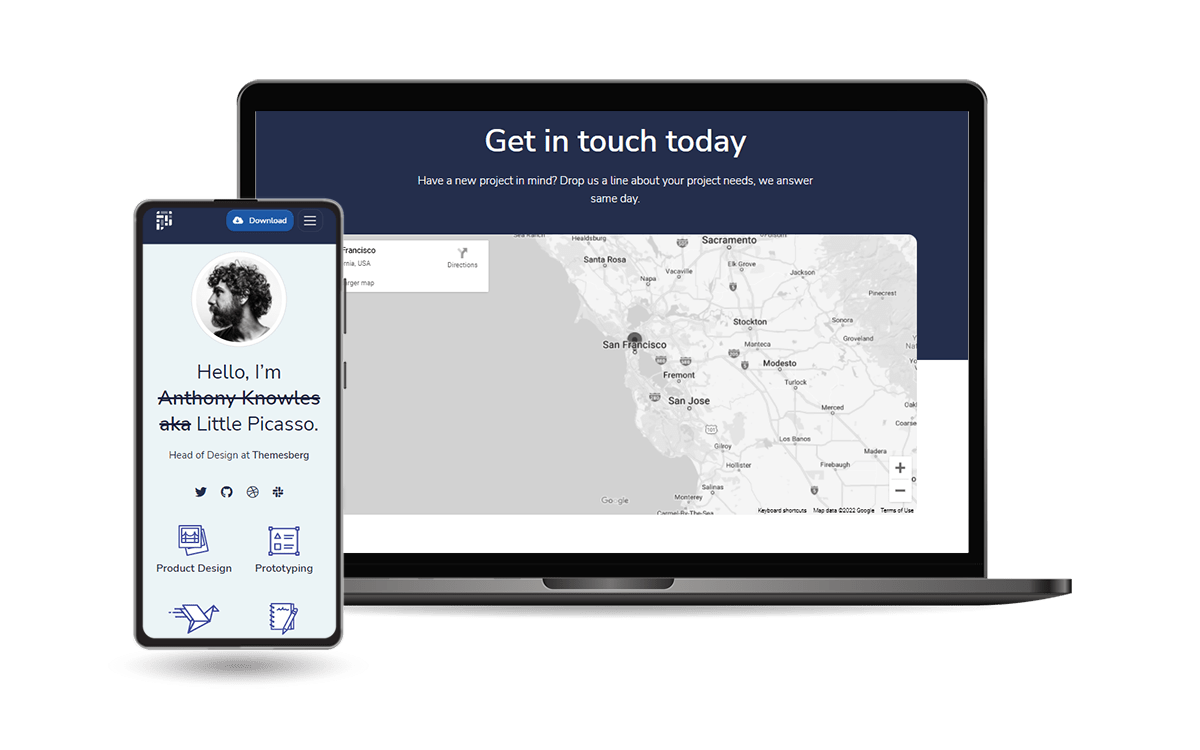
`Open-Source` seed project generated by AppSeed in **Flask** Framework on top of **[Pixel Lite](https://appseed.us/product/pixel-bootstrap/flask/)** design. `Pixel` is a free and open-source `Bootstrap 5` based UI Kit featuring over 80 fully coded UI elements and example pages that will help you prototype and build a website for your next project.
- 👉 [Flask Pixel Lite](https://appseed.us/product/pixel-bootstrap/flask/) - product page
- 👉 [Flask Pixel Lite](https://flask-pixel-lite.appseed-srv1.com/) - LIVE Deployment
- ✅ Compatible with [LIVE Deployer](https://appseed.us/go-live/)
- [Deploy Flask Pixel with Drag & Drop](https://youtu.be/InVMfrzEwBQ) - `video material`
> 🚀 Built with [App Generator](https://appseed.us/generator/), Timestamp: `2022-05-31 08:12`
- ✅ `i18n` ready via **Flask-Babel** - see [full docs](./README_i18n.md)
- ✅ `Up-to-date dependencies`
- ✅ Database: `sqlite`
- ✅ `DB Tools`: SQLAlchemy ORM, Flask-Migrate (schema migrations)
- ✅ Session-Based authentication (via **flask_login**), Forms validation
- ✅ `Docker`
## ✨ Start the app in `Docker`
> 👉 **Step 1** - Download the code from the GH repository (using `GIT`)
```bash
$ git clone https://github.com/app-generator/flask-pixel.git
$ cd flask-pixel
```
> 👉 **Step 2** - Start the APP in `Docker`
```bash
$ docker-compose up --build
```
Visit `http://localhost:5085` in your browser. The app should be up & running.
## ✨ How to use it
> Download the code
```bash
$ git clone https://github.com/app-generator/flask-pixel.git
$ cd flask-pixel
```
### 👉 Set Up for `Unix`, `MacOS`
> Install modules via `VENV`
```bash
$ virtualenv env
$ source env/bin/activate
$ pip3 install -r requirements.txt
```
> Set Up Flask Environment
```bash
$ export FLASK_APP=run.py
$ export FLASK_ENV=development
```
> Start the app
```bash
$ flask run
```
At this point, the app runs at `http://127.0.0.1:5000/`.
### 👉 Set Up for `Windows`
> Install modules via `VENV` (windows)
```
$ virtualenv env
$ .\env\Scripts\activate
$ pip3 install -r requirements.txt
```
> Set Up Flask Environment
```bash
$ # CMD
$ set FLASK_APP=run.py
$ set FLASK_ENV=development
$
$ # Powershell
$ $env:FLASK_APP = ".\run.py"
$ $env:FLASK_ENV = "development"
```
> Start the app
```bash
$ flask run
```
At this point, the app runs at `http://127.0.0.1:5000/`.
### 👉 Create Users
By default, the app redirects guest users to authenticate. In order to access the private pages, follow this set up:
- Start the app via `flask run`
- Access the `registration` page and create a new user:
- `http://127.0.0.1:5000/register`
- Access the `sign in` page and authenticate
- `http://127.0.0.1:5000/login`
## ✨ `Go LIVE` via [LIVE Deployer](https://appseed.us/go-live/)
> This video explains `how to deploy` the product LIVE using a `Drag & Drop` gesture.
https://user-images.githubusercontent.com/51070104/202417375-81273bef-367b-406e-ac84-7f6f85070f10.mp4
## ✨ Code-base structure
The project is coded using blueprints, app factory pattern, dual configuration profile (development and production) and an intuitive structure presented bellow:
```bash
< PROJECT ROOT >
|
|-- apps/
| |
| |-- home/ # A simple app that serve HTML files
| | |-- routes.py # Define app routes
| |
| |-- authentication/ # Handles auth routes (login and register)
| | |-- routes.py # Define authentication routes
| | |-- models.py # Defines models
| | |-- forms.py # Define auth forms (login and register)
| |
| |-- static/
| | |-- # CSS files, Javascripts files
| |
| |-- templates/ # Templates used to render pages
| | |-- includes/ # HTML chunks and components
| | | |-- navigation.html # Top menu component
| | | |-- sidebar.html # Sidebar component
| | | |-- footer.html # App Footer
| | | |-- scripts.html # Scripts common to all pages
| | |
| | |-- layouts/ # Master pages
| | | |-- base-fullscreen.html # Used by Authentication pages
| | | |-- base.html # Used by common pages
| | |
| | |-- accounts/ # Authentication pages
| | | |-- login.html # Login page
| | | |-- register.html # Register page
| | |
| | |-- home/ # UI Kit Pages
| | |-- index.html # Index page
| | |-- 404-page.html # 404 page
| | |-- *.html # All other pages
| |
| config.py # Set up the app
| __init__.py # Initialize the app
|
|-- requirements.txt # App Dependencies
|
|-- .env # Inject Configuration via Environment
|-- run.py # Start the app - WSGI gateway
|
|-- ************************************************************************
```
## PRO Version
> For more components, pages and priority on support, feel free to take a look at this amazing starter:
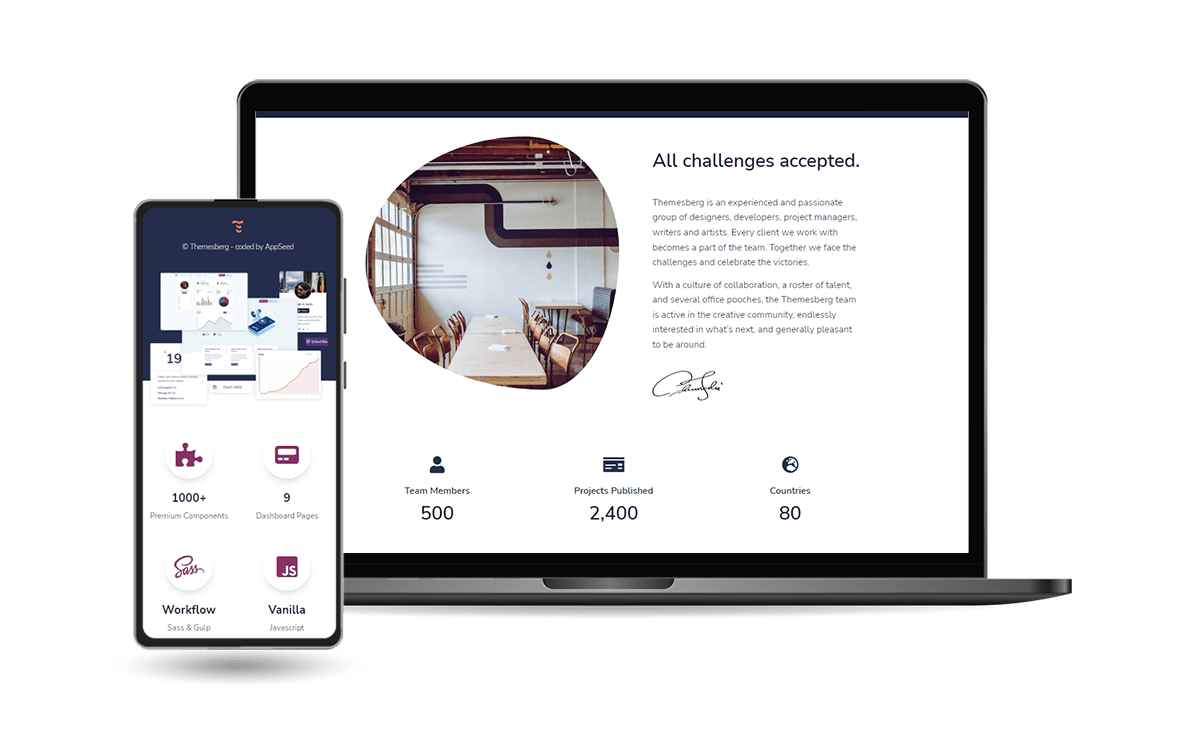
**Pixel PRO** is a premium design crafted by the `Themesberg` agency on top of Bootstrap 5 Framework. **Pixel** is a premium `Bootstrap 5 UI Kit` that provides 1000+ components, 50+ sections and 35 example pages including a fully fledged user dashboard.
- 👉 [Flask Pixel PRO](https://appseed.us/product/pixel-bootstrap-pro/flask/) - product page
- 👉 [Flask Pixel PRO](https://flask-pixel-pro.appseed-srv1.com/) - LIVE Demo
---
[Flask Pixel Lite](https://appseed.us/product/pixel-bootstrap/flask/) - Open-source starter generated by **[App Generator](https://appseed.us/generator/)**.