https://github.com/appspector/flutter-plugin
Flutter plugin for AppSpector SDK. With AppSpector you can remotely debug your app running in the same room or on another continent in real-time. https://pub.dev/packages/appspector
https://github.com/appspector/flutter-plugin
android dart debugging flutter ios logger
Last synced: 12 months ago
JSON representation
Flutter plugin for AppSpector SDK. With AppSpector you can remotely debug your app running in the same room or on another continent in real-time. https://pub.dev/packages/appspector
- Host: GitHub
- URL: https://github.com/appspector/flutter-plugin
- Owner: appspector
- License: other
- Created: 2019-01-08T10:24:24.000Z (over 7 years ago)
- Default Branch: develop
- Last Pushed: 2023-07-06T17:07:54.000Z (almost 3 years ago)
- Last Synced: 2023-08-20T21:26:22.479Z (almost 3 years ago)
- Topics: android, dart, debugging, flutter, ios, logger
- Language: Dart
- Homepage: https://appspector.com
- Size: 3.56 MB
- Stars: 61
- Watchers: 6
- Forks: 10
- Open Issues: 9
-
Metadata Files:
- Readme: README.md
- Changelog: CHANGELOG.md
- License: LICENSE
Awesome Lists containing this project
README
[](https://github.com/appspector/flutter-plugin)
# 
A plugin that integrate [AppSpector](https://appspector.com/?utm_source=flutter_readme) to your Flutter project.
With AppSpector you can remotely debug your app running in the same room or on another continent.
You can measure app performance, view database content, logs, network requests and many more in realtime.
This is the instrument that you've been looking for. Don't limit yourself only to simple logs.
Debugging doesn't have to be painful!

* [Installation](#installation)
* [Add AppSpector plugin to pubspec.yaml](#add-appspector-plugin-to-pubspecyaml)
* [Initialize AppSpector plugin](#initialize-appspector-plugin)
* [Build and Run](#build-and-run)
* [Getting session URL](#getting-session-url)
* [Correct SQLite setup for the SDK](#correct-sqlite-setup-for-the-sdk)
* [Configure](#configure)
* [Start/Stop data collection](#startstop-data-collection)
* [Custom device name](#custom-device-name)
* [Getting session URL](#getting-session-url)
* [Correct SQLite setup for the SDK](#correct-sqlite-setup-for-the-sdk)
* [Features](#features)
* [SQLite monitor](#sqlite-monitor)
* [HTTP monitor](#http-monitor)
* [Logs monitor](#logs-monitor)
* [Logger](#logger)
* [Location monitor](#location-monitor)
* [Screenshot monitor](#screenshot-monitor)
* [SharedPreference/UserDefaults monitor](#sharedpreferenceuserdefaults-monitor)
* [Performance monitor](#performance-monitor)
* [Environment monitor](#environment-monitor)
* [Notification Center monitor (only for iOS)](#notification-center-monitor-only-for-ios)
* [File System Monitor](#file-system-monitor)
* [Feedback](#feedback)
# Installation
Before using AppSpector SDK in your Flutter app you have to register it on ([https://app.appspector.com](https://app.appspector.com?utm_source=android_readme)) via web or [desktop app](https://appspector.com/download/?utm_source=android_readme).
To use SDK on both platforms (iOS and Android) you have to register two separate apps for different platforms.
API keys required for the SDK initialisation will be available on the Apps settings pages
## Add AppSpector plugin to pubspec.yaml
```yaml
dependencies
appspector: '0.10.0'
```
## Initialize AppSpector plugin
```dart
import 'package:appspector/appspector.dart';
void main() {
WidgetsFlutterBinding.ensureInitialized();
runAppSpector();
runApp(MyApp());
}
void runAppSpector() {
final config = Config()
..iosApiKey = "Your iOS API_KEY"
..androidApiKey = "Your Android API_KEY";
// If you don't want to start all monitors you can specify a list of necessary ones
config.monitors = [Monitors.http, Monitors.logs, Monitors.screenshot];
AppSpectorPlugin.run(config);
}
```
## Build and Run
Build your project and see everything work! When your app is up and running you can go to [https://app.appspector.com](https://app.appspector.com/?utm_source=flutter_readme) and connect to your application session.
# Configure
## Start/Stop data collection
After calling the `run` method the SDKs start data collection and
data transferring to the web service. From that point you can see
your session in the AppSpector client.
Since plugin initialization should locate in the main function we provide
methods to help you control AppSpector state by calling `stop()` and `start()` methods.
**You are able to use these methods only after AppSpector was initialized.**
The `stop()` tells AppSpector to disable all data collection and close current session.
```dart
await AppSpectorPlugin.shared().stop();
```
The `start()` starts it again using config you provided at initialization.
```dart
await AppSpectorPlugin.shared().start();
```
**As the result new session will be created and all activity between
`stop()` and `start()` calls will not be tracked.**
To check AppSpector state you can use `isStarted()` method.
```dart
await AppSpectorPlugin.shared().isStarted();
```
## Custom device name
You can assign a custom name to your device to easily find needed sessions
in the sessions list. To do this you should add the desired name as a value
for `MetadataKeys.deviceName` key to the `metadata` dictionary:
```dart
void runAppSpector() {
var config = new Config()
..iosApiKey = "Your iOS API_KEY"
..androidApiKey = "Your Android API_KEY"
..metadata = {MetadataKeys.deviceName: "CustomName"};
AppSpectorPlugin.run(config);
}
```
Also, the plugin allows managing the device name during application lifetime using
the `setMetadataValue` method to change device name
```dart
AppSpectorPlugin.shared().setMetadataValue(MetadataKeys.deviceName, "New Device Name");
```
or the `removeMetadataValue` to remove your custom device name
```dart
AppSpectorPlugin.shared().removeMetadataValue(MetadataKeys.deviceName);
```
## Getting session URL
Sometimes you may need to get URL pointing to current session from code.
Say you want link crash in your crash reporter with it, write it to logs or
display in your debug UI. To get this URL you have to add a session start callback:
```dart
AppSpectorPlugin.shared()?.sessionUrlListener = (sessionUrl) => {
// Save url for future use...
};
```
## Correct SQLite setup for the SDK
The SQLite monitor on Android demands that any DB files are located at the `database` folder.
So, if you're using [sqflite](https://pub.dev/packages/sqflite) the code for opening db will be looks like that:
```dart
var dbPath = await getDatabasesPath() + "/my_database_name";
var db = await openDatabase(dbPath, version: 1, onCreate: _onCreate);
```
The `getDatabasesPath()` method is imported from `package:sqflite/sqflite.dart`.
# Features
AppSpector provides many monitors that are can be different for both platforms.
### SQLite monitor
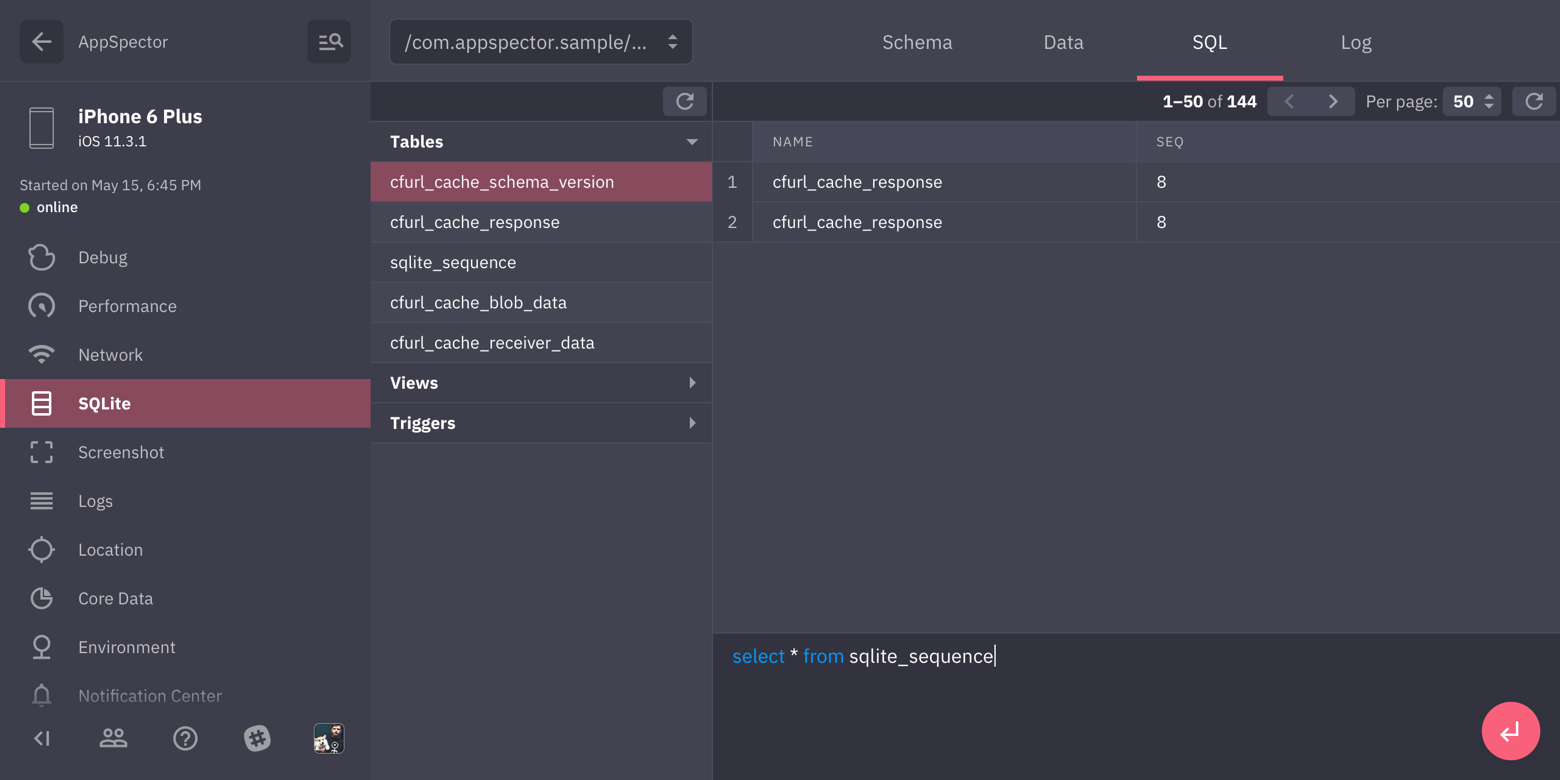
Provides browser for sqlite databases found in your app. Allows to track all queries, shows DB scheme and data in DB. You can issue custom SQL query on any DB and see results in browser immediately.
#### HTTP monitor
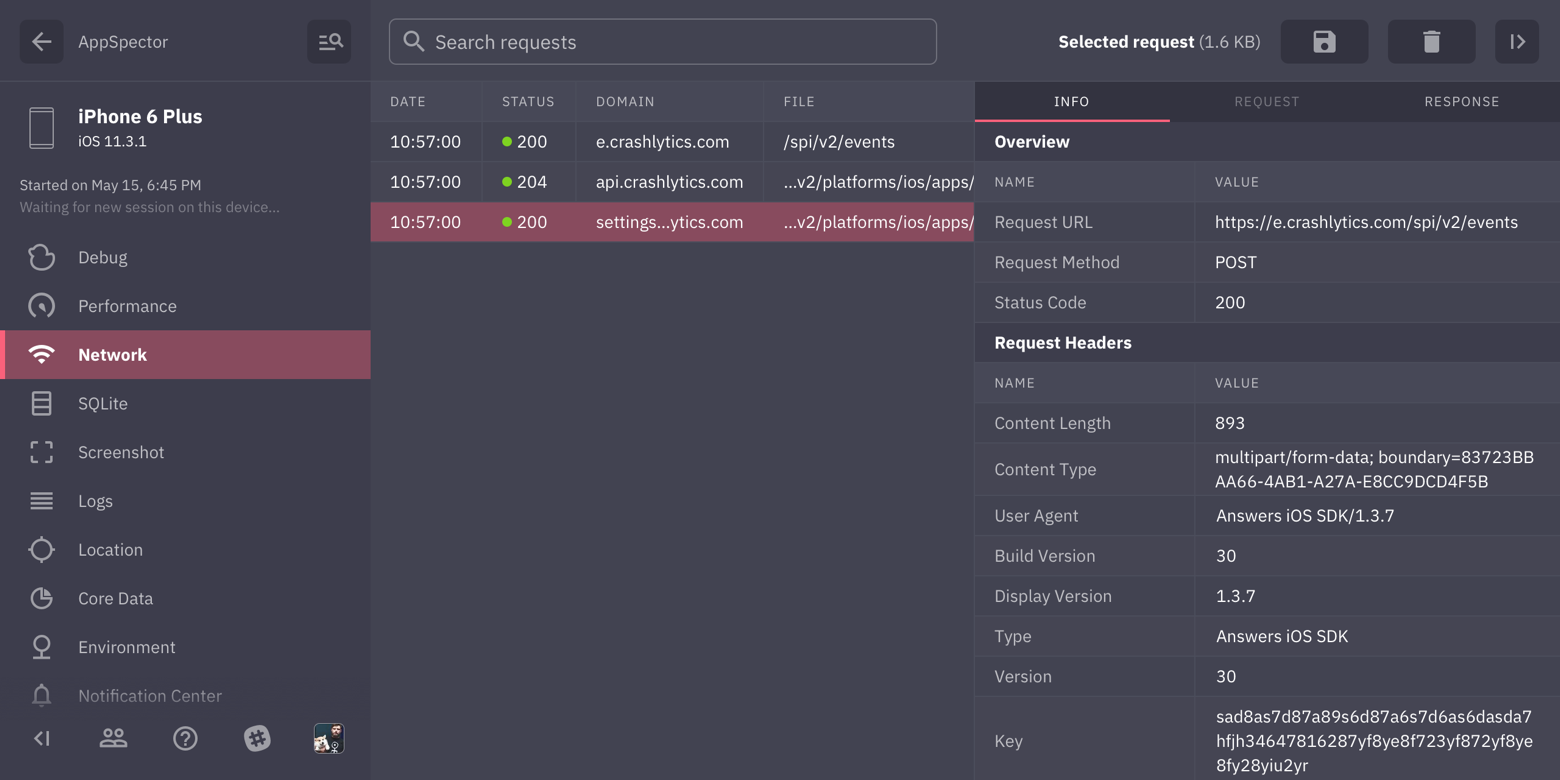
Shows all HTTP traffic in your app. You can examine any request, see request/response headers and body.
We provide XML and JSON highliting for request/responses with formatting and folding options so even huge responses are easy to look through.
### Logs monitor
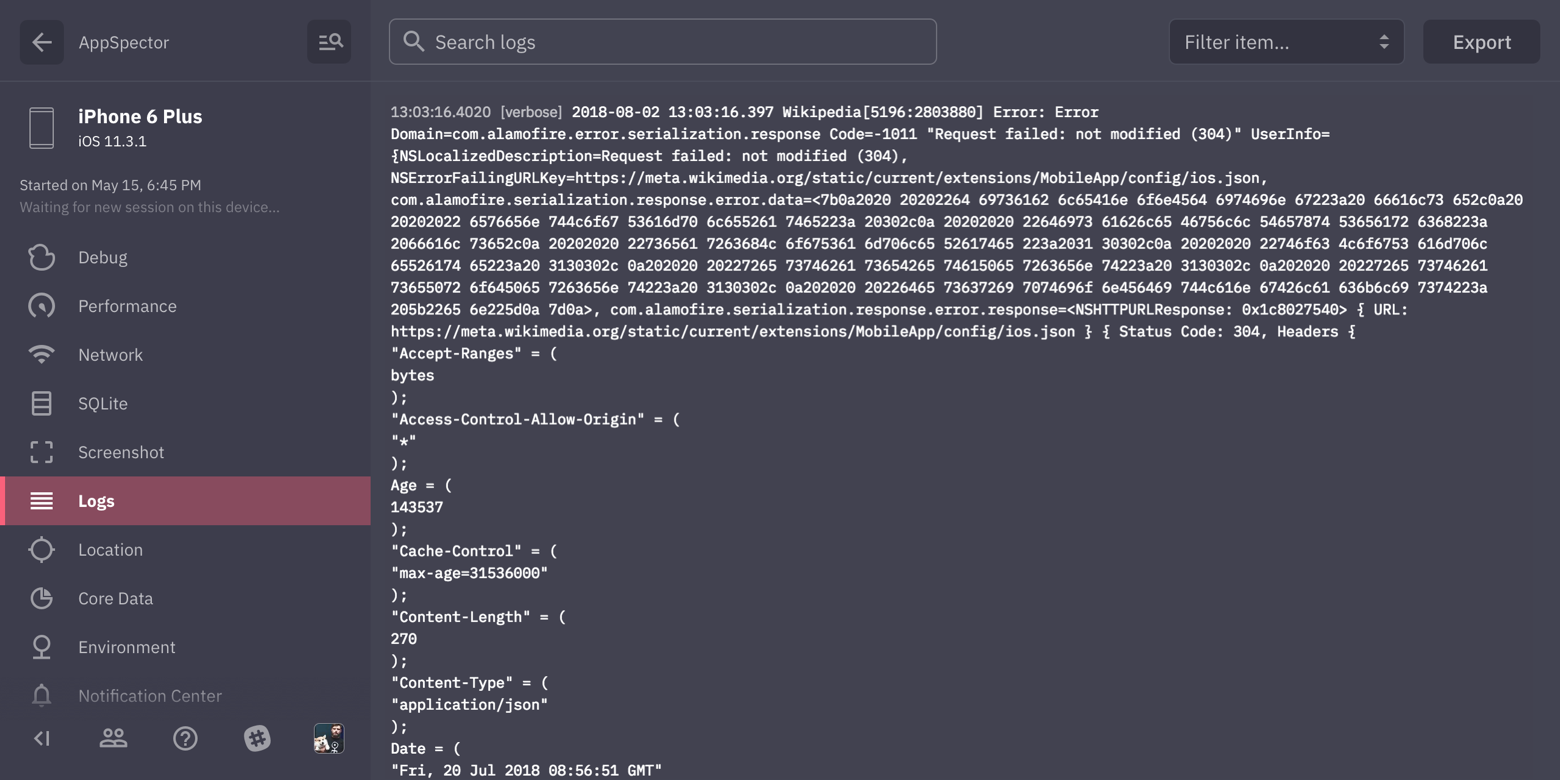
Displays all logs generated by your app.
#### Logger
AppSpector Logger allows you to collect log message only into AppSpector
service. It is useful when you log some internal data witch can be leaked
through Android Logcat or similar tool for iOS.
It has a very simple API to use:
```dart
Logger.d("MyTAG", "It won't be printed to the app console");
```
**Don't forget to import it** from `package:appspector/appspector.dart`.
### Location monitor
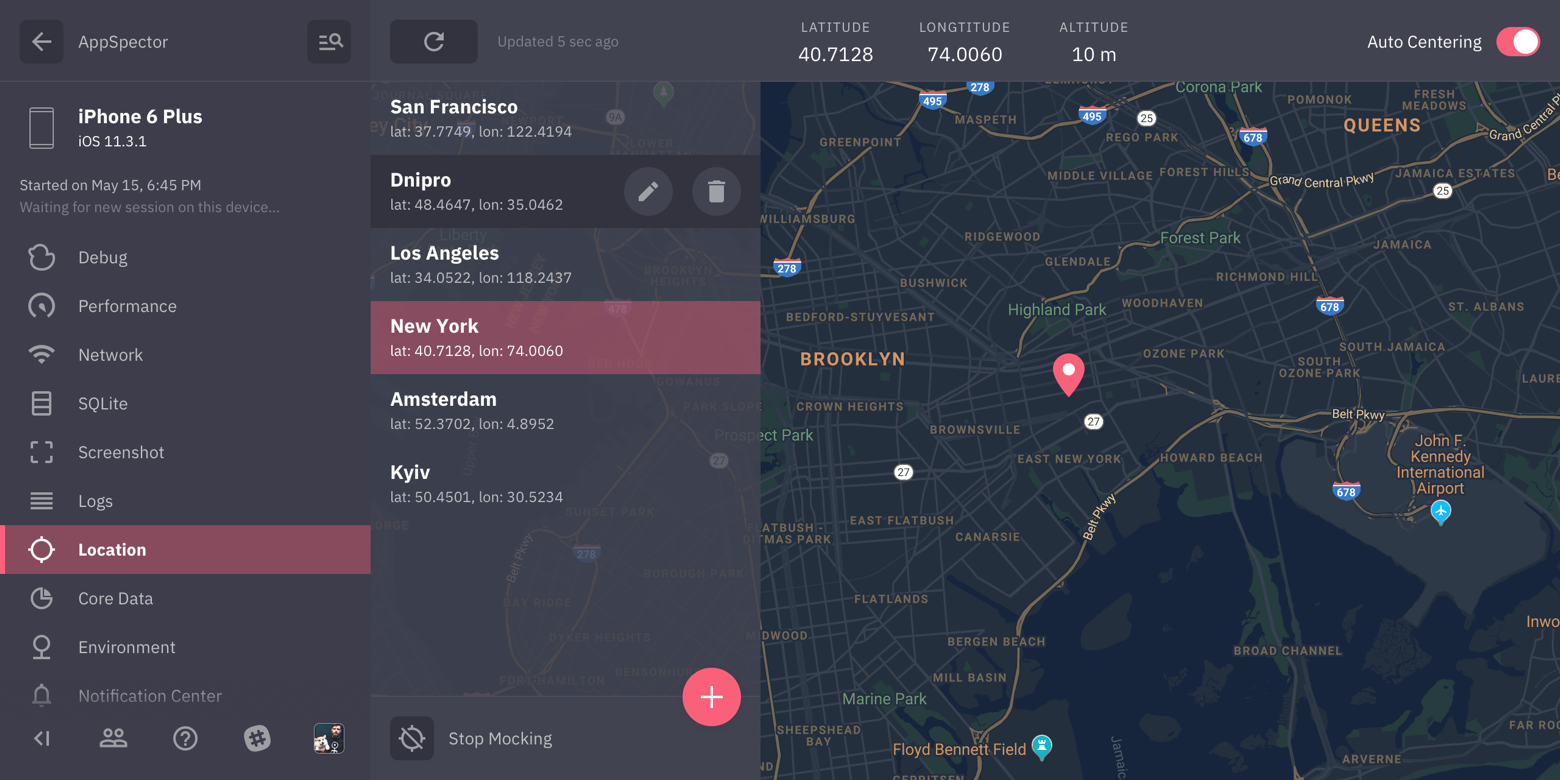
Most of the apps are location-aware. Testing it requires changing locations yourself. In this case, location mocking is a real time saver. Just point to the location on the map and your app will change its geodata right away.
### Screenshot monitor
Simply captures screenshot from the device.
### SharedPreference/UserDefaults monitor
Provides browser and editor for SharedPreferences/UserDefaults.
### Performance monitor
Displays real-time graphs of the CPU / Memory/ Network / Disk / Battery usage.
### Environment monitor
Gathers all of the environment variables and arguments in one place, info.plist, cli arguments and much more.
### Notification Center monitor (only for iOS)
Tracks all posted notifications and subscriptions. You can examine notification user info, sender/reciever objects, etc.
And naturally you can post notifications to your app from the frontend.
### File System Monitor
Provides access to the application internal storage on Android and sandbox and bundle on iOS.
Using this monitor you're able to download, remove or upload files, create directories and just walk around your app FS.
For mode details, you can visit [Android SDK](https://github.com/appspector/android-sdk/) and [iOS SDK](https://github.com/appspector/ios-sdk) pages.
# Feedback
Let us know what do you think or what would you like to be improved: [info@appspector.com](mailto:info@appspector.com).
[Join our slack to discuss setup process and features](https://slack.appspector.com)