https://github.com/aptabase/aptabase-electron
Electron SDK for Aptabase: Open Source, Privacy-First and Simple Analytics for Mobile, Desktop and Web Apps
https://github.com/aptabase/aptabase-electron
analytics electron privacy
Last synced: about 1 year ago
JSON representation
Electron SDK for Aptabase: Open Source, Privacy-First and Simple Analytics for Mobile, Desktop and Web Apps
- Host: GitHub
- URL: https://github.com/aptabase/aptabase-electron
- Owner: aptabase
- License: mit
- Created: 2023-05-24T05:47:56.000Z (about 3 years ago)
- Default Branch: main
- Last Pushed: 2023-11-04T19:15:00.000Z (over 2 years ago)
- Last Synced: 2025-03-27T23:41:48.194Z (about 1 year ago)
- Topics: analytics, electron, privacy
- Language: TypeScript
- Homepage: https://aptabase.com
- Size: 252 KB
- Stars: 7
- Watchers: 0
- Forks: 3
- Open Issues: 1
-
Metadata Files:
- Readme: README.md
- Changelog: CHANGELOG.md
- License: LICENSE
Awesome Lists containing this project
README
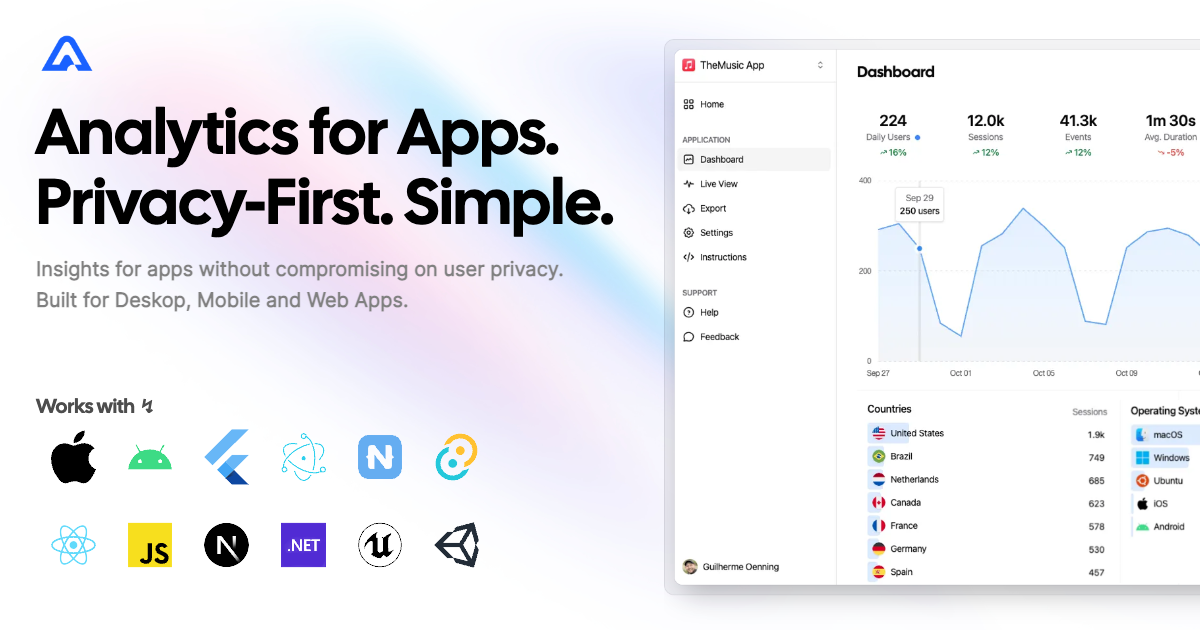
# Electron SDK for Aptabase
Instrument your Electron apps with Aptabase, an Open Source, Privacy-First, and Simple Analytics for Mobile, Desktop, and Web Apps.
## Install
Install the SDK using your preferred JavaScript package manager
```bash
npm add @aptabase/electron
```
## Usage
First, you need to get your `App Key` from Aptabase, you can find it in the `Instructions` menu on the left side menu.
On your Electron main's process, initialize the SDK before the app is ready:
```js
import { initialize } from "@aptabase/electron/main";
initialize(""); // 👈 this is where you enter your App Key
app.whenReady().then(() => {
// ... the rest of your app initialization code
});
```
Afterward, you can start tracking events with `trackEvent`:
```js
import { trackEvent } from "@aptabase/electron/renderer";
trackEvent("app_started"); // An event with no properties
trackEvent("screen_view", { name: "Settings" }); // An event with a custom property
```
**NOTE:** The `trackEvent` function is available under separate import paths, depending on where you want to track the event from.
- import from `@aptabase/electron/renderer` to track events from the `renderer` process
- import from `@aptabase/electron/main` to track events from the `main` process
> The instruction above is recommended for modern setups of Electron. For older versions of Electron, please refer to the [alternative instructions](https://github.com/aptabase/aptabase-electron/discussions/1).
A few important notes:
1. The SDK will automatically enhance the event with some useful information, like the OS, the app version, and other things.
2. You're in control of what gets sent to Aptabase. This SDK does not automatically track any events, you need to call `trackEvent` manually.
- Because of this, it's generally recommended to at least track an event at startup
3. You do not need to await for the `trackEvent` function, it'll run in the background.
4. Only strings and numbers values are allowed on custom properties